
What is GitDiagram
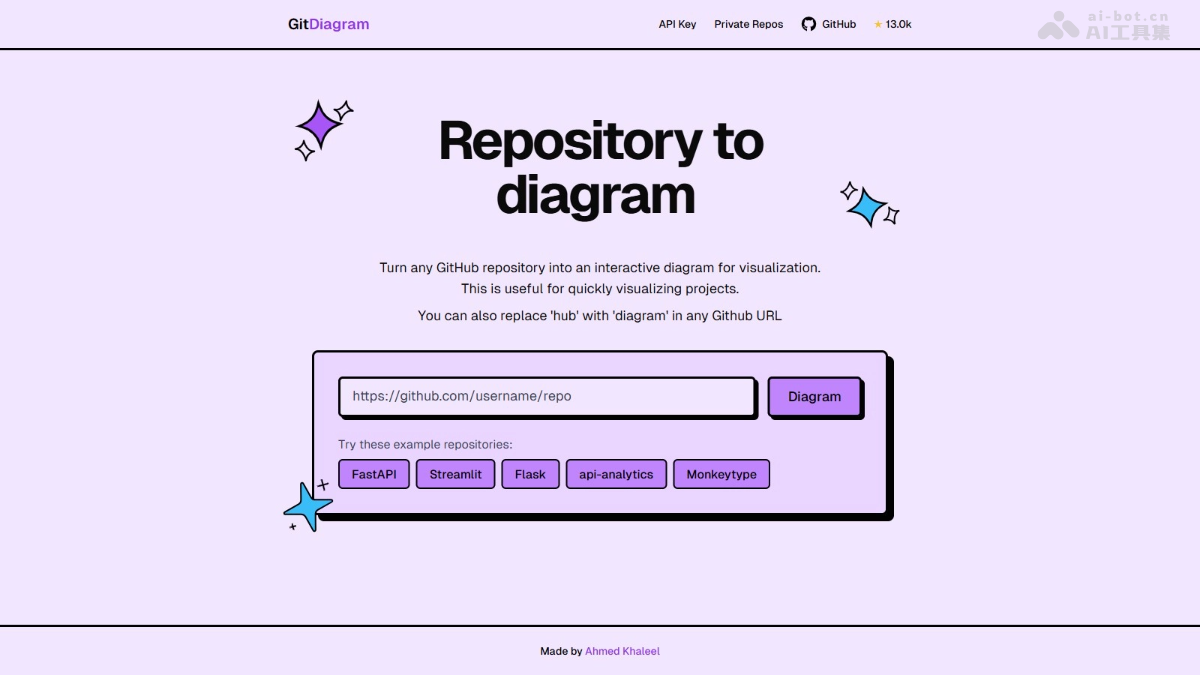
GitDiagram is an open-source tool that supports automatically converting GitHub repositories into interactive system architecture diagrams, helping developers quickly understand project structure. The tool uses AI technology to analyze codebases and generate diagrams containing component relationships. Clicking on a diagram component jumps to the corresponding source file. It supports private repository access, custom diagram styles, and can export diagrams as PNG images or Mermaid.js code. GitDiagram is suitable for various scenarios such as onboarding to new projects, team collaboration, and documentation writing, greatly improving code understanding and team communication efficiency.
Main Features of GitDiagram
- Intelligent Conversion: Quickly convert any GitHub repository into a system design diagram, showing the project's overall structure and component relationships.
- Interactive Components: Every component in the diagram is clickable, supporting direct jumps to the corresponding source file or directory.
- Private Repository Support: Access private code repositories via GitHub Token, supporting architecture diagram generation for private projects.
- Custom Diagrams: Users can customize the style and content of diagrams according to their needs, meeting different visualization requirements.
- URL Shortcut: Replace "hub" in a GitHub URL with "diagram" to directly access the repository's architecture diagram.
- Diagram Export: Generated diagrams can be exported as PNG images or directly copied as Mermaid.js code for convenient use elsewhere.
- Intelligent Caching: The system automatically caches already generated diagrams, avoiding repeated generation of diagrams for the same codebase and improving efficiency.
- Multi-language Support: Supports codebases in multiple programming languages, and can identify file structures and dependencies across different languages.
GitDiagram Official Website Address
- Official Website:https://gitdiagram.com/
- GitHub Repository:https://github.com/ahmedkhaleel2004/gitdiagram
GitDiagram Use Cases
- Onboarding to New Projects: Helps developers quickly understand the overall architecture of unfamiliar codebases and reduces the learning cost.
- Team Collaboration: Clearly presents project structure to team members, promotes communication, and improves collaboration efficiency.
- Documentation Writing: Generates visual diagrams for technical documentation, making the documentation more intuitive and easier to understand.
- Code Review: Assists the code review process with an overall structure diagram, helping reviewers quickly locate key parts.
- Teaching and Training: Explains system architecture design concepts to newcomers, helping users integrate into the project more quickly.