
Not long ago, Google released the open-source model Gemma 4 series, with a total of four versions.
Ranked third globally on the Arena AI open-source leaderboard, with a score of 89.2% on the AIME 2026 math competition and 80.0% on LiveCodeBench for coding ability.
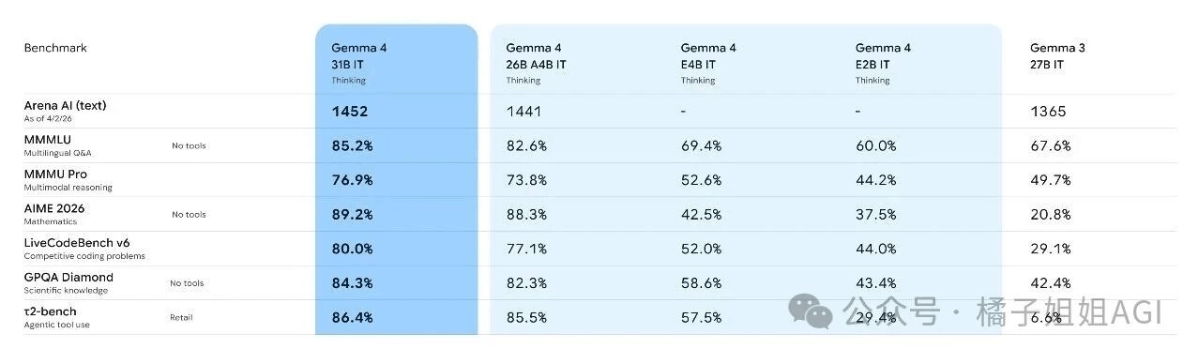
It can call tools, write code, and drive Agents. It's not just a chatbot, and it supports local deployment.
Today, follow Sister Orange to complete the local deployment of the Gemma 4 large model on your phone and computer, and use Google model access for free OpenClaw 。
01. Using Gemma 4 on a Phone
When Google released the Gemma 4 model, it also simultaneously released an app called Google AI Edge Gellery , an application that can run the model locally on mobile devices. Just search and download it directly from your phone's app store.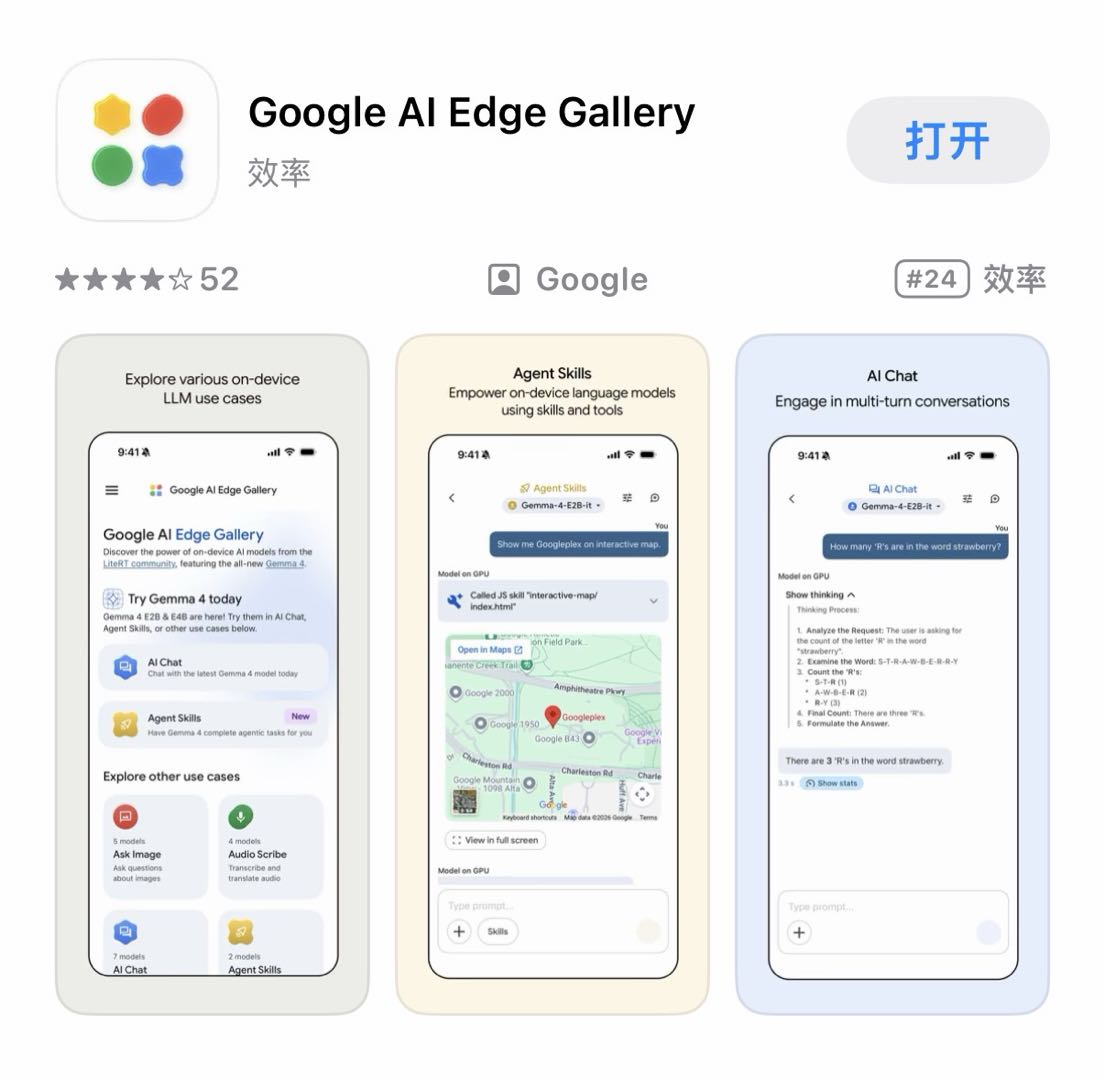 All data is processed locally, with no internet connection and no uploading to the cloud.
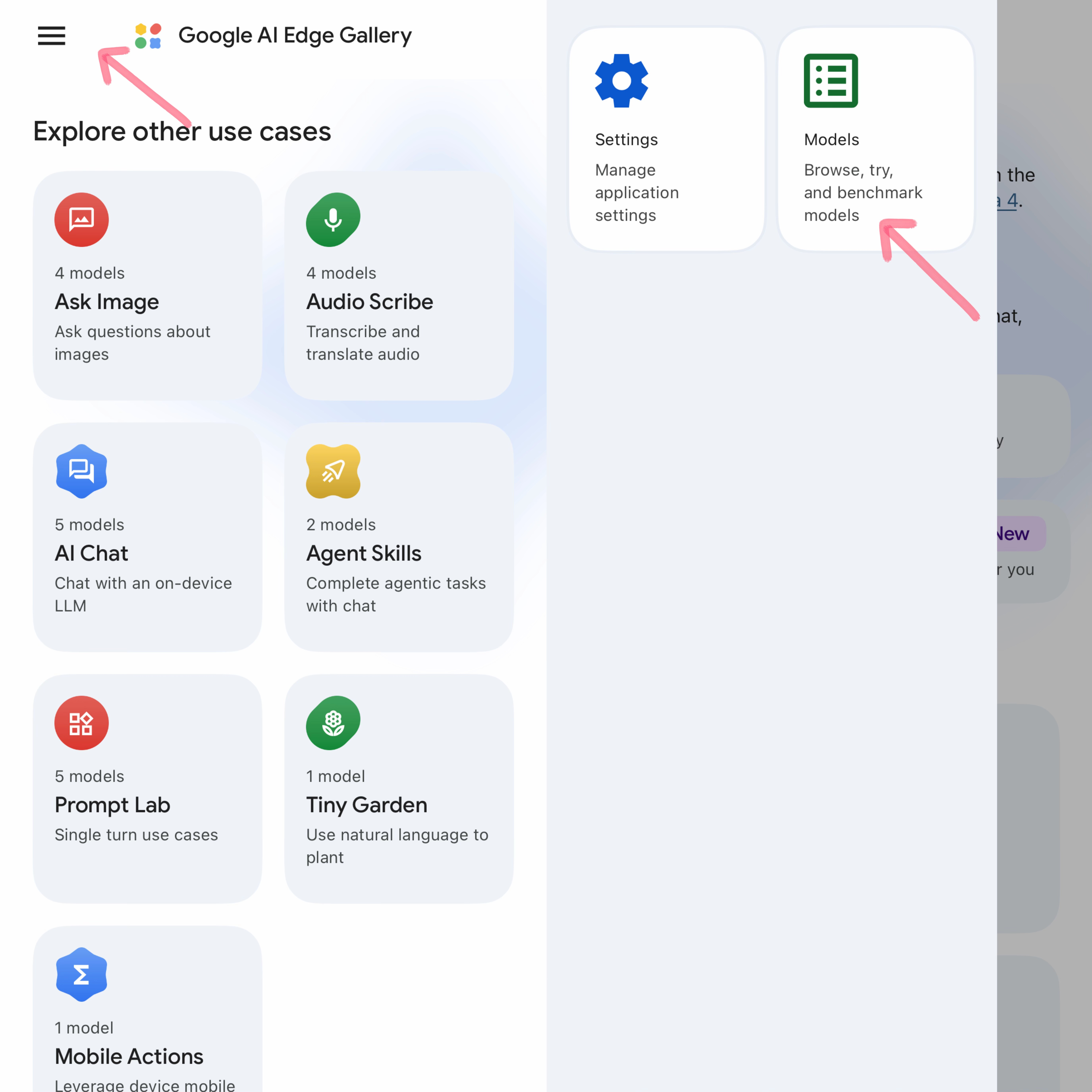
After the download is complete, open the App, tap More in the upper-left corner, and tap Models. The downloadable models will be displayed.
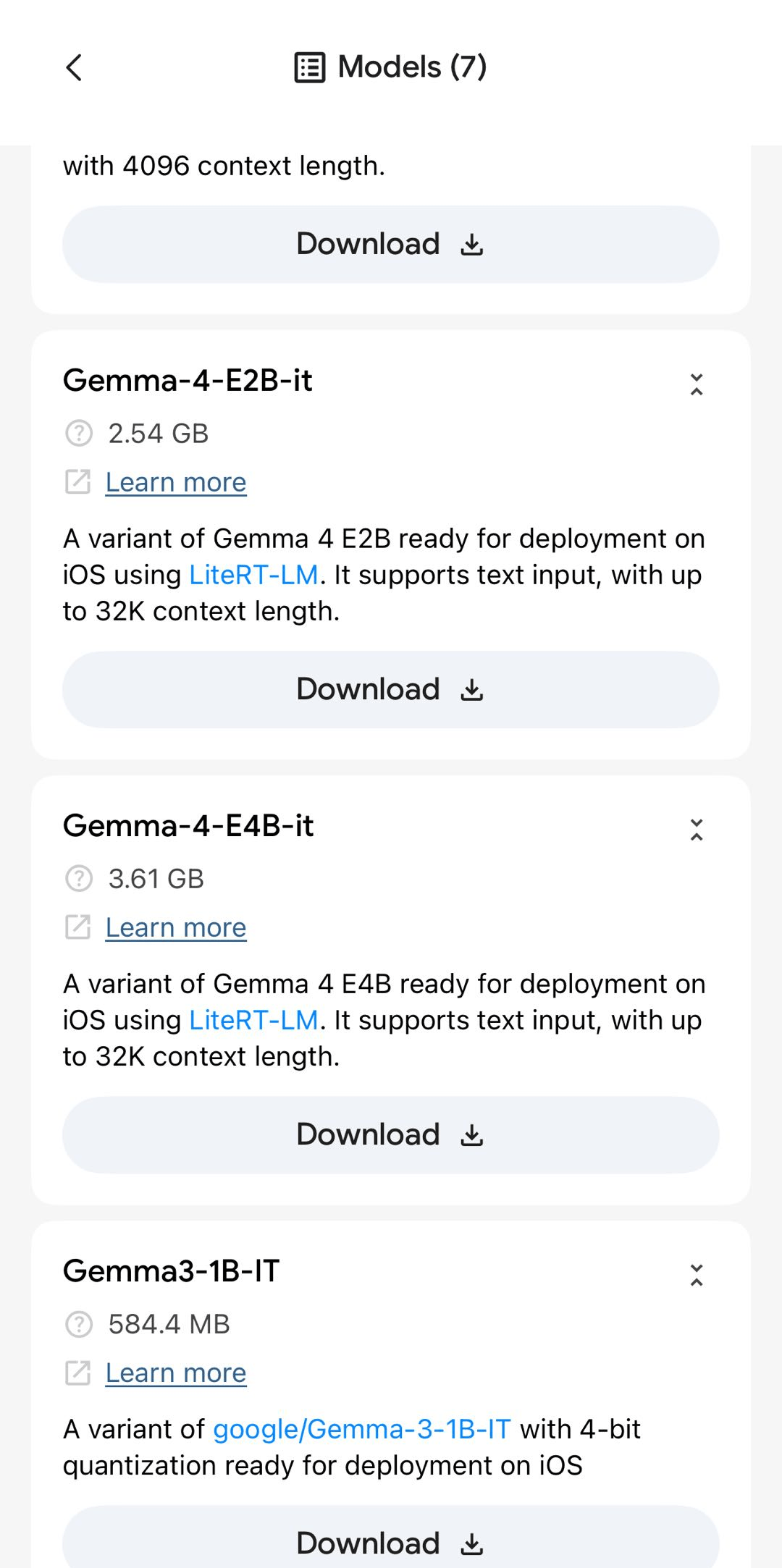
My phone model is 17 Pro 512GB, and I can download the Gemma-4-E4B-it version. It took about 3 minutes and was done. Pretty fast.
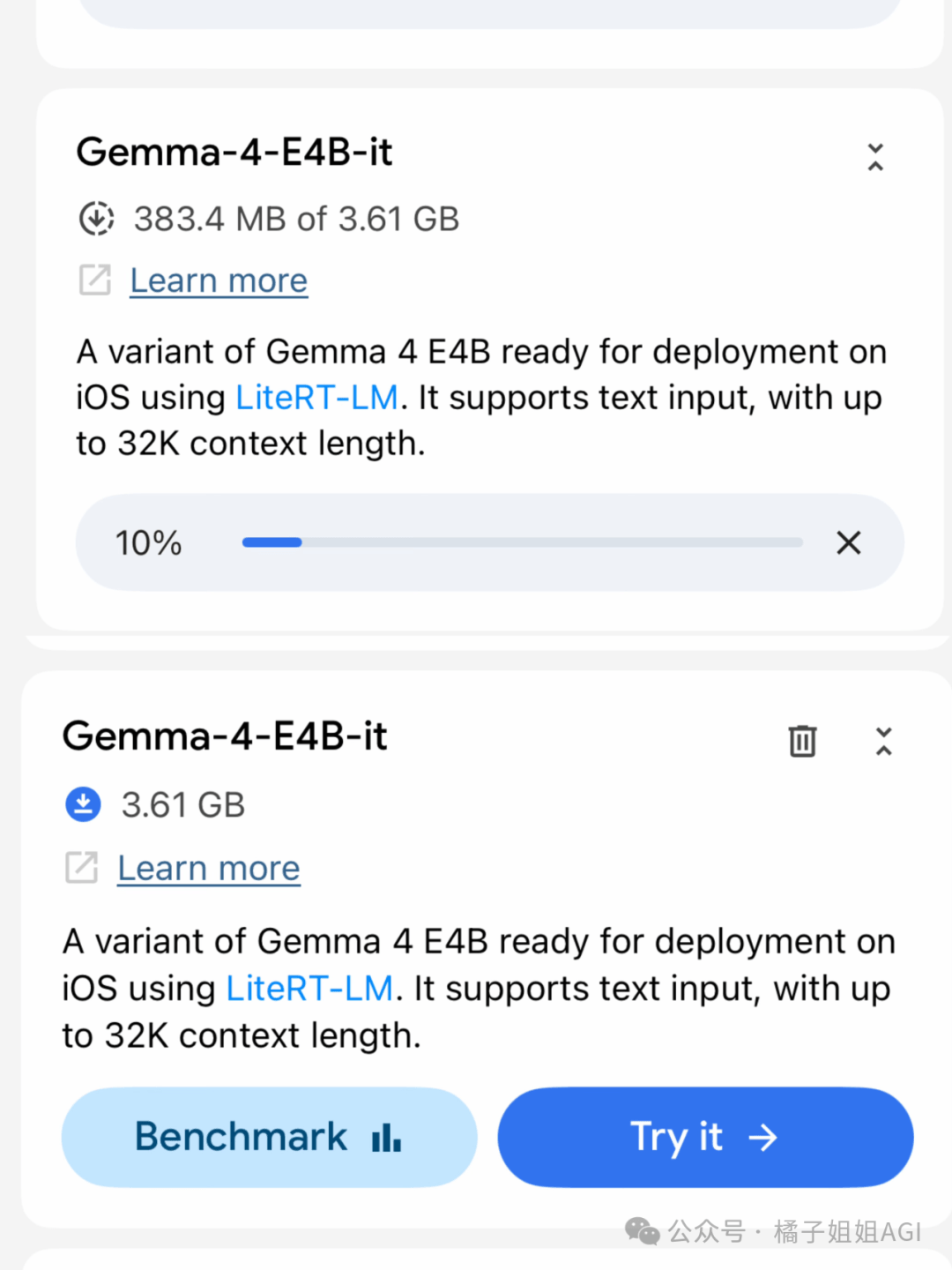
The E4B version model supports text, image, and audio processing. For example, selecting AI Chat is text conversation. Select the E4B model you just downloaded to enter the conversation, and it supports multi-turn dialogue and thinking mode.
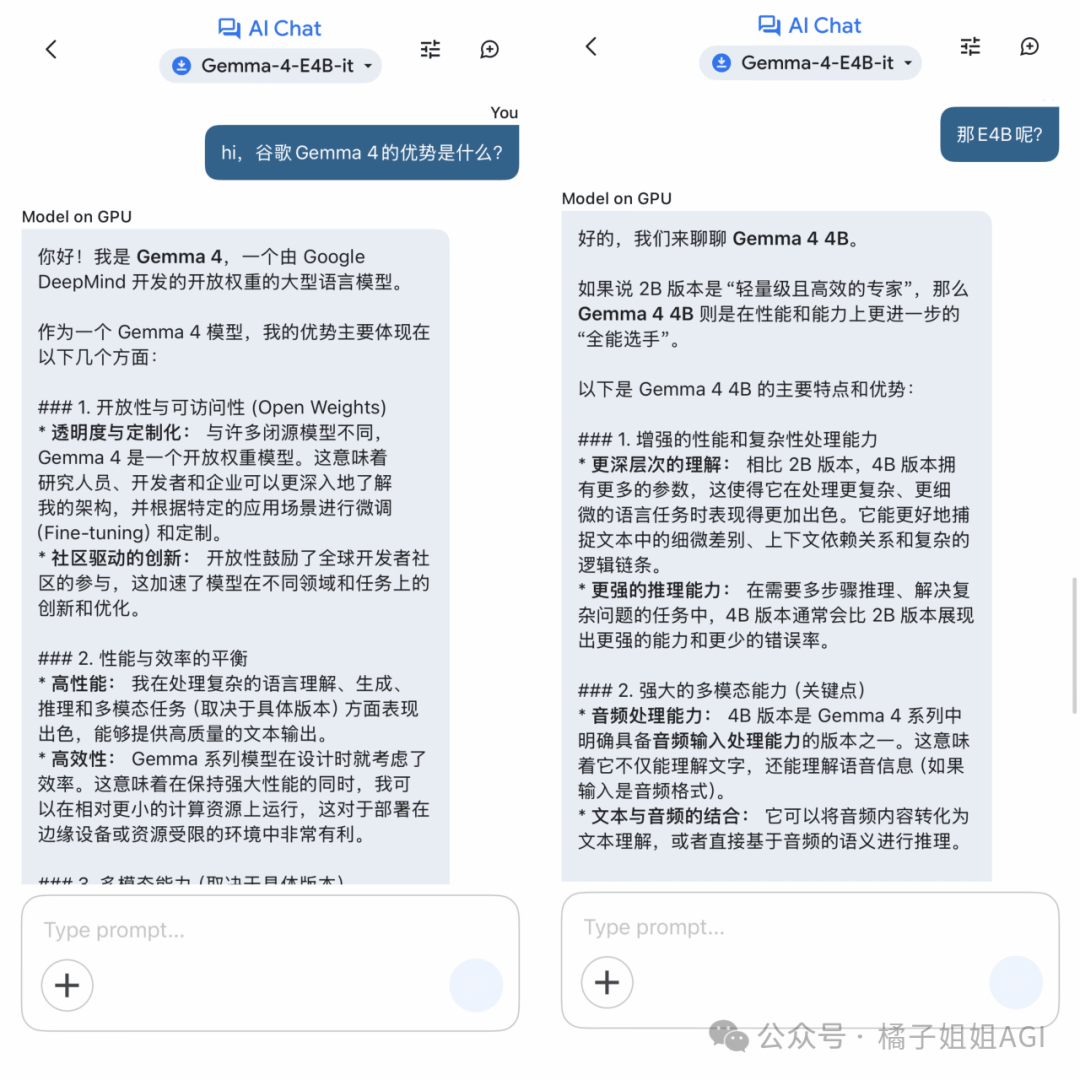
Similarly, if you need image recognition or analysis, selectAsk Image; if you need voice transcription, translation, or summary generation, select Audio Scribe; if you need the model to call external tools, select Agent Skills , and choose the corresponding extended capability.
Gemma 4 has four versions, and the versions suitable for mobile are only E2B and E4B 。
Gemma 4 E2B version: Suitable for lightweight tasks such as daily conversation, simple translation, and basic image recognition.
The Android system version must be 12 or above, with at least 8GB of RAM, 10GB of storage space, and a chip that is Snapdragon 7 series/Dimensity 7000+ or equivalent performance.
The iOS system version must be 16 or above, with models including iPhone 13 and above, and 10GB of storage space.
Gemma 4 E4B version: Suitable for tasks with higher performance requirements, such as long document processing, complex image recognition, and in-depth conversations.
The Android system version must be 14 or above, with at least 12GB of RAM, 20GB of storage space, and a chip that is Snapdragon 8 series/Dimensity 9000+ or equivalent performance.
The iOS system version must be 17 or above, with models including iPhone 15 Pro and above, and 20GB of storage space.
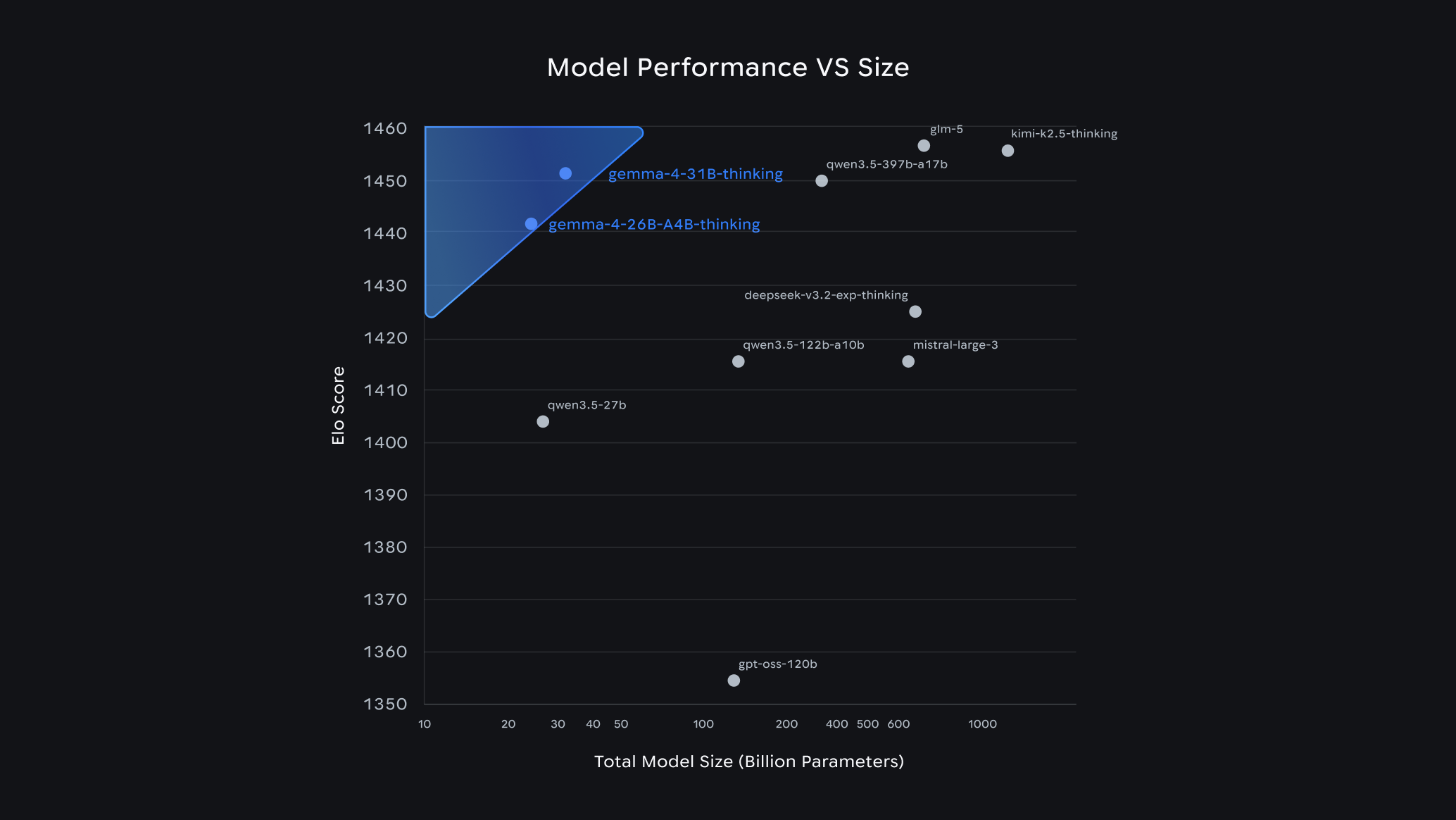
02. Using Gemma 4 on a Mac
We use Ollama to deploy the Gemma 4 model. This is the quickest and most convenient method.
01 Install Ollama, visit Ollama's official website:https://ollama.com/download
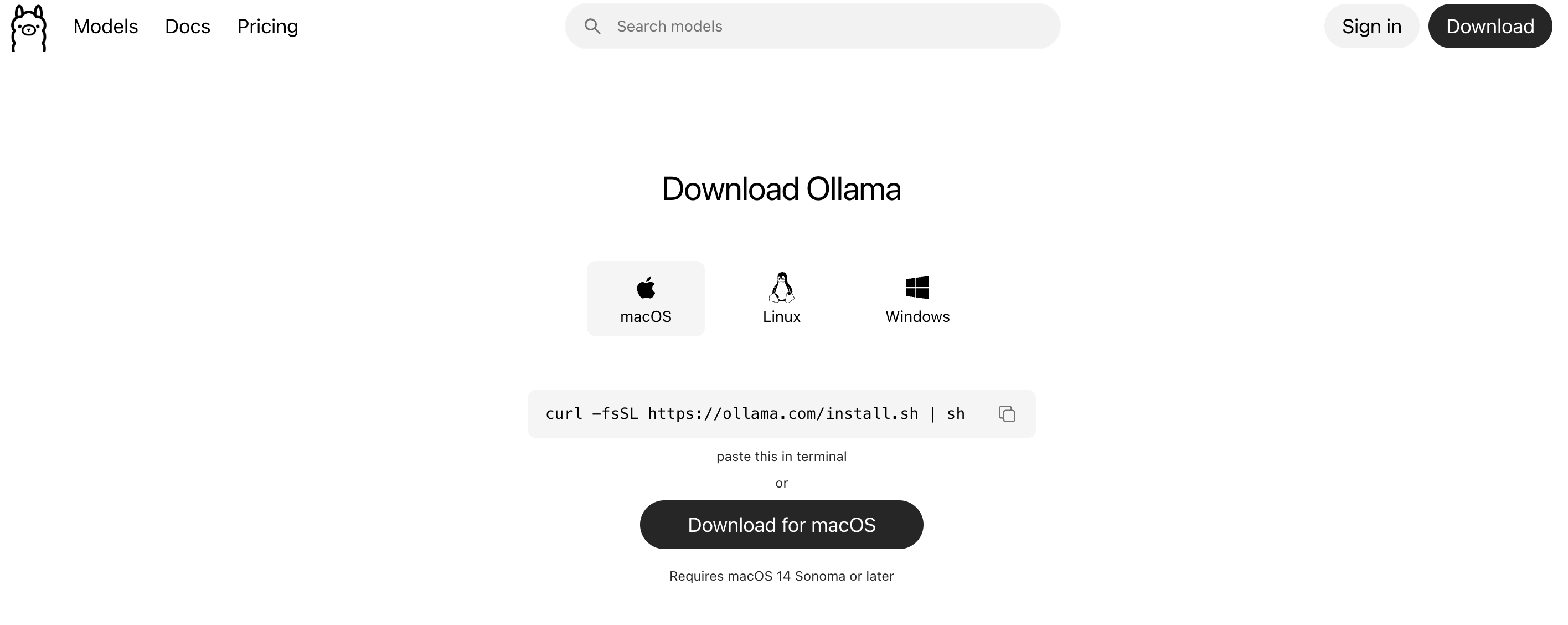
Download the installation package corresponding to your computer system. It takes about 30 minutes, so wait patiently.
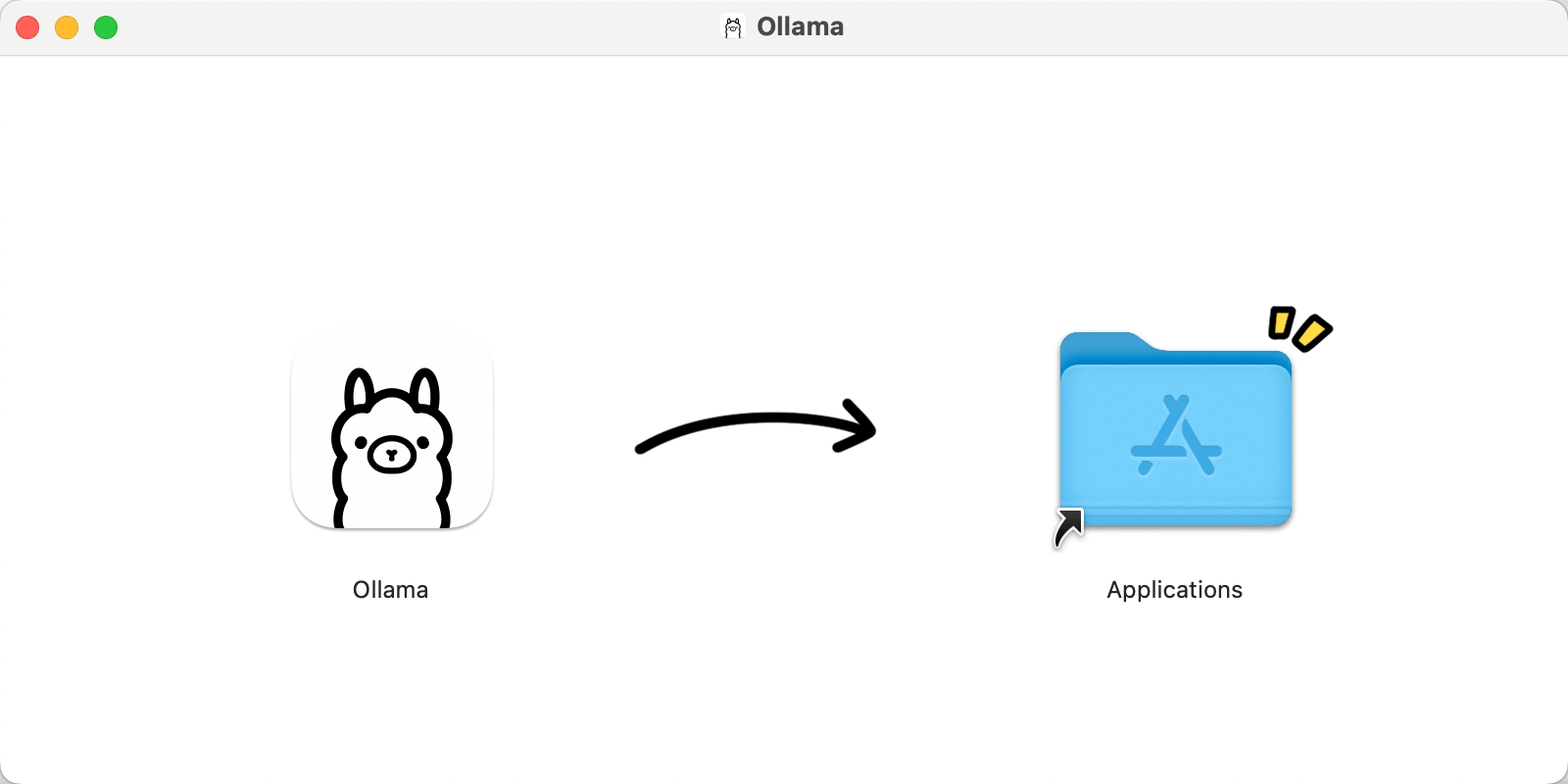
After downloading, drag it in to install, and then you can see Ollama in Launchpad.
Open the terminal command, enter the following command, and check the installation status. If the version is displayed, it was successful.
ollama --version 02 Select/Pull Model
Continue entering the following command in the terminal. Run Ollama to view models. Or directly open Ollama in Launchpad to view all models.
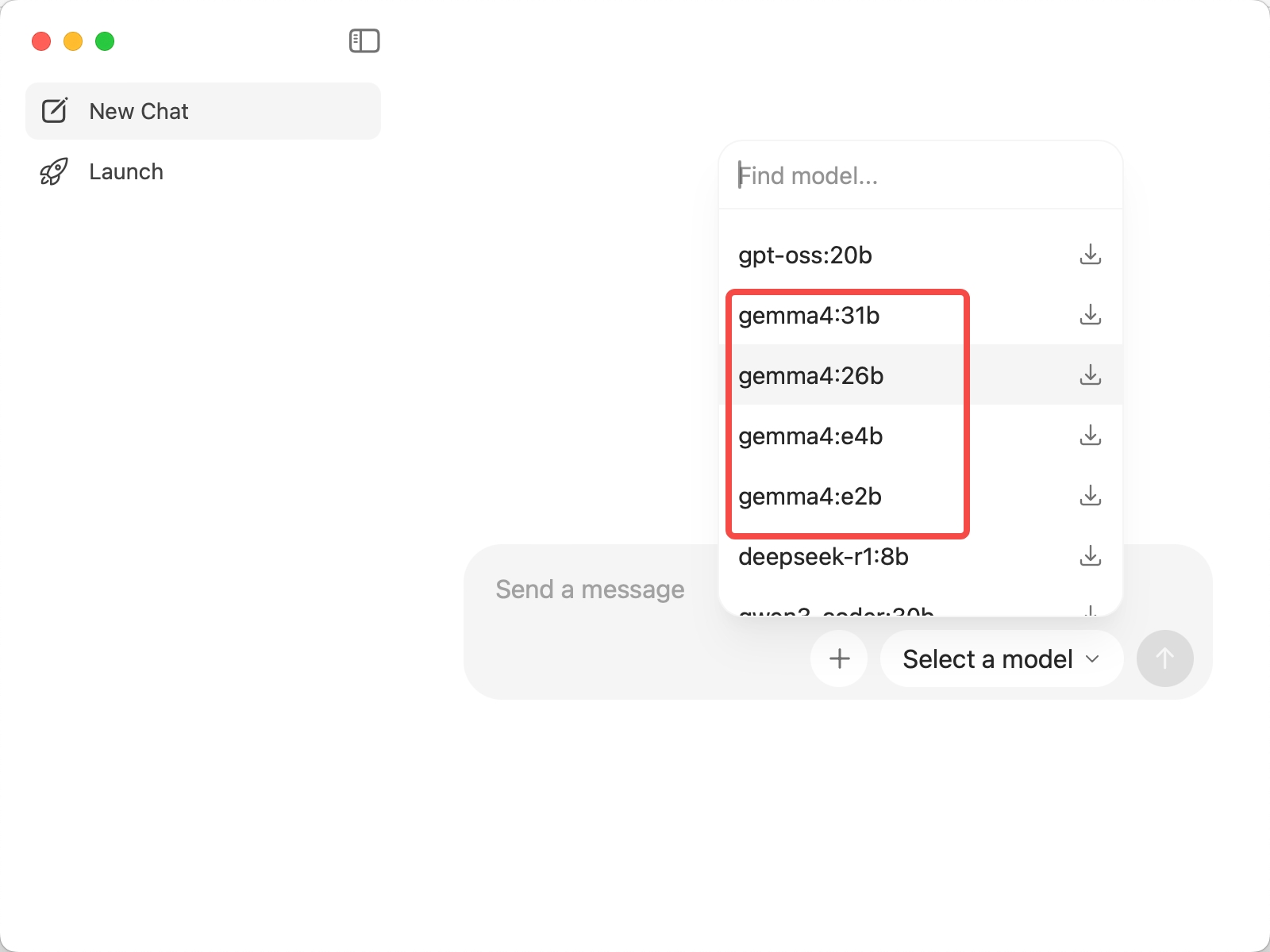
Choose the most suitable one according to your device's memory situation.Which version is suitable to choose?
- For 8GB RAM, choose E2B, about 5GB usage, usable on phones/old laptops
- For 16GB RAM, choose E4B, about 9.6GB usage, smooth experience or extreme attempt at 26B MoE
- 24GB+ unified memory handles a 26B MoE with no pressure, about 18GB usage, the king of value for money
- 32GB+ memory can take on a 31B Dense, about 20GB usage, a flagship experience
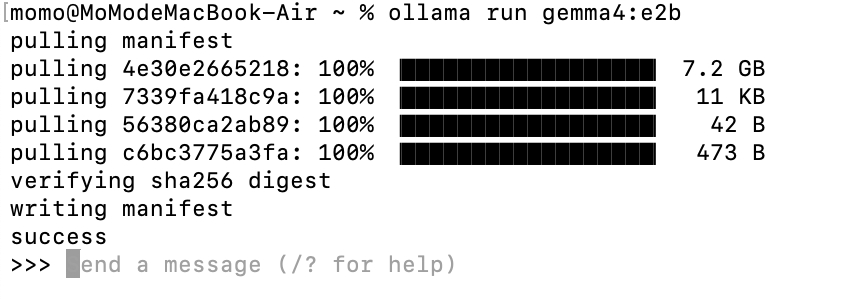
Once you have chosen, enter the command to download the model in the terminal (I'll use E2B as an example)
ollama run gemma4:e2bThe E2B model is about 7.2 GB, so wait patiently and go do something else.

When it shows Succsee and the >>> prompt appears, that means the download is complete ✅
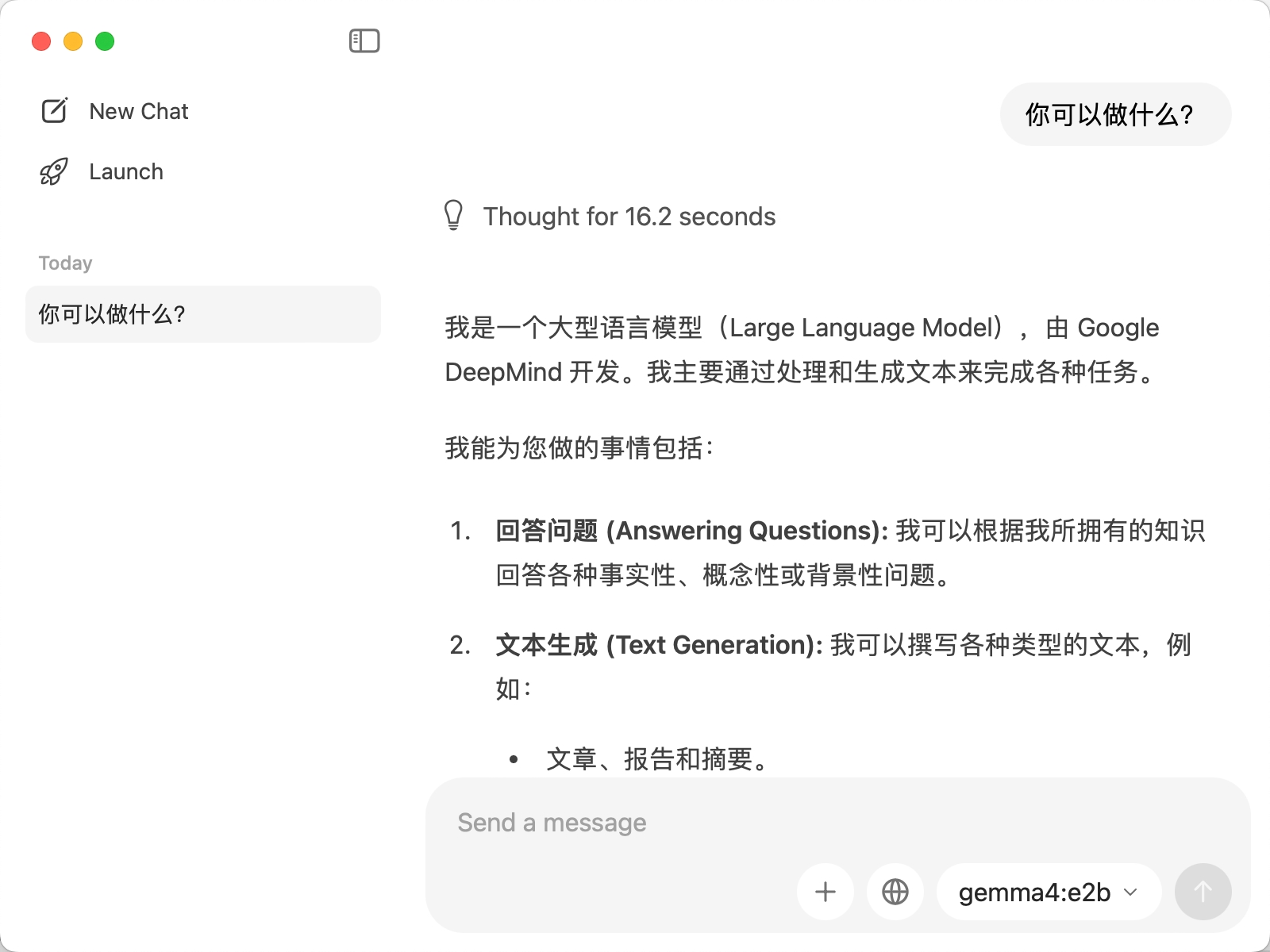
 If you type "Who are you?" and it replies normally, that means the deployment was successful.
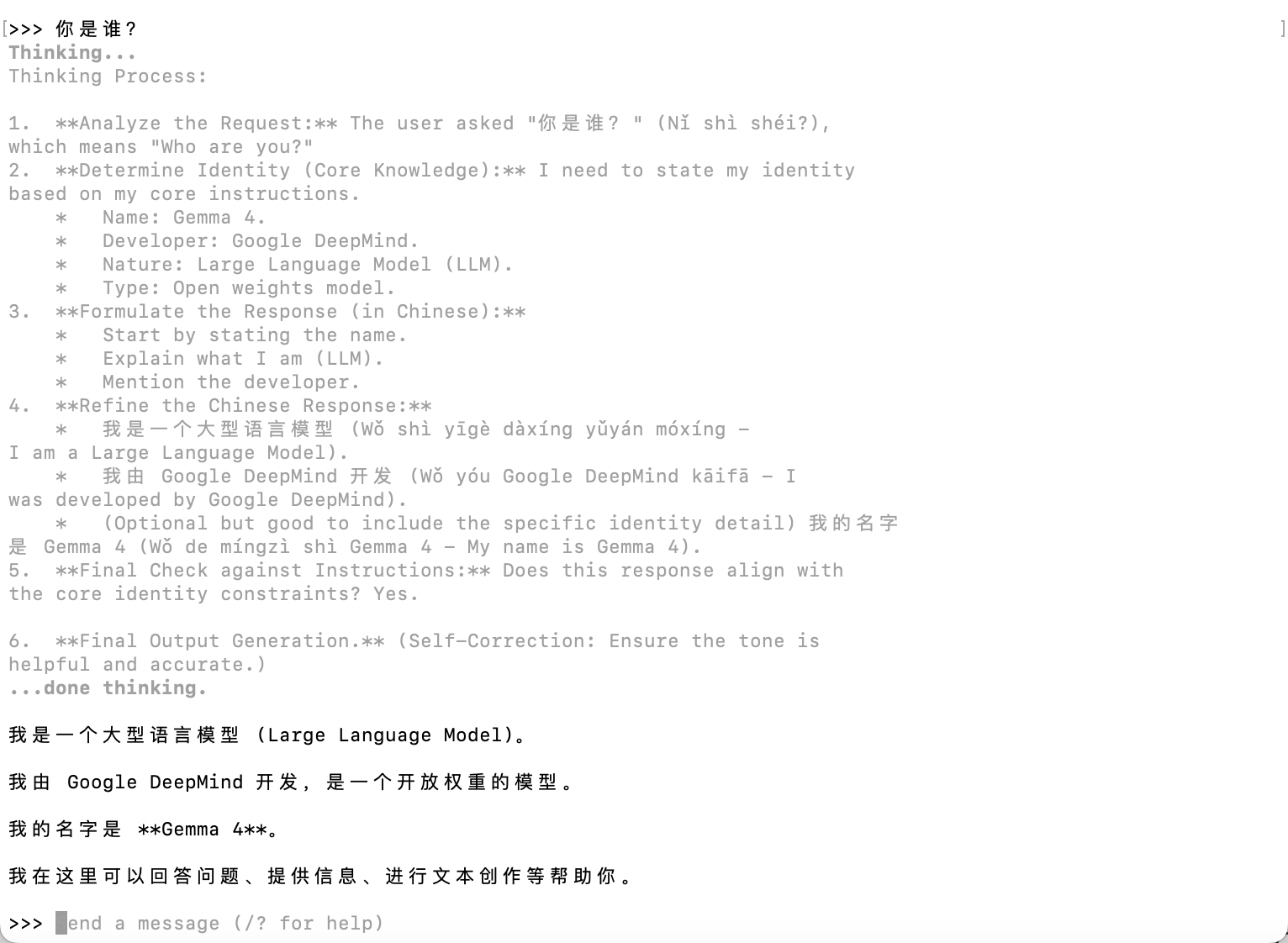
You can also chat directly in Ollama.
03. Connecting OpenClaw to Gemma 4
The Gemma 4 series is the first Apache2.0-licensed version free for commercial use, natively supports function calling for direct integration with AI Agents, and the Apple MLX framework directly doubles inference speed on Mac. It is currently the best choice for users deploying local models. No longer limited by API quotas, no longer worried about data privacy.
Open a new terminal and enter the command below to start the configuration wizard; we'll configure the Ollama model.
openclaw onboardFor the model configuration step, choose: Custom Provider
Configure it according to the image below.
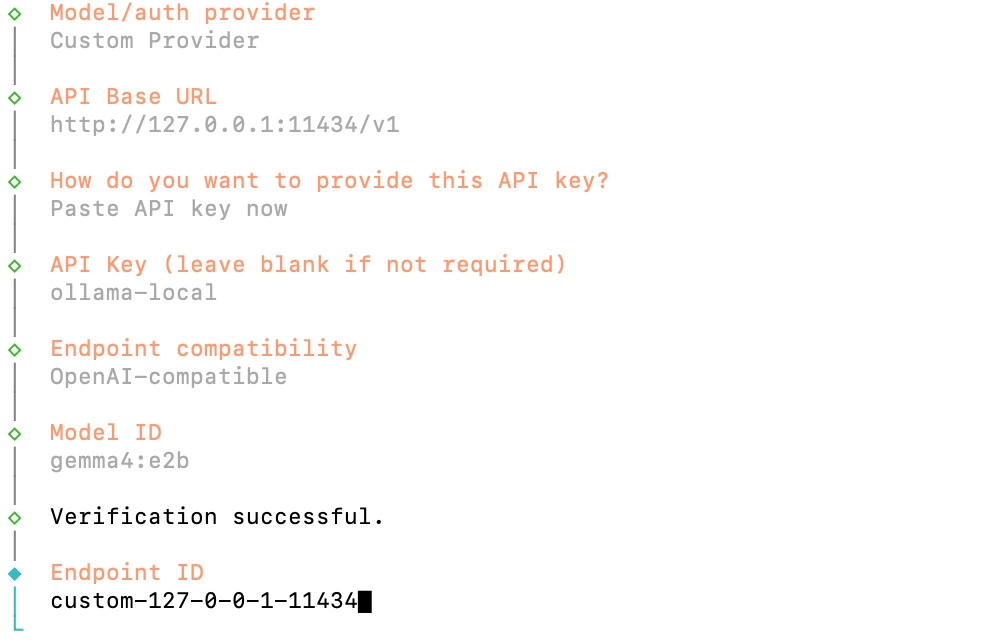
The last step is to give the model an alias to make it easier for you to distinguish and remember; leaving it blank doesn't affect anything. If you do name it, note that it cannot contain spaces.
Then for the rest of the configuration, still use the options from when you configured OpenClaw earlier, and finally restart the gateway and choose Open the Web UI.
Chat with Xiaolongxia, ask it what model it is, and if it replies, you're good

04. Some reflections
Nowadays Coding Plans from various model providers keep popping up. The most important thing when deploying Lobster is to connect a model brain. Choosing a Plan package (like Zhipu's Plan, which you simply can't grab), and configuring the model API, really does come with some cost for ordinary people.
For those still agonizing over which Plan package to buy and setting alarms to grab Zhipu packages, you can give yourself one more option: deploy the free local Google model.
In the past, local models were either too weak in capability or had too high a barrier to entry. After going through this operation myself, I think it's worth diving in. It's much simpler than before, and we have a 24-hour online AI; whatever you don't understand, you can basically just ask the AI strategist.
In the future, will local large models become a standard application on personal computers, just like office software today?
Worth paying attention to.

Follow the official account and reply with the code word: "Ollama”", to get the installation package for free~
Original link:Zero cost to use Google Gemma 4, installable on phone/computer/OpenClaw