
What Is Ganttable
Ganttable is an intelligent project management tool based on Gantt charts, combining AI technology with powerful online editing features. Users only need to enter a project topic to quickly generate a detailed project plan, with AI-based task decomposition and progress management. Ganttable supports multi-dimensional data viewing methods, including Gantt charts, multi-dimensional tables, kanban, and dashboards, meeting project management needs in different scenarios. Ganttable provides a rich template library and supports custom creation of exclusive templates, enabling seamless import and export of Excel data. Ganttable helps users efficiently monitor project progress and ensure projects advance smoothly.
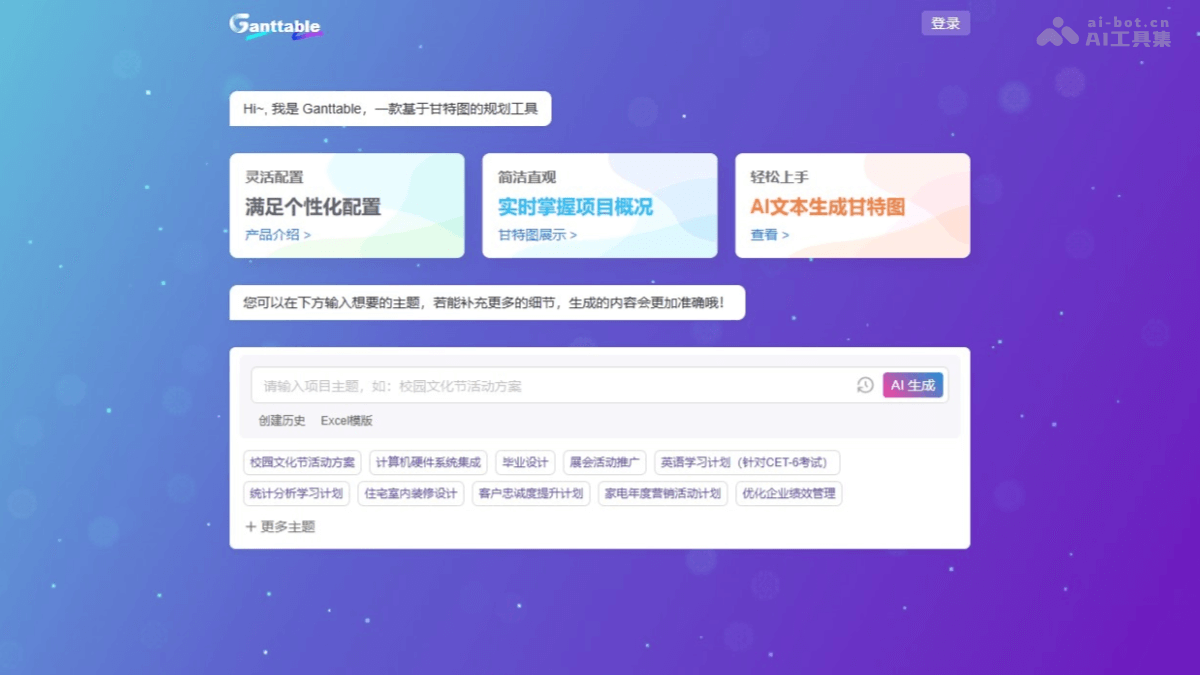
Ganttable's Main Features
- AI One-Click Project Plan Generation: Based on AI technology, it analyzes the input content and quickly customizes a project plan that meets the requirements.
- Multiple AI Work Breakdown Capabilities: Quickly and accurately breaks down project tasks in detail.
- Online Gantt Chart Editor: Freely edit and configure, covering all functions required for Gantt charts.
- Multi-Dimensional Data Viewing Methods: Provides multiple data viewing methods such as multi-dimensional tables, kanban, and dashboards to meet comprehensive project management needs.
- Gantt Chart Template Library: Supports custom creation of exclusive private templates.
- Data Interoperability: Supports Excel data import and Gantt chart export, enabling seamless data integration.
How to Use Ganttable
- Register and Log In: Visit Ganttable Official Website. Follow the prompts to complete registration and login.
- Create a Project: Enter the basic project description information on the main interface. Click "Create" to complete project initialization.
- Task Breakdown and Editing: View the task list automatically generated by AI, and break down or adjust tasks according to actual needs.
- Configure the Gantt Chart: On the project page, switch to the "Gantt Chart" view. Use the online Gantt chart editor to adjust task time bars, colors, milestones, predecessor tasks, and more.
- Data Import and Export:
- Import Data: If you already have project data (such as an Excel file), select the "Import Data" function in project settings to import the data into Ganttable.
- Export Data: After completing the Gantt chart editing, click the "Export" button to export the Gantt chart as an Excel file for further editing or sharing.
Ganttable's Application Scenarios
- Project Management: Suitable for projects such as software development and construction, helping quickly generate plans, break down tasks, and monitor progress.
- Team Collaboration: Used for team projects, such as marketing campaigns, facilitating division of labor, resource allocation, and progress updates.
- Home Decoration and Renovation: Provides home decoration templates to quickly generate renovation plans and monitor construction progress.
- Education and Course Planning: Helps teachers design courses, arrange teaching tasks, and monitor progress.
- Personal Task Management: Suitable for personal study plans or career development, helping reasonably arrange time and tasks.