
What is Frappe Builder
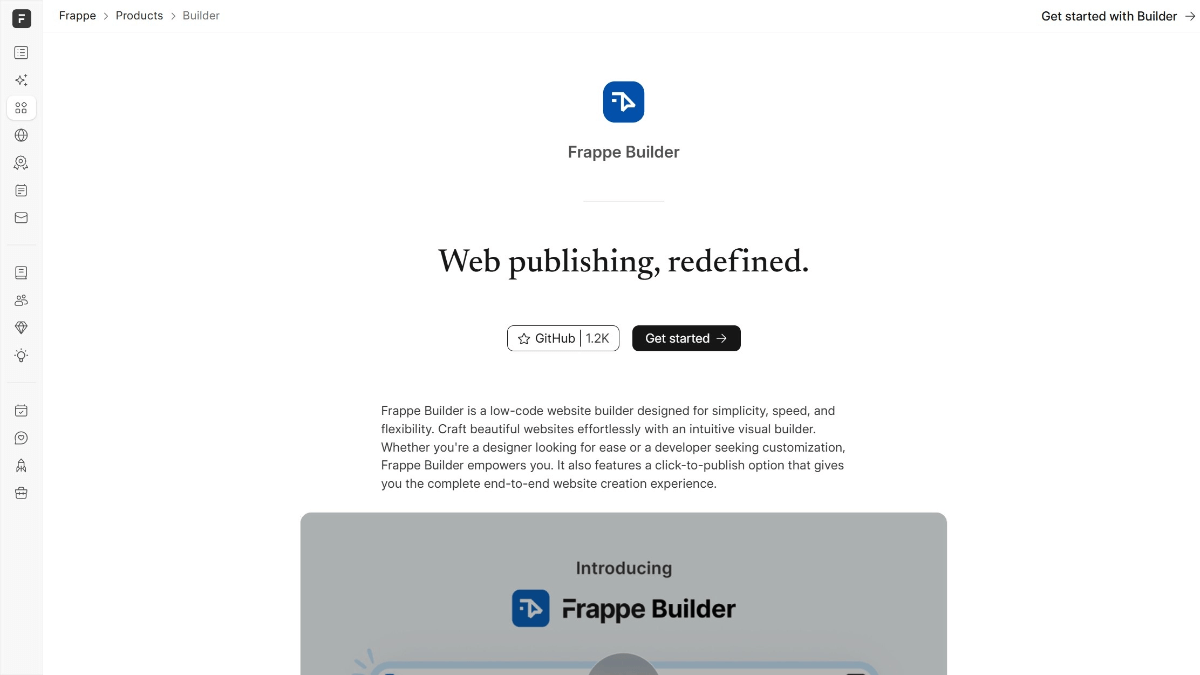
Frappe Builder is a low-code website building AI tool that helps users easily create and publish beautiful websites. Through an intuitive visual editor, it provides a design experience similar to Figma , allowing users to quickly build web page layouts without delving into code. The responsive design feature ensures the website displays perfectly on any device, while deeply integrating with Frappe CMS to support dynamic content display. Developers can implement complex interactive effects through client scripts and global scripts to meet personalized needs. It provides a one-click publish feature, allowing users to quickly deploy designed websites to the production environment without cumbersome configuration.
Main Features of Frappe Builder
-
Intuitive Visual Editor: Provides an operating experience similar to Figma, allowing users to quickly build pages by dragging and dropping components without writing code.
-
Responsive Design: Ensures the website maintains good display effects on different devices (such as mobile phones, tablets, and desktops).
-
Integration with Frappe CMS: Can retrieve data from the Frappe database, create dynamic pages, and achieve content management and display.
-
Script Extension Capabilities: Supports adding client scripts, global scripts, and custom styles to meet complex business logic and personalized design needs.
-
One-Click Publish: After design is complete, users can deploy the website to the production environment with one click for quick launch.
-
Performance Optimization: Pages do not contain redundant scripts and styles, ensuring fast loading speed, excellent performance, and compliance with modern website standards.
-
Multiple Deployment Methods: Supports hosting through Frappe Cloud or local server deployment, flexibly meeting different user needs.
Frappe Builder Project Address
- Project Official Website:https://frappe.io/builder
- Github Repository:https://github.com/frappe/builder
How to Use Frappe Builder
-
Choose Deployment Method: You can choose to quickly set up through Frappe Cloud hosting, or use a local server for deployment.
-
Installation and Configuration: According to the chosen deployment method, execute the corresponding installation script or configuration commands, and set up the development or production environment.
-
Start the Editor: Open the Frappe Builder editing page in the browser and start designing with the visual tools.
-
Design Pages: Use drag-and-drop components, adjust layout and styles, and build the required web page structure and visual effects.
-
Add Dynamic Content: Through integration with Frappe CMS, retrieve dynamic data from the database to achieve real-time content updates.
-
Script and Style Extensions: Add custom scripts and styles as needed to enhance page functionality and interactive effects.
-
Preview and Test: Preview the design effects in the editor, conduct functional testing, and ensure the page performs well on different devices.
-
One-Click Publish: After completing the design, click the publish button to quickly deploy the website to the production environment and make it public.
-
Continuous Maintenance: Update content or adjust functionality as needed, using the flexibility of Frappe Builder for subsequent maintenance.
Application Scenarios of Frappe Builder
-
Corporate Website Development: Quickly build a corporate image showcase website, integrating company information, product introductions, and news updates.
-
E-commerce Website Development: Build e-commerce pages, display product information, and support dynamic content updates and interactive features.
-
Personal Blogs and Portfolios: Provide individual users with a tool for building blog or portfolio websites, enabling personalized presentation.
-
Online Education Platforms: Create course display pages, integrate learning resources, and support dynamic content management.
-
Internal Management Systems: Develop the front-end interface of enterprise internal management systems, enabling data visualization and interactive features.
-
Marketing Campaign Pages: Quickly generate marketing campaign pages, supporting dynamic data display and user interaction.