
What is FP Video
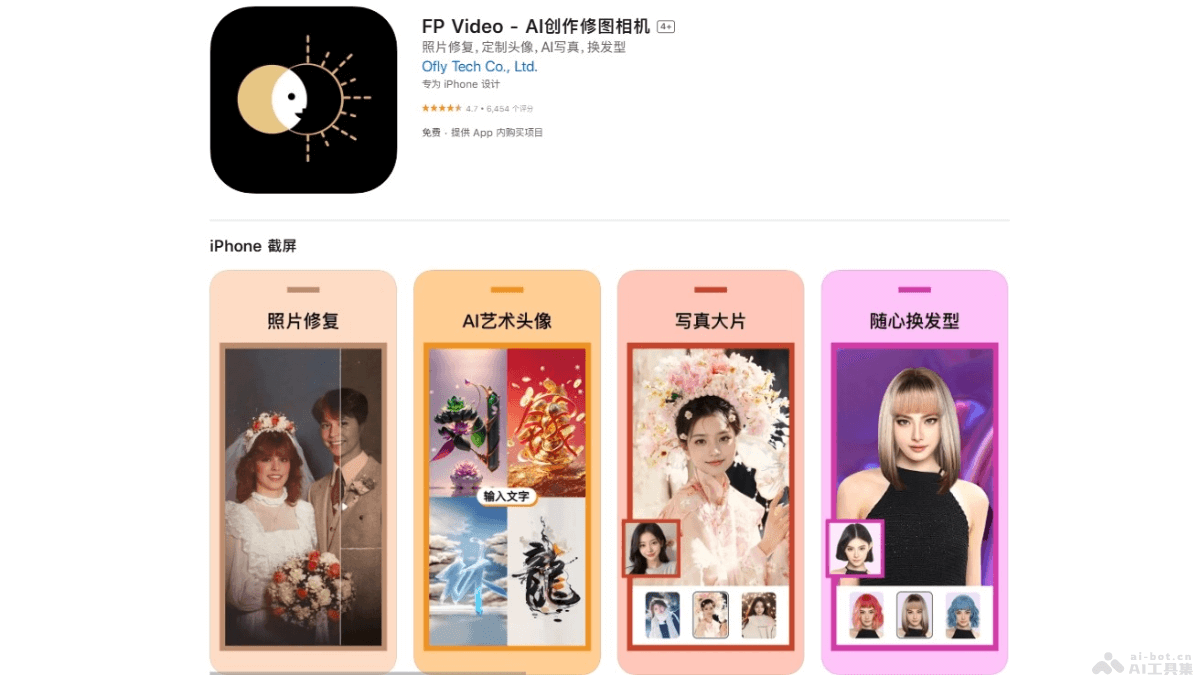
FP Video is a multifunctional AI-driven image editing app that provides a variety of creative tools including AI painting, photo restoration, hairstyle changes, cartoon avatar creation, time machine, and more. Based on advanced AI technology, it allows users to easily restore old photos, customize personalized avatars, try different hairstyles, and perform various creative edits. FP Video offers features such as one-tap removal of passersby and cutout background replacement, meeting users' image editing needs in different scenarios.
Main Features of FP Video
- AI Painting: Convert users' photos or text descriptions into artworks in different styles.
- Photo Restoration: Use AI technology to restore damaged or old photos, remove creases and stains, and restore the original colors and clarity of the photos.
- AI Portrait: Convert ordinary photos into portraits with different artistic styles (such as floral hairpin, ethnic, New Year styles).
- Hairstyle Change: Let users try different hairstyles and hair colors, preview new looks without actually changing them.
- AI Image Expansion: Expand the proportions or angles of photos, and intelligently fill in missing parts of the photos.
- Remove Passersby: Use AI technology to remove unwanted background people or other objects from photos.
How to Use FP Video
- Download and Install: For iOS devices, visitApple App Store, for Android devices, visit the mobile app store to download and install.
- Browse Features: The app's main interface displays different feature modules, such as AI painting, photo restoration, hairstyle change, etc.
- Select a Feature: According to the operation you want to perform, select the corresponding feature module.
- Upload an Image: Select an image from the album or take a new photo directly with the app.
- Edit the Image: According to the selected feature, make editing choices. For example, in AI painting, choose different artistic styles; in photo restoration, choose the restoration intensity, etc.
- Apply the Effect: After selecting the editing options, use AI technology to process the image. After processing is complete, preview the effect.
- Save or Share: If you are satisfied with the edited effect, save it to the album or share it directly to social media.
Application Scenarios of FP Video
- Personal Photo Editing: Users use FP Video to beautify personal photos, such as adjusting skin tone, removing skin blemishes, changing hairstyle and hair color, etc.
- Restore Old Photos: Based on AI technology, restore damaged or faded old photos, and restore the original colors and clarity.
- Artistic Creation: Convert ordinary photos into artworks in different styles, such as oil paintings, comics, ink paintings, etc., adding artistic flair to personal works.
- Social Media Content Creation: Create unique image and video content for social media platforms to attract more attention and interaction.
- Virtual Makeup Try-On: Before special occasions, users can try makeup virtually, preview different makeup effects, and choose the makeup that suits them best.