
What is FocuSee
FocuSee is an AI-driven screen recording tool that supports recording both screen and camera on macOS and Windows, capturing microphone and system audio, and can also record keyboard actions. With powerful AI features, it can automatically zoom, generate subtitles, remove background noise and silent segments, support adding avatars, and optimize visual effects. The software offers flexible export settings with multi-format and multi-size presets, making it easy for users to quickly deliver high-quality videos, suitable for creating tutorials, online courses, marketing videos, and more.
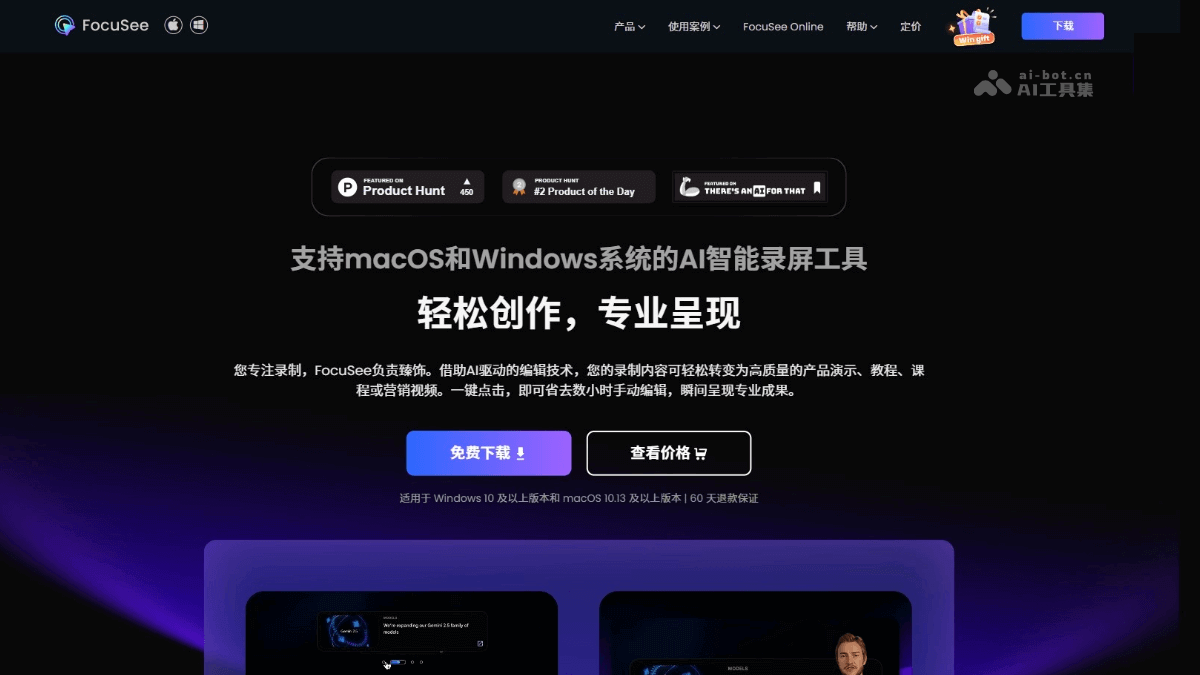
FocuSee's Main Features
- AI Editing:
-
Auto Zoom: Intelligently tracks the mouse, automatically adds zoom effects at click positions, eliminating manual operations and enhancing visual effects.
-
AI Avatar: Provides diverse digital human avatars, no need to appear on camera, avoiding camera anxiety while maintaining interactivity.
-
AI Audio Enhancement: One-click removal of background noise, improving audio quality to near studio level.
-
AI Silence and Filler Word Removal: Intelligently deletes silent segments and common filler words (such as "um" and "uh"), making videos smoother.
-
AI Subtitle Generation: Supports automatic recognition in over 50 languages, simplifying the subtitle creation process.
-
AI Background Removal: Quickly handles cluttered backgrounds, replaces with virtual backgrounds or outputs transparent backgrounds, ensuring a clean image.
-
- Visual Enhancement:
-
Cursor Animation: Supports various mouse styles, click effects, and sound effects, making operations lively and interesting.
-
Spotlight Effect: Highlights important content, ensuring the audience's attention is focused on key details.
-
Dynamic Camera Layout: Supports switching between picture-in-picture and full-screen modes, enhancing the viewing experience.
-
- Built-in Editing:
-
Blur Mask: One-click blurring of sensitive information, protecting privacy.
-
Watermark Feature: Easily add personal or brand watermarks, protecting original content.
-
- Export and Share:
-
Multi-format, High-quality Export: Supports MP4 and GIF formats, compatible with 4K resolution and 60fps.
-
Multi-size Presets: One-click switching of aspect ratios, adapting to major social media platforms.
-
Cloud Sharing: Share videos via links, enabling convenient distribution.
-
FocuSee's Product Website
- Product Website:https://focusee.imobie.com/cn/
FocuSee's Application Scenarios
- Online Education: Record clear and easy-to-understand online courses, combined with dynamic effects and auto-zoom features, enhancing learners' engagement and experience.
- Product Demonstration: Easily create professional product demonstration videos, clearly presenting product features and advantages with a professional effect.
- Marketing Video Creation: Create promotional videos with a consistent style, reducing dependence on outsourcing services and improving video production efficiency.
- Software Usage Tutorials: Developers and technical support teams record detailed tutorials, helping users quickly master product features and improving the usage experience.
- Social media creation: Simplify the video production process, allowing creators to produce high-quality content with minimal effort, suitable for major social media platforms.
- Corporate training: Record employee training videos to help new employees get started quickly and existing employees review, improving training efficiency.