
What is FlowyAIPC
FlowyAIPC is an AI assistant product for the smart office field launched by Flowy AI, improving users' office efficiency through AI technology. It supports local installation on Windows, can deploy large models on a local computer, runs fully offline, and is independently managed. It has multiple built-in practical function modules, such as AI notes, knowledge base, meeting minutes,mind maps, etc., and supports freely switching between mainstream large models such as Llama, Qwen, and DeepSeek. Flowy AIPC 4.0 has upgraded features such as the intelligent OCR process, intelligent meeting assistant, and desktop floating ball.
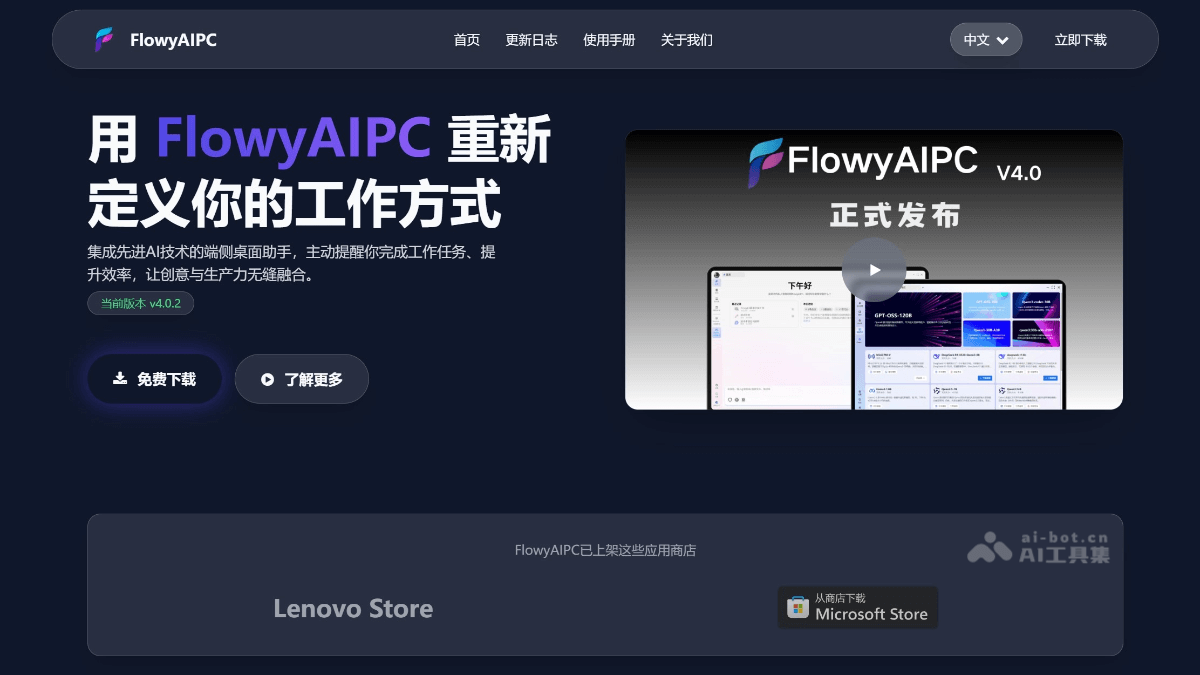
Main features of FlowyAIPC
-
Efficient office assistant: Supports various office operations such as translation, writing meeting minutes, and generating documents, helping users quickly complete tasks and improve work efficiency.
-
Model management and switching: Users can conveniently download, install, and manage different AI models, such as DeepSeek-R1-8B, and quickly switch according to needs to meet diverse work scenarios.
-
Personalized service experience: Based on user habits and needs, it provides personalized intelligent services, allowing every user to obtain a considerate and precise assistant experience.
-
Powerful on-device inference capability: Based on a self-developed efficient on-device inference framework, even when the network is poor or unavailable, it can smoothly run large AI models, ensuring continuity of office work.
-
Data privacy protection: All data processing is completed locally, with no need to upload to the cloud, effectively protecting users' privacy and data security.
-
Strong compatibility: Fully compatible with mainstream Windows systems and various hardware devices, such as GMKtec EVO-X2 and EVO-T1, etc., and the installation and use process is simple and quick.
How to use FlowyAIPC
-
Download and install: Visit the FlowyAIPC official website https://www.flowyaipc.cn/,下载最新版本的安装包,按照提示完成安装。
-
Launch and log in: After installation is complete, launch FlowyAIPC and log in with an account (you can register a new account or use an existing account).
-
Select a model: After logging in, you can select and install a suitable AI model within the application, such as DeepSeek-R1, etc., and switch models according to needs.
-
Use function modules: After entering the main interface, you can directly use functions such as translation, meeting minutes, and document writing, and complete tasks through simple operation instructions.
-
Set personalized options: In settings, you can adjust personalized options such as language and interface theme to suit personal usage habits.
-
Update and management: The application will automatically check for updates, and users can also manually check for updates to ensure the software is always up to date. At the same time, installed models and functions can be managed within the application.
Application scenarios of FlowyAIPC
-
Document processing: Quickly write, edit, and proofread various documents, such as reports, papers, emails, etc., improving text work efficiency.
-
Meeting assistance: Generate meeting minutes in real time, automatically organize meeting key points and action items, and save organizing time.
-
Knowledge management: Build a personal or team knowledge base for convenient information retrieval and knowledge sharing.
-
Multilingual translation: Supports instant translation in multiple languages, helping users overcome language barriers and engage in international communication.
-
Data Analysis: Assists in processing and analyzing data, generating charts and reports, and providing support for decision-making.
-
Creative Inspiration: Provides creative inspiration, helping users break through mental blocks in writing, design, planning, and other work.