
What is Flowin
Flowin is an AI content co-creation platform that uses AI technology to assist users in quickly writing, modifying, and continuing documents. Flowin supports AI copywriting, document continuation, and AI assistant features, helping users easily complete writing tasks. Users can freely build and organize document content, enabling real-time collaborative editing by multiple people and improving team collaboration efficiency. Flowin provides rich permission management features, supporting precise control of content sharing and collaboration permissions, suitable for various scenarios such as teaching, learning, and work.
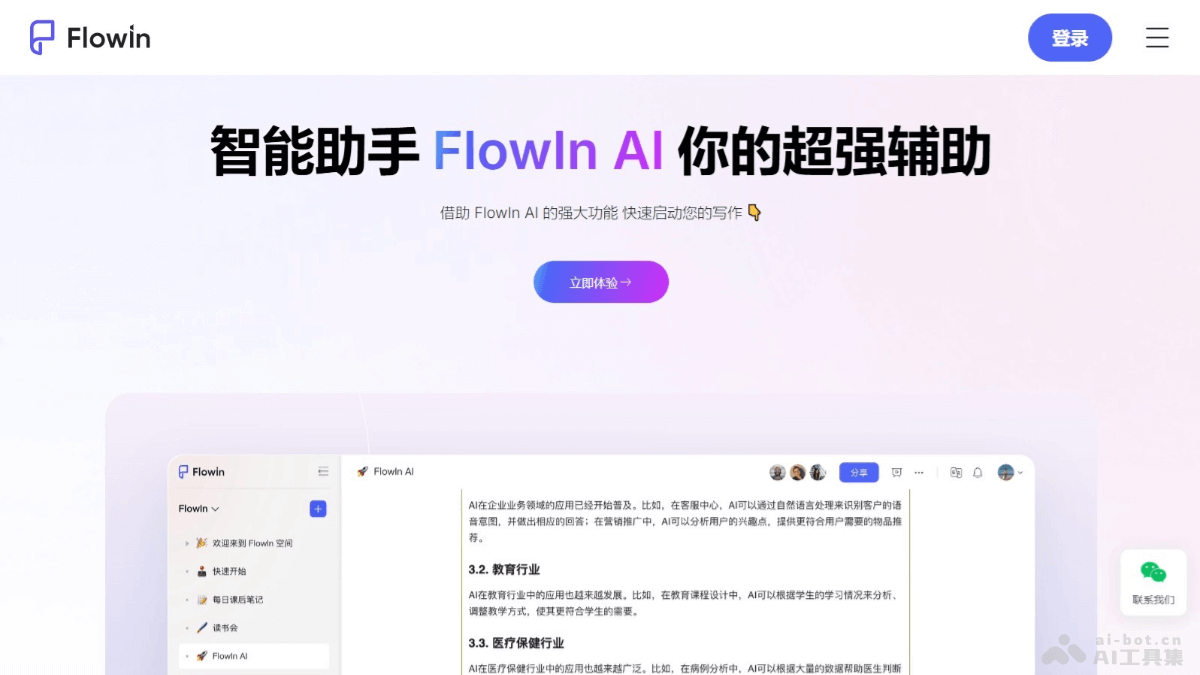
Flowin's Main Features
- AI Copywriting: Helps users create content from scratch, and process and improve existing content.
- AI Document Continuation: Users can upload documents, and AI will help continue, modify, expand, and polish them, reducing writing pressure.
- AI Assistant: Provides services such as writing articles and proposals, querying information, and quick translation.
- Free Building: Users can freely build and organize document content by dragging and dropping, supporting mixed arrangement and layout of multiple elements.
- Multi-person Collaboration: Supports multiple people editing, communicating, and collaborating in real time on the same document, improving team work efficiency.
How to Use Flowin
- Visit the Official Website: Visit FlowIn'sofficial website。
- Register/Log In: Follow the prompts to complete login and registration.
- Start Creating: After logging in, enter FlowIn's main interface and start creating.
- AI Copywriting: When writing copy, directly input or paste text into FlowIn's editor, and AI will assist in completing the copywriting.
- AI Document Continuation: Upload the document you want to continue, and the system will automatically complete the continuation, modification, and polishing.
- Use the AI Assistant: Use the AI assistant feature to request writing articles or proposals, query information, or perform translation.
- Free Building and Layout: Use drag and drop to freely build the document structure and add and organize content.
- Multi-person Collaboration: Invite team members to join the document for real-time collaborative editing.
- Permission Management: Set different permissions, such as editing and reading permissions, and manage collaborators.
- Content Sharing: Share document links, supporting others to view or edit the document.
- Save and Export: After completing the document, save your work and export it as files in different formats as needed.
Flowin's Product Pricing
- Free Version: Basic content creation capabilities, 10 AI credits per day, unlimited pages/blocks, 5G storage space, 100M file upload, 10 space members, unlimited spaces, 7-day history.
- Professional Version: 188 yuan per year, deeply open content creation capabilities, 50 AI credits per day, canvas set (PPT) feature, 200G storage space, 200M file upload, 25 space members, 60-day history.
- Team Version: 288 yuan per person per year, meeting team online collaboration needs, 100 AI credits per day, inviting 200 visitors, 500G storage space, 500M file upload, team collaboration area, 90-day history.
- Enterprise Version: 388 yuan/person per year, enterprise-level online collaboration capabilities, enabling enterprise organizations to co-create and work together, 200 AI points per day, invite 500 visitors, 1T storage space, 2G file upload, usage statistics and dashboards, organization member management, batch import of organization members, priority access to new features.
- Flagship Edition: Custom pricing, the best choice for advanced enterprises, 200 AI points per day, custom login page, custom brand logo, subdomain, custom AI large model, other customization services, unlimited history.
Flowin's application scenarios
- Teaching preparation: Teachers prepare course content and teaching materials, improving lesson preparation efficiency.
- Business writing: Corporate employees write business plans and market analyses, optimizing document workflows.
- Academic research: Scholars and researchers organize research materials and write academic papers.
- Content creation: Writers and content creators conceive and write articles and stories.
- Project management: Project managers plan project schedules, keep logs, and improve team collaboration.