
What is Flipbook
Flipbook is an AI infinite visual browser launched by former OpenAI engineer Zain Shah and a team of YC alumni, with all pages fully generated in real time on demand. Flipbook completely abandons HTML, CSS, and JavaScript code, turning the entire screen into a 1080p pixel video stream generated in real time by an AI model. When users click any area of the image, the model can generate the next frame with the corresponding details, allowing infinite exploration deeper into the content like flipping through a book, achieving an immersive interactive experience of "a picture is worth a thousand words," and is regarded as a disruptive experiment against the traditional web development paradigm.
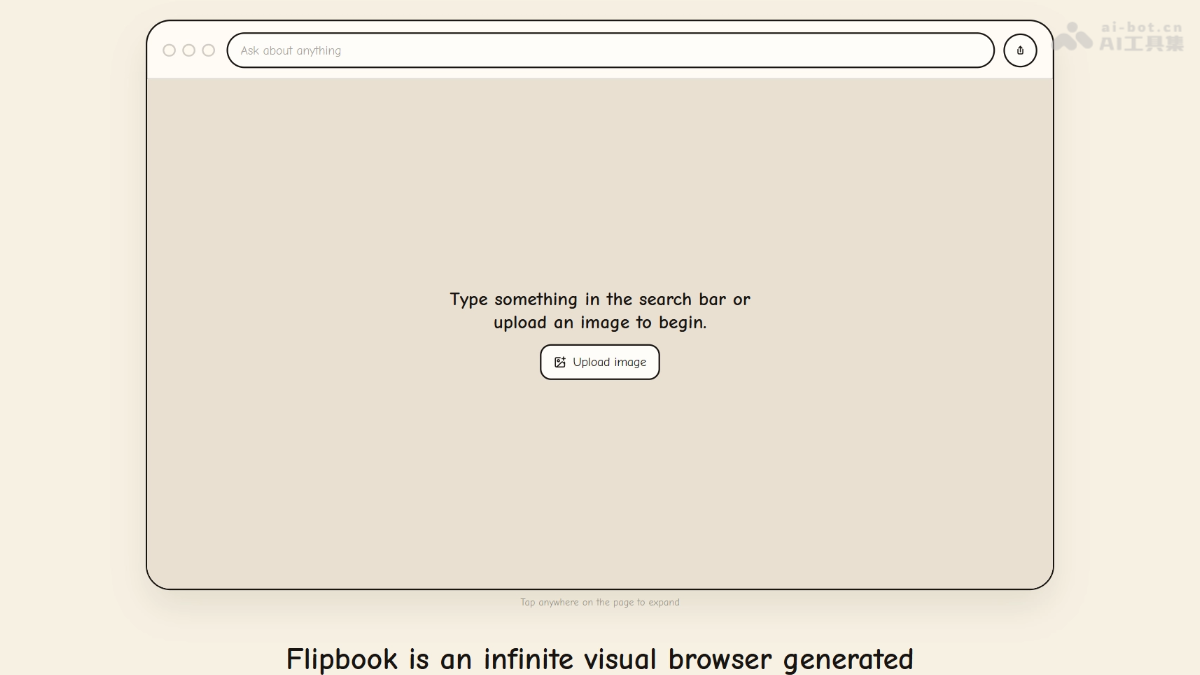
Flipbook's main features
-
AI pixel stream rendering: Every frame on the screen is generated in real time by the model, with no underlying HTML/CSS/JS code.
-
Infinite click exploration: Click any area of the image, and the model instantly generates the next frame with the corresponding details.
-
Path memory navigation: The top navigation bar automatically records the exploration path and supports backtracking jumps.
-
Multimodal input: Supports uploading images for analysis, or directly entering a Prompt to generate visualized content.
-
Real-time video stream mode: Based on the LTX model, it enables 24fps dynamic image transmission for smoother interaction.
-
Agentic data pulling: Combines search capabilities to obtain real-time web data, ensuring the accuracy of generated content.
How to use Flipbook
- Access and launch: Visit the Flipbook official website https://flipbook.page,在搜索框输入任意主题 Prompt, or click to upload a local image, to generate the first AI visual page.
- Click to explore deeply: While viewing the current image, click any area or element of interest in the image, and the model will generate in real time a new image focused on that topic, enabling layer-by-layer exploration.
- Path backtracking navigation: If you need to return to a previous page, click the historical path node in the top navigation bar to go back to any previously viewed step.
- Enable video stream mode: If you want to experience dynamic effects, click the toggle button on the page to enable "real-time video stream" mode, and the system will add animation and seamless transitions to static images.
- Zero-code interaction: Throughout the entire usage process, there is no need to write code or operate traditional web page elements; all interactions are completed by clicking to generate pixels.
Flipbook's key information and usage requirements
-
Founder: Zain Shah (former OpenAI researcher, Samsung creative technology expert), with team members from companies such as Humane and Apple.
-
Product positioning: An AI-native infinite visual browser prototype that abandons HTML/CSS/JS and generates a pixel stream in real time as the interface.
-
Experience address:https://flipbook.page
-
Current status: Experimental prototype; after being released on the X platform, single-day views exceeded two million.
-
Technical foundation: Based on Lightricks' open-source LTX-2/LTX-2.3 DiT video model, with computing power sponsored by Modal and support from South Park Commons.
-
Devices and network: Accessible with an ordinary browser and supports desktop and mobile; enabling "real-time video stream" mode requires relatively high network bandwidth.
-
How to use: Start exploratory interaction directly by entering a prompt or uploading an image, with no registration or coding required.
Flipbook's core advantages
-
Zero-code native architecture: No HTML, CSS, layout engine, or browser DOM is needed; the entire interface is AI-generated images, fundamentally breaking through the traditional web development paradigm.
-
Vision-first information delivery: Complex concepts can be presented through the most intuitive forms such as illustrations, infographics, and photos, no longer limited by "the difficulty of implementing them in code," truly achieving "a picture is worth a thousand words."
-
Ultimate personalization: Each page is generated in real time for the current user and current query, theoretically making it possible to present a completely different visual explanation for every user, saying goodbye to cookie-cutter templated web pages.
-
Cutting-edge engineering optimization: Through technologies such as activation caching, quantization, torch.compile, and memory snapshots, the team greatly compresses diffusion model inference latency and achieves near-real-time interactive response.
-
Cross-platform lightweight experience: No client installation is required; it can be accessed in a browser, supports mobile use, and the video stream mode can also run on phones.
Comparison of Flipbook with similar competitors
| Comparison dimension | Flipbook | Traditional Web development (HTML/CSS/JS) | Perplexity Pages (AI-native content) |
|---|---|---|---|
| Interface form | AI-generated pixel video stream in real time | Static/dynamic code rendering | Structured text + card aggregation |
| Interaction method | Clicking any pixel triggers regeneration | Predefined buttons/links/forms | Conversational follow-up questions + citation traceability |
| Development cost | Prompt-driven, zero front-end code | Requires writing code and maintaining layout | No code required, but the output is text |
| Visual presentation | Hand-drawn-level illustrations, dynamic visualizations | Depends on design capability and component libraries | Mainly text and static images |
| Real-time performance | Cloud GPU inference, limited by compute power and bandwidth | Client-side rendering, almost zero latency | Retrieval + generation, moderate latency |
| Applicable scenarios | Exploratory reading, educational visualization, prototyping | Large-scale, standardized product deployment | Research reporting, information integration |
Flipbook's application scenarios
-
Zero-code generation: Completely free from the HTML/CSS/JS front-end development stack; the prompt is the interface, and no code needs to be written.
-
Ultimate visual expression: Complex data and abstract concepts are presented through hand-drawn-level illustrations and dynamic visualizations, greatly lowering the cognitive threshold.
-
Full-pixel interaction: Not limited by predefined buttons, links, or forms; any pixel on the screen can become an interaction entry point.
-
Adaptive layout: The screen automatically deforms and reorganizes with the window size, without CSS media queries or responsive design.
-
Exploratory in-depth reading: Click deeper layer by layer like turning the pages of a book, and the navigation bar automatically remembers the path, enabling an infinite exploration experience.
-
Educational visualization: it can break down abstract math problems, technical processes, etc., into intuitive step-by-step diagrams, making knowledge easier to perceive.