
What is FlexClip
FlexClip is a powerful online video editing platform that offers a simple and easy-to-use interface and a rich set of video editing tools, allowing users to quickly create professional video content. The platform has millions of high-quality video, image, and audio resources, and supports uploading and editing of multiple video formats. Users can use features such as trimming, splitting, adding text, recording audio, music, and watermarks to create personalized videos. FlexClip provides high-definition video output and is suitable for a variety of application scenarios such as education, business, and social media. No software installation is required; as long as there is an internet connection, video production can be done.
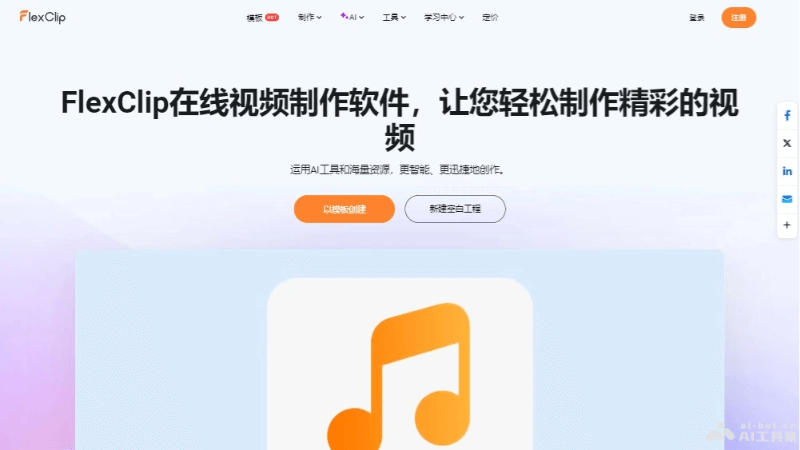
Main Features of FlexClip
- Massive Resource Library: Provides millions of video, image, and audio resources, and users can freely choose materials for creation.
- Format Support: Supports uploading videos or images in multiple formats, making it convenient for users to import their own materials.
- Video Editing Tools: Includes editing features such as trimming, splitting, and merging videos, adding text, recording audio, music, and watermarks.
- High-Quality Output: Supports high-definition video output to ensure video quality.
- Template Use: Provides a variety of video templates, and users can choose suitable templates as needed to quickly create videos.
- Online Editing: No need to download or install software; video editing can be done directly in the web browser.
FlexClip's Official Product Website
- Official Product Website:flexclip.com
FlexClip's Application Scenarios
- Social Media Content Creation: Users can create videos for social media platforms such as Instagram, Facebook, TikTok, and YouTube.
- Business Promotion: Enterprises can use it for commercial purposes such as product introductions, brand promotion, and advertising videos.
- Education and Training: Teachers and trainers can create educational videos, course content, online tutorials, and more.
- Personal Projects: Individual users can create family videos, travel logs, personal portfolios, and more.
- Events and Celebrations: Used to create video records of events such as weddings, birthdays, and holiday celebrations.
- Presentations and Reports: Students and professionals can create project presentations, business reports, academic research introductions, and more.