
What is Firefly Image 5
Firefly Image 5 is Adobe's latest image generation model. It features native 4-megapixel output capability, can directly generate high-resolution images, and greatly improves detail expression. In character rendering, the new model optimizes facial structure, body proportions, and lighting logic, reducing common issues and making generated character images more realistic. Firefly Image 5 introduces layer editing functionality, which can intelligently identify different elements in an image and process them as independent layers. Creators can adjust specific objects through text prompts or operations, and the system maintains overall image lighting consistency and detail integrity, greatly improving the flexibility and efficiency of later modifications. Firefly Image 5 supports personalized creation, allowing users to create custom models and train exclusive AI models based on their personal artistic style. It adds audio generation functionality, can generate soundtracks or audio tracks for videos based on prompts, and integrates high-quality narration generation technology.
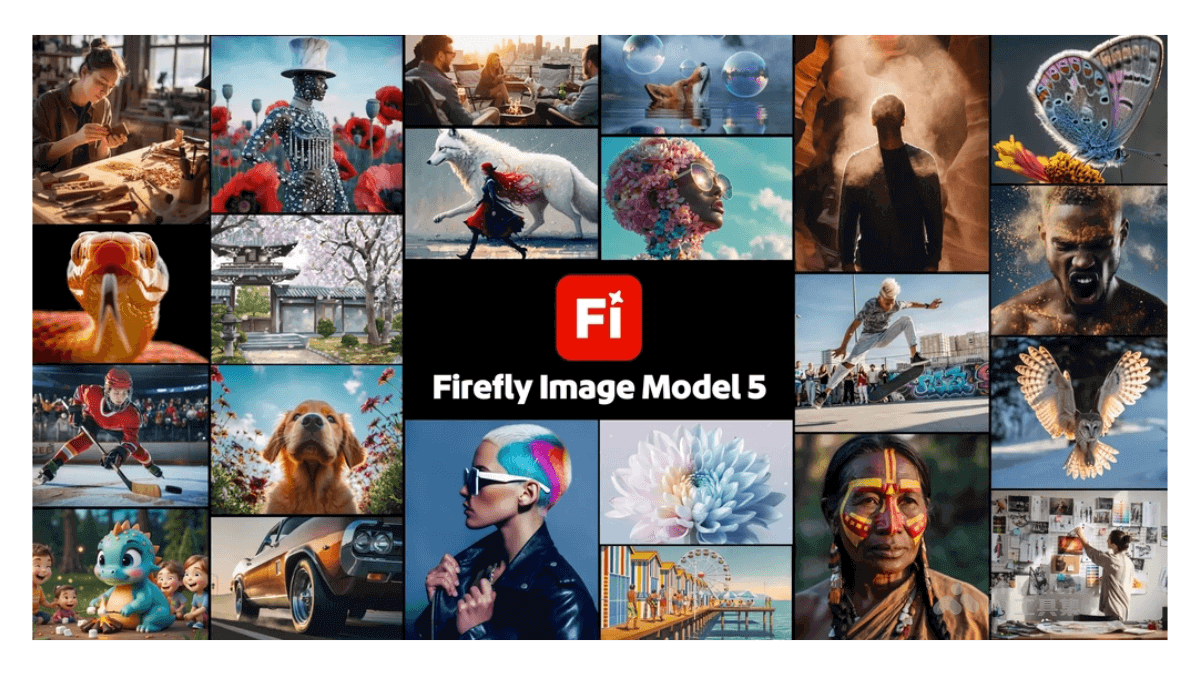
Main features of Firefly Image 5
-
High-resolution image generation: It can directly generate native-resolution images up to 4 megapixels, significantly improving detail expression and meeting high-quality creative needs.
-
Character rendering optimization: In character image generation, it optimizes facial structure, body proportions, and lighting logic, reducing common issues and making character images more realistic and natural.
-
Layer editing functionality: Intelligently identifies different elements in an image and processes them as independent layers. Creators can make precise adjustments to specific objects while maintaining overall image lighting consistency and detail integrity.
-
Personalized creation support: Allows users to create custom models and train exclusive AI models based on their personal artistic style, enabling generated images to continue the creator's unique style.
-
Audio generation functionality: Adds AI soundtrack and voice generation functionality, can generate soundtracks or audio tracks for videos based on prompts, and integrates high-quality narration generation technology, providing more convenience for video creation.
-
Interface and tool optimization: The website interface has been restructured, making operations more convenient, supporting free switching of AI models and adjustment of image aspect ratios. The video editing tools have also been upgraded, supporting layer and timeline editing.
How to use Firefly Image 5
- Access the platform: VisitAdobe Fireflyplatform.
-
Select model: In the model section, use the dropdown menu to select Firefly Image 5.
-
Enter text prompt: Enter a detailed description in the prompt bar, at least three words. You can add specific keywords such as lighting, angle, or atmosphere.
-
Select content type: Choose the content type from art or photo, or let Firefly automatically choose based on the prompt.
-
Set image parameters: Choose an appropriate aspect ratio. You can also define structure or composition by uploading an image, and adjust the strength slider.
-
Apply styles and effects: Use the styles tab to guide image generation to match the visual style and aesthetic effect of a reference image. Select the effects to apply, and specify colors and tones, lighting, and camera angle.
-
Generate image: Click "Generate," and Firefly will generate image variations according to the settings.
-
Edit and optimize: After generation, you can use the "Edit" option for further adjustments, such as adding or removing elements, and you can also use the "Generative Fill" feature.
-
View and Download: View the generated variations in grid view or list view, and download all images or selected images.
Application Scenarios of Firefly Image 5
-
Creative Design: Provide inspiration for graphic designers, illustrators, and creative professionals, and quickly generate high-quality images for design projects such as posters, advertisements, and packaging.
-
Video Production: Generate high-quality background, special effects, and character images for video editors and filmmakers, for use in video content creation and post-production.
-
Game Development: Help game developers quickly generate images of characters, scenes, and props in games, accelerating the game development process.
-
Education: Provide abundant image resources for educators and students, for use in the creation of teaching materials and assistance with learning projects.
-
Personal Creation: For individual users to engage in artistic creation, social media content production, and personal projects, inspiring creativity and expressing individuality.
-
Commercial Applications: Generate visual content that matches the brand image for brands and enterprises, for commercial uses such as marketing, product display, and website design.