
What is Fineshare FineCam
Fineshare FineCam is AI virtual camera software for Windows and Mac, designed for video recording and video conferencing.Fineshare FineCam supports connections to multiple devices, including iPhone/iPad, Android devices, and local webcams, helping users quickly create HD webcam videos. Fineshare FineCam offers a rich set of features, such as camera adjustments, virtual background replacement, and filter effects, enhancing the visual quality and professionalism of videos. Fineshare FineCam supports content sharing, scene switching, and high-quality audio recording, making users more proficient during video conferencing, online teaching, or content creation.
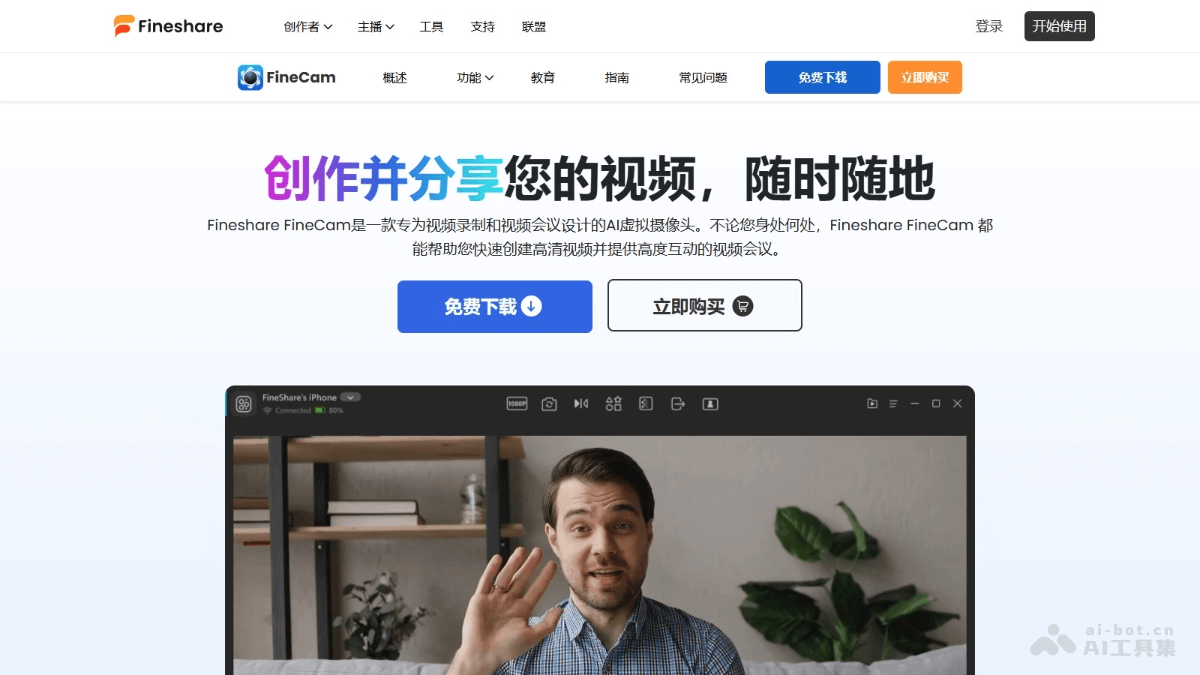
Main Features of Fineshare FineCam
- Camera Connection: Supports connecting iPhone/iPad, Android devices, and local webcams to a computer.
- Camera Adjustment: Provides adjustment options such as resolution, zoom, flip, and camera shape, as well as more features such as opacity, pause/resume video, desktop camera, and lens switching.
- Filter Effects: Change virtual backgrounds or add various filters to enhance visual effects.
- Content Sharing: Supports users in sharing slides, text, videos, and other files with FineCam, improving the professionalism and interactivity of videos.
- Scenes: Supports adding multiple scenes, as well as editing and switching scenes.
Fineshare FineCam Official Website Address
- Official Website Address:fineshare.com/cn/finecam
Fineshare FineCam Product Pricing
- 1 Month Plan: $9.95, 10 video scenes, 720P/1080P video quality, 1 computer/3 mobile devices, 24*7 free customer support.
- Lifetime Plan: $49.99, unlimited video scenes, 720P/1080P/4K video quality, 2 computers/50 mobile devices, 24*7 free and priority support.
- 1 Year Plan: $29.99, 50 video scenes, 720P/1080P/4K video quality, 2 computers/20 mobile devices, 24*7 free customer support.
Fineshare FineCam Use Cases
- Online Teaching: Teachers present slides, interactive web pages, and other teaching materials, integrating video and audio elements to create a more engaging and interactive learning experience for students.
- Online Meetings: Remote teams collaborate effectively, share files and ideas, conduct real-time discussions and brainstorming, and stay productive and connected.
- Product Demos: Salespeople give dynamic and effective product demonstrations to potential customers, highlight key product features and benefits, and answer questions and provide feedback in real time.
- Telemedicine: Doctors conduct high-quality remote consultations for patients unable to visit in person, display medical records and test results, discuss treatment plans, and protect patient privacy.
- Content Creation: Influencers and content creators enhance video content, add images, text, and other visual elements, and create a more visually appealing experience.