
What is Figma Make
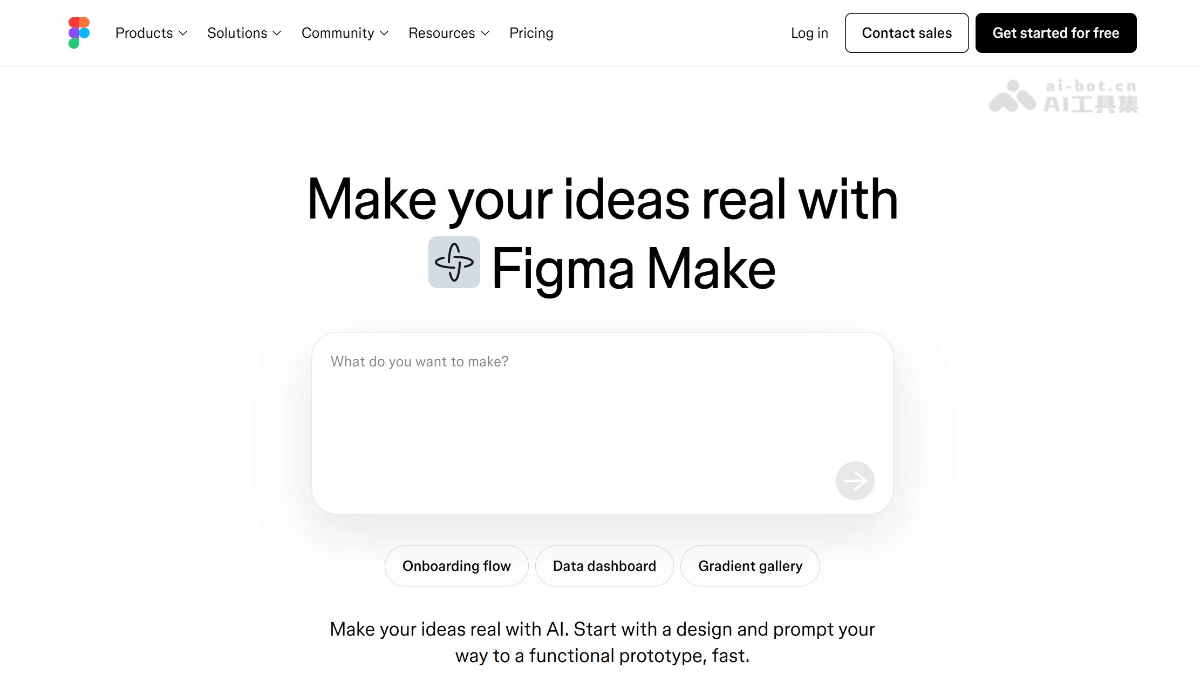
Figma Make is Figma an AI-driven prompt-to-app tool launched by Figma, helping designers and developers quickly turn ideas into high-fidelity prototypes and interactive applications. Users can describe in natural language or upload sketches, letting Figma Make quickly generate design frameworks and interaction effects. It supports importing design systems from Figma libraries to ensure the generated designs are consistent with existing styles. Figma Make supports users in editing and fine-tuning AI output in real time, including copy, images, and layout. The generated prototypes can be used for presentation and can be directly turned into publishable web applications by connecting tools such as Supabase, without writing code. Figma Make seamlessly integrates with Figma's other products such as Figma Sites, further improving design and development efficiency.
Main features of Figma Make
-
Creative exploration: Figma Make provides a free creative space where users can explore various bold and unusual ideas, quickly generate high-fidelity prototypes, and help teams better understand the design vision.
-
Maintain design consistency: By adding style context from Figma libraries, users can ensure that generated designs remain visually consistent with the existing design system. Custom rules can be set or frames can be pasted to guide Figma Make's generation process.
-
AI-assisted design: Users can select part of a design and use AI prompts to change its appearance. AI can also help when users are unsure how to design or implement code.
-
Edit and fine-tune AI output: Users can directly edit content generated by Figma Make, including rewriting copy, replacing images, or adjusting spacing. The preview can be copied as design layers into Figma Design for further iteration.
-
Build applications with real data: Figma Make can connect to Supabase to quickly turn ideas into publishable web applications without coding. Users can add features such as user authentication, storing user data, and connecting private APIs.
-
Seamless collaboration with other Figma products: Figma Make can be used in combination with other Figma products such as Figma Sites to easily customize websites, test interactions, and publish. Users can select any frame in Figma Sites and quickly generate with Figma Make.
How to use Figma Make
- Visit the platform: Visit Figma Make's official website https://www.figma.com/make/,也可访问Figma official website, select the product Figma Make to start using it.
-
Create a new file: Create a new design file in Figma Make.
-
Enter a description or upload a sketch: Define your design requirements by entering a text description or uploading a design sketch, helping Figma Make understand your idea.
-
Import a design system: Import a design system from Figma libraries to ensure the generated design remains consistent with the existing design style.
-
Generate design: Click the generate button, and Figma Make will quickly generate a design prototype based on the input information.
-
Edit and adjust: Edit directly in the generated prototype, including modifying copy, replacing images, adjusting layout, etc., to meet specific needs.
-
Connect a data source: If needed, you can connect to data sources such as Supabase to turn designs into interactive web applications.
-
Sharing and collaboration: Share the generated prototypes with team members or clients for collaboration and feedback.
-
Export code: Turn designs into runnable code, making it convenient for the development team to continue development.
Application scenarios of Figma Make
-
Quickly validate design ideas: Designers can quickly turn ideas into visualized high-fidelity prototypes and rapidly validate the feasibility of design concepts.
-
Generate interactive prototypes: Used to create prototypes with actual interactive functionality, helping teams better understand and demonstrate the design's user experience.
-
Design and development collaboration: Quickly turn designs into runnable code, making it easy for the development team to use directly or further optimize, improving collaboration efficiency.
-
Create marketing pages: Quickly generate marketing or demo pages without waiting for the development team, saving time and resources.
-
Build web applications: Connect to data sources such as Supabase to turn designs into fully functional web applications, achieving a one-stop solution from design to development.
-
Customized website design: Combined with Figma Sites, quickly customize and test website interactions, and easily publish updated website versions.
-
Education and training: In design education and training, help students and beginners get started quickly and understand design processes and interaction concepts.