
What is Feisuan JavaAI
Feisuan JavaAI is an intelligent Java development assistant launched by Feisuan Technology. Through natural language input, it enables full-process intelligent development from requirement analysis to code generation. Core functions include requirement analysis, software design, code generation, and code optimization. Developers only need to input a requirement description, and Feisuan JavaAI can accurately understand it and generate a complete engineering code framework, support multiple project build methods, automatically optimize code, and improve the compilation success rate.
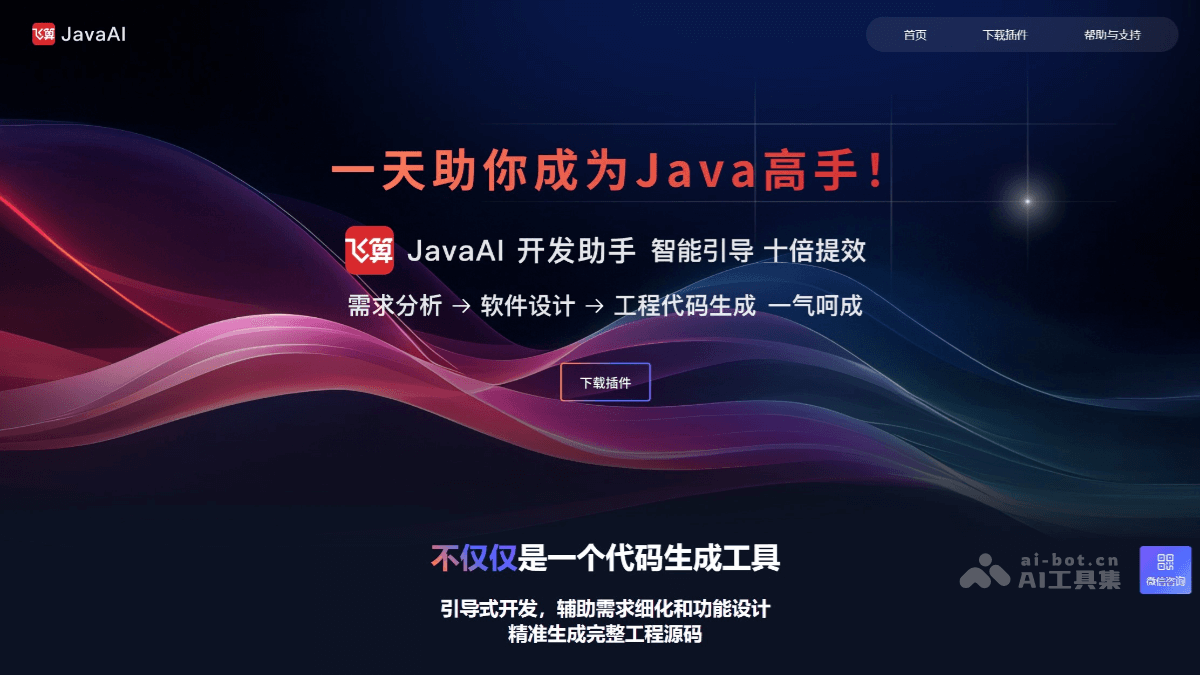
Main functions of Feisuan JavaAI
- Requirement analysis: Developers can input requirement descriptions through natural language or voice, and Feisuan JavaAI can accurately understand business requirements and transform them into programming logic. Through dialogue, it guides developers to refine requirement details, ensuring the completeness and accuracy of the requirements.
- Automatically generate design solutions: Based on the requirement description, Feisuan JavaAI can automatically generate multiple software design solutions for developers to choose from, including interface design, database table structure design, and decomposition of complex business logic.
- Multiple design options: Provides multiple design ideas and architecture solutions to help developers quickly determine the best design path.
- Code generation: Can generate a complete engineering framework including configuration class files, Java source code, and test resources with one click, and supports multiple project build methods such as Maven and Gradle.
- Full-stack code generation: Supports generating full-stack code such as Controller, Service, Dao, Mapper, and VO, covering development needs from backend to frontend.
- Automatically optimize code: Performs syntax correction, specification adjustment, and logic troubleshooting on generated code, significantly improving code quality. Provides intelligent prompts and improvement suggestions to help developers further optimize code.
- Development assistance: Supports seamless integration with mainstream IDEs (such as IntelliJ IDEA, Eclipse, etc.), making it convenient for developers to use directly in familiar environments.
- Real-time interaction and feedback: During the development process, Feisuan JavaAI can provide real-time interactive feedback to help developers quickly locate and solve problems.
How to use Feisuan JavaAI
- Install the plugin: Visit Feisuan JavaAI'sofficial website, download the zip offline installation package of JavaAI-plugin. Open IntelliJ IDEA, click "File > Settings" (Windows) or "IntelliJ IDEA > Preferences" (Mac), select "Plugins", click the settings button in the upper right corner, select "Install Plugin from Disk...", find the downloaded zip file and click "OK" to confirm the installation.
- Restart the IDE: After the installation is complete, restart IntelliJ IDEA.
- Register and log in: When using it for the first time, open IntelliJ IDEA, and the plugin will pop up a registration interface. Enter your email and password to create an account, or log in with an existing account.
- Use core functions
- Requirement analysis: Open the Feisuan JavaAI plugin dialog box and input requirements through natural language, such as "Design an interview question bank system, with functions including question list, answer query, and question management." AI will refine the requirements, and you can delete, add, or withdraw operations on the requirements.
- Design interfaces: After the requirements are understood, click "Next", and Feisuan JavaAI will generate the interface (Controller) based on the requirements, and you can adjust or optimize it as needed.
- Table Structure Design: After the interface design is completed, click "Next" and choose "Automatic Table Structure Design" or "Use Existing Data Tables". After clicking the "Confirm" button, you can modify table names, delete or add data tables, and also design the table structure.
- Processing Logic: After the table structure design is completed, click "Next", and Feisuan JavaAI will generate the detailed logic flow content for the interface based on the requirements. You can modify partial logic, and the AI will perform intelligent optimization based on the context.
- Generate Code: After the processing logic is completed, click "Next" and choose "Create a New Project" or "Merge Code into One of the Projects". After clicking the "Create Project" button, configure information such as the Spring Boot version, build tool, and ORM framework, then click the "Confirm" button, and Feisuan JavaAI will generate an enterprise-level project containing complete code.
Application Scenarios of Feisuan JavaAI
- New Project Development: Quickly build Java enterprise-level projects, saving time and effort.
- Development of New Modules for Old Projects: Quickly generate code for new modules, improving development efficiency.
- Prototype Development: Quickly create a demo based on product design to validate ideas.
- Optimization for High-Concurrency Scenarios: Feisuan JavaAI can generate an optimized code framework to help developers quickly implement high-performance system designs.
- Frequent Requirement Changes: In projects with frequent requirement changes, Feisuan JavaAI can quickly adapt to requirement changes by regenerating or adjusting the code framework through natural language input, reducing development costs caused by requirement changes.