
What Is Excel MCP Server
Excel MCP Server is a server tool based on the Model Context Protocol (MCP) that uses AI Agents to operate Excel files without installing Microsoft Excel. Excel MCP Server supports creating, reading, and modifying Excel workbooks, with features such as data reading and writing, formatting, formula calculation, chart generation, and pivot table creation. Excel MCP Server supports three transport methods: stdio, SSE (deprecated), and streamable HTTP, making it convenient for local and remote use. Excel MCP Server provides users with an efficient and flexible Excel file operation solution, suitable for scenarios that require automated processing of Excel data.
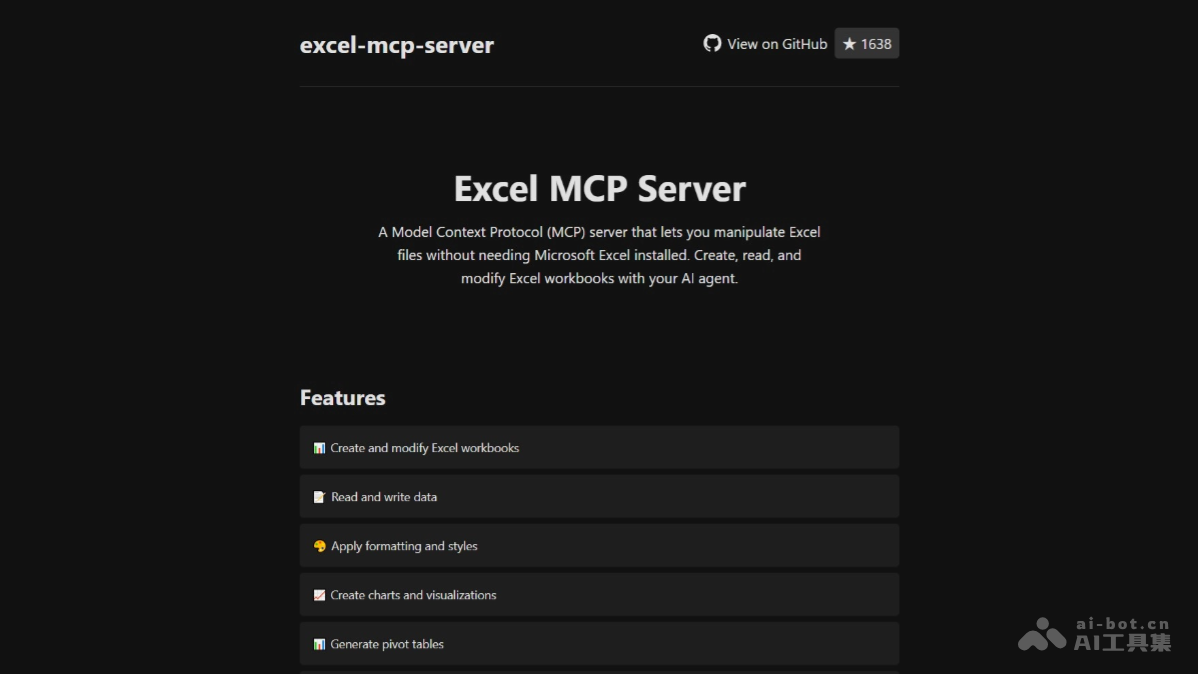
Main Features of Excel MCP Server
- Workbook Operations: Supports creating, opening, saving, and modifying Excel workbook files.
- Data Reading and Writing: Can read and write cell data, and supports formula calculation.
- Formatting Settings: Supports formatting settings such as cell styles, fonts, and colors.
- Charts and Visualization: Can create various types of charts and graphics.
- Pivot Tables: Supports creating and modifying pivot tables.
- Worksheet Management: Supports adding, deleting, renaming, and reordering worksheets.
- Real-Time Editing and Screenshots (Windows Only): Supports real-time editing features and screen capture.
Technical Principles of Excel MCP Server
Excel MCP Server is based on a client-server architecture. The client sends requests to the server through the MCP protocol, and the server processes the requests and returns results. The technical implementation is based on the following components:
- Python 3.10+: As the development language, it provides powerful library support.
- MCP SDK 1.2.0+: Used to interact with the MCP protocol.
- OpenPyXL 3.1.2+: Used to read and write Excel files.
- FastMCP Framework: Exposes APIs externally and supports multiple integration methods such as SSE/stdio.
Project Address of Excel MCP Server
- Project Official Website:https://excelmcpserver.com/
- GitHub Repository:https://github.com/haris-musa/excel-mcp-server
Application Scenarios of Excel MCP Server
- Enterprise Data Automation Processing: Enables automatic reading, cleaning, calculation, and summarization of data in enterprises, reducing manual operations and improving efficiency and accuracy.
- Data Analysis and Report Generation: Data analysts can quickly generate pivot tables, charts, and visualized reports. Supports dynamic data updates, helping teams keep abreast of business dynamics in real time and assisting decision-making.
- ERP System Integration: As middleware, it exports data from ERP systems to Excel files, or imports data from Excel files into ERP systems, enabling seamless data integration and improving enterprise resource management efficiency.
- Remote Collaboration and Real-Time Editing: Remotely operate Excel files over the network, allowing team members in different locations to collaboratively process the same file. In a Windows environment, it supports real-time editing, facilitating real-time team collaboration.
- Education: Teachers can quickly generate Excel files for teaching, such as exercises and datasets. At the same time, it supports automatically grading Excel assignments submitted by students, checking formulas and data formats, and improving teaching efficiency.