
What is Eleven v3
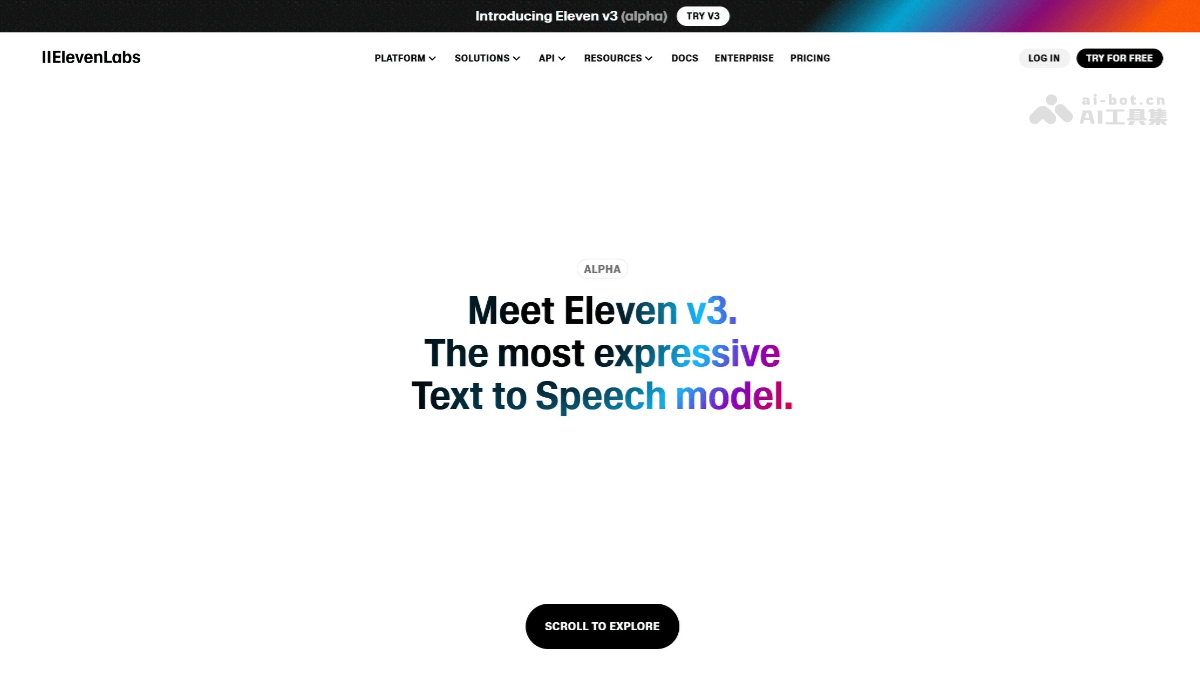
Eleven v3 isElevenLabsan advancedtext-to-speechmodel launched by ElevenLabs. It enables precise control of emotion and intonation through inline audio tags, supports multi-speaker dialogue for more natural conversations. The model supports over 70 languages, has strong text understanding, and can accurately capture emphasis and rhythm. It is suitable for fields such as media and film dubbing, audiobook production, game development, and education, providing vivid and realistic voice experiences.
Main features of Eleven v3
- Emotion and intonation control: Users can precisely control the emotion and intonation of speech through inline audio tags. For example, using tags such as "laughs", "whispers", "sarcastic" to express different emotions and tones, adding sound effect tags such as "gunshot", "applause", and using special tags such as "strongXaccent", "sings" for creative applications.
- Multi-speaker dialogue: Eleven v3 supports dialogue with up to 32 different speakers, and can simulate natural characteristics such as tone changes, emotional fluctuations, and even interruptions in real conversations, making multi-person dialogue scenes more realistic and natural.
- Language support: The model supports over 70 languages. Compared to previous versions, it has broader language coverage and can meet usage needs in more language environments.
- Text understanding capability: Eleven v3's text understanding capability is greatly enhanced, allowing it to understand text semantics more deeply and generate more natural and expressive speech.
Technical principles of Eleven v3
- Brand-new model architecture: Eleven v3 adopts a brand-new model architecture that can understand text semantics and context more deeply. Compared to previous versions, it can better capture emotions, rhythm, and intent in text, generating more expressive speech.
- Audio tag functionality: Eleven v3 introduces audio tag functionality. Users can precisely control emotional expression and non-verbal reactions in speech by inserting specific tags into the text (such as whispers, angry, laughs, etc.). These tags are divided into emotion expression tags, sound effect tags, and special tags, used to add ambient sounds and creative effects.
- Automatic tag functionality: Eleven v3 introduces automatic tag functionality. Users only need to click the "Enhance" button, and the model will automatically add emotion tags based on the text content, further simplifying the creative process.
- Stability slider: Users can control how closely the generated voice resembles the original reference audio through the "stability slider". The three options include Creative (emotional, more expressive, but prone to hallucination), Natural (balanced and neutral, closest to the original recording), and Robust (highly stable, but slower to respond to directional prompts).
How to use Eleven v3
-
Register an account: Visit ElevenLabs official website, register and log in to your account.
-
Select a model: Find the Eleven v3 (alpha) model on the platform and select it for use.
- Select a voice: Eleven v3 provides "22 excellent voice actors", and users can choose a suitable voice as needed. For example:
-
James: Husky and charming voice, suitable for storytelling.
-
Priyanka Sogam: Neutral accent, suitable for late-night radio programs.
-
Jessica: Young and playful, suitable for pop content dialogue.
-
- Upload reference audio: Users can upload a reference audio clip and use the "stability slider" to control how closely the generated voice matches the original reference audio. There are three levels of options:
- Creative: More emotional and expressive, but prone to hallucinations.
- Natural: Balanced and neutral, closest to the original recording.
- Robust: Highly stable, but responds more slowly to directional prompts.
- Control emotional expression: Eleven v3 introduces the ability to control emotions through audio tags, which fall into three categories:
-
Emotional expression tags: such as
[laughs](laughs),[whispers](whispers),[sarcastic](sarcastic), etc., used to express different emotions and tones. -
Sound effect tags: such as
[gunshot](gunshot),[applause](applause),[swallows](swallowing sound), etc., used to add ambient sounds and effects. -
Special tags: such as
[strong X accent](emphasize a certain accent),[sings](singing),[fart](fart sound), etc., used for creative applications.
-
- Notes
-
Prompt length: Prompts that are too short are more likely to lead to inconsistent output; it is recommended that the text be preferably more than 250 characters.
-
Tag combinations: Multiple audio tags can be combined to achieve complex emotional expression. Try different combinations to find the approach that best suits your voice.
-
Voice matching: Make the tags match the voice's personality and training data. For example, a serious, professional voice is not suitable for playful tags such as
[giggles]or[mischievously]. -
Text structure: Text structure has a huge impact on the output; use natural speech flow, appropriate punctuation, and a clear emotional context.
-
Application scenarios of Eleven v3
-
Media and film/TV production: It can be used for voiceover work in movies, TV series, advertisements, etc. Through precise emotional control and multi-character dialogue capabilities, it gives characters more vivid and realistic voices.
-
Audiobooks: In the production of audiobooks, Eleven v3 can adapt to changes in emotion and tone based on the text content, bringing listeners a more immersive reading experience.
-
Game development: For character dialogue and narration in games, the model can provide more natural and expressive speech, enhancing the interactivity and fun of the game.
-
Education and training: It can be used for voice teaching in education, online course explanations, etc., helping students better understand and learn.