
What is Eigent
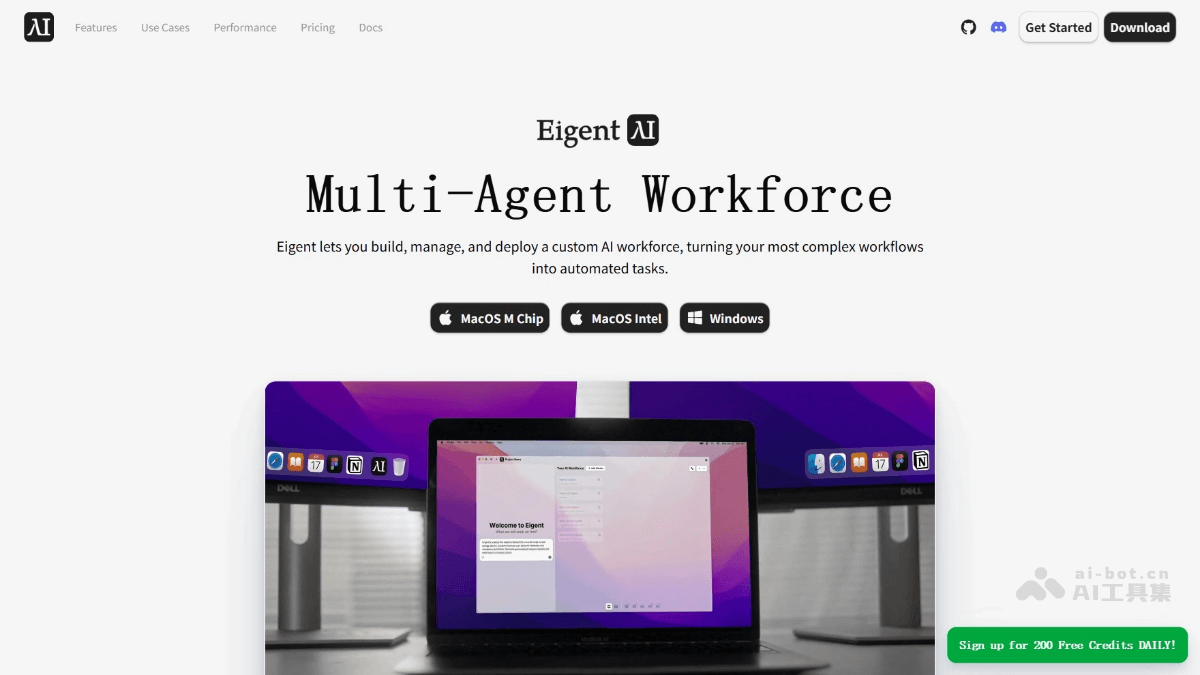
Eigent is the world's first desktop multi-agent Workforce platform launched by the CAMEL-AI team. The platform is built on the open-source projects CAMEL and OWL , supporting users in customizing their own dedicated AI teams to automate complex tasks. Eigent features multi-agent parallel execution, Human-in-the-loop intervention at any time, flexible integration of multiple tools, 100% open source and local deployment. Eigent can transform complex workflows into automated tasks, improving work efficiency while ensuring data privacy and controllability.
Main features of Eigent
- Multi-agent parallel execution: Multiple agents process different parts of a task simultaneously, significantly improving task execution efficiency and making it faster than traditional single-agent approaches.
- Custom agents (Worker): Users can create dedicated agents based on their needs, such as legal compliance agents, social media agents, etc., to meet the requirements of different scenarios.
- Human-in-the-Loop: When agents encounter uncertain situations, they automatically request human intervention, ensuring that task execution results are accurate, reliable, and meet user requirements.
- Flexible integration of multiple tools (MCP integration): Supports more than 200 built-in tools, and users can upload their own tools to enhance agent capabilities.
- 100% open source + local deployment: Fully open source, users can use, view, and modify the code for free, and it supports local deployment to ensure data privacy and security.
- Dynamic task planning and adjustment: Dynamically splits tasks, re-plans assignments, or creates new agent nodes to complete tasks based on task complexity and agent status.
Technical principles of Eigent
- Multi-agent system architecture: The core of Eigent is a multi-agent system composed of multiple agents (Agent), each with specific skills and tools. Agents collaborate to complete complex tasks.
- Task Manager Agent: Responsible for task decomposition and allocation strategies.
- Coordinator Agent: Responsible for the division of labor and collaboration among agents.
- Worker Nodes: The specific executors, responsible for completing the tasks assigned to them.
- Parallel processing: Eigent improves task execution efficiency based on parallel processing. Tasks are split into multiple subtasks, and subtasks can be executed simultaneously by different agents, rather than the traditional single-agent serial execution approach.
- Dynamic task splitting and re-planning: During task execution, tasks are dynamically split based on agent status and task progress. If an agent encounters a problem or a task fails, the system automatically re-plans the task and even creates new agent nodes to complete the task.
Eigent project address
- Project official website:https://www.eigent.ai/
- GitHub repository:https://github.com/eigent-ai/eigent
How to use Eigent
- Visit the Eigent official website: Visit the Eigent official website: https://www.eigent.ai/,根据操作系统选择下载对应版本。
- Log in to your account: Complete registration and login as prompted.
- Create a task: After logging in, click "Create New Task" and enter the task name and description.
- Select or customize an agent: Select a predefined agent or customize an agent to meet the task requirements.
- Configure task parameters: According to task requirements, enter keywords, upload files, or specify other parameters.
- Start Task: After configuration is complete, click the "Start Task" button to start the task.
- Monitor Task Progress: View task progress in real time on the task management interface, and intervene manually when necessary.
- View Task Results: After the task is completed, view the detailed results on the task management interface.
- Save and Share Results: Save the results locally or share them with others through the platform.
Eigent Application Scenarios
- Travel Planning: According to the user's needs, quickly plan a detailed travel itinerary, including flight booking, hotel arrangements, activity recommendations, and budget control, helping users easily arrange the perfect trip.
- Market Research: Automatically collect market data, analyze market size, regulatory policies, consumer profiles, distribution channels, etc., and provide comprehensive feasibility reports for enterprises' market entry or product promotion.
- File Management: Scan local folders, identify completely identical or nearly duplicate files, and list them grouped by similarity, helping users efficiently organize and manage files.
- Document Processing: Automatically process documents, generate summaries, extract key information, and even write complete reports according to user needs, improving document processing efficiency.
- Social Media Management: Assist users in creating, publishing, and optimizing social media content, analyzing user feedback, improving interaction results, and helping users better manage social media accounts.