
What is DryMerge
DryMerge is an innovative no-code automation tool that simplifies cross-application workflows through natural language processing. Users only need to describe tasks in simple English, and DryMerge can automatically generate automation workflows without writing code. It supports integration with a variety of popular applications such as Slack, Gmail, Google Sheets, Salesforce, and more, and can quickly synchronize data and automatically execute repetitive tasks, such as syncing new customer email information to a database or automatically updating project status.
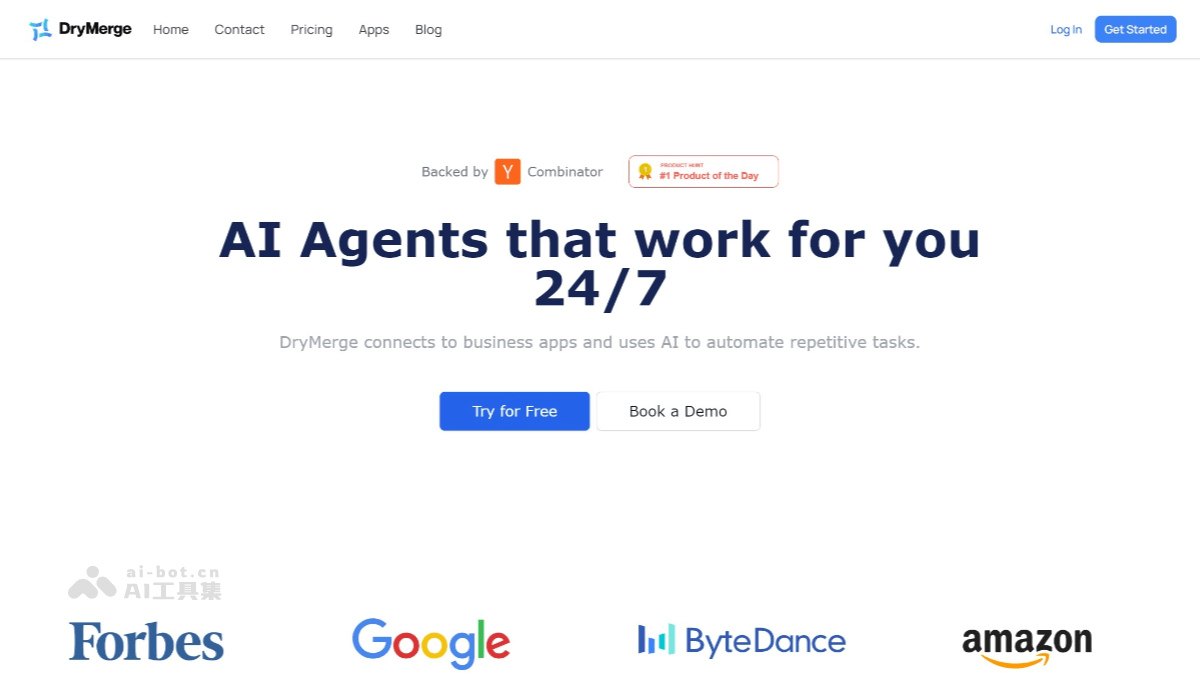
DryMerge's main features
- Natural language task setup: Users can describe the tasks they want to automate in simple English, and DryMerge will create automation workflows based on the description.
- Multi-application integration capability: DryMerge supports integration with a variety of popular applications, such as Slack, Gmail, Google Sheets, Salesforce, Microsoft Outlook, Notion, and more.
- No-code automation: Users do not need to write code or complex logic; they can quickly build automation workflows through simple descriptions and operations in a visual interface.
- Preset templates: DryMerge provides a rich set of preset automation templates covering common work scenarios, such as email automation, data synchronization, and customer management. Users can choose templates according to their needs and make simple adjustments to quickly implement automation tasks.
- Real-time monitoring and analysis: Users can monitor the execution of automation tasks in real time and view task running status, success or failure, and data synchronization. DryMerge also provides data analysis features to help users optimize automation workflows.
- Enterprise-grade security and support: For enterprise users, DryMerge provides advanced security features, including data encryption and permission management, to ensure data security. It provides 24/7 customer support to help users solve problems encountered during use.
- Multiple triggers: DryMerge supports multiple triggers (such as new emails, new tasks, and new data entries) and actions (such as sending notifications, updating data, and creating tasks). Users can flexibly combine them according to their needs to implement complex automation logic.
- Cross-platform synchronization: DryMerge supports data synchronization between different platforms, such as updating external data to internal systems in real time, or automatically syncing new customer information to a CRM system, improving work efficiency and data consistency.
How to use DryMerge
- Sign up for a free trial: Visit DryMerge'sofficial websiteto sign up for a free trial.
- Connect applications: Integrate DryMerge with the applications you need to automate.
- Describe the automation task: Describe the task in natural language, for example, "sync new customer emails to Google Sheets."
- Review and activate the automation: DryMerge will create an automation workflow based on the description, and users can activate it after confirming it is correct.
- Monitor and optimize: Use the platform's analysis features to monitor the execution of automation tasks and make adjustments as needed.
DryMerge's application scenarios
- Sales and customer relationship management: Automatically sync potential customer information from emails to CRM systems (such as Salesforce), and create follow-up tasks. Receive new customer notifications via Slack, automatically schedule meetings and update customer status.
- Project Management: Create project tasks (such as Jira tasks) from Slack messages, and sync them to project management tools. Automatically update project progress and documents to ensure team members have real-time access to the latest information.
- Content Creation and Management: Automatically save Gmail attachments to Google Drive, and create a content calendar in Notion. Automatically generate meeting notes and sync them to Google Docs.
- Marketing Automation: Plan social media posts from Google Sheets, automatically publish them and sync performance metrics to Airtable. Trigger personalized email marketing based on user behavior to ensure marketing strategies are based on the latest data.