
What is draw.io
draw.io is a free online drawing tool that allows users to quickly create various charts based on the browser, such as flowcharts,mind maps, network topology diagrams, Gantt charts, etc. draw.io provides a rich set of templates and shape libraries, is simple and easy to use, supports real-time multi-user collaboration, and makes it convenient for teams to edit together. draw.io integrates with tools such as Google Drive and Confluence, making it convenient to use across different platforms. draw.io charts can be saved in the cloud, making them easy to access and share at any time. draw.io is widely used in scenarios such as project management, education, internal enterprise planning, and personal note organization.
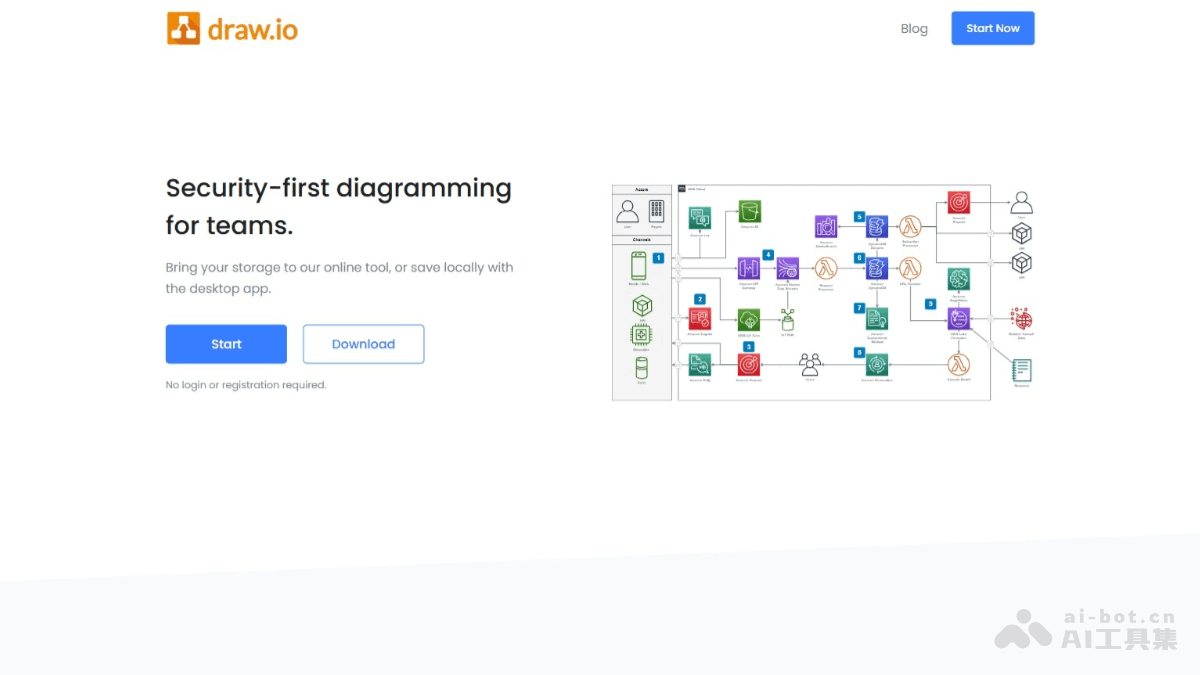
Main features of draw.io
- Rich chart types: Supports multiple chart types, such as flowcharts, mind maps, network topology diagrams, UML diagrams, etc., meeting drawing needs in different scenarios.
- Multi-platform support: Provides an online version and an offline version, supports operating systems such as Windows, Mac, and Linux, and users can choose how to use it according to their needs.
- Powerful template library: Built in with a large number of preset templates and shapes, allowing users to quickly create charts and save design time.
- Cloud storage and collaboration: Supports integration with cloud platforms such as Google Drive and Confluence, making team collaboration and file sharing convenient.
- Dynamic effects and interactivity: Supports adding dynamic effects, such as animations, interactive buttons, etc.
- Export and compatibility: Supports export in multiple formats, such as PNG, JPEG, SVG, PDF, etc., making it convenient for users to use charts in presentations, reports, or printing.
draw.io official website address
- Official website address:drawio.com
draw.io application scenarios
- Project management: Draw Gantt charts, flowcharts, task allocation diagrams, etc., helping teams plan project progress, clarify division of labor, optimize workflows, and improve project execution efficiency.
- Education: Create mind maps, knowledge structure diagrams, teaching flowcharts, etc., assisting teachers in lesson preparation and teaching, helping students organize knowledge points, sort out learning ideas, and enhance learning outcomes.
- Within enterprises: Draw organizational charts, department flowcharts, business process diagrams, etc., clearly displaying the internal structure and business processes of an enterprise, facilitating onboarding training for new employees and internal management optimization.
- Network planning: Design network topology diagrams, system architecture diagrams, etc., helping technical personnel plan network layouts, deploy system architectures, and ensure efficient operation of networks and systems.
- Personal use: Organize personal notes, plan daily tasks, draw creative sketches, etc., improving the organization and efficiency of personal life and learning.