
What is Draw A Fish
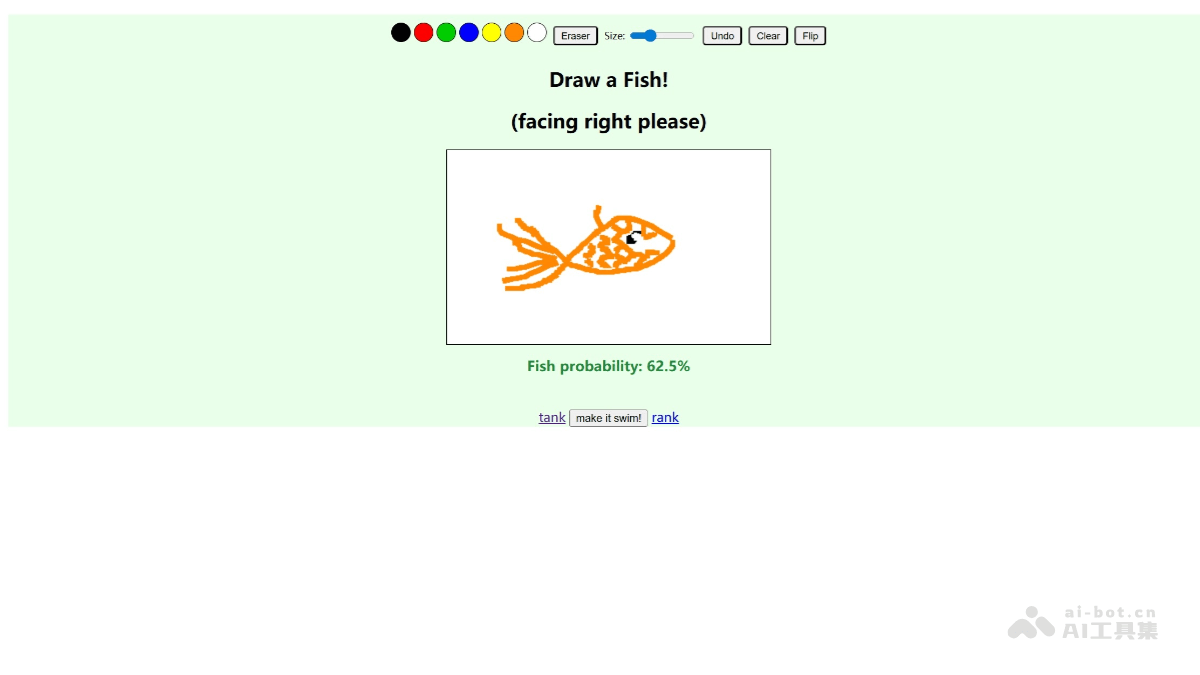
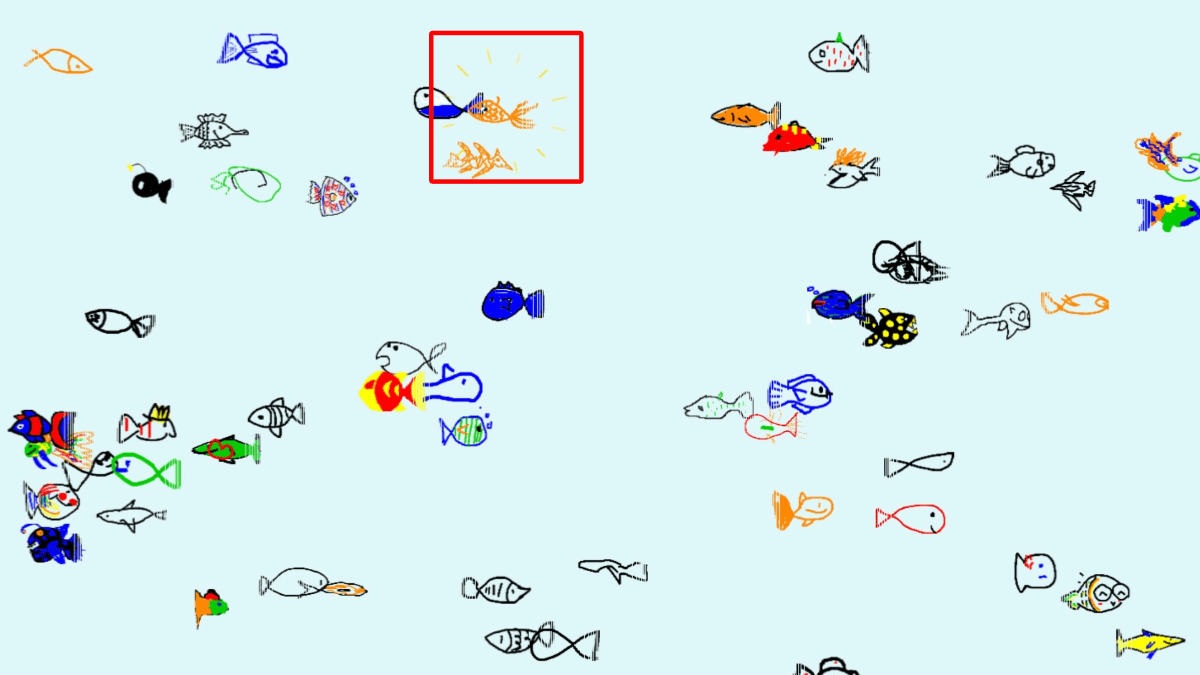
Draw A Fish is a unique online AI fish drawing website where users can freely draw a fish with their mouse. After clicking "Release", the fish enters a globally shared virtual fish tank, swimming together with fish from all over the world. The website requires no registration and is simple to use; creation and sharing can be completed in just a few seconds. The website interface is clean and provides seven colors to choose from, allowing users to easily draw all kinds of oddly shaped fish. After completing a work, users can browse other users' creations in "Latest", "Popular", or "Random" mode and like them. Users can create a "personal fish tank" for their own fish and enjoy exclusive fun.
Main Features of Draw A Fish
-
Simple Drawing and Submission: Users can casually draw a fish with a mouse on the simple drawing board provided by the website, choose one of seven colors for drawing, and after completion click the "Release" button to submit the fish to the globally shared virtual fish tank.
-
Global Fish Tank Sharing: Fish submitted by users enter a globally shared virtual fish tank, where you can see the fish you drew swimming together with fish from all over the world, forming a colorful underwater world.
-
Interactive Like Feature: Users can browse other users' works and like them, and can view which fish are most popular in the leaderboard. This interactive mechanism increases users' sense of participation and creative motivation.
-
Personal Fish Tank Creation: Users can create a "personal fish tank" for the fish they draw, where they can centrally display their works and conveniently view and manage them at any time.
-
Multiple Browsing Modes: Provides multiple browsing modes such as "Latest", "Popular", and "Random". Users can choose to view different types of fish according to their preferences and discover more interesting creations.
How to Use Draw A Fish
-
Visit the Website: Visit the Draw A Fish official website:https://drawafish.com/,进入 Draw A Fish homepage.
-
Start Drawing: On the simple drawing board provided by the website, use the mouse to freely draw a fish. You can choose one of seven colors for drawing.
-
Submit Your Work: After finishing the drawing, click the "Let it swim" button to submit your fish to the globally shared virtual fish tank.
-
View the Fish Tank: After submission, your fish will appear in the global fish tank, and you can see it swimming together with other users' fish.
-
Interactive Likes: Browse other users' works and like the fish you like. You can also view the most popular fish in the leaderboard.
-
Create a Personal Fish Tank: If you want to centrally display your works, you can create a "personal fish tank" for your fish.
-
Browsing Mode Selection: You can choose "Latest", "Popular", or "Random" mode to browse different fish and discover more interesting creations.
-
No Registration Required: The entire process requires no account registration. Participate directly, simply and quickly.
Application Scenarios of Draw A Fish
-
Personal Entertainment: Users can relax by drawing fish in their spare time, enjoy the fun of creation, and pass fragmented time.
-
Team Interaction: In team activities, members can draw fish together and share them, increasing the team's interactivity and cohesion.
-
Educational activities: Schools or educational institutions can use this platform to carry out creative drawing courses, inspiring students' creativity and imagination.
-
Social sharing: Users can share their works on social media, interact with friends and family, and increase social fun.
-
Creative display: Artists and designers can display their creative works on this platform and exchange inspiration with other creators.