
What is Disco
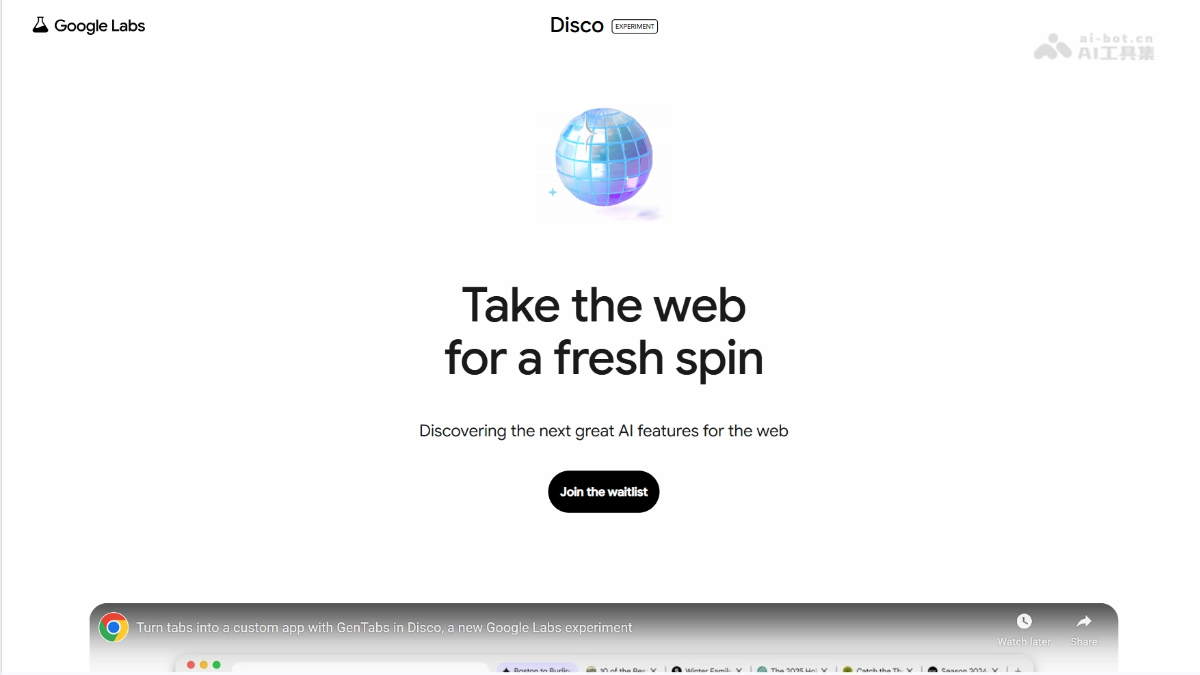
Disco is an experimental AI browser launched by Google. Disco's core feature is GenTabs, which uses Gemini 3 models to turn the tabs opened by users into customized interactive applications. For example, by entering "plan a trip to Japan," GenTabs can generate a mini-app that includes an interactive map and an itinerary builder. Unlike traditional search, Disco uses real web pages as its foundation and integrates new information in real time, avoiding taking users away from the source web pages. Disco is currently in early access and open only to a small number of users, with the goal of exploring the browser's transformation from a traditional information display tool into a productivity platform.
Disco's main features
-
GenTabs feature: Turns the content of the tabs currently opened by the user into customized interactive applications to meet personalized needs.
-
Highly personalized: GenTabs is dynamically generated according to the user's specific needs and goals, providing unlimited creative possibilities.
-
Interactive experience: The generated applications are interactive, and users can operate and adjust content in real time.
Disco's official website address
- Official website address:https://labs.google/disco
How to use Disco
- Join the waitlist: Disco is currently in testing, and users need to visit the Disco official websitehttps://labs.google/disco加入等待名单。
- Install the Disco browser: After gaining access, users need to download and install the Disco browser. Currently, Disco only supports the macOS system.
- Open web pages and activate GenTabs: In the Disco browser, open multiple web pages related to the target. For example, if planning a trip, you can open web pages such as travel guides, maps, and hotel bookings.
-
Activate GenTabs: Activate this feature through the GenTabs function button or menu option in the browser interface.
-
Enter the target description: In the GenTabs input box, enter the target description, for example, "plan a trip to Japan."
-
Generate an interactive application: Disco generates a customized interactive application based on the entered target and the content of the opened web pages.
-
Use the application: The generated application can be used immediately, for example, to view an interactive map, add itinerary arrangements, adjust a meal plan, and so on.
-
Real-time adjustments: If needed, modify the application in real time by entering new instructions or adjusting existing content.
Disco's application scenarios
-
Planning a trip: Combines travel guides, maps, and booking information to generate a personalized travel planning tool, making it convenient for users to arrange their itineraries.
-
Making a meal plan: Integrates recipes and nutritional advice to generate a meal planning application, helping users arrange their meals reasonably.
-
Planning a garden: Integrates gardening resources and design tools to generate a garden planning application, assisting users in designing and managing their own gardens.
-
Academic research: Combines academic papers and research resources to generate knowledge graphs or learning tools, helping users better understand and organize academic information.
-
Project management: Integrates project-related documents, resources, and progress information to generate project management tools, improving work efficiency.