
What is designify
designify is an artificial intelligenceonline design tool, helping users quickly create professional-grade visual content. Users only need to upload photos, and designify can automatically remove backgrounds, enhance colors, adjust shadows, etc., simplifying the design process. It is suitable for scenarios such as e-commerce, marketing campaigns, and car displays, generating high-quality product images and promotional materials. It provides intelligent editing features and supports users in adding custom elements. It supports batch processing and API access, and can efficiently process large numbers of images.
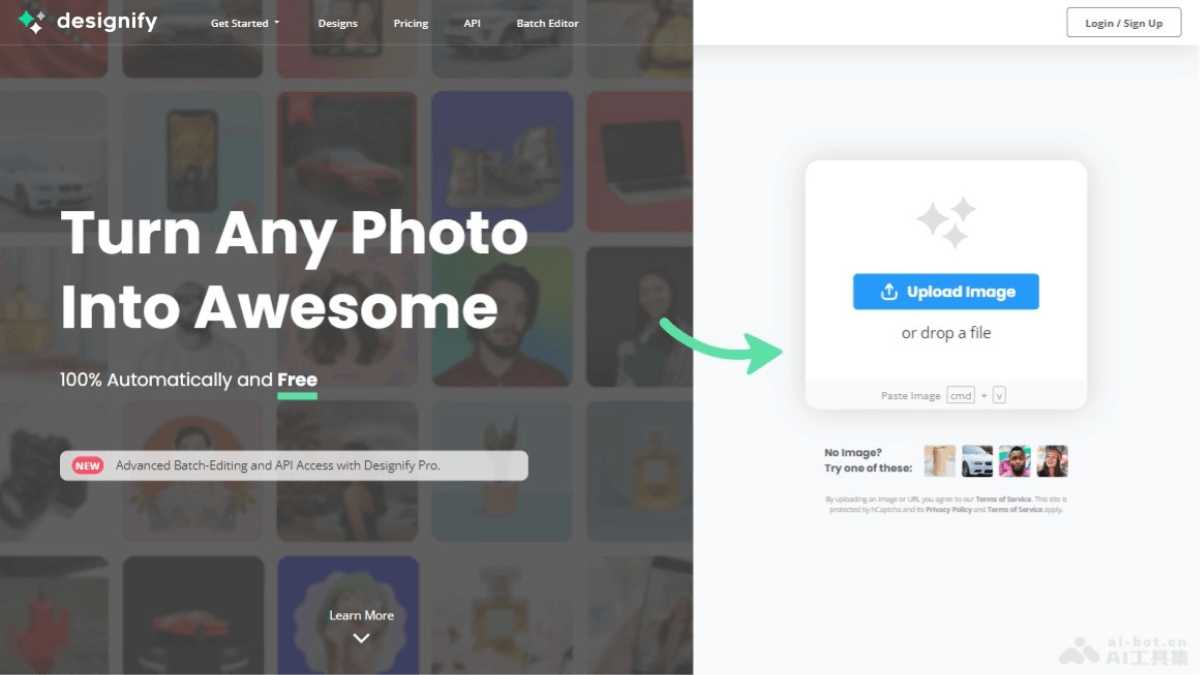
designify's main features
- Automatic design: After users upload images, designify automatically removes backgrounds, enhances colors, and adjusts shadows, quickly creating professional-grade image designs.
- Smart editor: Supports users in adding their own logos or images on top of the automatic design, adjusting smart shadows, and automatically matching the colors of design elements.
- Batch processing: Users can edit photos in batches through the API or directly on the website, improving the efficiency of processing large numbers of images.
- High-resolution output: designify provides high-resolution design output, ensuring image quality meets professional needs.
- API access: Supports users in calling designify through the API for image processing, making it easy to integrate into other applications or workflows.
- User-friendly interface: Provides a simple and intuitive operation interface, allowing non-professional designers to easily get started.
designify's official website address
- Official website address:designify.com
designify's application scenarios
- E-commerce: Online merchants can use designify to create product images, automatically remove backgrounds, and enhance product images, making them more attractive on websites.
- Marketing campaigns: Marketers can use designify to quickly generate attractive advertising images and social media posts, improving the visual effect of marketing campaigns.
- Car displays: Car sellers can use designify to display vehicle images, enhancing the professionalism of vehicle photos through automatic design features and attracting potential buyers.
- Social media content: Content creators and influencers can use it to design social media posts and stories, increasing the appeal and interactivity of content.
- Personal projects: Individual users can use designify to edit and design personal photos, such as making greeting cards, invitations, or images for personal websites and blogs.
- Corporate branding: Enterprises can use designify to create and maintain brand image, including logos, brochures, posters, etc.