
What is DeepPDF
DeepPDF is an online AI PDF processing tool that can process documents efficiently and intelligently. It supports chatting with PDF files and can accurately answer users' questions about document content; it quickly generates document summaries to help users quickly grasp the core points. DeepPDF provides multilingual translation functionality, preserving the original layout during translation to ensure the format remains unchanged. It can recognize and explain images, charts, and mathematical formulas, and provide definitions for specialized terms, making it easier for users to understand complex content.
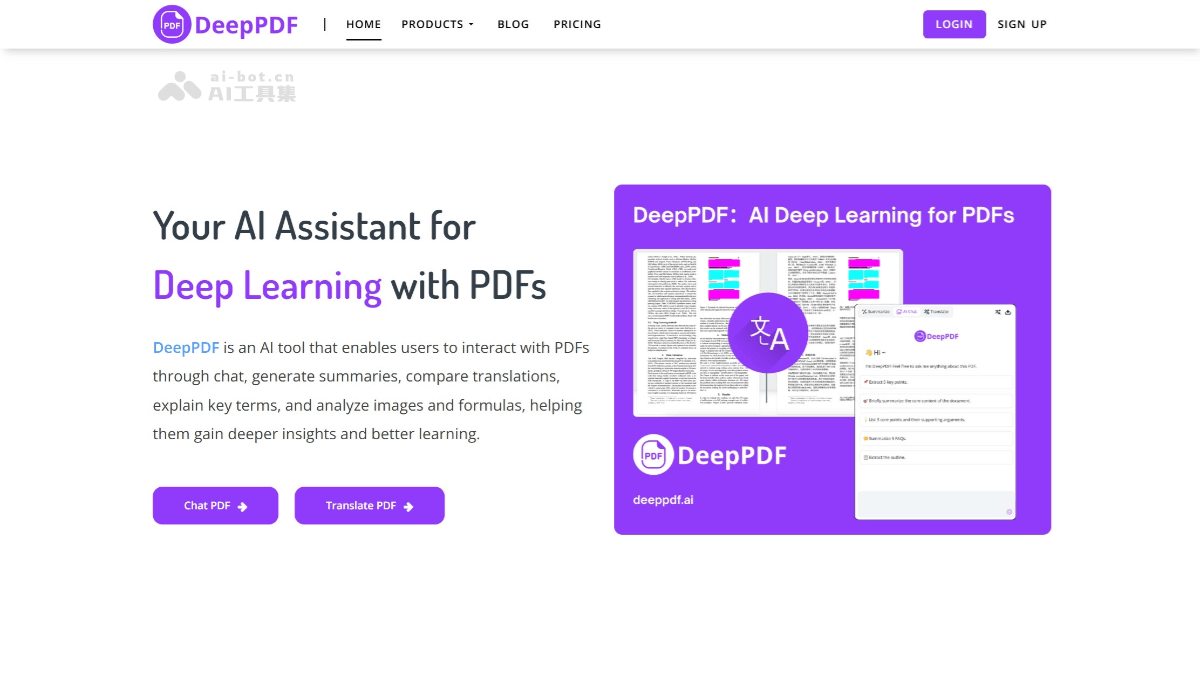
Main features of DeepPDF
- Intelligent chat feature: Users can directly chat with PDF files and ask questions. DeepPDF will analyze the document content through AI technology and provide accurate answers, helping users quickly understand the core content of the document.
- Document summarization: DeepPDF can automatically extract key information from PDF files and generate concise summaries.
- Multilingual translation: Supports translation in more than 100 languages and provides a bilingual comparison view. During translation, DeepPDF preserves the original format, ensuring that the positions of tables and images remain unchanged and avoiding confusion.
- Image and formula analysis: DeepPDF can recognize images, charts, and mathematical formulas in PDFs and explain their meaning.
- Term explanations: For specialized terms in documents, DeepPDF can provide definitions and explanations to help users better understand the document content.
- File format conversion: Supports converting PDF files to commonly used formats such as Word and Excel, and can convert files in other formats to PDF.
- OCR recognition: DeepPDF's OCR feature can convert scanned image PDFs into editable text.
- PDF management tools: DeepPDF provides a series of PDF management features, including compressing, merging, and splitting PDF files, adding watermarks or signatures, etc. It can help users better manage and optimize PDF files.
DeepPDF official website address
- Official website address:deeppdf.ai
DeepPDF application scenarios
- Student learning: Students can upload academic papers and quickly obtain information such as the paper's core viewpoints and conclusions through the chat feature. The system can also generate a full-text summary, helping them quickly grasp the key points.
- Teacher lesson preparation: Teachers can use DeepPDF's translation feature to translate foreign-language teaching materials into the required language, making lesson preparation easier. It helps teachers quickly extract the key content of teaching materials and improve lesson preparation efficiency.
- Document processing: Workplace professionals need to process various PDF files, such as contracts and reports. DeepPDF's format conversion feature can convert PDFs into formats such as Word and Excel, making editing and modification easier.
- Literature reading and analysis: Researchers can upload large amounts of literature materials and ask DeepPDF questions through the chat feature to quickly obtain key information. The image and formula analysis features can help researchers better understand charts and formulas in the literature.
- Data organization and analysis: For research reports containing large amounts of data and charts, DeepPDF can help researchers quickly extract and organize data, improving work efficiency.