
What is DAMODEL
DAMODEL (Danmo) is a one-stop AI intelligent computing cloud platform. Based on powerful Xiyun computing GPU cloud servers, it provides users with a high-performance AI development environment. It supports multiple mainstream AI frameworks such as TensorFlow, PyTorch, PaddlePaddle, etc., and comes with a rich set of pre-installed base images, including CUDA 11+, Python 3.10+, and Ubuntu 20.04, ensuring users can quickly start projects. It offers a variety of GPU options from entry-level to professional-grade, such as NVIDIA GeForce RTX 4090, Tesla P40, NVIDIA A800 SXM4-80GB, etc., meeting the needs of different users. Danmo DAMODEL is equipped with 250G memory and a 100G system disk, supporting enterprise-grade lossless GPU computing power to ensure high-performance operation.
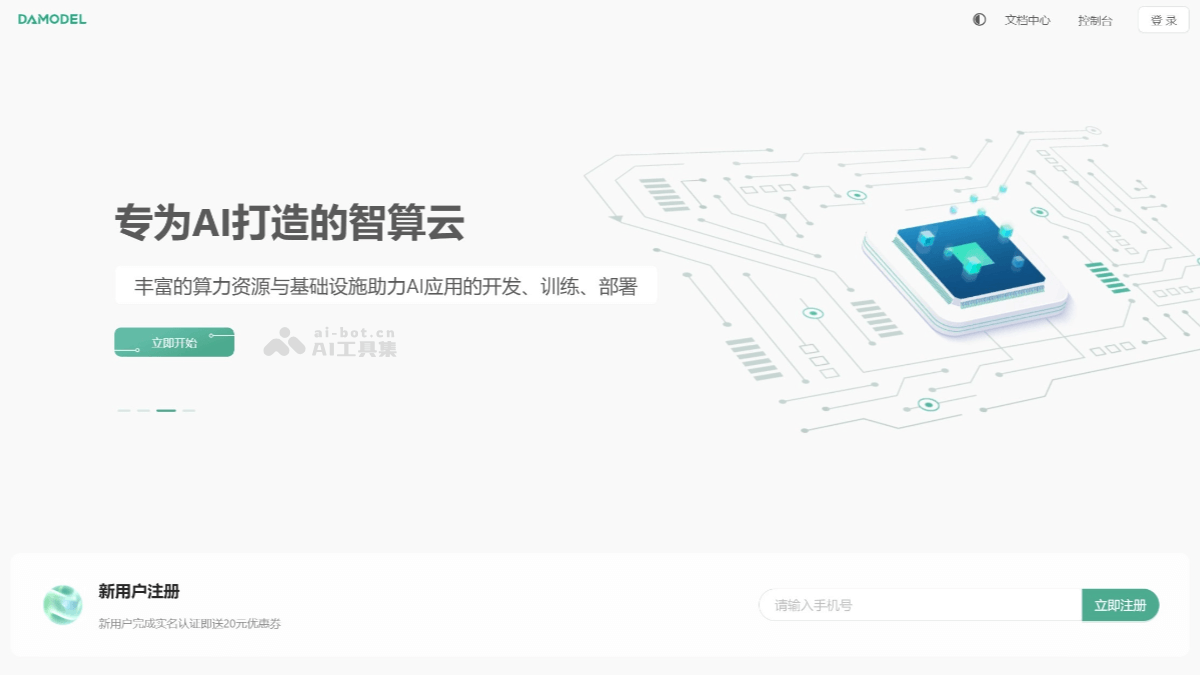
Main Features of DAMODEL
- High-performance Computing Power Support:
- Provides a variety of high-performance GPU options, covering multiple models from entry-level to professional-grade, such as NVIDIA GeForce RTX 4090, Tesla P40, NVIDIA L40S, NVIDIA A800 SXM4-80GB, NVIDIA H800, etc.
- Supports enterprise-grade lossless GPU computing power, ensuring users can obtain strong computing support during AI model training and inference.
- Out-of-the-box Development Environment
- Comes with pre-installed mainstream AI development frameworks and tools, including TensorFlow, PyTorch, PaddlePaddle, TensorRT, ComfyUI, etc.
- Provides base images, supporting CUDA 11+, Python 3.10+, Ubuntu 20.04, etc. Users do not need to configure the environment from scratch and can quickly start projects.
- Provides 250G memory and a 100G system disk, ensuring high-performance requirements during development and operation.
- Convenient Storage and Management
- Provides enterprise-grade network shared file storage, supporting one-click mounting to application instances, making it convenient for users to manage and use data.
- Supports diverse storage specifications to meet the needs of different usage scenarios.
- Realizes storage-compute separation and data security management, ensuring data reliability and security.
- Visualized Operations and Monitoring
- Provides a graphical interactive interface for GPU instances, allowing users to operate and manage through a visual interface.
- Realizes dynamic resource monitoring of instances, helping users understand resource usage in real time.
- Supports JupyterLab online access, allowing users to directly develop and debug code in the browser.
- Rapid Deployment and Application
- Supports one-click deployment, second-level startup, and pay-as-you-go, allowing users to flexibly choose resources according to their needs.
- Built in with multiple mainstream AI models, such as chatglm2-6B, vicuna-7B, YoloV8, Diffusion models, etc., supporting rapid deployment of high-performance AI applications such as LLM, AI generation, and data science. Provides zero-foundation best practice tutorials to help beginners get started quickly.
- Diverse Application Support
- Supports AI large model training and testing, meeting the development needs of large-scale AI models.
- Supports various application scenarios such as deep learning, machine learning, data science, image and video processing, etc.
- Provides rich model and framework support, such as ResNet50, Vision Transformer, SSD object detection, FCN image semantic segmentation, etc.
- Cost Effectiveness: Provides ultra-low-price computing power services, gives coupons upon registration, and offers various community discount activities to help users reduce development costs.
How to Use DAMODEL
- Registration and Login: Visit DAMODEL'sofficial website, register or log in. After logging in, enter the user console.
- Create a GPU instance
- In the console, select "Create Instance".
- Select the desired GPU configuration (such as RTX 4090, A800 SXM, etc.).
- Select the billing method (pay-as-you-go, daily package, monthly package, etc.).
- Select the operating system (such as Ubuntu 20.04) and the pre-installed AI environment (such as TensorFlow, PyTorch, etc.).
- Set the instance name and quantity, and click the "Create" button.
- Connect to the instance: After creation is complete, you can connect to the GPU instance in the following ways:
- SSH connection: Connect to the instance via an SSH command, using a private key for identity authentication.
ssh -i your_private_key.pem username@instance_ip - JupyterLab online access: Access and operate directly in the browser through the JupyterLab entry provided by the console.
- SSH connection: Connect to the instance via an SSH command, using a private key for identity authentication.
- Use pre-installed environments: DAMODEL comes pre-installed with a variety of mainstream AI development environments and tools, such as TensorFlow, PyTorch, PaddlePaddle, etc.
- Users can directly launch Notebook in JupyterLab and start writing and running code. If you need to use a specific AI model, you can directly call pre-installed model images, such as chatglm2-6B, vicuna-7B, etc.
- Data management: DAMODEL provides enterprise-grade network shared file storage, supporting one-click mounting to application instances. Users can upload data files through the console, or upload files directly in JupyterLab. It supports the separation of storage and computing, ensuring secure management and efficient use of data.
- Monitoring and management: Through the console's visual interface, users can monitor the resource usage of GPU instances in real time, including CPU, memory, GPU utilization, etc. Orders, funds, and tickets can be managed through the console, making resource management and optimization convenient.
- Deployment and running: Users can write and run code in JupyterLab for AI model training and inference. If a model needs to be deployed, you can directly run the deployment script on the instance, or use the deployment tools provided by the platform.
DAMODEL application scenarios
- AI large model training and testing: With the development of AI technology, the training and testing of large models (such as LLMs, i.e., large language models) require strong computing resource support. DAMODEL provides a variety of high-performance GPU options that can meet the needs of large-scale model training.
- Deep learning and machine learning: Deep learning and machine learning are core areas of AI, requiring large amounts of data processing and complex model training. DAMODEL provides rich AI framework support and high-performance computing resources.
- Data science and analytics: Data science involves data collection, processing, analysis, and visualization, and requires an efficient computing environment and flexible tool support. DAMODEL provides a pre-installed JupyterLab environment and a variety of data processing tools, making it convenient for data scientists to perform complex data analysis.
- Image and video processing: Image and video processing are important application areas of AI, involving tasks such as image generation, video editing, and special effects production. DAMODEL provides powerful GPU resources and a variety of pre-installed models, enabling these tasks to be completed efficiently.