
What is Daiti
Daiti is an AI voice input tool based on Tongyi FunASR model. The tool runs a small local model, with data not uploaded to the cloud, ensuring absolute privacy. Daiti supports custom dictionaries and AI text correction, effectively improving the accuracy and efficiency of voice input. The client runs fast and is suitable for writing, chatting, programming, and many other scenarios, making it an ideal choice for users who value privacy and efficiency.
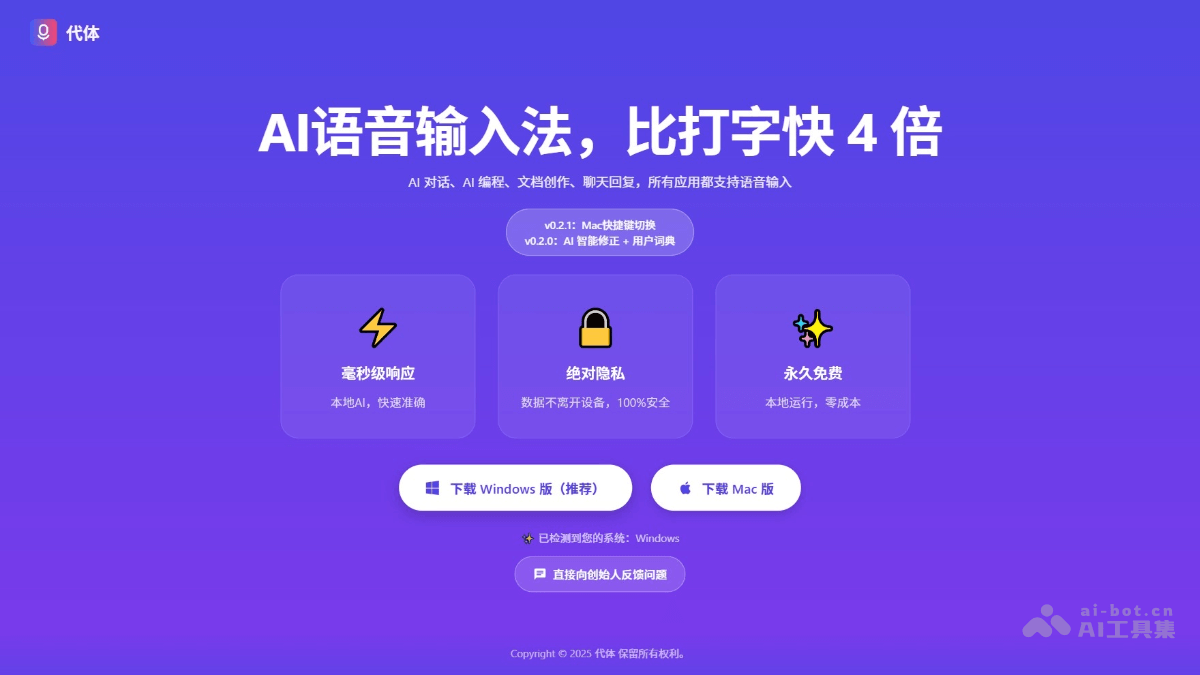
Main Features of Daiti
-
Voice Input: Quickly convert speech to text through voice commands, more than 4 times faster than traditional typing, suitable for writing, chatting, programming, and many other scenarios.
-
Local Model Operation: Uses a small local model, with data processing completed locally, ensuring privacy and security, while providing low-latency response, suitable for real-time input.
-
AI Text Correction: Automatically corrects typos, homophones, and punctuation, optimizes text quality, and improves input accuracy.
-
Custom Dictionary: Users can add professional vocabulary or commonly used phrases to improve speech recognition accuracy in specific fields.
-
Shortcut Key Operation: Supports activating voice input through shortcut keys, hold to speak, release to complete input.
How to Use Daiti
-
Visit the Official Website: Open the Daiti official website https://daiti.ai/,根据自己的电脑系统选择下载Windows或Mac版本。
-
Install the Software: After the download is complete, run the installer and follow the prompts to complete the installation.
-
Launch the Software: After installation is complete, launch the "Daiti" software. On first use, a simple initialization setup is required.
-
Configure the Dictionary: After entering the software, add professional vocabulary or commonly used phrases in the dictionary settings to improve speech recognition accuracy.
-
Set Shortcut Keys: Customize the shortcut key for voice input in the settings to conveniently activate the voice input function quickly.
-
Activate Voice Input: Hold down the configured shortcut key and speak. After speaking, release it, and the voice content will be automatically converted to text.
-
View History: In the software interface, you can view historical recordings and transcribed text, and playback recordings is supported, making it convenient for review and editing.
-
Enable AI Text Correction: If further text optimization is needed, enable the AI text correction function to automatically correct typos, homophones, and more.
Application Scenarios of Daiti
-
Writing: Quickly turn inspiration into text. Voice input is more efficient than typing, suitable for writers, bloggers, and other scenarios requiring large amounts of text creation.
-
Programming: Quickly input comments and code snippets in the code editor, reducing typing errors and improving programming efficiency.
-
Meeting Notes: Record meeting content in real time. The speech-to-text function can quickly generate meeting minutes, making later organization and review convenient.
-
Study Notes: In class or during self-study, use voice input instead of handwritten notes, saving time and making review convenient.
-
Email Writing: Quickly input the email body. The AI text correction function optimizes language expression, making the email content more professional.