
What is CopyCoder
CopyCoder is an innovativeAI programming tool, supporting users in uploading application screenshots, UI design images, or complete application images to automatically generate detailed coding prompts. The prompts cover application structure, component planning, and import paths, etc., simplifying the process of converting from design to code. CopyCoder is specifically designed to work with existing AI programming platforms such as Cursor, Bolt, and v0, improving development efficiency and delivery speed. CopyCoder optimizes output results to adapt to different platforms, supports full-stack application generation, helps maintain consistency and coordination between frontend and backend, and is an important tool for connecting designers and developers and improving the standardization of the development process.
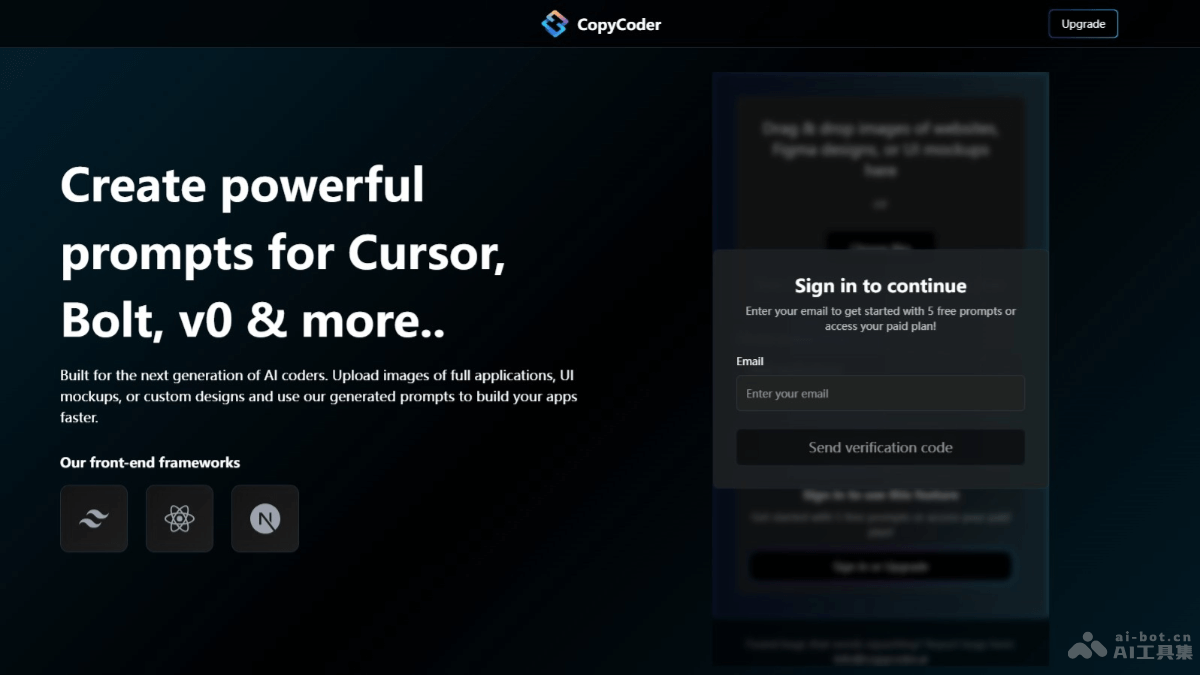
Main features of CopyCoder
- Image upload and analysis: Users upload application screenshots, UI design images, or complete application images, and CopyCoder can analyze these images.
- Generate coding prompts: Based on the uploaded images, CopyCoder automatically generates detailed coding prompts, including application structure, component planning, and import paths, etc.
- Adapts to mainstream AI programming platforms: CopyCoder is specifically designed to work with existing AI programming platforms, such as Cursor, Bolt, and v0, optimizing output results and adapting to the characteristics of different platforms.
- Full-stack application generation: Supports full-stack application generation from frontend interfaces to backend logic, improving development efficiency and maintaining consistency and coordination between frontend and backend.
- Secondary generation capability: CopyCoder supports secondary generation capability, allowing users to continue generating demos for more pages based on existing homepage or sidebar section functionality.
CopyCoder official website address
- Official website address:copycoder.ai
CopyCoder application scenarios
- Rapid prototyping: Developers quickly generate code from design prototypes, accelerating the product development cycle.
- Web application development: For projects that need to copy or rebuild existing website structures, analyze website screenshots and generate the code prompts needed to build the website.
- UI/UX design implementation: Designers upload design images to CopyCoder, generate corresponding code prompts, and transform designs into actual interfaces.
- Education and learning: Students and novice developers learn how to transform design concepts into code implementations, as a tool for programming education.
- Automated testing: In automated testing, quickly generate test pages or applications to verify backend logic.