
What is CopilotKit
CopilotKit is an open-sourceAI-native applicationfrontend operating system. The tool supports three Generative UI modes, including Controlled, Declarative A2UI, and Open-ended, so AI Agents no longer stay in a chat box and can directly generate interactive interfaces in real time within the application. The team launched the AG-UI protocol, enabling bidirectional state synchronization, Human-in-the-Loop, persistent Threads, and other features, with one integration working across multiple endpoints.
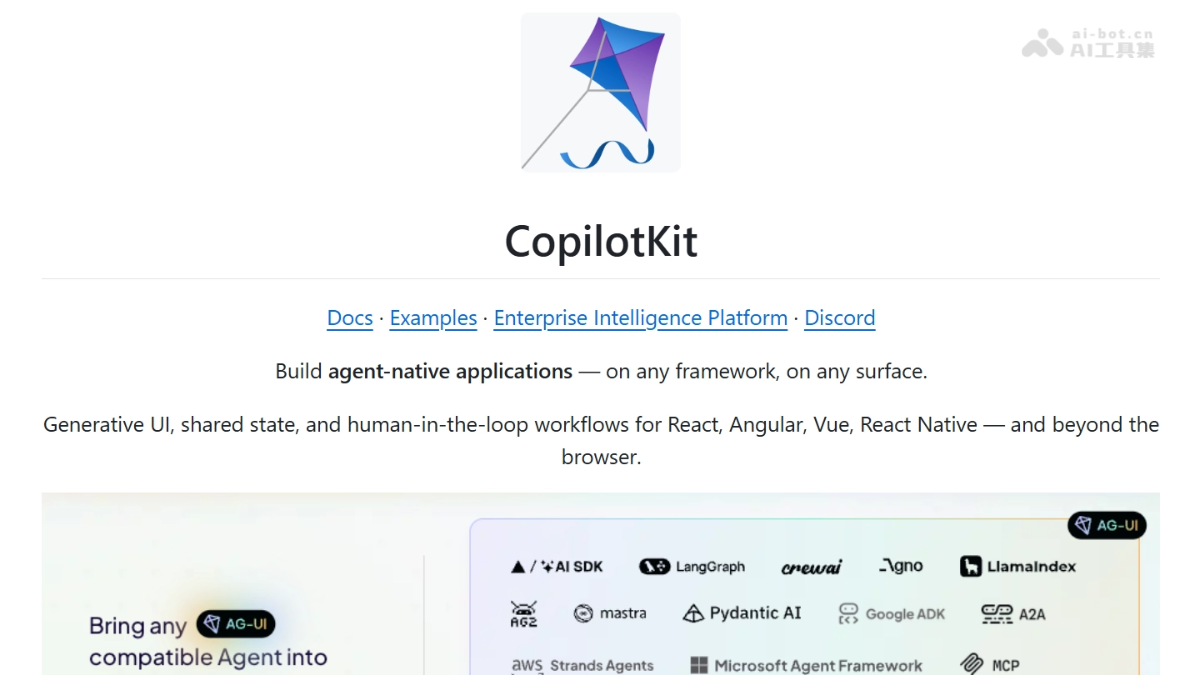
Main features of CopilotKit
- Three Generative UI modes
-
Controlled mode: developers predefine React components, and the Agent is only responsible for selecting components and filling in data, ensuring complete brand style consistency.
-
Declarative mode (A2UI): the Agent outputs a JSON schema, and the frontend automatically maps it to components, suitable for covering long-tail low-frequency features without writing code by hand.
-
Open-ended mode: the Agent directly generates HTML or drives tools such as Excalidraw, suitable for one-off exploratory visualization scenarios.
-
- Bidirectional state synchronization: the Agent can directly modify state, enabling real-time bidirectional binding between the frontend and the Agent.
- Human-in-the-Loop: the Agent can pause at key execution nodes and pop up a confirmation box to request user approval before continuing the operation.
- Persistent Threads: all conversations, states, and generated UI are automatically persisted, so users can seamlessly resume from where they left off the next time they open the application.
- Full-stack connectivity via the AG-UI protocol: as an industry-standard protocol, it supports writing Agent logic once and running it simultaneously on Web, Mobile, Slack, and other endpoints.
Technical principles of CopilotKit
- AG-UI protocol layer: the protocol defines the real-time communication standard between AI Agents and user interfaces. Through standardized message formats and event streams, the tool allows Agents to directly generate structured UI instructions, realizing a paradigm shift from conversation to operation interfaces.
- Three Generative UI rendering mechanisms: Controlled mode uses a pre-registered React component mapping table, so that when the LLM makes tool calls it only returns component IDs and data payloads, and the frontend executes according to a fixed rendering pipeline; in A2UI declarative mode, the Agent outputs a UI description that conforms to a JSON schema, and the frontend runtime maps the schema to interactive elements through a dynamic component parser; Open-ended mode can directly render HTML strings generated by the Agent or a sandboxed iframe.
- Bidirectional state synchronization architecture: the frontend uses
useAgentand other Hooks to establish a WebSocket or SSE long connection with the CopilotKit Runtime, and the application state is exposed to the Agent in the form of a shared state tree (Shared State). The Agent side reads state snapshots through the protocol layer, writes back state changes after executing tool calls, and the frontend subscribes to state diffs and automatically re-renders, forming a closed loop. - Human-in-the-Loop interruption mechanism: the Runtime inserts an interrupt node (Interrupt Node) in the execution chain. When the Agent calls a tool that requires human confirmation, the execution flow pauses and sends an interrupt event (Interrupt Event) to the frontend, rendering an approval UI. After the user confirms, the frontend sends the approval result (Approval/Rejection) back to the Runtime, the execution flow resumes, and the Agent continues with subsequent steps.
- Persistent Threads and session management: All conversation messages, intermediate states, generated UI nodes, and user approval records are persisted to the storage layer by Thread ID. When a user reconnects, the Runtime loads the complete context based on the Thread ID, and the Agent resumes execution from the breakpoint state, achieving continuity across sessions.
How to use CopilotKit
- Quick Start for New Projects: Run
npx copilotkit@latest create -f <framework>to create a template project with CopilotKit in one click. - Integration into Existing Projects: Run
npx copilotkit@latest initto automatically install the core packages, configure the Provider, and connect the Agent with the UI. - Connect Agent State: Use the
useAgenthook to read and modify Agent state, for exampleagent.state.cityandagent.setState()。 - Define Copilot Actions: Register existing API calls or business functions as actions callable by the LLM, achieving a closed loop of tool invocation.
- Deploy to Production: After configuration is complete, you can deploy directly, supporting self-hosting or the CopilotKit Cloud enterprise edition.
Core Advantages of CopilotKit
-
Protocol-Level Standard: The team is the creator of the AG-UI protocol, which has been adopted by giants such as Google, Microsoft, Amazon, LangChain, and Mastra, providing strong ecosystem compatibility.
-
Three UI Modes Cover All Scenarios: From strictly controlled to fully open, meeting different businesses' dual needs for brand consistency and flexibility.
-
Deep Frontend State Integration: Unlike ordinary chat components, CopilotKit can bidirectionally synchronize with the application's internal state.
-
Production-Grade Human-in-the-Loop: Built-in approval flow mechanism allows the Agent to proactively request human confirmation before critical operations, reducing risk.
-
One Integration Across Platforms: Based on the AG-UI protocol, the same set of Agent logic can run simultaneously on the Web, mobile, Slack, and other channels.
CopilotKit's Project Address
- GitHub Repository:https://github.com/CopilotKit/CopilotKit
Comparison of CopilotKit with Similar Competitors
| Comparison Dimension | CopilotKit | Assistant-ui |
|---|---|---|
| Core Positioning | Full-stack Agent UI infrastructure (frontend components + runtime + protocol) | Open-source React component library, focused on AI chat interfaces |
| UI Generation Method | Agent proactively generates interfaces: supports three modes—controlled components, A2UI JSON mapping, and open-ended HTML | Static preset components: Thread, Message, Composer, Suggestion, etc.; the Agent does not generate new UI |
| State Management | Bidirectional deep synchronization: the Agent can read and write the application's internal state, and the frontend responds automatically | Unidirectional message flow: mainly manages the conversation message list; application state requires manual bridging |
| Human-in-the-Loop | Native interruption of the execution flow: Agent pauses → renders approval UI → user confirms → automatically resumes | Message-level interception: custom message content can be inserted, but there is no execution flow control mechanism |
| Backend Coupling | Comes with a Runtime and also deeply integrates with LangGraph, Mastra, CrewAI, etc. | Pure frontend; requires self-integration with backends such as OpenAI, LangChain, and Convex |
| Persistence | Built-in Thread persistence (memory/Redis/database), breakpoint resumption | Relies on external backends for implementation; does not provide a storage layer itself |
| Tool Invocation Rendering | Automatically generate corresponding interactive components (forms, buttons, charts, etc.) | Basic display tool call names and parameters, no dynamic interactive components |
| Protocol standards | Creator of the AG-UI protocol, defining Agent-UI interaction standards | Follows common message formats, no proprietary protocol |
| Learning curve | Medium: requires understanding Runtime, Actions, and the three UI modes | Relatively low: pure React components, just assemble according to the documentation |
| Use cases | Embed an intelligent Copilot that can "take action" in complex SaaS | Quickly build a standard AI chatbot interface |
CopilotKit use cases
-
Embedded Copilot in SaaS products: Embed an AI assistant in existing products such as CRM, ERP, and data analytics backends, allowing users to directly operate complex features through conversation.
-
AI-native application development: Build a new generation of applications with Agent at the core, where the Agent can generate interactive interfaces such as forms, kanban boards, and calendars in real time.
-
Long-tail feature automation: Use the A2UI mode to let the Agent automatically generate interfaces for low-frequency features (such as invoice requests and equipment booking), reducing development manpower.
-
Cross-platform Agent deployment: Based on the AG-UI protocol, deploy the same Agent simultaneously to web applications, mobile devices, and Slack bots.