
What is Continue
Continue is an open-source AI code assistant, integrated into VS Code and JetBrains IDEs. Based on chat functionality, it helps understand code, provides automatic code completion suggestions, and supports editing code without leaving the current file. Continue supports creating shortcuts based on actions to handle common programming tasks. Continue can connect to any model and context, building custom code completion and chat experiences to improve developer productivity.
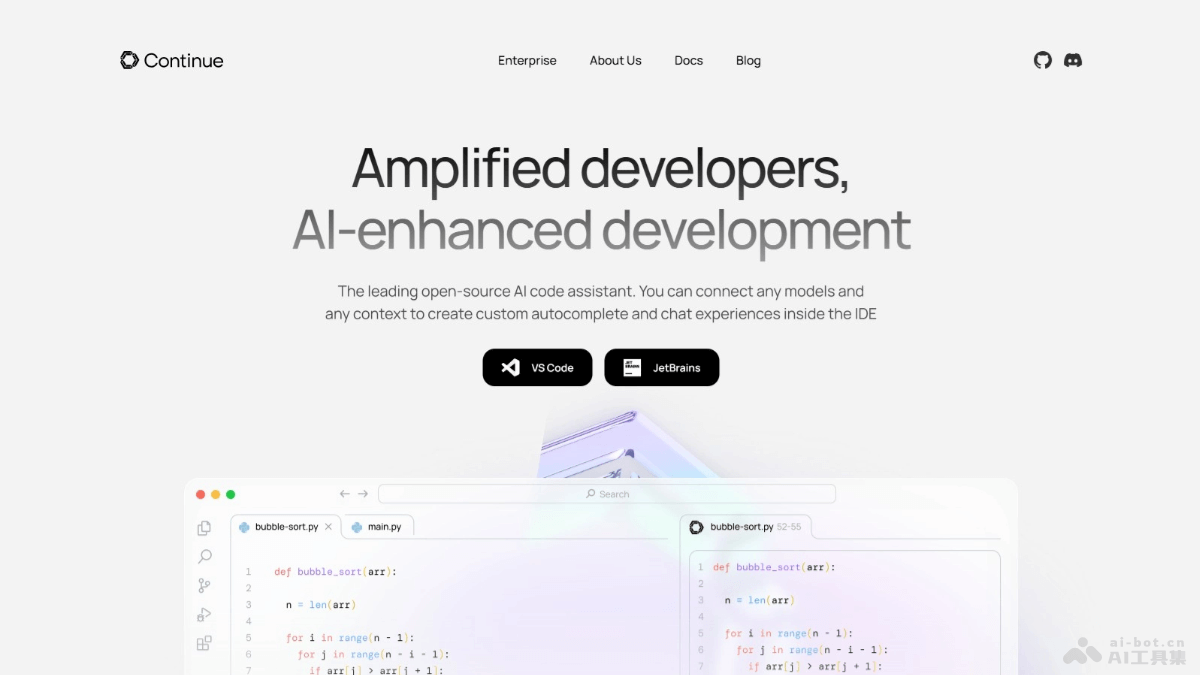
Main features of Continue
- Chat functionality: Supports users in conversing with AI in the sidebar to understand code and iterate.
- Automatic completion: Provides inline code suggestions as users type code, helping quickly complete code writing.
- Code editing: Supports directly modifying code in the current file without switching context.
- Action shortcuts: Creates shortcuts for common programming tasks and workflows to improve efficiency.
- Model and context connection: Can connect to any model and context, building custom automatic completion and chat experiences.
- Integrated development environment support: Integrates with popular IDEs (such as VS Code and JetBrains series), providing a seamless code assistance experience.
Technical principles of Continue
- Natural Language Processing (NLP): Uses NLP technology to understand and parse developers' natural language input, including code-related queries and instructions.
- Machine learning models: Integrates machine learning models to predict the next step of code or complete code snippets.
- Context understanding: Understands the context of code, including the current file, project structure, codebase history, and the developer's intent.
- Code generation and completion algorithms: Uses advanced algorithms to generate or complete code, including statistical methods and deep learning models such as Transformer or LSTM networks.
Project address of Continue
- Project official website:continue.dev
- GitHub repository:https://github.com/continuedev/continue
Application scenarios of Continue
- Code writing and development: When writing new code or modifying existing code, provides automatic completion suggestions to help developers quickly complete code.
- Code understanding and learning: For novice developers or when encountering new projects, helps understand complex codebases and code snippets.
- Code review: During the code review process, provides code improvement suggestions to help improve code quality and follow best practices.
- Debugging and problem solving: When encountering programming difficulties, helps developers understand problems and provides solutions based on chat functionality.
- Refactoring and optimization: During code refactoring or optimization, suggests improvement points to help developers write more efficient and concise code.