
What is Code Wiki
Code Wiki is Google's newly launched AI code documentation generation tool. It can automatically scan GitHub code repositories and generate structured Wiki documentation, including system overviews, module descriptions, and call relationship diagrams. Its core advantage lies in synchronizing updates with the code and integrating a Gemini intelligent assistant to enable interactive Q&A, such as directly querying the scope of code impact or service entry points. It supports more granular module breakdown and cross-file explanations. Developers can focus more energy on architecture design rather than repetitive documentation writing, using the tool to automatically generate basic explanations and only needing to supplement the reasons for key decisions.
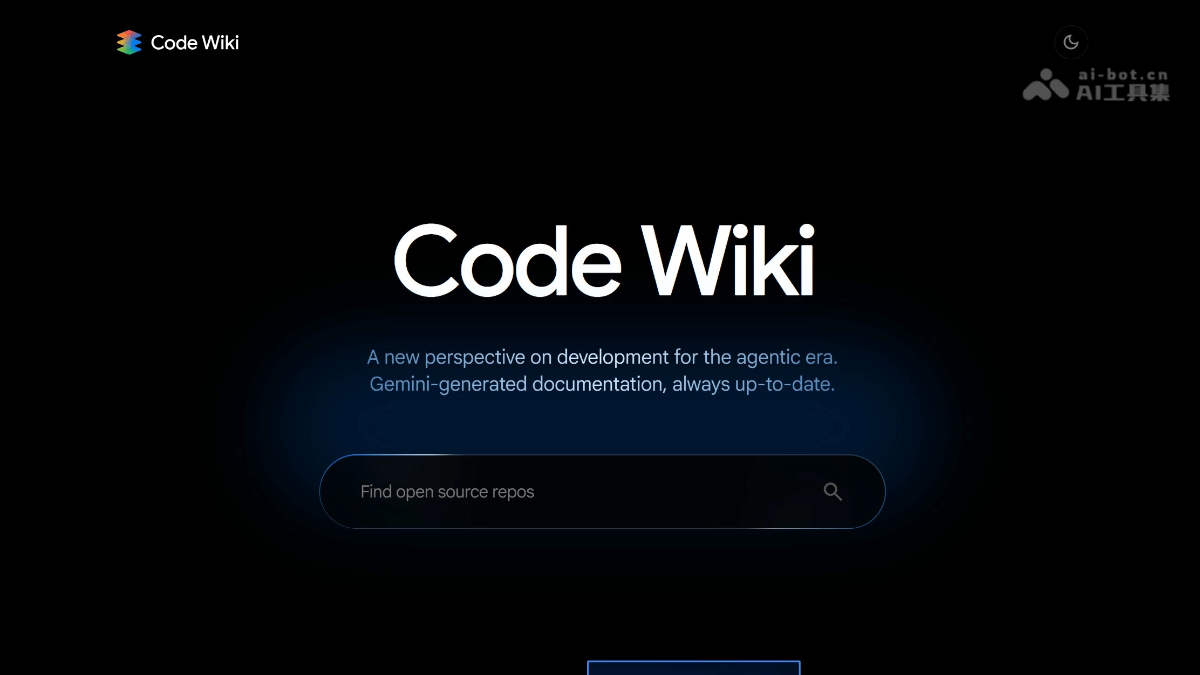
Main Features of Code Wiki
-
Automated Documentation Updates: Scans the codebase and regenerates documentation after every code change, ensuring documentation stays in sync with the code and avoiding outdated documentation issues.
-
Intelligent Context Awareness: Comprehensively understands the codebase structure and logic, can answer architecture questions and directly link to relevant code files and definitions, providing precise information support.
-
Integrated Chat and Knowledge Base: Serves as a knowledge base for integrated chat, supporting developers in quickly obtaining code-related information during chat and improving communication efficiency.
-
Direct Code Navigation: Every wiki page and chat answer directly links to the relevant code, integrating reading and code exploration and making it convenient for developers to quickly locate and work with code.
-
Team Collaboration Support: Helps roles such as QA engineers, architects, and product managers understand code logic and design decisions in real time, accelerates new employee onboarding, and improves overall team collaboration efficiency.
How to Use Code Wiki
- Visit the Platform: Visit the Code Wiki official website https://codewiki.google/ 。
-
Enter the Code Repository Address: Enter the GitHub, GitLab, or Bitbucket repository address in the Web interface.
-
Add an Access Token: For private repositories, the corresponding access token needs to be added.
-
Generate Wiki Documentation: Click the "Generate Wiki" button, and the system will automatically analyze the code and generate documentation.
-
Browse the Documentation Content: Browse the documentation structure and content through the generated interactive interface.
-
Advanced Configuration: Users can configure different AI model providers, embedding types, and language options, and can exclude specific file directories to optimize generation results.
Application Scenarios of Code Wiki
-
Code Understanding and Learning: Helps developers quickly understand complex codebase structures and logic. In particular, members newly joining a team can quickly get started through Code Wiki.
-
Documentation Management and Updates: Automatically generates and updates code documentation, ensuring documentation stays in sync with code and reducing outdated documentation issues caused by code changes.
-
Team Collaboration and Communication: As an internal team knowledge base, roles such as QA engineers, architects, and product managers can quickly obtain code-related information, promoting team collaboration.
-
New Employee Onboarding Training: Provides new employees with a comprehensive codebase overview and detailed documentation, accelerating their understanding of and participation in the project.
-
Technical Debt Management: Through continuously updated documentation, reduces the accumulation of technical debt caused by missing or outdated documentation.
-
Code Review and Optimization: Developers can quickly locate code issues in Code Wiki, assisting with code review and optimization work.