
What is Clapper
Clapper is a free open-source visual AI video editing tool developed by Julian Bilcke, an AI front-end engineer at HuggingFace. It integrates multiple generative AI technologies, enabling users to create videos with AI through an interactive, iterative, and intuitive process, without the need for professional filmmaking or AI engineering skills. In Clapper, you iteratively refine the story by adjusting high-level abstract concepts such as characters, locations, weather, and more. Clapper's director mode allows users to issue commands to the AI to make films. Clapper provides a completely new workflow and creative approach for the field of video creation.
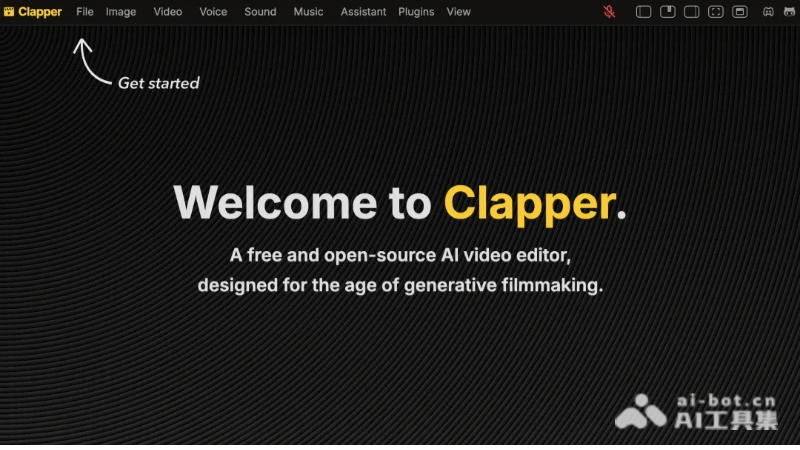
Clapper's Product Features
- AI-driven story visualization: Clapper can transform script content into visual elements, such as storyboard sketches, 3D scenes, and character animations.
- Integration of multiple AI technologies: Unlike traditional video editing software, Clapper integrates AI technology and can generate images, videos, speech, music, and other materials needed for video production with one click, simplifying the video production process.
- Open architecture: It adopts a modular design that is easy to extend and customize. Developers can add new features or replace existing components according to their needs.
- Director mode: Clapper is developing director mode, with the goal of allowing users to play videos in full screen, sit in a director's chair (or on a sofa), and issue voice commands to the AI to make films.
- Infinite canvas and traditional interface: It provides two modes. The infinite canvas mode is suitable for divergent creative thinking, while the traditional interface is convenient for previewing and fine editing, meeting the needs of different creative stages.
- Interactive experience: Users can iterate and refine their stories by using high-level abstract concepts such as characters, locations, weather, time periods, and styles. The AI assistant provides help, making story construction more efficient and precise.
How to use Clapper
- Clapper product official website: Visit the official website clapper.app
- Open Clapper: Input the script into Clapper and transform it into visual elements such as storyboards, videos, speech, sound, and music.
- AI video editing: Select the video or image files to be edited. Use AI features to perform editing operations such as video clipping and audio adjustment.
- Interactive editing process: Edit the video through an interactive and iterative approach, gradually improving the work. After completing the editing, preview and export the final video.
Clapper's project address
- Github repository:https://github.com/jbilcke-hf/clapper
- HuggingFace model library:https://huggingface.co/spaces/jbilcke-hf/clapper/tree/main
Clapper's user groups/application scenarios
- Personal creation: Individual creators use Clapper to realize their creative ideas, without the need for professional video editing skills, and generate video content with one click.
- Education field: Educators use Clapper to create teaching videos. They can generate videos based on teaching scripts, improving the expressiveness and appeal of teaching content.
- Commercial promotion: Enterprises use Clapper to create product introduction or advertising marketing videos, simplifying the video production process and reducing costs .
- Social media: Social media users can use Clapper to create more attractive video content for sharing and communication, increasing interactivity and view rates.
- Film and television production: The film and television industry can use Clapper for creative development and scene planning, improving production efficiency.