
What is CapCut
CapCut is a free all-in-one video editor launched by Douyin, supporting a variety of editing features such as video trimming, audio editing, adding subtitles, filters, and transition effects. It is easy to learn and suitable for beginners and professionals. CapCut is not only available on mobile devices, but also supports use on PC, allowing creators to edit and share videos across different platforms.
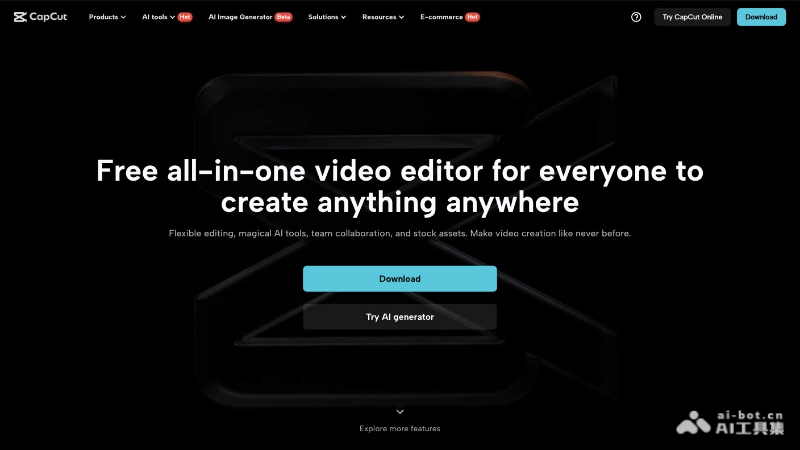
CapCut's main features
- Video editing: Users can trim, splice, and adjust the speed of videos.
- Audio editing: Record voiceovers, add background music, adjust volume, and reduce audio noise.
- Portrait enhancement: Provides beautification and filter effects to improve the appearance of people in videos.
- Automatic background removal: Automatically removes the background from videos to highlight the subject.
- AI subtitles: Automatically recognizes speech and generates subtitles.
- Special effects and transitions: Provides a variety of video special effects and transition effects to enhance video expressiveness.
- Color editing: Adjust the color and contrast of videos, and apply different filters.
- Text and stickers: Add text descriptions or decorative stickers to videos.
- Motion tracking: Dynamically track specific elements in videos.
- Keyframe animation: Create smooth animation effects and control video elements as they change over time.
- Export and share: After editing is complete, you can export the video and share it on social media.
CapCut's product address
- Official website:capcut.com
- Domestic version (Jianying):Jianying
CapCut's application scenarios
- Social media content creation: Suitable for social media influencers and bloggers to create and edit short videos for sharing daily life, tutorials, or entertainment content.
- Commercial promotion: Enterprises or brands can use CapCut to create product showcases, advertising promotional videos, or marketing videos to attract potential customers.
- Education and training: Teachers or trainers can use CapCut to create instructional videos, explain complex concepts, or demonstrate operational steps.
- Personal projects: Individual users can use it to edit family videos, travel records, or personal portfolios.