
What is CapCut AI Suite
CapCut AI Suite is an AI-driven creative editing tool launched by ByteDance, capable of quickly transforming any topic into a complete video, offering AI image、video、musicgeneration and other features, supporting automatic editing, transcription, translation, and other operations, with one-click cutout and automatic image enhancement. The tool is simple to operate and highly integrated, suitable for independent creators and marketing teams, greatly improving creative efficiency, lowering the barrier to professional editing, and enabling rapid transformation from idea to finished product. It is a powerful assistant for creative professionals.
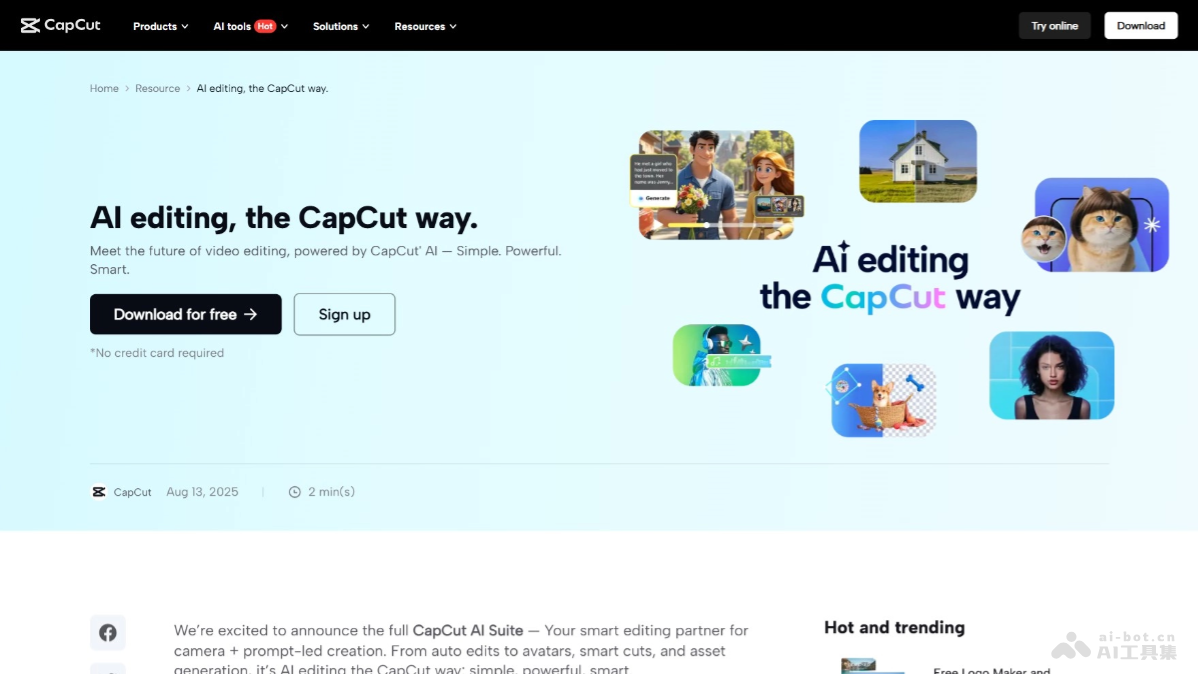
Main Features of CapCut AI Suite
- AI Image/Video Generation: Quickly generate high-quality images or video clips through simple text descriptions, meeting creators' diverse needs for materials.
- AI Music Generation: Generate matching background music based on the style and rhythm of the video, adding atmosphere and emotional expression to the video.
- Auto Editing: Supports intelligent editing of longer videos, automatically identifying and extracting highlights, improving editing efficiency.
- AI Clip Editor: Conducts in-depth analysis of video clips, intelligently extracts key shots, helping creators quickly locate and edit the most valuable content.
- Transcription Tool: Automatically transcribes dialogue in videos, optimizes shots, removes unnecessary filler words, and automatically generates subtitles, improving video readability and professionalism.
- AI Video Translator: Translates dialogue in videos into multiple languages, supports subtitle synchronization, making it convenient for creators to produce multilingual versions of videos.
- AI Avatar: Creates realistic virtual avatars, adds personalized actions and expressions, adding unique visual effects to videos.
- AI Removal: Intelligently identifies and removes unnecessary elements from videos, such asbackground, objects, etc., making the video画面 cleaner and tidier, enhancing visual effects.
- Auto Style: Automatically adjusts facial features of people in videos, adds makeup effects, enhances people's appearance, making videos more attractive.
- Auto Enhance: Brightens video colors, sharpens details, improves the overall visual effect of videos, making videos more vivid and professional.
- One-Click Cutout: Quickly cut out people or objects from videos, replace background.
- AI Voice Generation: Generates natural and fluent voiceovers based on user-input text content, adding sound elements to videos, enriching video expressiveness.
- Smart Subtitles: Automatically adds subtitles, supports multiple languages and style options, allowing videos to clearly convey information in different language environments.
- One-Click Subtitling: Quickly transcribes text content into subtitles, supports multiple formats, improving video readability and user experience.
CapCut AI Suite Official Website Address
- Official Website Address:https://www.capcut.com/resource/ai-editing-the-capcut-way
Application Scenarios of CapCut AI Suite
-
Self-Media Creation: Self-media creators quickly generate creative videos, improving content quality and diversity, meeting publishing needs of different platforms.
-
Brand Marketing: Brands can produce multilingual video ads, quickly generate engaging video content, and enhance brand influence and market coverage.
-
Educational Content Production: Educators can quickly generate instructional videos, add subtitles and translations, support multilingual teaching, and improve teaching effectiveness.
-
Personal Life Recording: Users can quickly edit travel or life videos, add effects and music, and easily record and share beautiful moments.
-
Film and Television Post-Production: Film and television production teams use intelligent editing and effect-adding features to improve the efficiency and quality of film and television post-production.