
What is BugQR
BugQR is an efficient reading tool based on OCR technology and AI large language models. By taking photos of book pages, it can automatically recognize and summarize book content, helping users quickly obtain the core information of books. BugQR also features AI voice playback, which can convert book content into audio, allowing users to obtain information through listening to books even when they are busy.
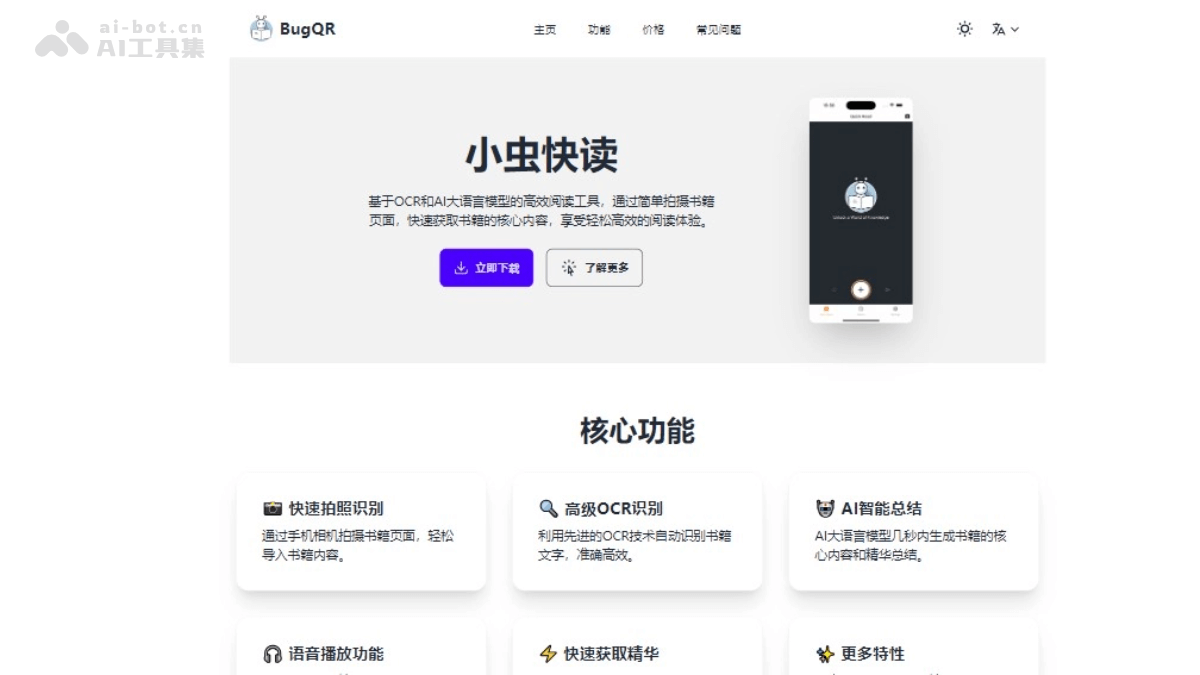
Main Features of BugQR
- Quick Photo Capture Recognition: Users can take photos of book pages with their phone camera and easily import book content.
- Advanced OCR Recognition: Using advanced OCR technology to accurately recognize book text, ensuring the accuracy and efficiency of text content.
- AI Intelligent Summarization: Based on AI large language models, quickly generate summaries of the core content of books.
- AI Voice Playback: Convert book content into audio, making it convenient for users to listen to books in various situations.
- Quick Access to the Essentials: Users do not need to read the entire book and can obtain key content and book highlights within seconds.
BugQR also provides three AI summarization modes to meet the reading needs of different users:
- Summary Mode: Extract core knowledge points in the most concise way.
- Explain Mode: Explain complex concepts in plain and easy-to-understand language.
- Note Mode: Detailed note mode, comprehensively recording every detail.
How to Use BugQR
- Download and Install: You can visitthe official websiteto download and install the BugQR app.
- Open the App: After installation is complete, open the BugQR app.
- Photo Capture Recognition: In the app, tap the photo capture recognition feature. Use your phone camera to take photos of book pages, ensuring the text is clearly visible.
- Text Recognition: The app will automatically recognize the text on the captured pages based on advanced OCR technology.
- Generate Summary: After recognition is complete, the AI large language model will quickly generate the core content and essential summary of the book.
- View Summary: View the core content and essential summary of the book in the app.
- Voice Playback: If needed, you can tap the voice playback feature to convert the book content into audio.
- Export Content(Member version and above): BugQR supports exporting recognized text content, and the text can be saved locally or shared with others.
BugQR Product Pricing
- Free Version: Suitable for individual users to experience the core features. Quick photo capture recognition; basic OCR recognition; limited AI summaries. Other subscription plans coming soon. You can visit the official website to obtain it.
BugQR Use Cases
- Student Learning: Students can use BugQR to quickly summarize textbook content and improve learning efficiency. Whether for preview or review, BugQR can help students quickly master the core knowledge points of books.
- Teacher Lesson PreparationTeachers can use Xiaochong Kuaidu to prepare teaching materials, save time, quickly obtain the essence of teaching content, and plan courses more effectively.
- ResearchersResearchers can use Xiaochong Kuaidu to quickly obtain the core viewpoints of literature and accelerate the research process. It is especially useful for researchers who need to read a large amount of professional literature.
- Business analysisBusiness analysts can use Xiaochong Kuaidu to quickly read and summarize market research reports, extract key data and trends, and support decision-making.
- Legal professionLegal professionals can use Xiaochong Kuaidu to quickly browse and summarize large amounts of legal documents and cases, improving work efficiency.
- Language learningFor language learners, Xiaochong Kuaidu can serve as an auxiliary tool to help them quickly understand foreign language materials and improve language learning efficiency.