
What is BrowserBC
BrowserBC is an open-source project released by Navers Lab under Einsia AI. Its core goal is to transform human operation trajectories in the browser into reusable natural language skills (Skill), allowing Web Agents to "clone" human operation experience and complete similar tasks more efficiently. Users only need to perform the task once in the browser, and the system can automatically distill this operation into a structured "skill card" for any model to execute, achieving "do it once, reuse it countless times".
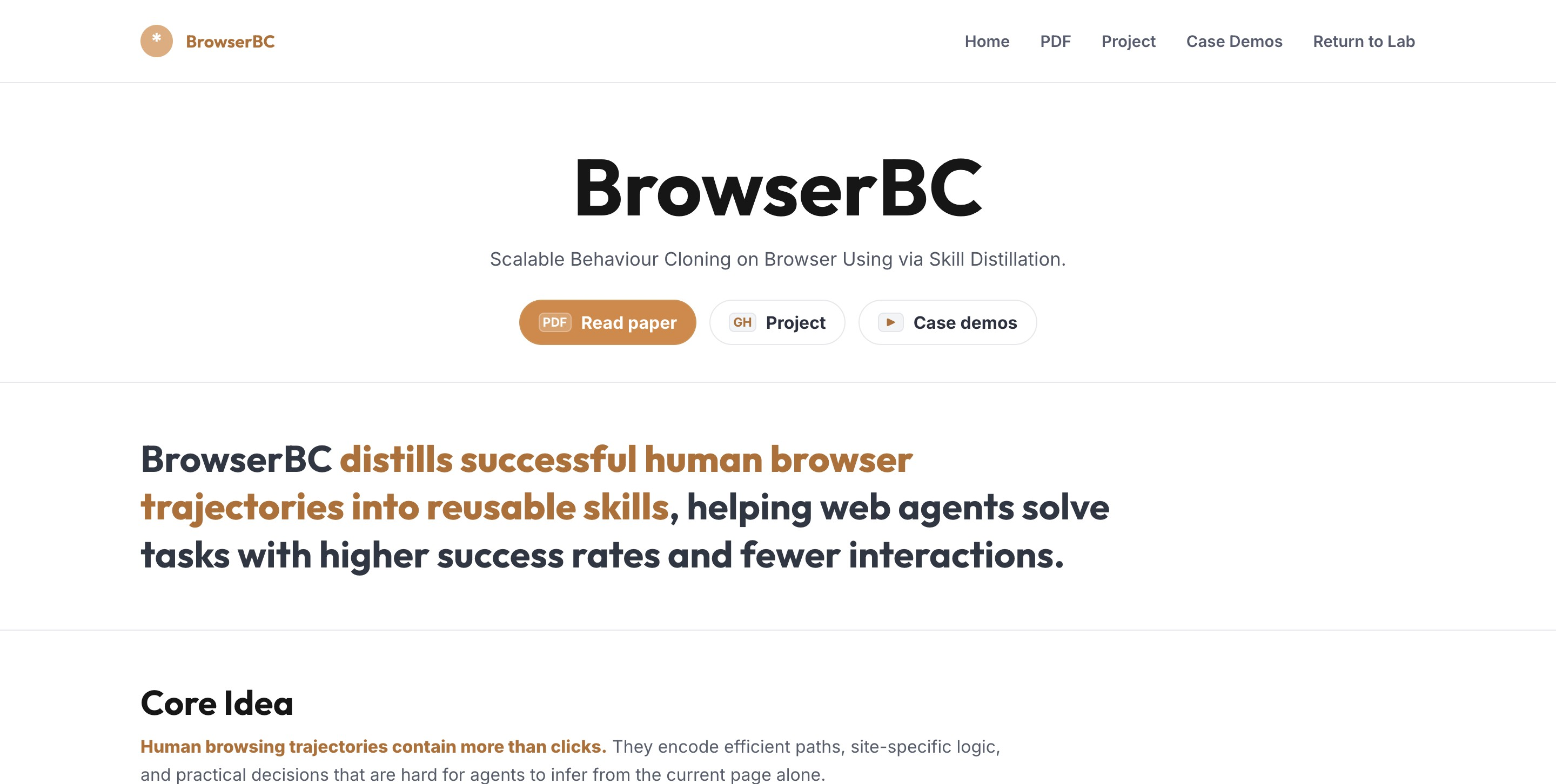
BrowserBC's main features
-
Trajectory recording: Completely records the entire task process through a browser extension, including page screenshots, DOM snapshots, user actions (clicks, input, navigation), page feedback, and final state.
-
Intelligent distillation: After cleaning and denoising raw noisy trajectories, segments them by semantics into coherent sub-processes, then transcribes them into structured natural language skill cards (Skill Card), stripping away fragile details such as coordinates and selectors, and retaining transferable procedural knowledge such as "what to do, how to judge completion, and what to do if it fails".
-
Skill graph management: Organizes massive skills into a scalable skill graph, automatically merging, specializing, and linking related skills through semantic similarity to avoid duplication and redundancy.
-
Skill retrieval and execution: The Agent autonomously carries out operations based on the guidance of retrieved skill cards combined with real-time page state, rather than mechanically replicating coordinates.
-
Local deployment: Provides the Journey Forge Local version, runs purely in Python, stores data completely locally, and supports Claude Code and Claude Desktop integration.

Follow WeChat and reply "open source", joinAI Open Source Project Exchange Group
How to use BrowserBC
-
Configure and run the local server: Copy the configuration file and set the LLM API Key. After starting the server, access the http://127.0.0.1:8099/ control panel.
-
Build and load the browser extension: In the
extensiondirectory, install dependencies and build, then load it in Chrome extension management in developer modeextension/dist/chrome-mv3。 -
Record tasks: Use the extension to record browser operations. After stopping, mark the task intent and upload.
-
Automatic distillation: The background pipeline automatically completes atomize → classify → bucket → distill → install, generating skills in about 1-3 minutes.
-
Use skills:
-
Claude Code: Skills are automatically installed to the
~/.claude/skills/directory. -
Claude Desktop: Download from the control panel
.zipfile, and upload it in Settings → Skills.
-
-
Configure browser execution(optional): Configure Playwright MCP in the control panel so that Claude Desktop can actually click/input/navigate.
BrowserBC's core advantages
-
Transferable skills: Skills are "procedural priors" in natural language form and can be freely transferred and reused across different models. Once distilled by a strong model, it can also be cheaply reused by small models.
-
Stripping away fragile details: Instead of cloning coordinates or DOM selectors, it clones "what to do + how to judge completion," so the skill can still generalize when the page layout changes.
-
Significantly improves success rate: On WebArena-Hard, the success rate increased from 60.5% to 81.4% (+20.9%), and on ClawBench from 32.9% to 68.4% (+35.5%).
-
Improves interaction efficiency: The average number of tool calls decreased from 31.2 to 22.7 (a 27.3% reduction), effectively cutting down on exploratory navigation.
-
Cross-domain transfer potential: Procedural priors can cross browser boundaries, and preliminary research shows they can transfer to the OSWorld desktop environment.
-
Data privacy and security: In the locally deployed version, all data is stored locally, and the configured LLM API is called only during distillation.
BrowserBC's official website address
- Project blog:https://lab.einsia.ai/browserbc/
- GitHub repository:https://github.com/Einsia/Browser-BC
- Paper:https://lab.einsia.ai/browserbc/paper
Comparison of BrowserBC with similar competitors
| Dimension | BrowserBC | Traditional RPA / AutoHotkey | Playwright / MCP tools | General-purpose Web Agent (e.g., Claude/Codex) |
|---|---|---|---|---|
| Core positioning | Human trajectories → reusable skills | Record coordinates → mechanical replay | Browser control API | Explore web pages from scratch |
| Reuse method | Natural language skill cards, semantic reuse | Fixed coordinate/selector replay | Requires writing code scripts | Re-explore from scratch for each task |
| Adaptability to page changes | Strong (strips away fragile details) | Extremely weak (fails as soon as the layout changes) | Moderate (selectors need maintenance) | Strong (perceives the page in real time) |
| Knowledge accumulation | Can accumulate a skill graph and continuously expand | Scripts pile up and are hard to manage | Depends on codebase maintenance | No accumulation, starts from scratch each time |
| Execution cost | A strong model distills once, and a small model reuses cheaply | Low runtime cost | High development cost | Requires calling the strongest model each time |
| Data privacy | Local deployment, data never leaves the machine | Runs locally | Can be local or cloud-based | Usually depends on cloud APIs |
BrowserBC's application scenarios
-
Travel booking and price comparison: Enter dates, locations, and number of people on booking sites such as Airbnb and Booking, apply filters (rating, price, amenities), and read and sort search results to find the best accommodation option.
-
E-commerce shopping and filtering: Search for products on shopping platforms, apply multiple filtering conditions (price range, brand, rating), compare product details, add items to the cart, and complete the checkout process.
-
Backend management operations: Perform repetitive management tasks such as product listing, order processing, inventory updates, and user permission configuration in e-commerce backends, CMS systems, or admin panels.
-
Community forum interaction: Search for topics, filter posts, participate in discussions, collect information, or perform moderator management operations in forums such as Reddit.
-
Cross-site information integration: Tasks that require collecting, comparing, and integrating information from multiple websites, such as cross-platform price comparison, multi-source data aggregation, and competitor monitoring.
-
Development tool usage: Perform code repository operations (login, create projects, submit issues, merge requests), CI/CD configuration, or documentation review on development platforms such as GitHub and GitLab.