
What is Browser Operator
Browser Operator is an AI Agent tool launched by the Opera browser that helps users complete web browsing tasks more efficiently through natural language instructions. Users only need to enter simple instructions, such as "buy a product" or "book a flight," and Browser Operator can automatically perform the corresponding actions without manually operating the webpage. Browser Operator is suitable for various scenarios such as shopping, travel planning, and data collection, and can significantly improve browsing efficiency. It is currently launched as a feature preview.
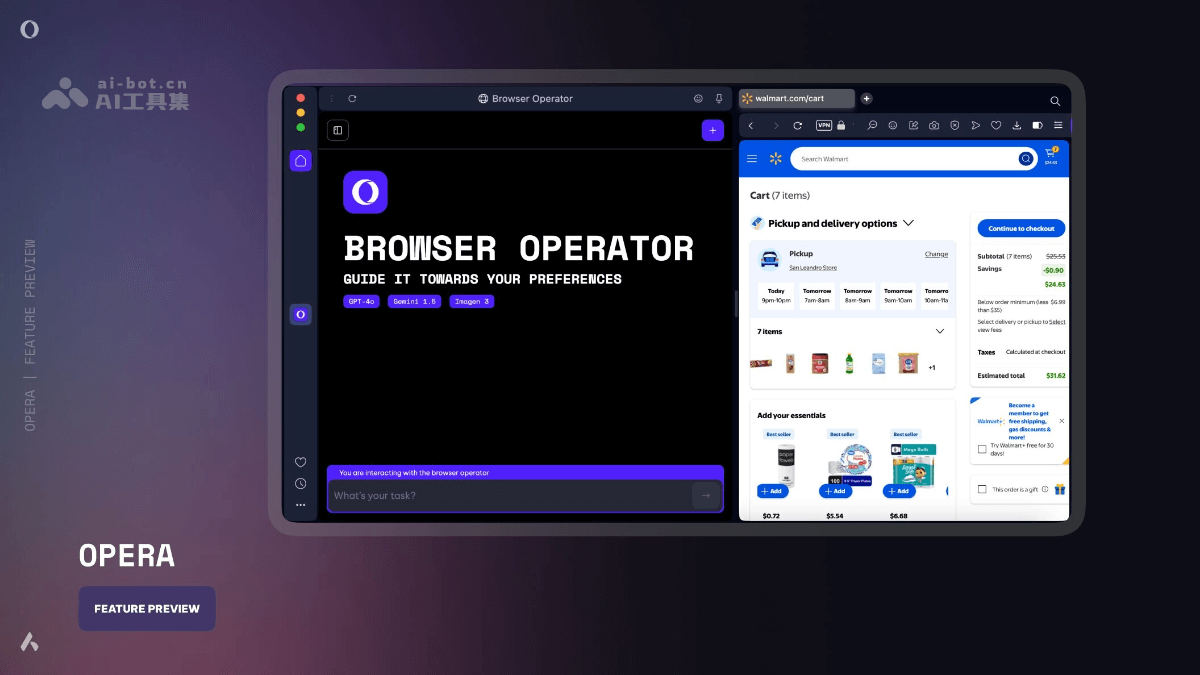
Main features of Browser Operator
- Natural language task execution: Users can describe tasks in natural language, such as "buy 10 pairs of Nike white tennis socks, size 12," and Browser Operator will automatically complete the purchase process.
- Shopping and booking: Supports operations such as online shopping, booking flights, hotels, event tickets, and more.
- Information collection and filling: Can collect information from websites and fill it into spreadsheets or documents.
- User control and takeover: Users can view task progress at any time and take over or cancel tasks when needed.
- Privacy protection: Runs entirely locally, without relying on the cloud or virtual machines, ensuring user data privacy.
- Fast response and environment consistency: Operates directly in the browser environment, without waiting for pages to load, and works in the same browser environment as the user.
Browser Operator official website address
- Official website address:https://blogs.opera.com/news/2025/03/opera-browser-operator
How to use Browser Operator
- Visit Browser Operator:
- Visit Opera official website, and ensure that the latest version of the Opera browser is installed.
- Access Browser Operator through the Opera sidebar or command line.
- Enter natural language instructions:
- In the Browser Operator input box, enter the task described in natural language.
- For example: "Buy socks of a certain brand and size." "Book an economy class flight from Beijing to Sanya tomorrow."
- Task execution and monitoring:
- Browser Operator starts executing the task, and users can view task progress at any time.
- If sensitive information input from the user is required during task execution (such as payment information or login information), Browser Operator will pause and request the user to enter it manually.
- Users can take over the task or cancel the task at any time.
- Operations after task completion:
- After the task is completed, users can view the detailed steps performed by Browser Operator.
- If further operations are needed, such as canceling an incorrect order, a new instruction can be sent directly to Browser Operator.
Application scenarios of Browser Operator
- Online shopping: Users can instruct Browser Operator to purchase specific products, for example, "Buy a pair of Nike sneakers, budget around 500 yuan." Browser Operator will automatically search shopping websites, compare prices, and choose the most cost-effective product to complete the purchase.
- Booking services: Users can book flights, hotels, or event tickets through Browser Operator. For example, users can ask Browser Operator to book suitable flights and hotels on Booking.com.
- Information collection and filling: Users can delegate Browser Operator to collect information from websites and populate it into spreadsheets or documents.
- Everyday task automation: Users can delegate repetitive tasks to Browser Operator, such as regularly restocking groceries, etc.