
What is Note Sync Assistant
Note Sync Assistant is a note syncing service based on the WeChat ecosystem. With just a forward, you can sync articles, videos, attachments, chat records, and favorites you see in WeChat to your own notebook in one click. It supports articles or multi-image carousel posts from WeChat Official Accounts, Zhihu, and Xiaohongshu, preserving the original formatting and source and fully placing them into your notes; informative videos from platforms such as WeChat Channels, Douyin, Bilibili, and YouTube are transcribed by AI into text-and-image notes, with key frames kept as images and the spoken words kept as text; posts from X and Weibo can also be saved in a structured way together with key replies. The product supports Obsidian,Notion, SiYuan, OneNote, and other mainstream note-taking software.
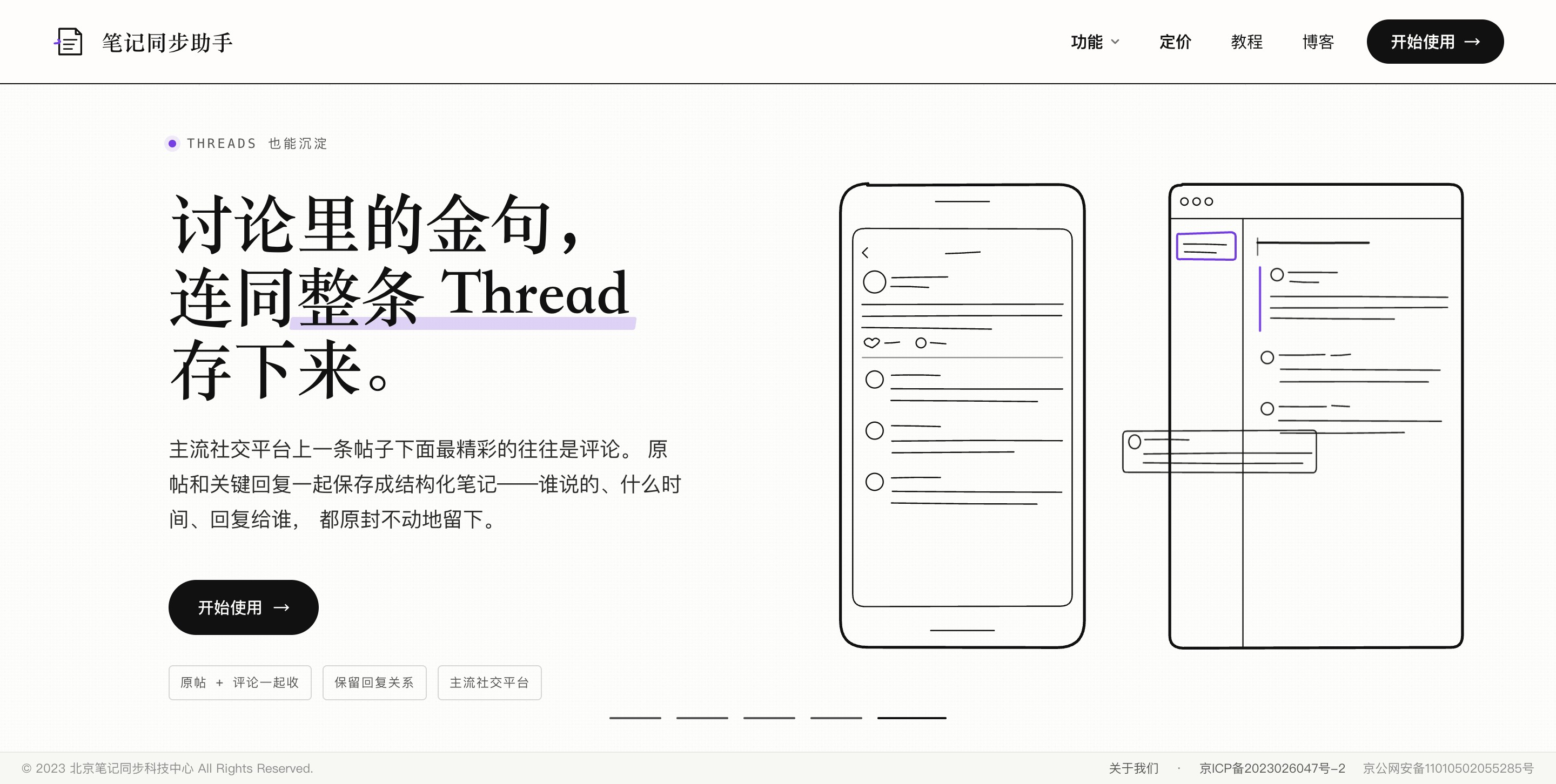
Main features of Note Sync Assistant
-
One-click article clipping: Articles and images from platforms such as WeChat Official Accounts and Zhihu can be saved in one click, and AI organizes them into structured notes while preserving the original formatting and source.
-
Xiaohongshu / Xiaolvshu image-and-text saving: Multi-image carousel posts, together with their titles and body text, are fully placed into the notebook in the original order.
-
WeChat content archiving: Chat records, screenshots, documents, and favorites are synced together into the notebook and automatically organized by time and source.
-
AI video transcription: Videos from WeChat Channels, Douyin, Bilibili, X, YouTube, and other platforms are transcribed into text-and-image notes, preserving key frame screenshots, verbatim transcripts, and key points.
-
Structured saving for X / Weibo: The original post and key replies are saved together, fully preserving the speaker, time, and reply relationships.
-
Support for multiple note-taking apps: Supports mainstream note-taking applications such as Obsidian, Notion, SiYuan, and OneNote.
-
Minimalist usage: Based on the WeChat ecosystem, syncing only requires a forward, with no manual copy-pasting throughout the process.
How to use Note Sync Assistant
- Visit the platform: Open the official website of Note Sync Assistant https://www.bijitongbu.com/, and click Start Using.
-
Add the WeChat assistant: Add "Note Sync Assistant" in WeChat as the entry point for sending your content.
-
Bind note-taking software: Follow the instructions to bind the note-taking app you want to use—Obsidian, Notion, SiYuan, or OneNote (for Obsidian, you need to install the corresponding plugin from the community plugin marketplace).
-
Customize sync settings(optional): Specify the target notebook, folder path, and note naming template.
-
Forward content: When you see a good article, good video, or good post, forward it directly to the WeChat assistant; for chat records and favorites, you can long-press to multi-select and then merge-forward.
-
Wait for AI processing: Articles are automatically organized by AI into structured notes, and videos are automatically transcribed by AI into text-and-image notes (including key frame screenshots, verbatim transcripts, and key points).
-
View in your notes: Open your note-taking software. The content has already been organized by time and source, ready to search and review at any time.
Core advantages of Note Sync Assistant
-
Minimalist operation: Based on the WeChat ecosystem, syncing only requires a forward, with no need to copy-paste or open other apps.
-
Full-type content coverage: Articles, images, videos, chat records, documents, and favorites—covering all common content formats in one go.
-
All-platform content support: Works across all mainstream platforms, including WeChat Official Accounts, Zhihu, Xiaohongshu, Video Accounts, Douyin, Bilibili, X, Weibo, YouTube, and more.
-
AI-powered: Articles are automatically organized, and videos are automatically transcribed into illustrated text notes (screenshots + verbatim transcript + key points), eliminating manual excerpting.
-
Format fidelity: Preserves the original layout, image order, and source information. For X/Weibo, reply relationships are also preserved, so context is not lost.
-
Compatible with multiple note-taking apps: Supports mainstream note-taking apps such as Obsidian, Notion, SiYuan, and OneNote, with zero migration cost.
-
Long-term knowledge base: Scattered information is structured and stored, searchable and reviewable—find it whenever you need it.
Use cases of the Note Sync Assistant
-
Daily reading clipping: When you come across good articles or images on WeChat Official Accounts or Zhihu, forward them on the spot and build a reviewable reading library.
-
Collecting inspiration from social platforms: When you see useful or recommendation posts with multi-image carousels on Xiaohongshu or Xiaolvshu, save them completely in one click, with no need to save images one by one.
-
Preserving work communication information: Important notices, documents, screenshots, and chat records in WeChat work groups are synced and archived for future reference.
-
Video study notes: When you come across tutorials and useful videos on Video Accounts, Douyin, Bilibili, or YouTube, AI automatically transcribes them into illustrated text notes for easy repeated review.
-
Archiving social discussions: High-quality posts and valuable discussion threads on X and Weibo are saved in a structured way along with their reply relationships.
-
Organizing fragmented information: Scattered memorable quotes, screenshots, and favorites in WeChat no longer remain scattered in chat records and are collected uniformly into notebooks.
Frequently asked questions about the Note Sync Assistant
A: Supports mainstream note-taking apps such as Obsidian, Notion, SiYuan, and OneNote. Obsidian users need to install the corresponding plugin from the community plugin marketplace; OneNote currently only supports the international version.
Q: How do I use it?
Q: Can I specify which notebook to sync to?
Q: How are videos turned into notes?