
What is befunky
befunky is a comprehensive online photo editing and graphic design platform that offers a series of intuitive and easy-to-use tools and a rich collection of templates, allowing users to easily edit photos, create collages, and design graphics. It supports batch processing and layer functionality, includes built-in beauty and skin smoothing effects, and provides filters that transform photos into comic style. befunky has partnered with Pixabay and Pexels to provide users with over one million free high-quality image resources, making it very suitable for users who need to quickly and efficiently complete creative projects.
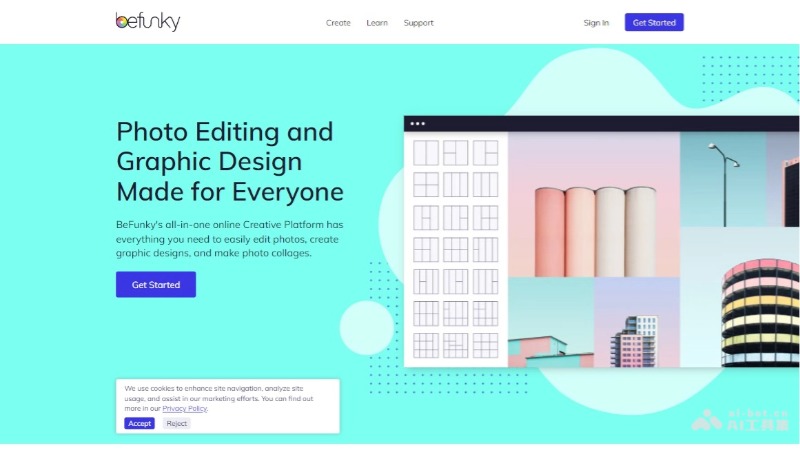
Main features of befunky
- Photo editing: Provides basic editing tools such as cropping, resizing, color correction, and exposure adjustment.
- Artistic filters: Includes a variety of artistic effects, such as turning photos into classic-style paintings, sketches, cartoons, and more.
- Batch editing: Allows users to edit multiple photos at the same time, improving efficiency.
- Background removal: Removes photo backgrounds with one click based on artificial intelligence technology, suitable for product images and portrait processing.
- Portrait retouching: Provides a series of retouching tools for beautifying portrait photos, such as skin smoothing and teeth whitening.
- Collage creation: Users can create personalized online photo collages, with automatic layout tools available.
befunky's official product website
- Product official website:befunky.com/
befunky's application scenarios
- Social media content creation: Users can use befunky to edit and design images and graphics for social media platforms such as Instagram, Facebook, and Twitter to attract more attention and interaction.
- Personal photo editing: Individual users can use it to retouch and enhance photos taken with phones or cameras, such as adjusting colors, cropping, and adding filters.
- Marketing material creation: Marketers can use befunky's design tools and templates to quickly create advertising images, social media posts, banners, and other marketing materials.
- Education and presentations: Teachers and students can use befunky to create visual aids for presentations, such as charts, timelines, and infographics.
- Artistic creation: Artists and designers can use befunky's advanced editing features and artistic filters to create digital artworks.
- Business presentations: Business professionals can use befunky to create slides and visual content for business presentations to enhance the presentation effect.