
What is Auggie
Auggie is an AI-powered intelligent agent command-line tool launched by Augment, designed specifically for developers. The tool can integrate into development environments (such as the command line, VS Code, and JetBrains IDEs), deeply understand the entire codebase, and automatically map project structure and dependencies. Auggie supports automated integration and can be used in CI/CD pipelines, code reviews, and deployment processes, and can quickly generate GitHub Actions. Auggie is suitable for various scenarios from small projects to large enterprise codebases. Currently, Auggie has been launched to enterprise customers, and individual users can visit the official website to join the waitlist.
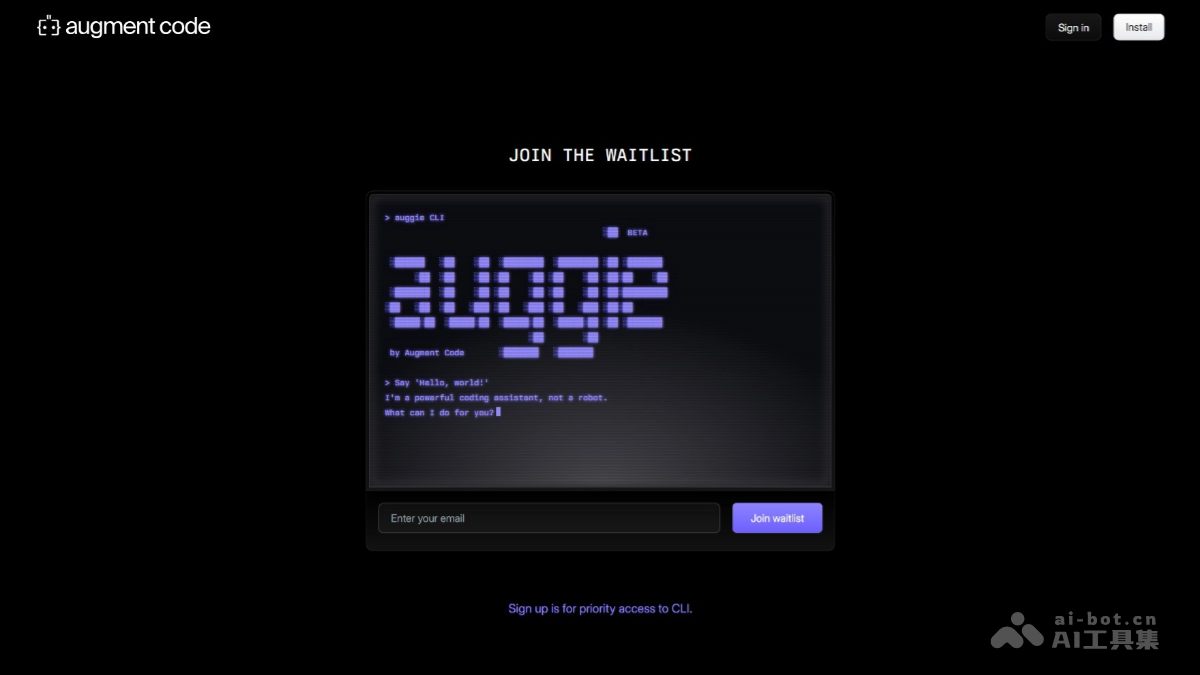
Auggie's main features
- Deep codebase intelligence: Automatically understands the structure, dependencies, and patterns of the entire codebase, without the need to manually select context, and can adapt to various scales from small projects to large enterprise codebases.
- Multi-environment integration: Supports the command line, Visual Studio Code, and JetBrains IDEs, and Auggie can integrate seamlessly.
- Automation and integration: As a Unix-style tool, Auggie can be easily integrated into existing scripts and automated processes, supporting code review, automated testing, and deployment in CI/CD pipelines.
- GitHub Actions support: Built-in /github-workflow command can quickly generate GitHub Actions for pull request descriptions and reviews, improving development efficiency.
- Scalability: Auggie can automatically scale as the project scale expands, handling both personal projects and large enterprise codebases with ease.
Auggie's official website address
- Official website address:https://www.augment.new/
Auggie's application scenarios
- Local code development and debugging: Provides code suggestions and context information in real time in the local development environment, helping developers quickly locate problems and optimize code.
- Code review in CI/CD pipelines: Automatically performs code review tasks and generates detailed reports to ensure code quality and style comply with specifications.
- Automated testing support: Analyzes test code, provides optimization suggestions, and automatically generates part of the test code to improve testing efficiency.
- Deployment script optimization: Helps developers write and optimize deployment scripts to ensure correct deployment of code in different environments.
- Team collaboration and knowledge sharing: Through codebase context information and project structure diagrams, it helps new members get up to speed quickly and reduces the team's knowledge gap.