
What is Aqua Voice
Aqua Voice is an AI voice-driven document editing tool. Aqua Voice supports converting speech to text and supports editing and formatting text with natural language commands, such as deleting, rephrasing, and adjusting formatting. Aqua Voice can automatically optimize grammar and formatting, making text smooth and natural. Aqua Voice supports 49 languages and can be used in a variety of applications such as Google Docs and Gmail. It is especially suitable for users who need efficient writing, have reading disabilities, or want to free their hands. Aqua Voice has high speech recognition accuracy and can significantly improve writing efficiency.
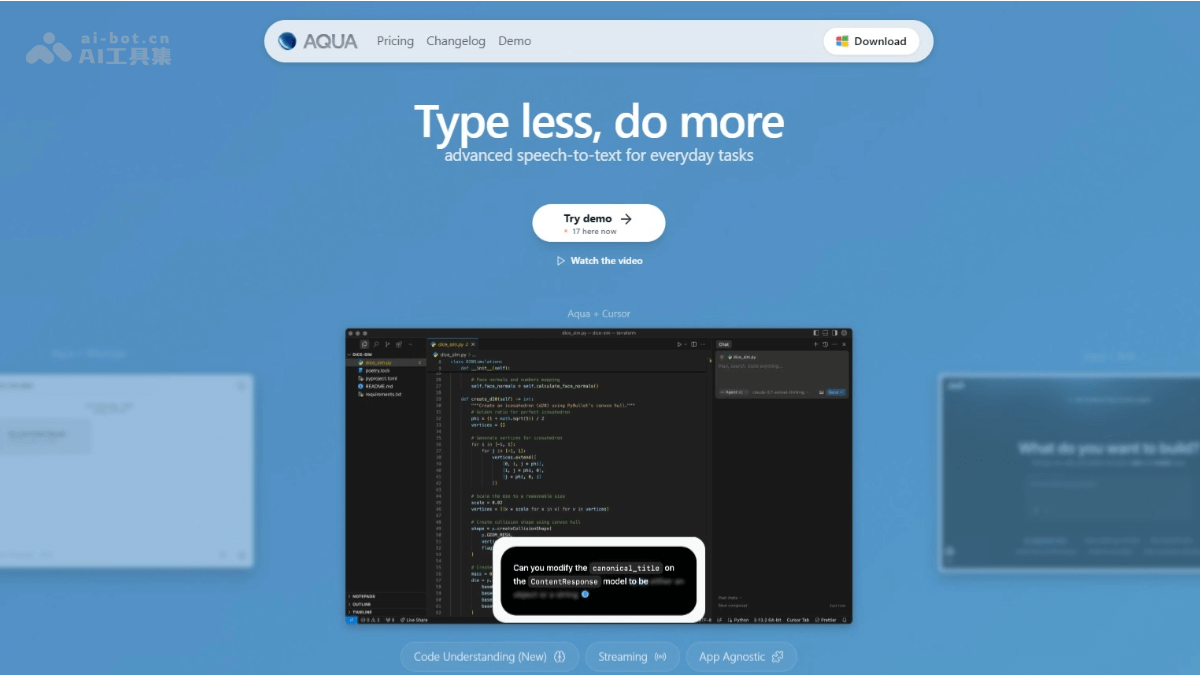
Main features of Aqua Voice
- Real-time transcription: Converts the user's speech into text in real time, supports multiple languages, and offers fast transcription speed and high accuracy.
- Automatic formatting: Automatically adjusts text formatting based on context, such as converting spoken text into formal text, adding punctuation, and adjusting paragraph structure.
- Editing operations: Performs various editing operations based on voice commands. Optimizes text according to the user's instructions, such as shortening sentences, adjusting tone, and removing unnecessary filler words.
- Smart error correction: Understands context and automatically corrects spelling and grammar errors to ensure the generated text is natural and smooth.
- Multi-platform support: Supports use in any website or application that requires text input, such as Google Docs, Gmail, ChatGPT, and more. Supports seamless switching between different applications without reconfiguration or adjusting settings.
- Multilingual support: Supports 49 languages to meet the speech recognition and text generation needs of users in different languages.
Aqua Voice product pricing
- Starter (free version): Includes 1,000 free words, provides Aqua Engine, includes 5 custom dictionary values, and offers free download.
- Pro (professional version): $8 per month, $96 per year, includes unlimited words, provides Aqua Engine, includes 800 custom dictionary values, allows adjustments using custom instructions, and early access to new features.
Aqua Voice official website address
- Official website address:withaqua.com
Aqua Voice use cases
- Efficient writing: Quickly record ideas and write articles, emails, or reports to improve writing efficiency.
- Writing assistance: Helps people with reading disabilities or typing difficulties easily complete text input.
- Multitasking: Completes text creation by voice while performing other activities, such as driving or exercising.
- Cross-platform office work: Seamlessly used in a variety of applications such as Google Docs and Gmail, making document editing convenient.
- Multilingual communication: Facilitates voice input and text generation for users with different language backgrounds.