
What is AnythingLLM
AnythingLLM is a free, open-source full-stack AI client that supports multimodal interaction. AnythingLLM supports multiple input methods such as text, images, and audio, turning any document or content into context for various language models (LLMs) to use in conversations. AnythingLLM supports local operation and remote deployment, and provides multi-user management, workspace isolation, rich document format support, and powerful API integration. All data is stored locally by default, ensuring privacy and security. AnythingLLM supports a variety of popular LLMs and vector databases, making it suitable for individual users, developers, and enterprises.
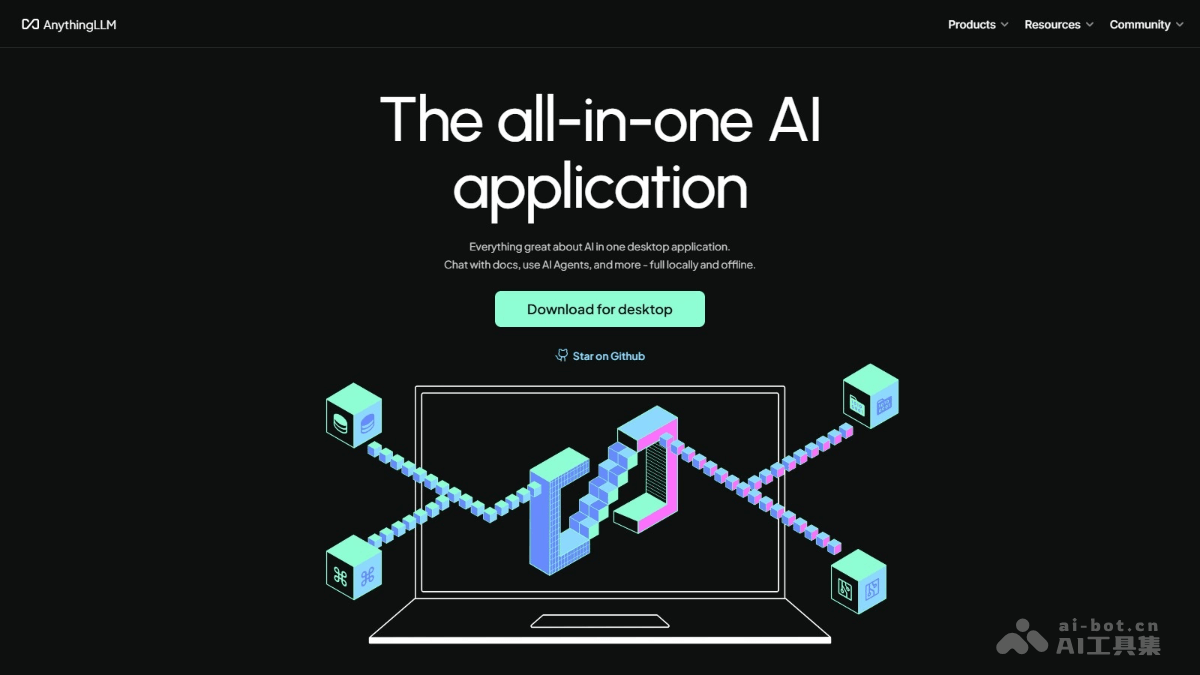
Main Features of AnythingLLM
- Multimodal Interaction: Supports multiple input methods such as text, images, and audio, providing a richer interaction experience.
- Document Processing and Context Management: Divides documents into separate "workspaces," supports multiple formats (such as PDF, TXT, DOCX, etc.), maintains context isolation, and ensures clarity in conversations.
- Multi-user Support and Permission Management: The Docker version supports multi-user instances, and administrators can control user permissions, making it suitable for team collaboration.
- AI Agents and Tool Integration: Supports running AI agents within workspaces to perform tasks such as web browsing and code execution, extending application functionality.
- Local Deployment and Privacy Protection: By default, all data (including models, documents, and chat records) is stored locally, ensuring privacy and data security.
- Powerful API Support: Provides a complete developer API, making it convenient for users to perform custom development and integration.
- Cloud Deployment Ready: Supports multiple cloud platforms (such as AWS, GCP, etc.), making it convenient for users to deploy remotely according to their needs.
AnythingLLM Project Address
- Project Official Website:https://anythingllm.com/
- GitHub Repository:https://github.com/Mintplex-Labs/anything-llm

GetAnythingLLM installation package, scan the QR code to follow and reply:AnythingLLM
Technical Principles of AnythingLLM
- Frontend: Built with ViteJS and React, providing a simple and easy-to-use user interface, supporting features such as drag-and-drop document upload.
- Backend: Based on NodeJS and Express, responsible for handling user interaction, document parsing, vector database management, and communication with LLMs.
- Document Processing: Based on a NodeJS server, it parses and processes uploaded documents, converts them into vector embeddings, and stores them in a vector database.
- Vector Database: Uses vector databases such as LanceDB to convert document content into vector embeddings, making it easy to quickly retrieve relevant context during conversations.
- LLM Integration: Supports multiple open-source and commercial LLMs (such as OpenAI, Hugging Face, etc.), allowing users to choose suitable models according to their needs.
- AI Agents: Runs AI agents within workspaces. Agents can perform various tasks (such as web browsing, code execution, etc.), extending application functionality.
Models and Databases Supported by AnythingLLM
- Large Language Models (LLMs): Supports multiple open-source and closed-source models, such as OpenAI, Google Gemini Pro, Hugging Face, etc.
- Embedding Models: Supports the native AnythingLLM embedder, OpenAI, etc.
- Speech-to-Text and Text-to-Speech: Supports multiple speech models, including OpenAI and ElevenLabs.
- Vector Database: Supports LanceDB, Pinecone, Chroma, etc.
Usage and Deployment of AnythingLLM
- Desktop Version:
- System Requirements:
- Operating System: Supports Windows, MacOS, and Linux.
- Hardware Requirements: At least 8GB of RAM is recommended, with 16GB or more preferred.
- Download and Installation: Visit the AnythingLLM official website. Select the corresponding installation package based on your operating system.
- Installer:
- Windows: Double-click the installer and follow the prompts to complete the installation.
- MacOS: Double-click the DMG file and drag the application into the "Applications" folder.
- Linux: Install the DEB or RPM file using a package manager.
- Launch the Application: After installation is complete, open the AnythingLLM application.
- Initial Setup:
- Select a Model: On first launch, select a language model (LLM).
- Configure the Vector Database: Select the default vector database (such as LanceDB) or configure another supported database.
- Create a Workspace: Click "New Workspace" to create a separate workspace for a project or documents. Upload documents (such as PDF, TXT, DOCX, etc.), and the application automatically parses them and generates vector embeddings, which are stored in the vector database.
- Start a Conversation:
- Enter a question or instruction in the workspace, and the application generates an intelligent response based on the content of the uploaded documents.
- Supports multimodal interaction; upload images or audio files, and the application processes them based on their content.
- System Requirements:
- Docker Version:
- System Requirements:
- Operating System: Supports Linux, Windows (WSL2), and MacOS.
- Hardware Requirements: At least 8GB of RAM is recommended, with 16GB or more preferred.
- Docker Environment: Docker and Docker Compose need to be installed.
- Deployment Steps:
- Visit the GitHub Repository: Go to the AnythingLLM GitHub repository。
- Clone the Repository:
- System Requirements:
git clone https://github.com/Mintplex-Labs/anything-llm.git
cd anything-llm-
-
Configure Environment Variables:
- Run the following command in the project root directory to generate the
.envfile:
- Run the following command in the project root directory to generate the
-
yarn setup-
-
-
Edit the
server/.env.developmentfile to configure the parameters for the LLM and vector database.
-
- Start the Docker Container:
-
docker-compose up -d-
- Access the Application: Open a browser and visit http://localhost:3000,进入 AnythingLLM's web interface.
- Usage:
- Create a Workspace: Similar to the desktop version, create a workspace and upload documents.
- Multi-User Management: The Docker version supports multi-user login and permission management; administrators set user permissions in the backend.
- Embedded Chat Widget: The Docker version supports generating an embedded chat widget that can be embedded into websites.
- Advanced Features:
- Custom Integrations: Extend application functionality based on APIs and plugins.
- Cloud Platform Deployment: Supports deployment on cloud platforms such as AWS, GCP, Digital Ocean, etc.
AnythingLLM Application Scenarios
- Enterprise Internal Knowledge Management and Q&A: Enterprises upload internal documents (such as knowledge bases, manuals, project documents, etc.) to AnythingLLM workspaces, and employees quickly query and obtain relevant information in a conversational format, improving work efficiency.
- Academic Research and Literature Organization: Researchers upload large amounts of academic literature, papers, etc. to workspaces to quickly extract key information and summarize viewpoints, assisting research work.
- Personal Learning and Material Organization: Students or individual learners import learning materials (such as e-books, notes, etc.) and review and consolidate knowledge in a conversational format, improving learning efficiency.
- Content Creation: Content creators gain creative inspiration, polish text, or generate outlines to assist the creation process.
- Multilingual Document Translation and Understanding: Users upload multilingual documents to quickly obtain translated versions or key information of the document content, breaking down language barriers.