
What is Androidify
Androidify is an open-source project launched by Google to help developers learn how to build AI-powered apps on Android. The project uses Google's latest technologies, such as Jetpack Compose, the Gemini API (via the Firebase AI Logic SDK), CameraX, and Navigation 3. Users can create personalized Android robot characters by uploading photos or entering text descriptions, and add elements such as colors and accessories.
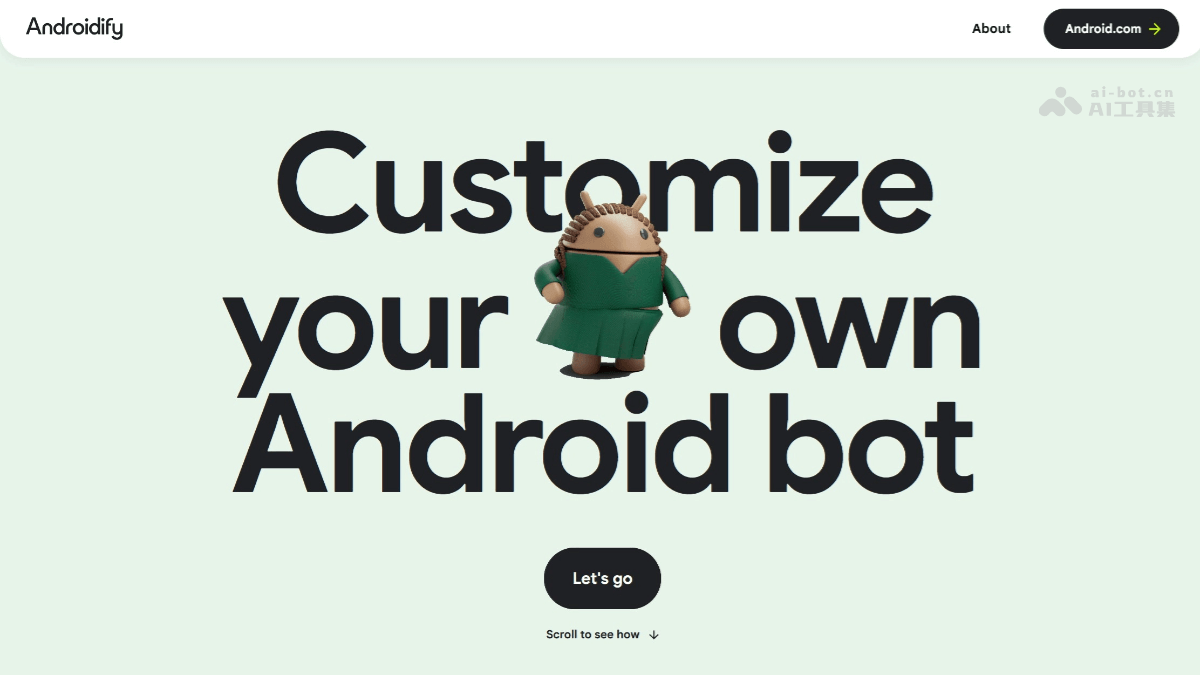
Main features of Androidify
-
Create personalized Android robot characters: Users can upload selfie photos or enter text descriptions to let AI generate a unique Android robot character, and can choose colors, add accessories, etc. The generated robot character can be saved in different formats, such as a profile photo, wallpaper, or transparent PNG file.
-
Supports animation effects: For some users, an animated version of the robot character can be unlocked, using the Veo model to animate the robot, making it more fun and lively.
-
Built with the latest technologies: The project is based on Google's latest technology frameworks, such as Jetpack Compose, the Gemini API (via the Firebase AI Logic SDK), CameraX, and Navigation 3, demonstrating the latest Android development best practices to help developers learn and master the skills for building AI-powered apps.
-
Open-source friendly: It follows the Apache License 2.0, and developers can freely use, modify, and share the code, making it convenient for learning and secondary development.
-
Multi-format export: The generated robot character can be saved in different formats, such as a square-cropped profile photo, an image for wallpaper design, or a transparent PNG file.
Technical principles of Androidify
-
Gemini API: Access the underlying Imagen and Gemini models through the Firebase AI Logic SDK.
-
Jetpack Compose: Build a user interface with exquisite animations and make the app adapt to different screen sizes.
-
Navigation 3: The latest navigation library, used to build navigation graphs with Compose.
-
CameraX and Media3 Compose: Build a custom camera and custom UI controls (rear camera support, zoom support, tap to focus), as well as play promotional videos.
Androidify project address
- Project official website:https://androidify.com/
- Github repository:https://github.com/android/androidify
How to use Androidify
-
Clone the repository:
git clone https://github.com/android/androidify.git。 -
Create a Firebase project: Create a project in the Firebase console, generate the
google-services.jsonfile, and place it in theappfolder under the project directory. -
Enable related services: Make sure the Vertex AI API and AppCheck are enabled in the Firebase project.
-
Update the configuration file: Update the relevant configuration in
remote_config_defaults.xml. -
Build and run: Open the project with Android Studio and run it on an emulator or a real device.
Application scenarios of Androidify
-
Social media and messaging: Users can use the generated personalized Android robot character as an avatar on social media platforms, or as a unique chat sticker in instant messaging apps, to show their personality.
-
Wallpaper and watch face design: The generated robot avatar can be set as a phone wallpaper or used as a watch face for a Wear OS smartwatch, adding fun and personalization to the device.
-
Creative Design and Decoration: In creative projects such as digital artworks, personal websites, or blogs, the robot avatar can be used as a unique visual element to enrich the design content.
-
Education and Learning Tools: Developers can use the Androidify project as a learning resource to explore the latest technologies in AI and Android development, and improve their programming and design skills.
-
Entertainment and Interactive Experience: During events or when interacting with friends, create and share personalized Android robot avatars to add entertainment and fun.