
Aitubiao (aitubiao.com) is AI Chart, an innovative intelligent data visualization and analysis tool launched by Dydata Technology, focused on providing users with convenient chart generation, data analysis, and report writing services. In mid-2025, Aitubiao reached a milestone upgrade, launching two major AI core features:
"AI Data Charts" — intelligently parses data and generates professional charts in seconds;
"AI Data Graphics and Text" — automatically produces PPTs/data dashboards/communication long images from a single sentence.
We will deeply analyze how these two innovative features reshape data workflows.
Go now toAitubiaofor a free experience.
What Are AI Data Charts
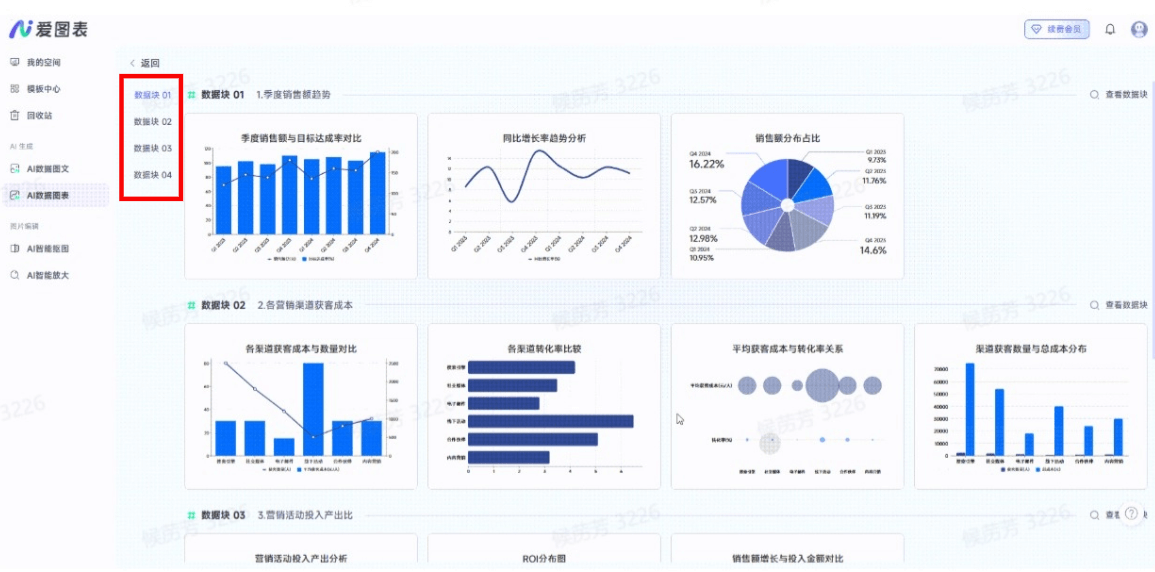
AI Data Charts is a feature on the Aitubiao platform that automatically generates visualization charts based on artificial intelligence. Users only need to upload data files such as Excel or CSV, and AI will automatically analyze data characteristics, intelligently recommend the most suitable chart types (such as bar charts, line charts, etc.), and generate multiple charts with one click. It supports dynamic editing of styles (colors, layouts, etc.), one-click skin changing, and can export PDFs or transparent-background images, greatly lowering the threshold for creating professional charts. With Aitubiao for charts, you don't need to choose types yourself or adjust styles yourself, and you can create professional-level visualizations in seconds.
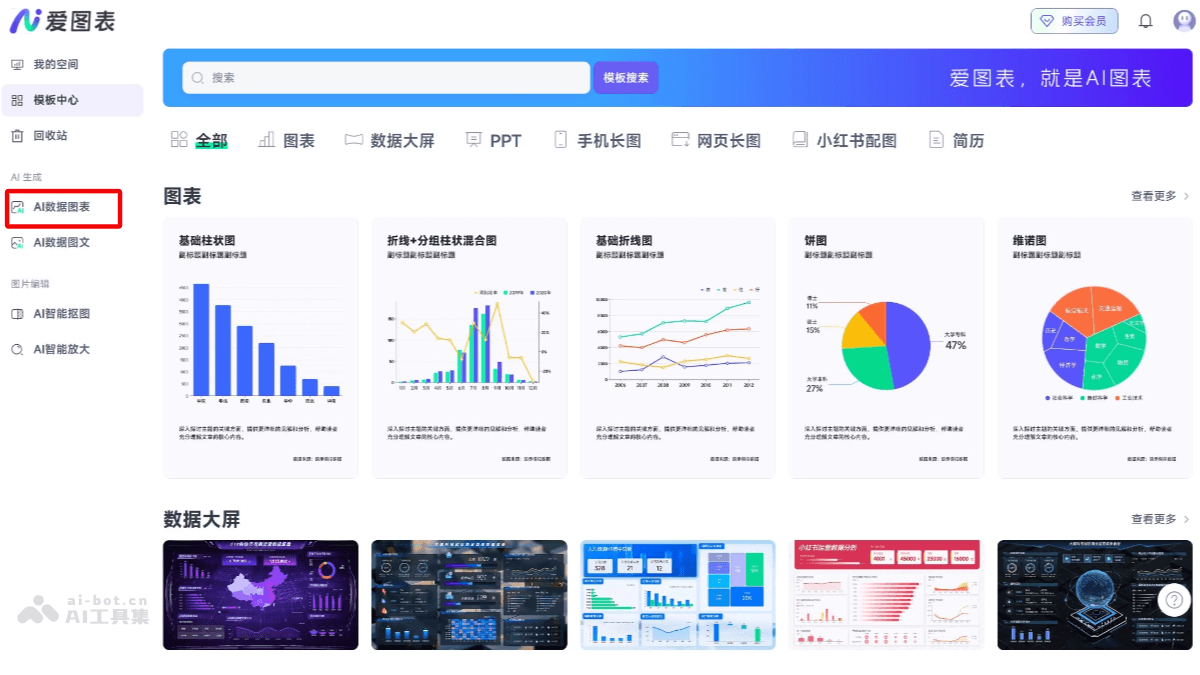
Core Features of AI Data Charts
- Intelligent Chart Matching: Upload Excel/CSV data, and AI analyzes the data structure (such as time series, categorical comparisons) and intelligently recommends the best charts such as bar charts, heatmaps, radar charts, etc., with no need for manual selection.
- One-Click Skin Changing: Quickly switch the global style, switch color schemes, fonts, and backgrounds with one click, adapting to visual styles for multiple scenarios.
- Interactive Editor: Drag-and-drop editing, zero-threshold free adjustment, supports export in formats such as PNG (transparent background), JPG, PDF, etc.
How to Use AI Data Charts
-
Visit the Official Website: VisitAitubiao Official Website, register and log in to your account.
- Import Data: Import data into the platform by uploading an Excel file.
- Intelligent Chart Matching: Click the "AI Parse Data" button, and AI automatically analyzes data characteristics, recommends, and generates the most suitable data charts.
- Free Editing and Adjustment: Use the editing features provided by the platform to customize charts, such as real-time zooming, color schemes, layout adjustments, and adding elements.
-
Export and Share: After completion, users can export charts and reports, or share them on the platform.
- Use Cases
- Data File (Single Sheet)
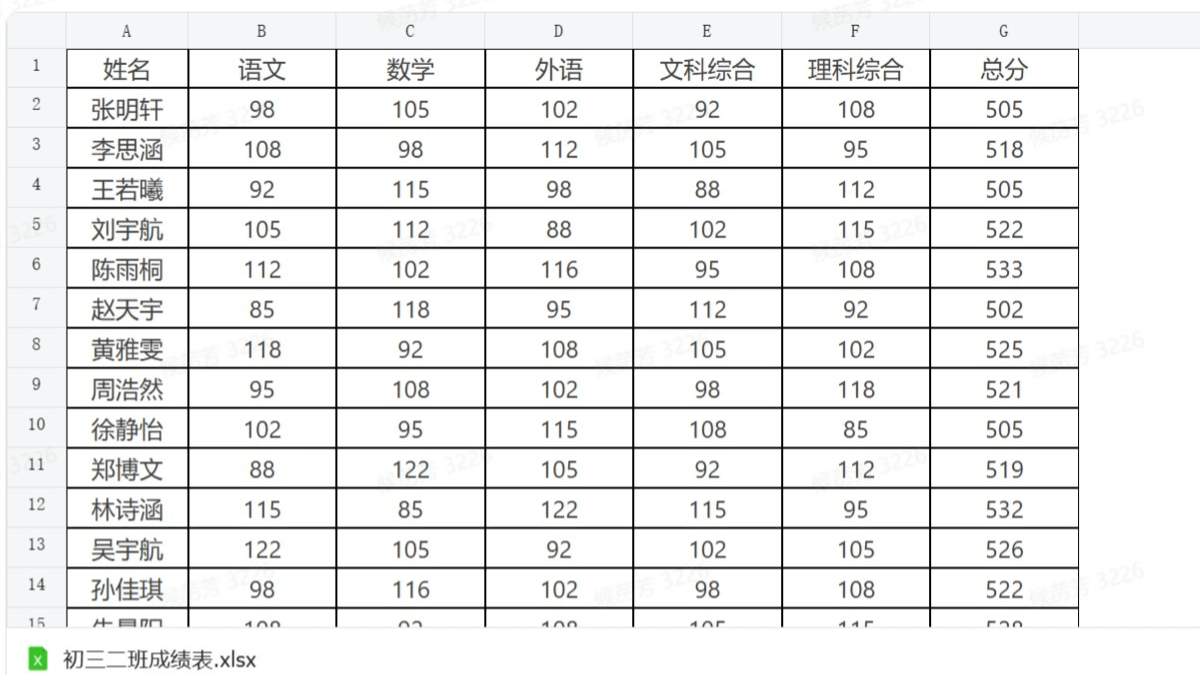
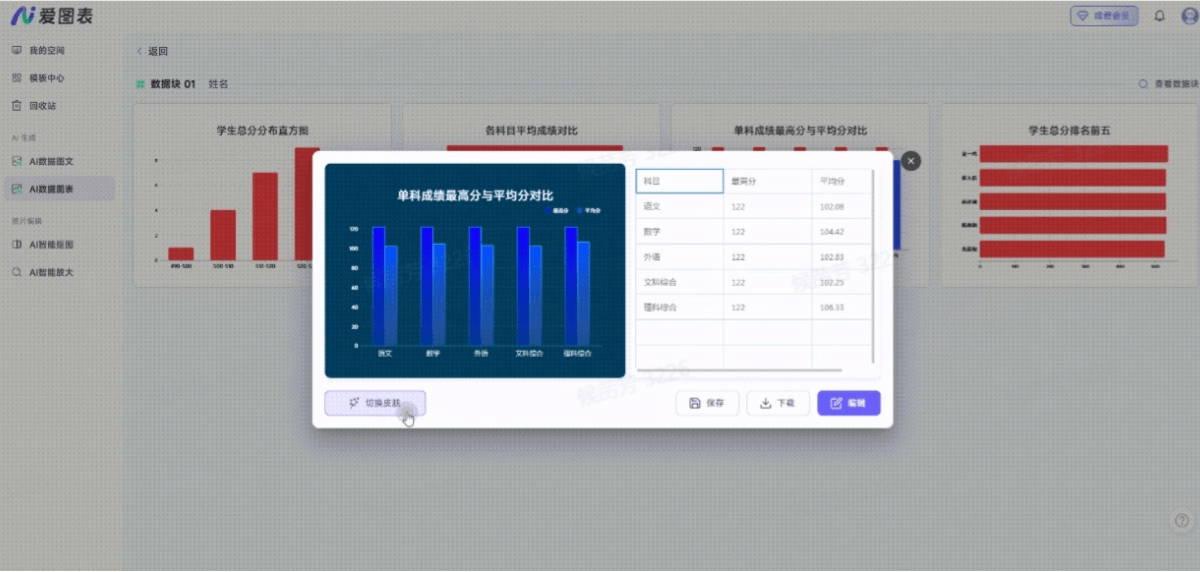
-
- Data File (Multiple Sheets)
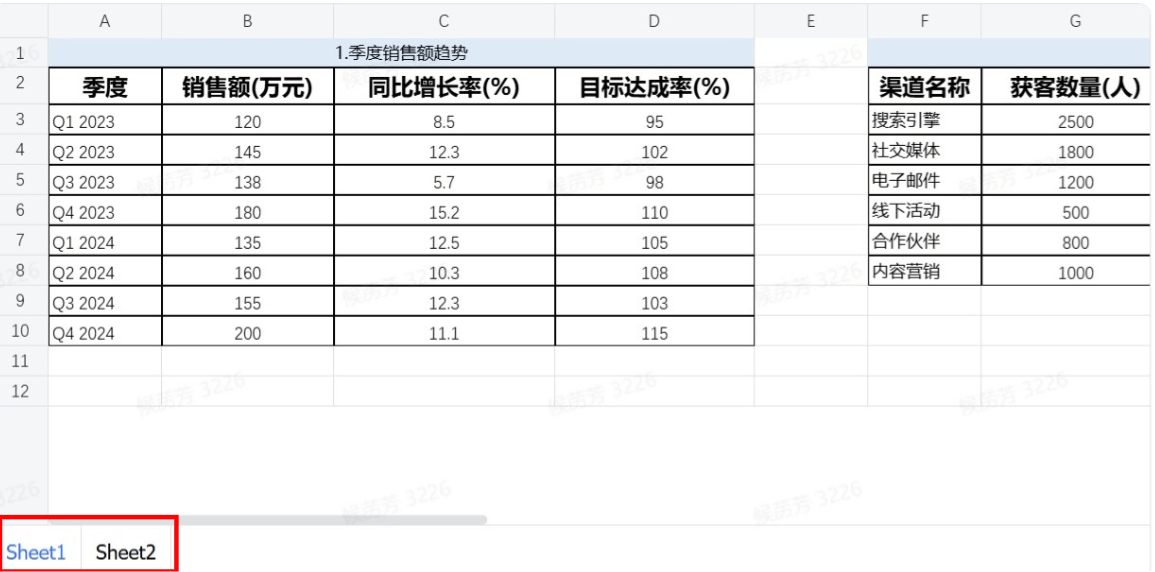
What Are AI Data Graphics and Text
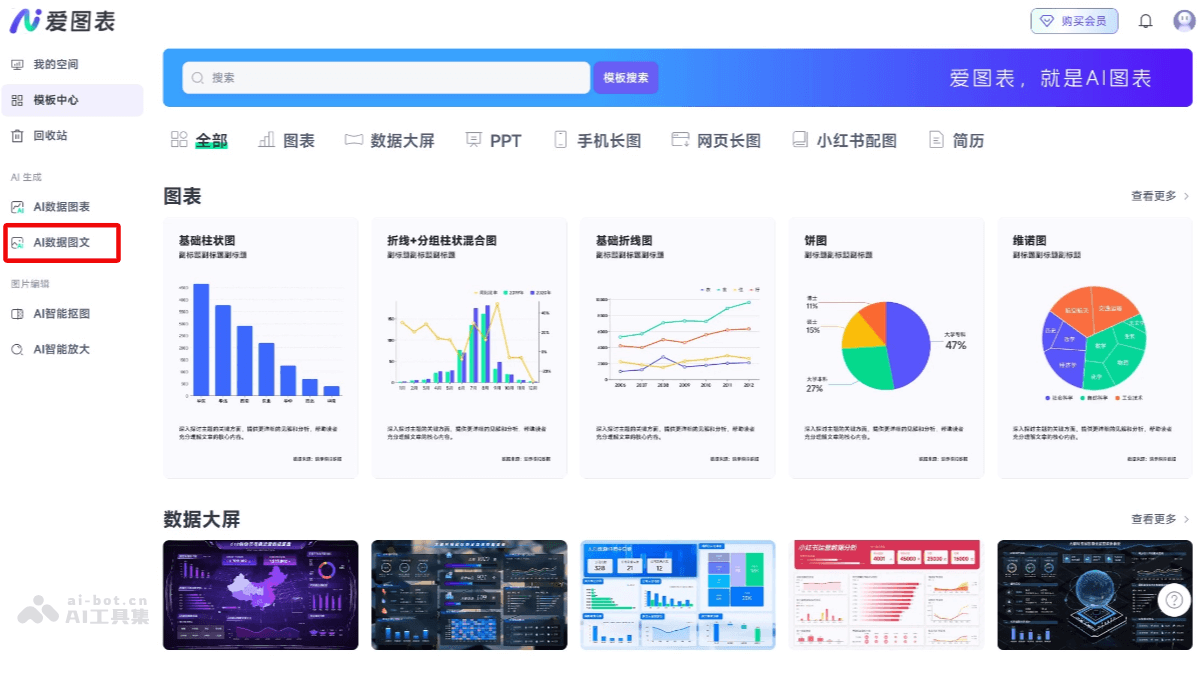
AI Data Graphics and Text is another important feature newly released by the Aitubiao platform. No design background is needed; just describe your needs (such as "AI talent"), and AI automatically generates data-driven PPT slides, data dashboards, and communication-level long images. The entire process from data to layout is managed, compressing a 10-minute task to 10 seconds and rapidly improving workplace efficiency. Aitubiao not only helps you draw charts, but also helps you write reports.
Core Features of AI Data Graphics and Text
- Multi-Source Input Parsing: Supports text pasting/file upload/webpage link scraping
- Structured Extraction: Automatically summarize the information into a logical framework (core argument - sub-arguments - data support).
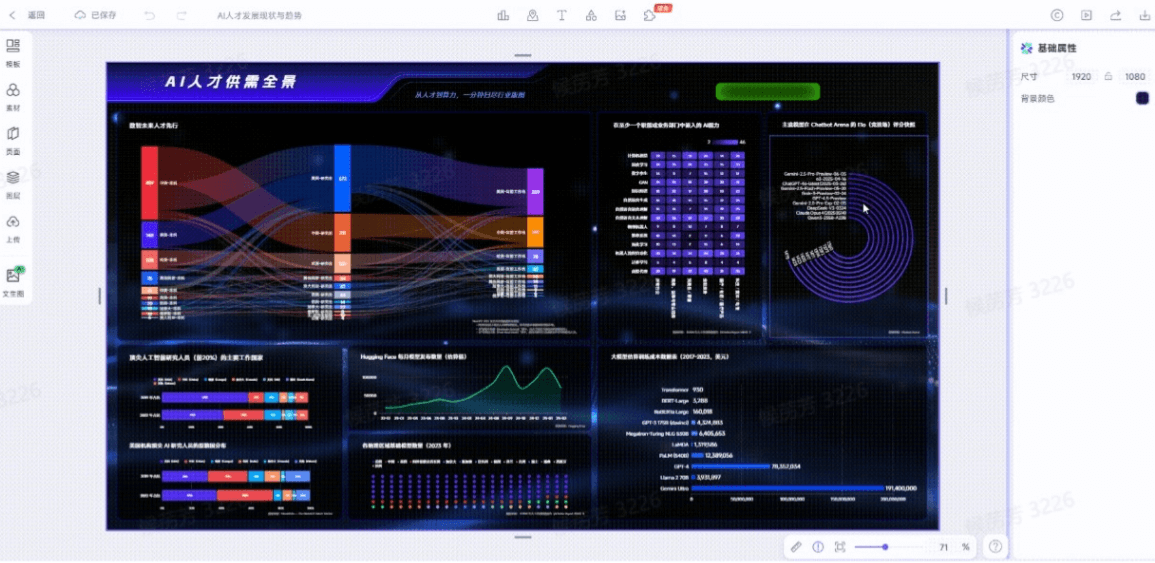
- Multi-format output: Supports the generation of PPT, data dashboards (dynamic display of multiple chart combinations), and long-form graphics and text (infographics).
How to use AI data graphics and text
Taking creating a data dashboard with AI as an example:
- Create a project: On the homepage, go to [My Space] - [Create from AI - Select Data Graphics and Text].
- Select an operation entry point: Select the operation entry point you need and click [Dashboard].
- Enter a command: Just enter a command, such as "AI入才"
- Usage example
From the one-click chart generation of "AI Data Charts" to the fully automated report creation of "AI Data Graphics and Text," iCharts uses two major AI features to make data expression as easy as speaking. Say goodbye to manually selecting chart types, staying up late adjusting PPT layouts, and asking others to create data dashboards. Just upload your data and tell AI your goal, and leave the rest to iCharts.