
What is AIpai
AIpai is anAI video creationAgent product that supports helping users quickly generate professional video content. Based on features such as intelligent scriptwriting, character design, scene construction, and video generation, it meets various needs ranging from viral short dramas and trending videos to brand promotional films. Users only need to input text, and AIpai can automatically create storyboards and generate multiple image and video options, supporting voice settings and parameter adjustments. AIpai can quickly generate professional videos, greatly shortening production time, improving creation efficiency, and making it easy for users without professional experience to get started.
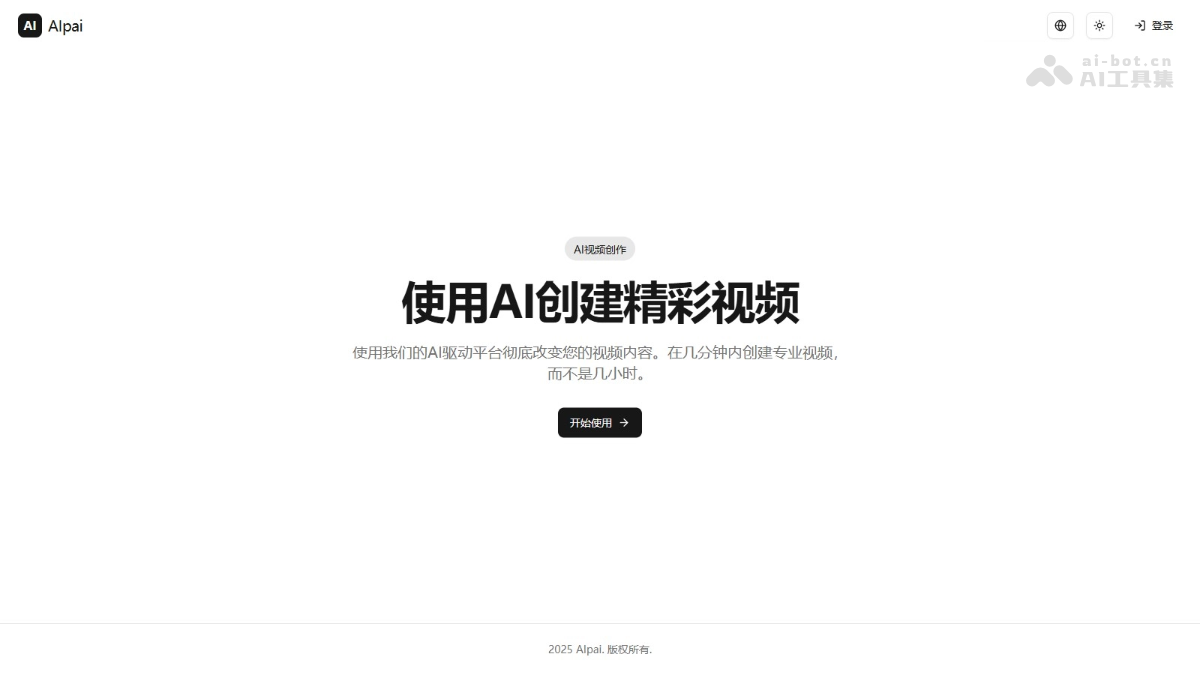
Main Features of AIpai
- Intelligent Scriptwriting: Automatically generate video copy scripts and optimize story structure.
- Character Design: Create character images and generate character animations.
- Scene Construction: Generate scene backgrounds that match the copy, supporting scene optimization.
- Image Generation: Break down the copy into storyboards and generate multiple AI images for selection.
- Video Generation: Synthesize the copy, characters, and scenes into a complete video, providing multiple version options.
- Voice Settings: Generate natural voiceovers and add rich sound effects.
- Parameter Adjustment: Customize video effects and switch between different styles.
How to Use AIpai
- Register and Log In: Visit the AIpai official website https://aipai.app/ to complete registration and log in.
- Input Creation Theme: On the platform homepage, input the video theme or copy. For example: "A sci-fi short film about a future city" or "Brand promotional video".
- Script Generation:
- Copy Generation: Select the "Intelligent Scriptwriting" feature, input keywords or themes, and AIpai generates a complete copy script. If you already have copy, directly paste or input the copy content.
- Character Design: In the character design interface, input the character description. AIpai generates multiple character images for selection; choose the image that best meets your needs.
- Scene Construction: Input the scene description, such as "streets of a future city, neon lights flickering". After AIpai generates the scene, adjust details such as lighting, color, and layout.
- Video Generation:
- Storyboard Design: AIpai breaks down the copy into multiple shots, generating multiple images for each shot. Select the most suitable shot images from the generated images.
- Synthesize Video: Click the "Generate Video" button, and AIpai synthesizes all shots into a complete video.
- Voice Settings: Select the voiceover language and timbre, and AIpai generates natural and smooth voiceovers for the video.
- Parameter Adjustment: After video generation, adjust parameters such as frame rate, duration, and special effects.
- Preview and Export: After generating the video, preview the effect to ensure it meets your needs. Select the export format (such as MP4, MOV, etc.) and download it locally.
Application Scenarios of AIpai
- Short Video Production: Quickly generate short video content suitable for social media platforms, such as Douyin, Kuaishou, etc., covering types such as comedy, science popularization, and drama.
- Brand Promotion: Create personalized promotional videos for brands to enhance brand image and awareness.
- Personal Creation: Help creators produce personal original MV, travel diary, life record and other video works.
- Education: Produce educational videos, such as course explanations, knowledge popularization, etc., to improve teaching effectiveness and interest.
- Film and Television Production: Assist film and television production teams in quickly generating creative scripts and preliminary video materials to improve creative efficiency.