
What Is AIMangaStudio
AIMangaStudio is an open-source AI comic creation tool that provides creators with a complete comic creation pipeline, including plot generation, storyboard design, character setting, and other functions, simplifying the production process from script to comic pages. It supports generating comic scripts from natural language, including plot, dialogue, and narration; it can set characters and styles, supporting multiple drawing styles; it can automatically lay out panels, handle dialogue boxes and camera transitions, and can export multi-page comics as PNG or PDF format.
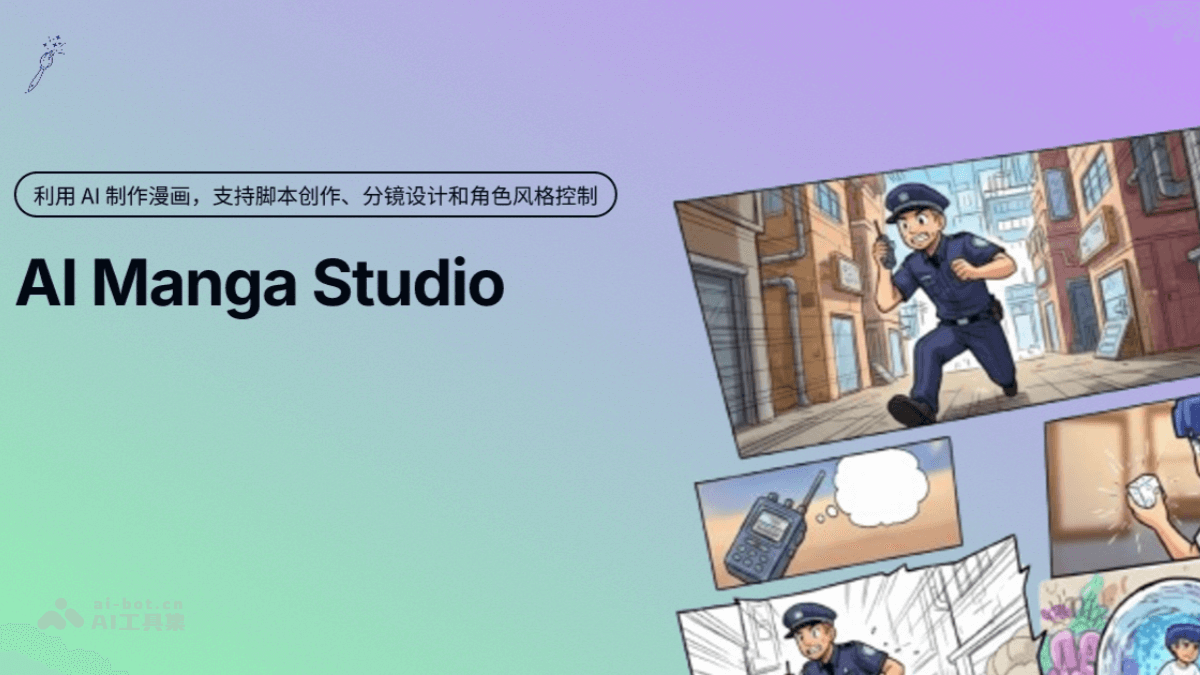
Main Features of AIMangaStudio
-
Text-to-Comic Generation: Directly convert story scripts or descriptive prompts into comic images.
-
Character Consistency: Ensure the same character maintains a consistent appearance across different panels and scenes.
-
Multi-Panel and Layout: Support generating multi-panel comic pages at once, providing multiple panel templates.
-
AI Storyboard Auto-Layout: Automatically place dialogue boxes in suitable positions within the artwork and generate storyboard effects with camera transitions.
-
Integrated Workflow: Built-in or integrated functions such as sketch generation, line art coloring, and dialogue bubble addition, enabling one-stop creation.
AIMangaStudio Project Address
- Github Repository:https://github.com/morsoli/aimangastudio
How to Use AIMangaStudio
-
Clone the Repository: Clone the AIMangaStudio project from GitHub to your local machine.
-
Configure the Environment: Configure the development environment according to project requirements, such as installing Node.js, etc.
-
Set Up the Pipeline: Set up a complete AI comic creation pipeline according to the project documentation.
-
Generate Script: Input a story script or descriptive prompt, use its text-to-comic generation function to convert text into comic images.
-
Set Characters: Set up characters to ensure they maintain a consistent appearance across different panels and scenes.
-
Storyboard Layout: Use the AI storyboard auto-layout function to automatically place dialogue boxes and generate storyboard effects with camera transitions.
-
Generate Comic: Generate multi-panel comic pages at once, choosing appropriate panel templates.
-
Export Work: Export the created comic as PNG or PDF format.
Application Scenarios of AIMangaStudio
-
Independent Creators and Small Studios: No need to purchase commercial tool subscriptions; by cloning the repository and configuring the environment, a complete AI comic creation pipeline can be set up.
-
Education and Training Scenarios: Can serve as a teaching case for courses combining digital art and AI, allowing students to learn secondary development skills while mastering tool usage, enhancing their employment competitiveness.
-
Small and Medium Enterprises and Startup Projects: Small comic studios and startup teams can carry out customized development based on AIMangaStudio, reducing technical R&D costs and quickly building comic generation platforms.