
What Is AI Teacher Assistant
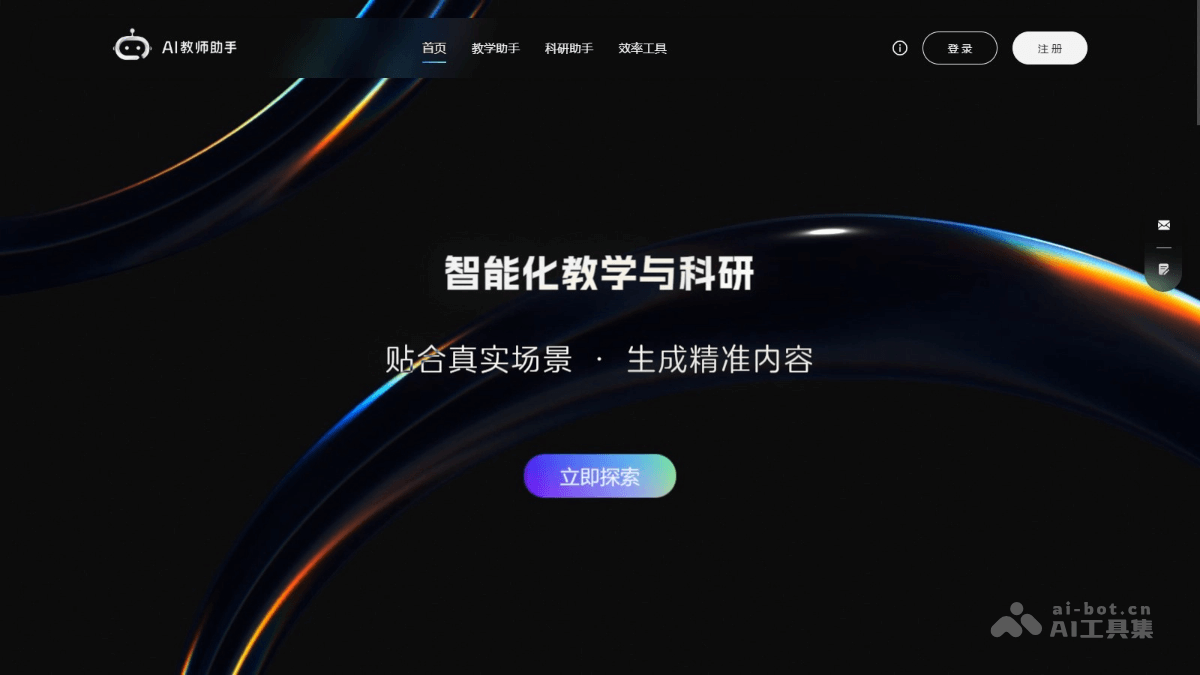
AI Teacher Assistant is an intelligent teaching tool launched by Unipus Technology Co., Ltd., designed specifically for teachers to reduce teaching burdens and improve teaching effectiveness. AI Teacher Assistant covers the entire process, including instructional design, intelligent question generation, precise grading, real-time Q&A, and grade analysis, and supports personalized teaching. Based on intelligent technology, teachers can quickly generate lesson plans and test questions, achieve intelligent homework correction and feedback, and create knowledge bases to assist with Q&A. The tool provides research support and multimedia creation functions, helping teachers efficiently carry out teaching and research work.
Main Functions of AI Teacher Assistant
- AI Teaching Assistant: Build a personalized Q&A knowledge base, generate interactive questions, and track Q&A data in real time to help teachers understand students' learning progress.
- Intelligent Question Generation: Supports independent creation and secondary creation of test questions, generates multiple question types (such as reading comprehension, listening tests, etc.), and provides text generation and rewriting functions.
- Precise Grading: Intelligently corrects assignments such as writing, speaking, and translation, provides detailed feedback analysis, and assists teachers in adjusting teaching strategies.
- Grade Analysis: Quickly organizes grade data and generates intuitive reports to help teachers identify students' weak areas.
- Academic Affairs Communication: Provides document writing tools such as end-of-term comments, speeches, and work summaries to simplify communication tasks.
- Research Support: Assists with paper writing, literature review generation, data analysis, and other functions to improve research efficiency.
- Multimedia Creation: Supports audio creation and image generation.
- Teaching Efficiency Improvement: Extracts lesson preparation materials, automatically generates lesson plans, designs teaching activities, and provides personalized teaching suggestions.
How to Use AI Teacher Assistant
- Registration and Login: Visit theofficial websiteof AI Teacher Assistant and complete registration and login as prompted.
- Function Selection and Use:
- AI Teaching Assistant:
- Create Knowledge Base: Enter or upload teaching content on the platform to create a personalized Q&A knowledge base.
- Interactive Q&A: Students enter the knowledge base by scanning a QR code or using a link, and the AI teaching assistant answers students' questions based on the knowledge base content.
- View Data: Teachers view Q&A data in the backend to understand students' learning progress.
- Intelligent Question Generation:
- Select Question Type: Select the required question type in the question generation module (such as reading comprehension, listening tests, etc.).
- Input Content: Enter or upload question materials, and the AI assistant will automatically generate questions.
- Edit and Adjust: Modify and adjust the generated questions to ensure they meet teaching requirements.
- Precise Grading:
- Upload Assignments: Upload students' writing, speaking, translation, and other assignments to the platform.
- Intelligent Correction: The AI assistant automatically corrects assignments and provides detailed feedback and scores.
- View Feedback: Teachers view the AI's grading results and supplement or adjust them as needed.
- Score Analysis:
- Enter Scores: Enter test scores into the platform or import score data.
- Generate Report: The platform automatically generates a score analysis report, including score distribution, weak areas, etc.
- Adjust Teaching: Adjust teaching strategies based on the report content and provide targeted tutoring to students.
- Academic Affairs Communication:
- Select Tool: Select the needed tool in the "Communication" module, such as "End-of-Term Comments," "Speech Draft," etc.
- Enter Information: Fill in the relevant information, and the AI assistant will automatically generate a draft.
- Revise and Improve: Revise and improve based on the generated draft to produce the final document.
- Research Support:
- Literature Review: Enter the research topic, and the AI assistant automatically generates a literature review.
- Paper Writing: Provides functions such as paper outlining, draft writing, and polishing.
- Data Analysis: Upload data samples, and the AI assistant processes and analyzes them to generate visual charts.
- Multimedia Creation:
- Audio Creation: Select a voice, enter text, and the AI assistant generates audio.
- Image Creation: Enter a description, and the AI assistant generates an image or picture book.
- AI Teaching Assistant:
Application Scenarios of the AI Teacher Assistant
- Personalized Teaching: The AI teaching assistant provides real-time answers, tracks student learning progress, and offers personalized teaching support.
- Final Exam Preparation and Examinations: Intelligently generates various types of test questions and provides precise grading with detailed feedback, reducing teachers' workload.
- Instructional Design and Lesson Preparation: Automatically generates lesson plans, extracts teaching materials, and assists efficient lesson preparation.
- Score Analysis and Teaching Improvement: Quickly organizes score data, generates intuitive reports, and precisely identifies weak areas.
- Academic Affairs Communication and Official Document Writing: Provides templates such as end-of-term comments, speech drafts, and work summaries to simplify communication processes.