
Recently I've seen a lot of friends playing withthe Doubao web version's image generation feature.
As the first domestic image generation tool that combines batch generation with intelligent editing, Super Creative 1.0 is simply a stroke of genius!
It doesn't require complex workflows or precise and detailed prompts, yet it can generate images in batches, and it's completely free!
Compared with other text-to-image tools that generate 1-4 images at a time, Doubao can generate 20 at a time, with off-the-charts efficiency!
Each one is of high-definition poster-level quality!
Let's test it out together~
01. Feature testFirst, I had it generate a realistic photo of a person based on my avatar.
Prompt: The image style is "portrait photography." Referring to the image I provided, generate a photo of a girl.
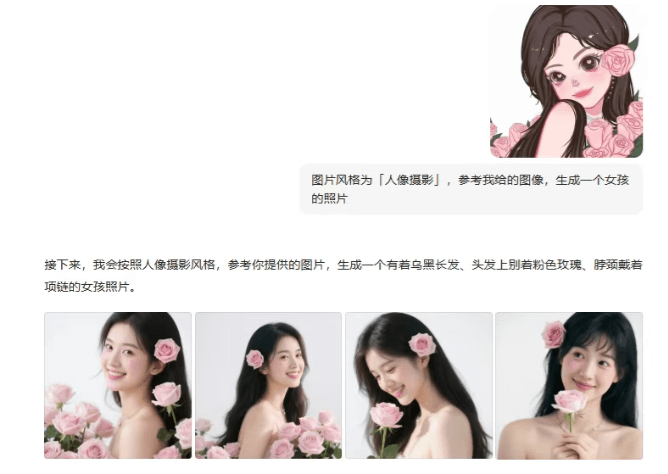
For example, if I input to generate a photo of a girl based on the reference image,Doubao will first analyze our intent, and then optimize our prompt on that basis.。
When generating the image, it will automatically add more specific descriptions, such as: the girl has long black hair, a pink rose pinned in her hair, and is wearing a necklace...
It really understood my needs!
Next, let's try having Doubao take us to check in at various popular attractions all at once.
Prompt: The image style is "portrait photography." Remove the flowers from the reference image, and generate check-in photos of the girl at various scenic spots in China, spring, early May. Generate at least 10 images.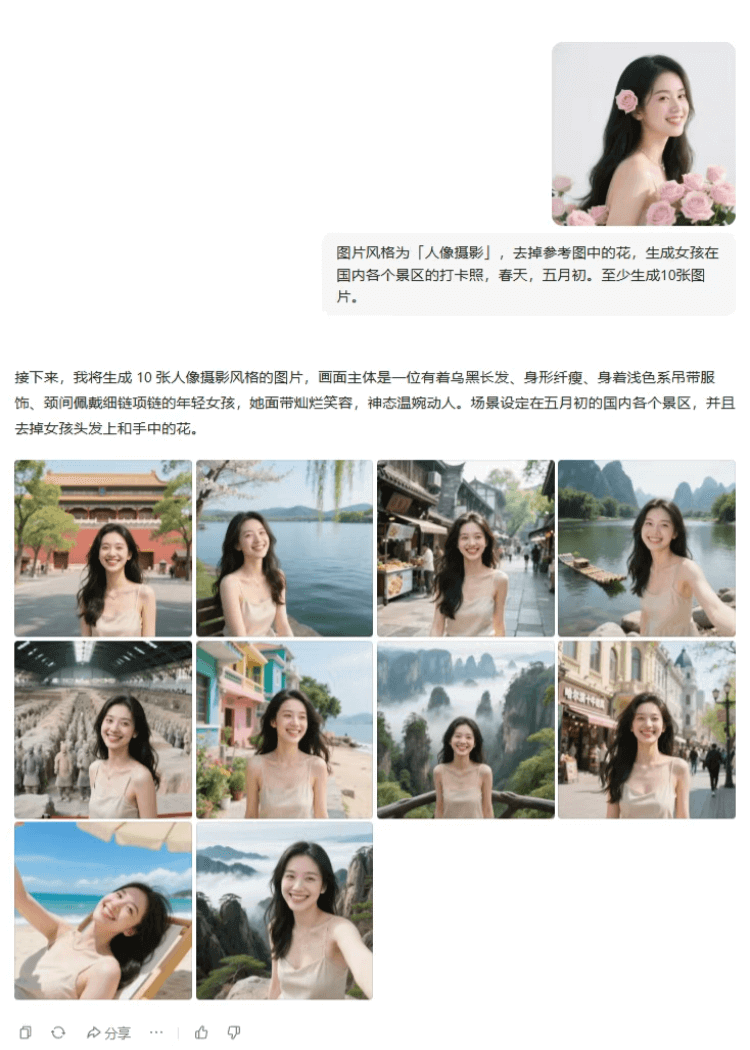 Prompt: In the same background, generate images of the girl wearing 10 different ethnic costumes. Full-body shots.
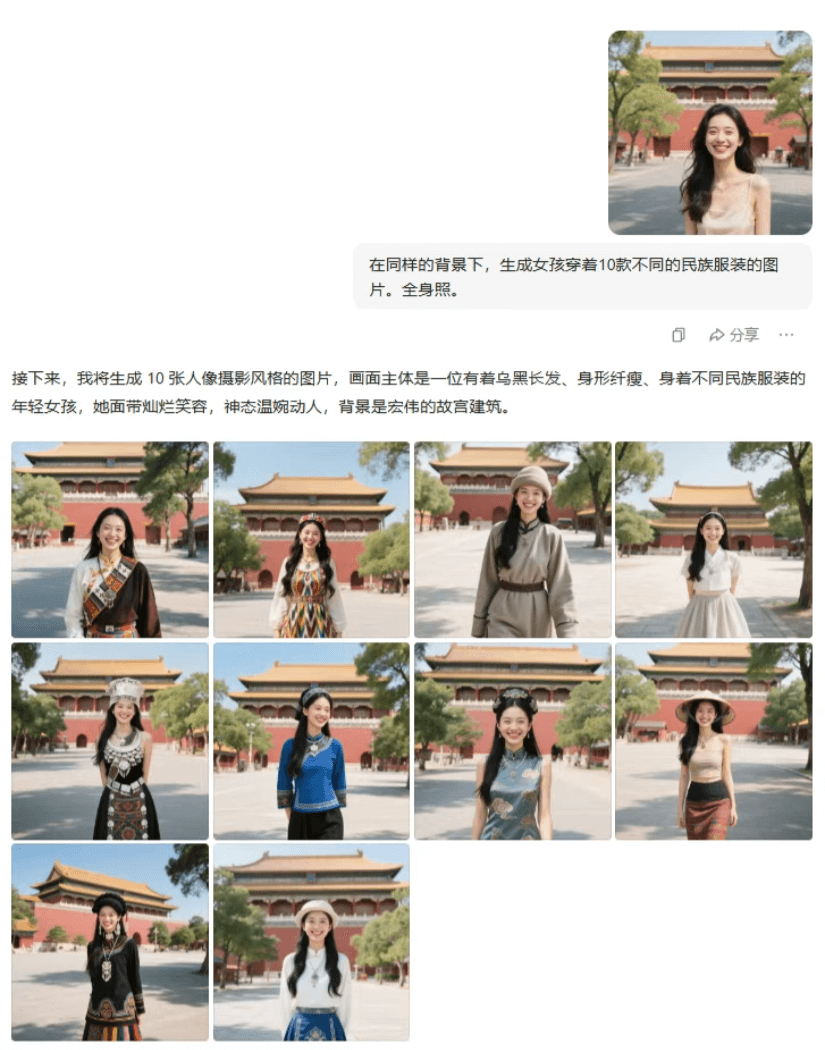 Across different scenes and different poses, the character consistency is maintained very well.。
Let's raise the difficulty a bit more—it can also help us design all kinds of travel souvenirs~
Prompt: Generate 20 images, ratio "1:1," image style "Jellycat-style plush toy." The image shows fluffy local foods from various places, minimalist, solid-color background, with the dish name written on each image.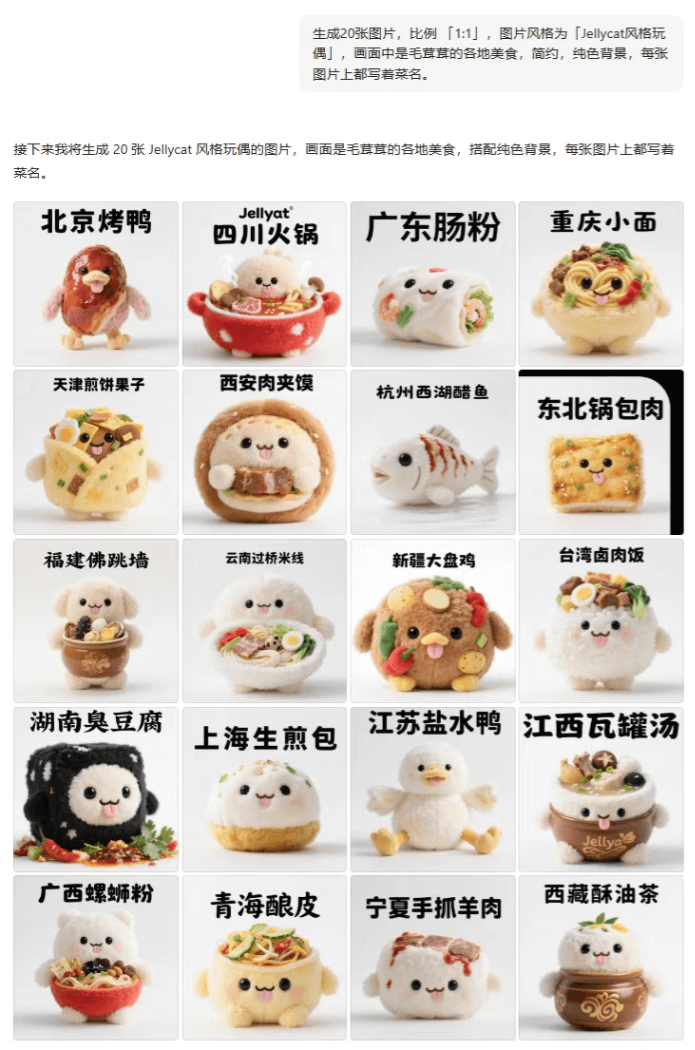
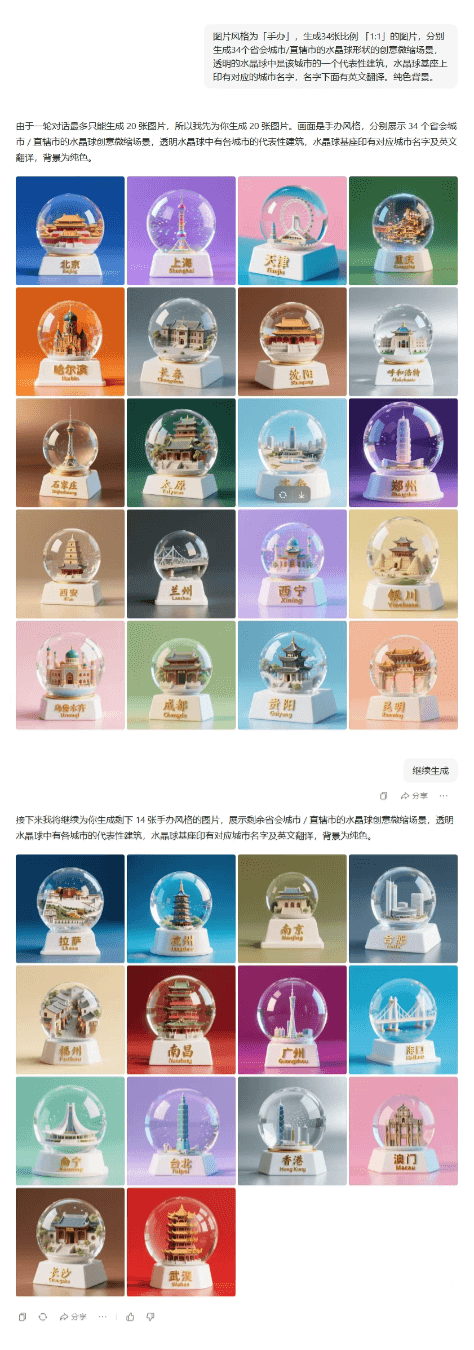
Doubao generates at most 20 images per round of conversation. If you want to generate more than 20 images at once, you can have it complete them in batches.
Prompt: The image style is "figurine." Generate 34 images with a ratio of "1:1," respectively generating crystal-ball-shaped creative miniature scenes of 34 provincial capitals/municipalities directly under the central government. Inside the transparent crystal ball is a representative building of that city. On the crystal ball base is printed the corresponding city name, and below the name is an English translation. Solid-color background.
 Generating multiple styles at onceThere's no pressure for images either.
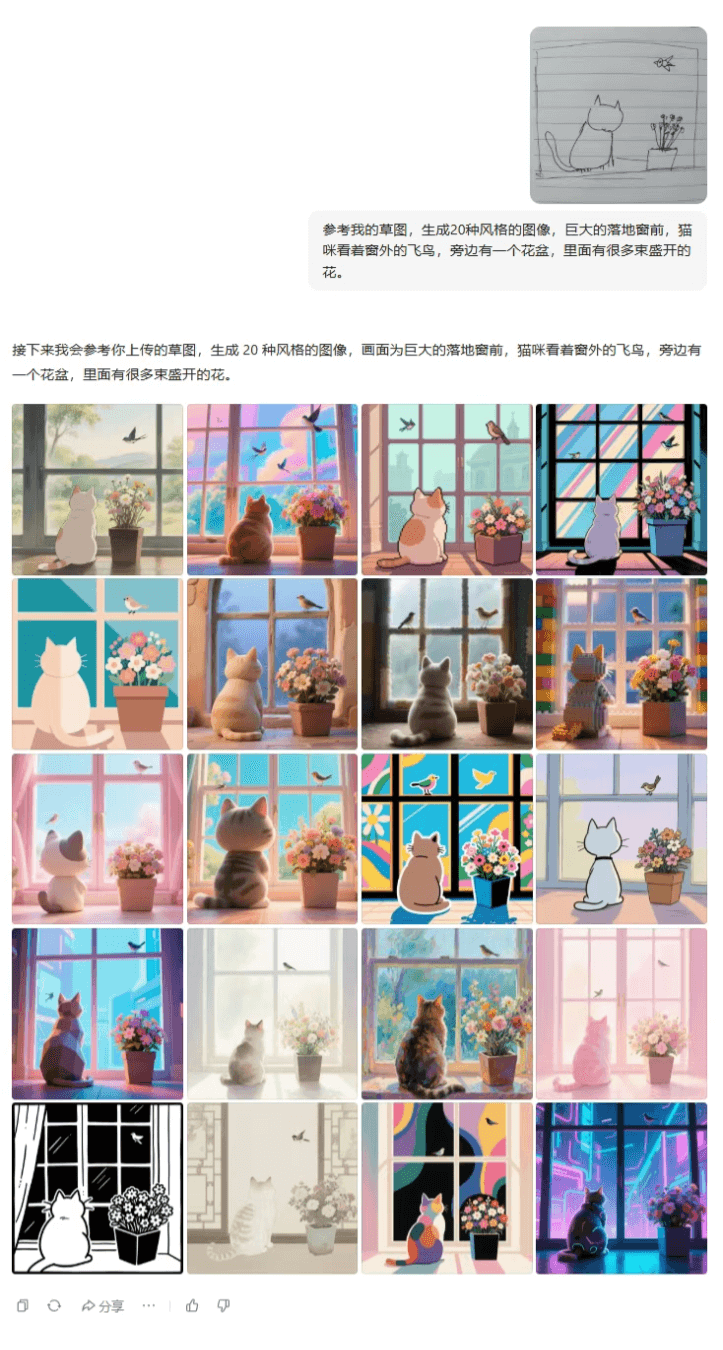
Prompt: Referring to my sketch, generate images in 20 styles. In front of a huge floor-to-ceiling window, a cat watches the flying birds outside the window. Next to it is a flowerpot filled with many blooming flowers.
Generating multiple styles at onceThere's no pressure for images either.
Prompt: Referring to my sketch, generate images in 20 styles. In front of a huge floor-to-ceiling window, a cat watches the flying birds outside the window. Next to it is a flowerpot filled with many blooming flowers.
 02. Covers/Illustrations
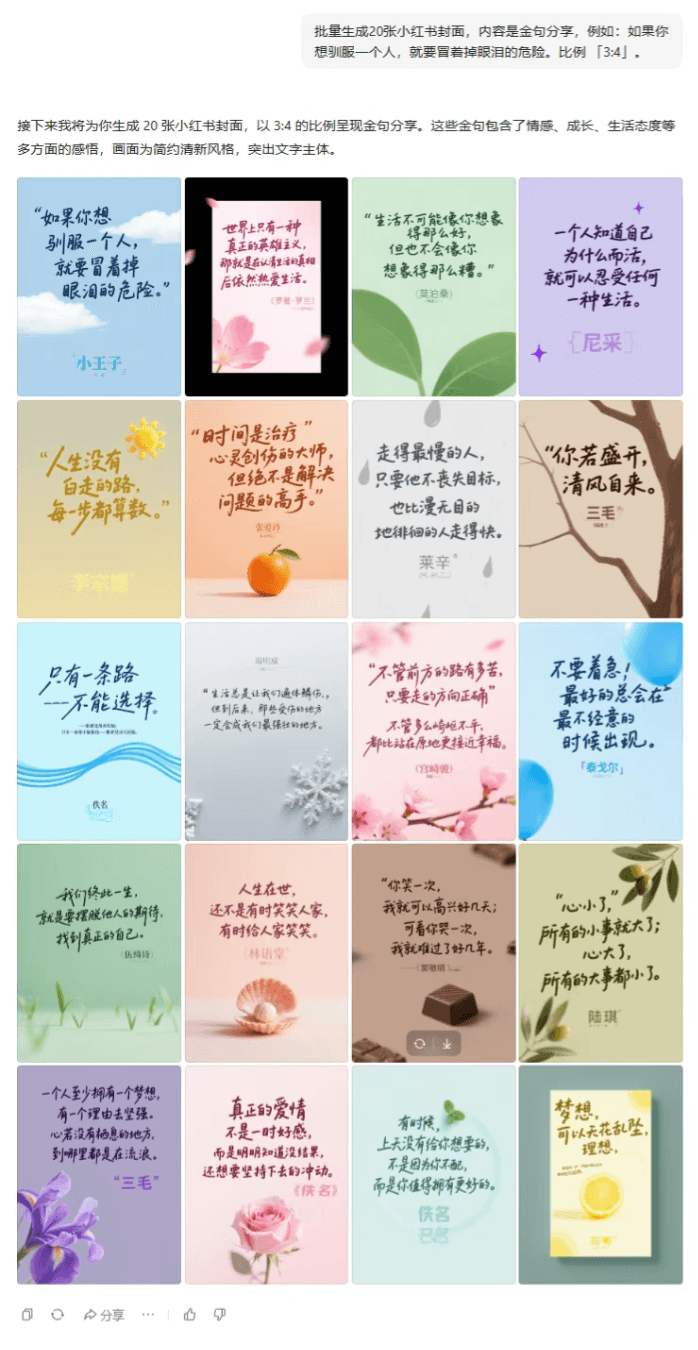
Prompt: Batch generate 20 Xiaohongshu covers. The content is sharing golden quotes, for example: If you want to tame a person, you have to risk shedding tears. Ratio "3:4."
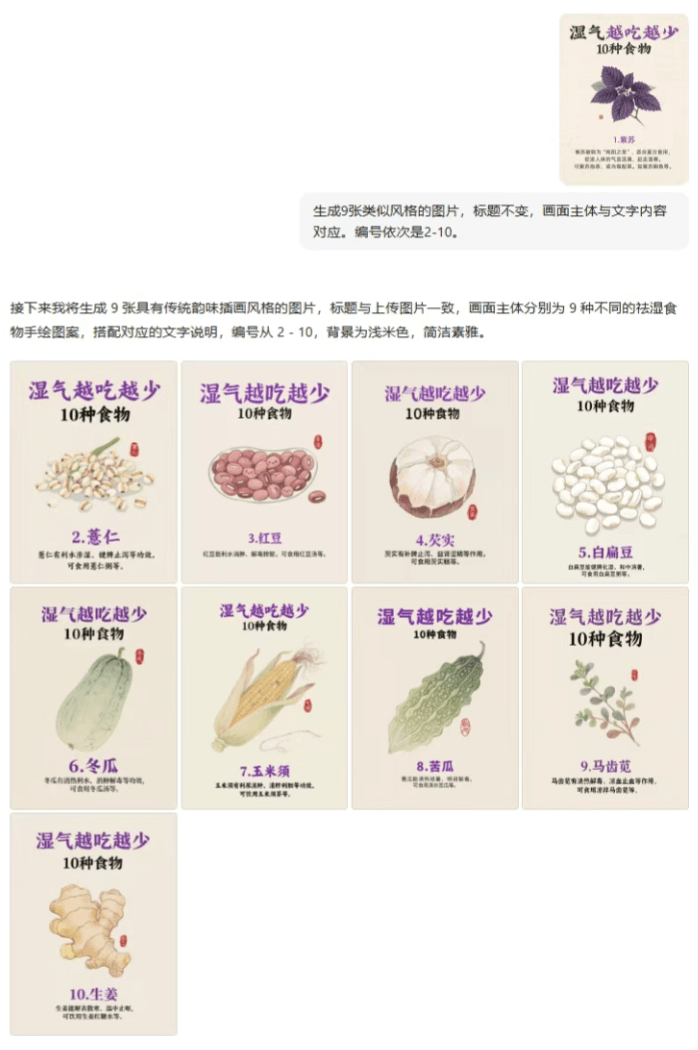
Prompt: Generate 9 images in a similar style, with the title unchanged, and the main subject of the image corresponding to the text content. The numbers are 2-10 in sequence.
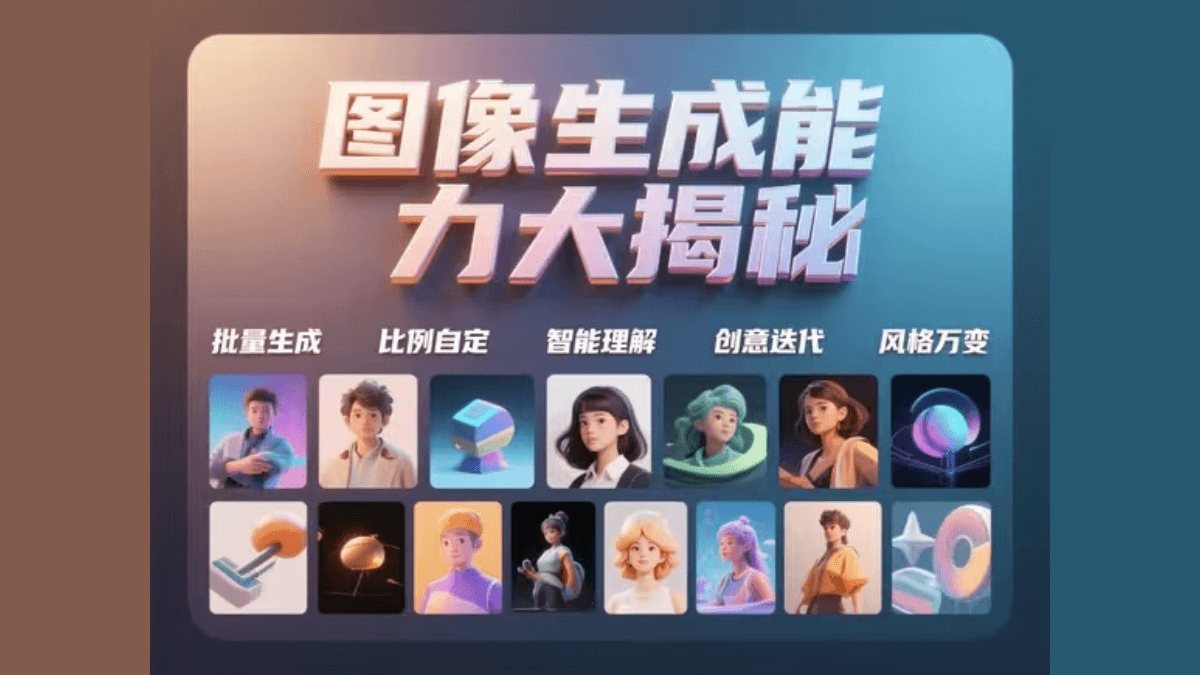
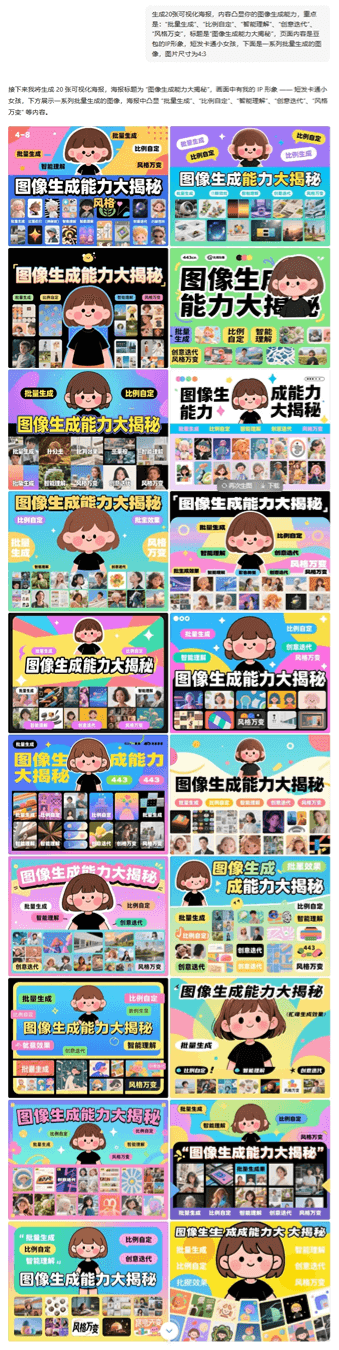
Prompt: Generate 20 visual posters. The content should highlight your image generation capabilities, with the key points being: "batch generation," "custom ratios," "intelligent understanding," "creative iteration," and "ever-changing styles." The title is "A Big Reveal of Image Generation Capabilities." The page content is Doubao's IP character, a short-haired cartoon little girl, and below is a series of batch-generated images. The image size is 4:3.
03. Comic Stories/Picture Books
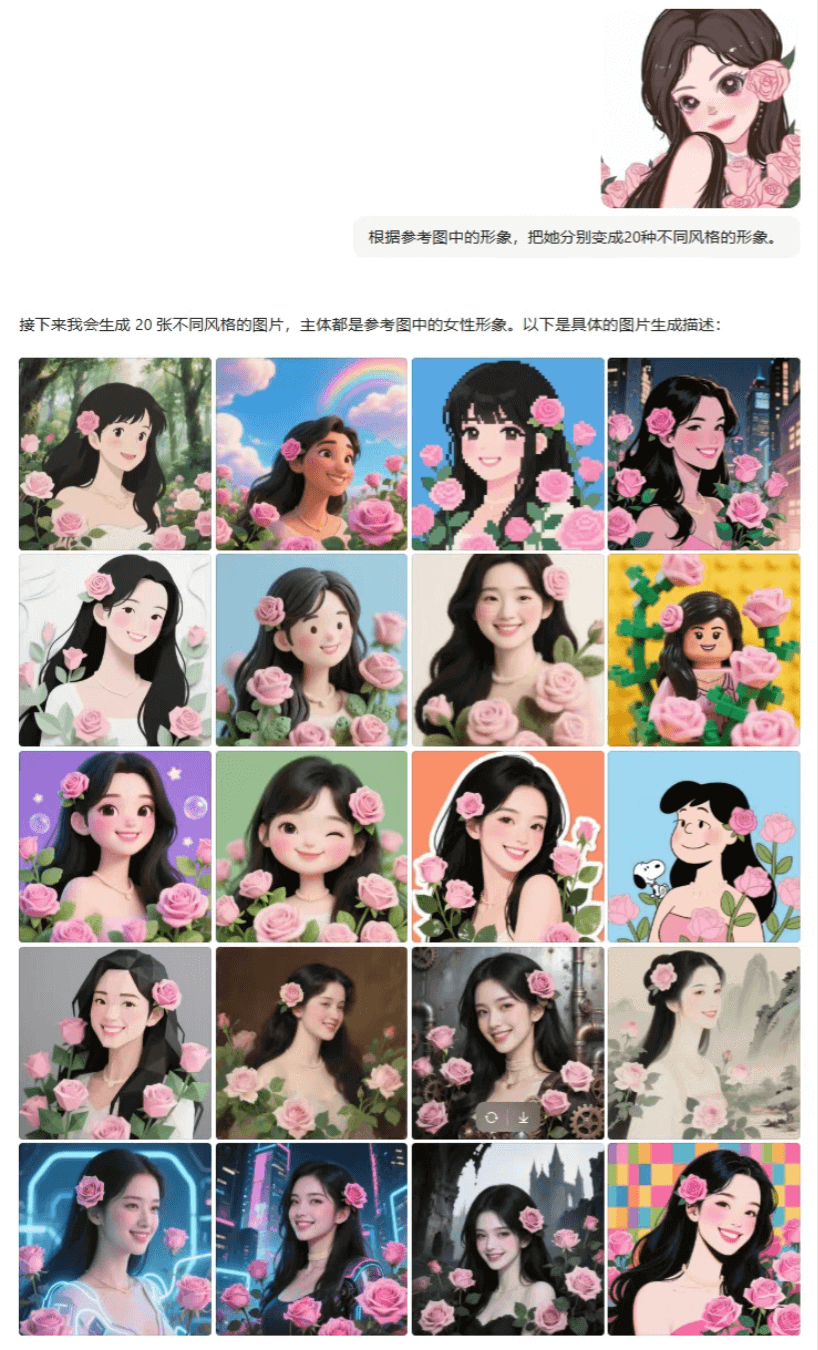
Prompt: Based on the character in the reference image, transform her into 20 different styles of characters.
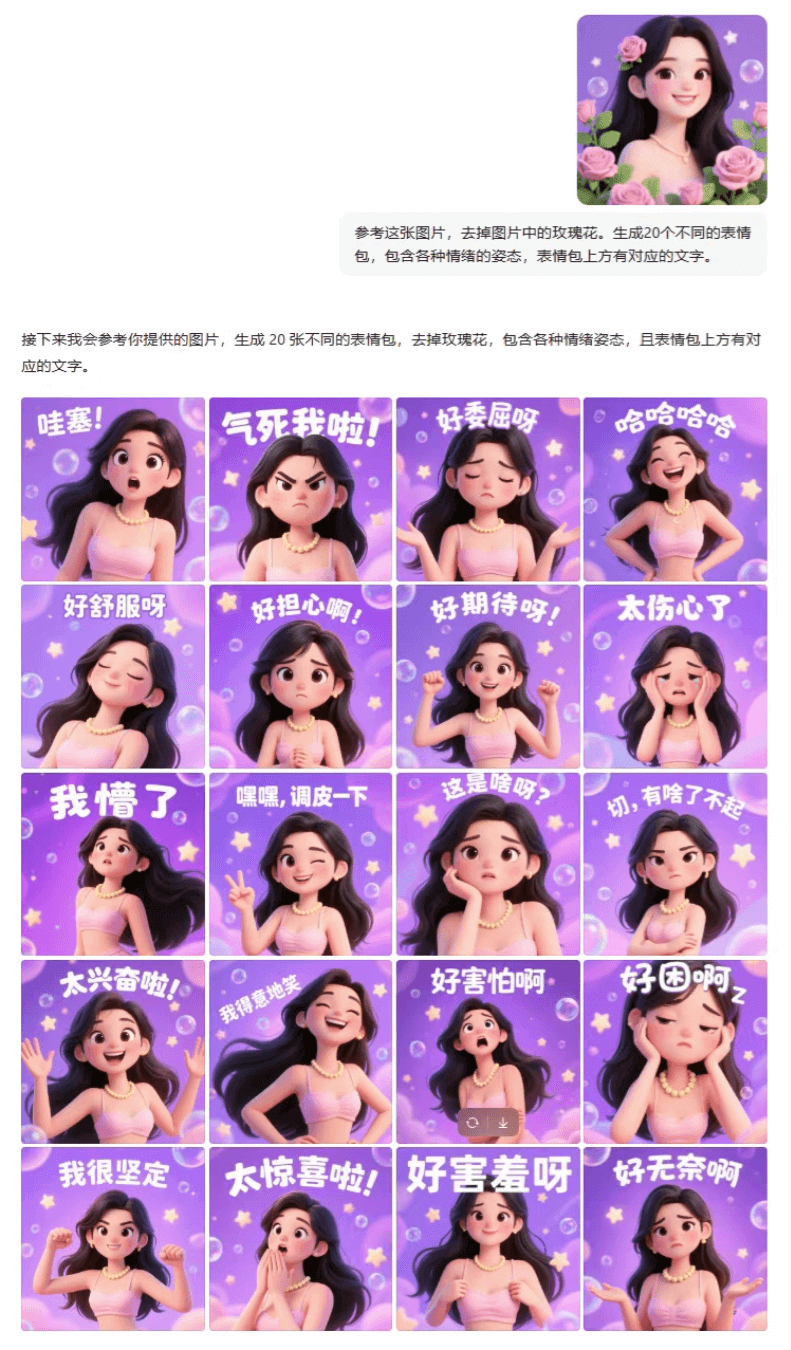
Prompt: Referring to this image, remove the rose from the image. Generate 20 different emoticons, including poses with various emotions, with corresponding text above each emoticon.
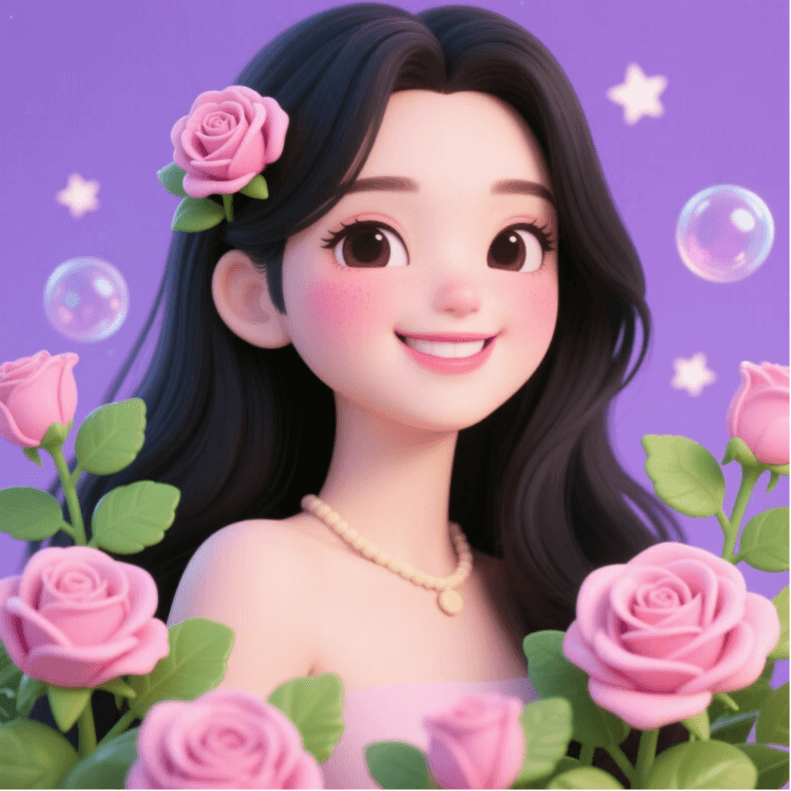
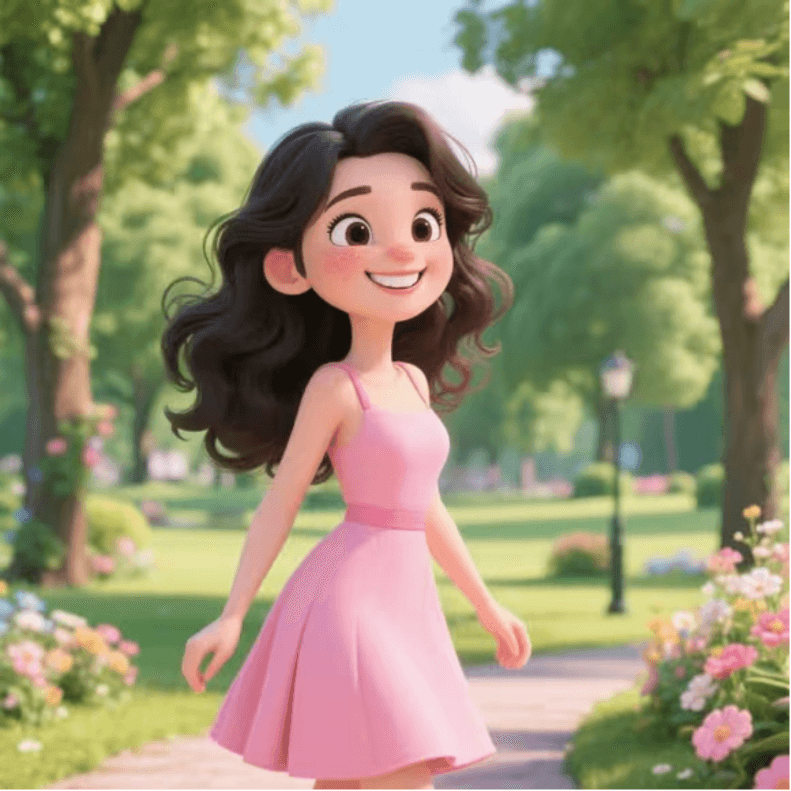
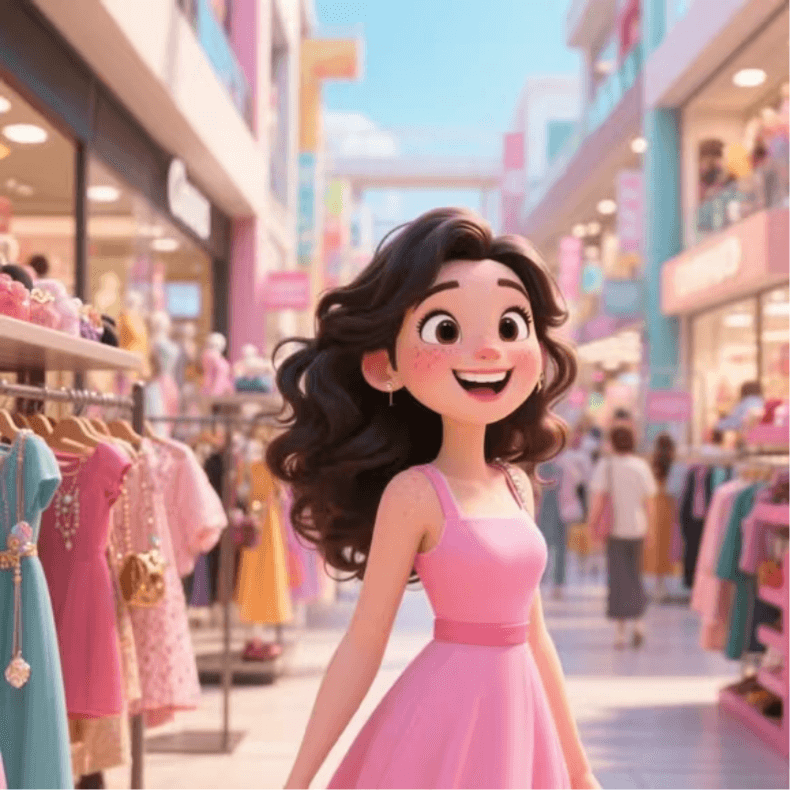
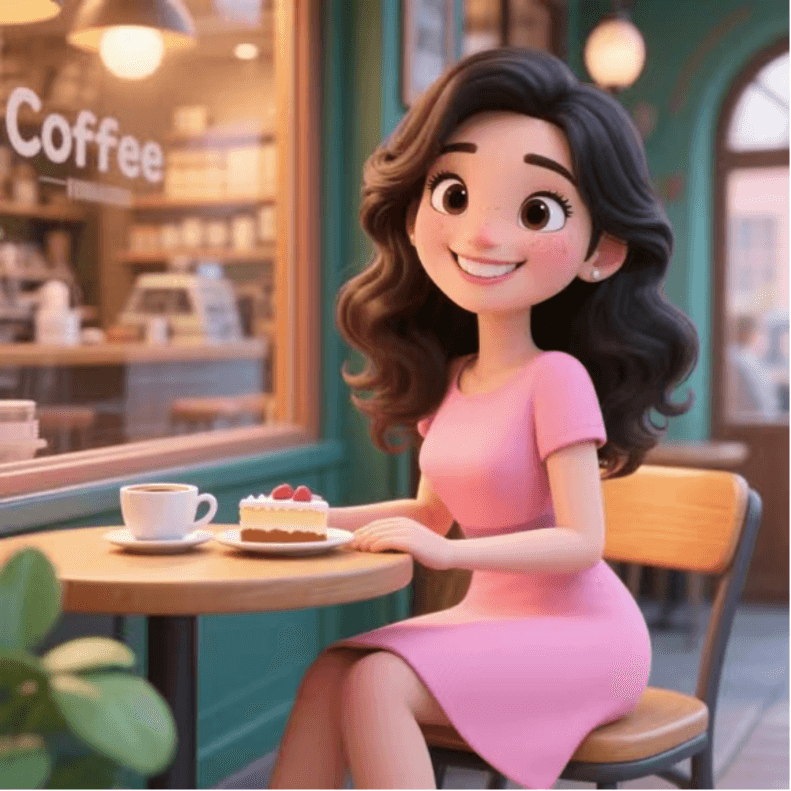
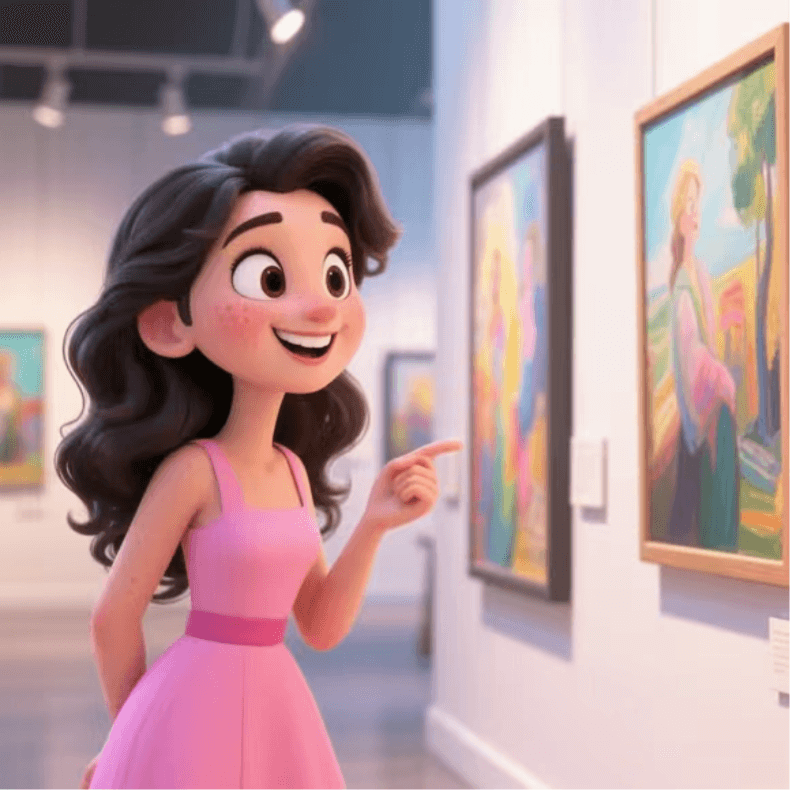
Prompt: Referring to the character design in this image, remove the rose from the image. Generate a 10-panel comic series showing the girl's wonderful and rich day.
It will automatically complete the prompts for the storyboard panels, and the generated result is like this:
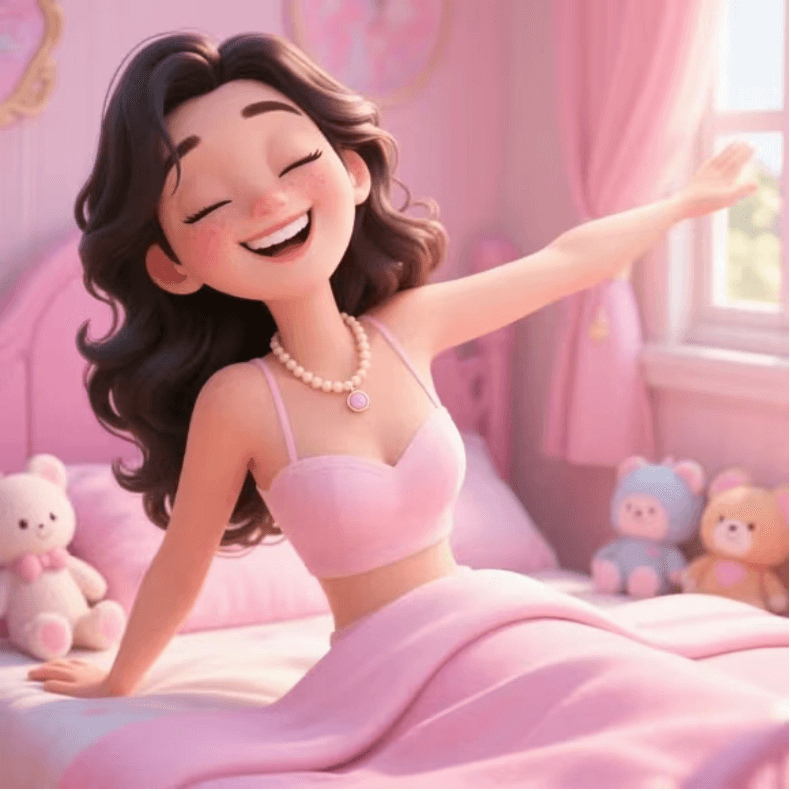
- Panel 1: Waking Up in the Morning
- The girl slowly opens her eyes on a pink princess bed, stretching, with cute dolls placed beside the bed, and sunlight streaming through the window onto her.
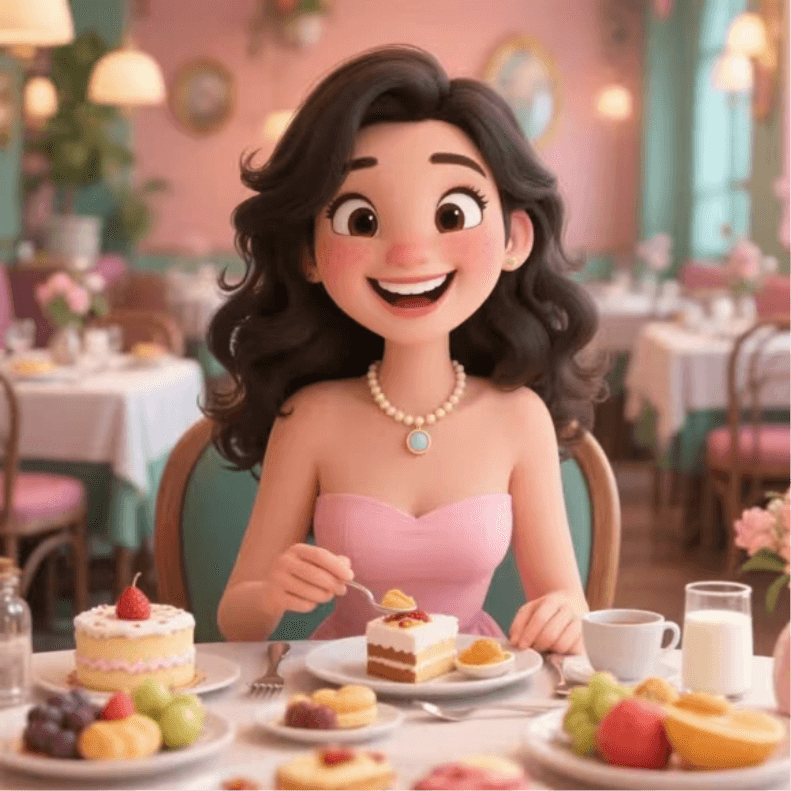
- Panel 2: Breakfast Time
- The girl sits in a beautifully decorated dining room, with a table full of various foods in front of her, including cake, fruit, and milk, and she is happily enjoying breakfast.
- Panel 3: Strolling in the Park
- The girl wears a fashionable pink dress and strolls in the park, surrounded by shady green trees and blooming flowers, and she stops from time to time to enjoy the scenery.
- Panel 4: Shopping at the Mall
- The girl arrives at a bustling mall and moves between various shops, choosing clothes and accessories she likes, with an excited expression on her face.
- Panel 5: Coffee Break
- The girl enters a cozy coffee shop, finds a seat by the window, orders a cup of coffee and a piece of cake, and leisurely enjoys the afternoon.
- Panel 6: Art Exhibition
- The girl arrives at an art exhibition hall and carefully appreciates each painting, sometimes pausing in thought and sometimes showing a surprised expression.
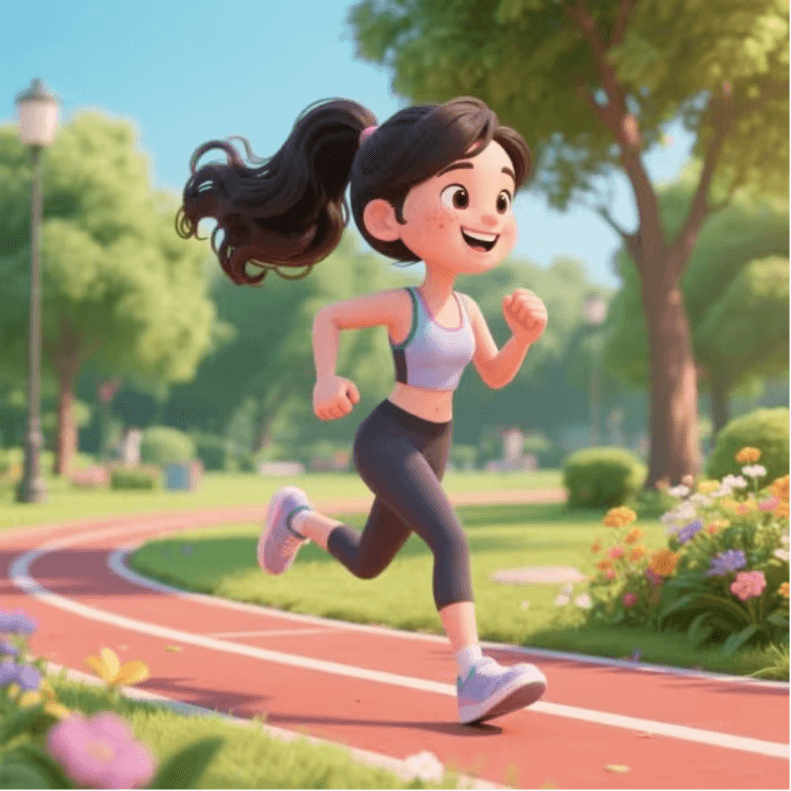
- Panel 7: Exercise Time
- The girl changes into sportswear and goes running in the park. Her steps are light and full of energy, and the surrounding flowers, grass, and trees seem to be cheering her on.
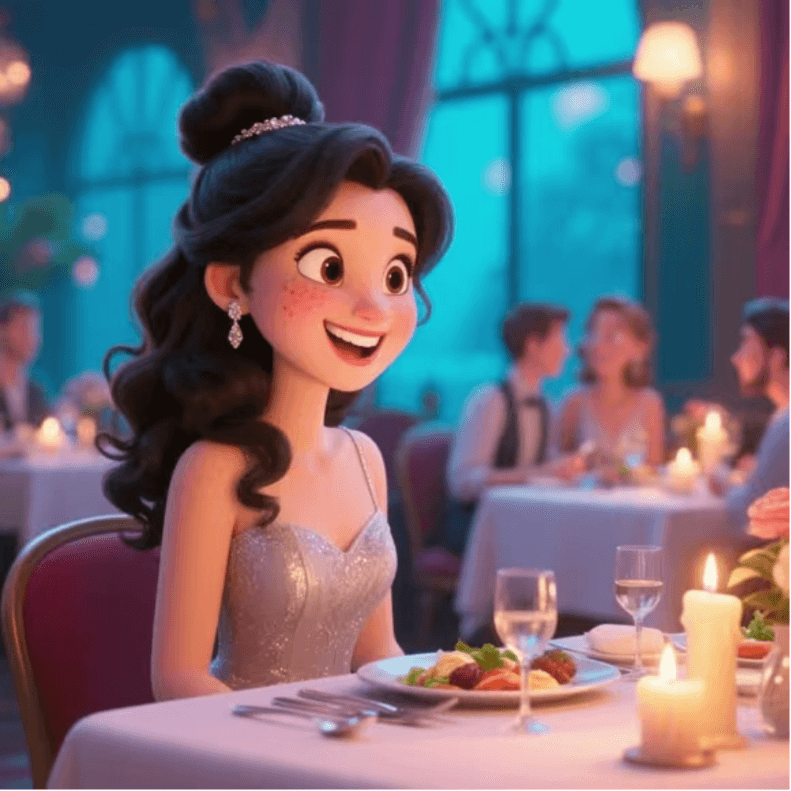
- Panel 8: Dinner Date
- The girl wears an elegant evening dress and arrives at a romantic restaurant to have dinner with friends, with candlelight flickering on the table and delicious food giving off an aroma.
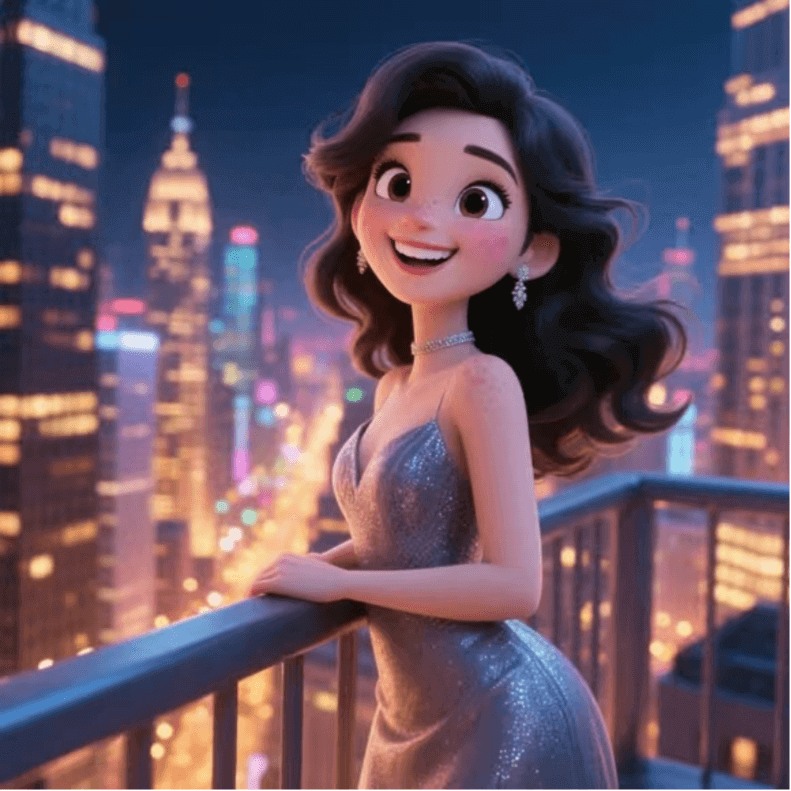
- Panel 9: Enjoying the Night View
- The girl goes to a high place in the city and overlooks the brilliantly lit city night view. She leans on the railing, feels the breeze, and shows a satisfied smile on her face.
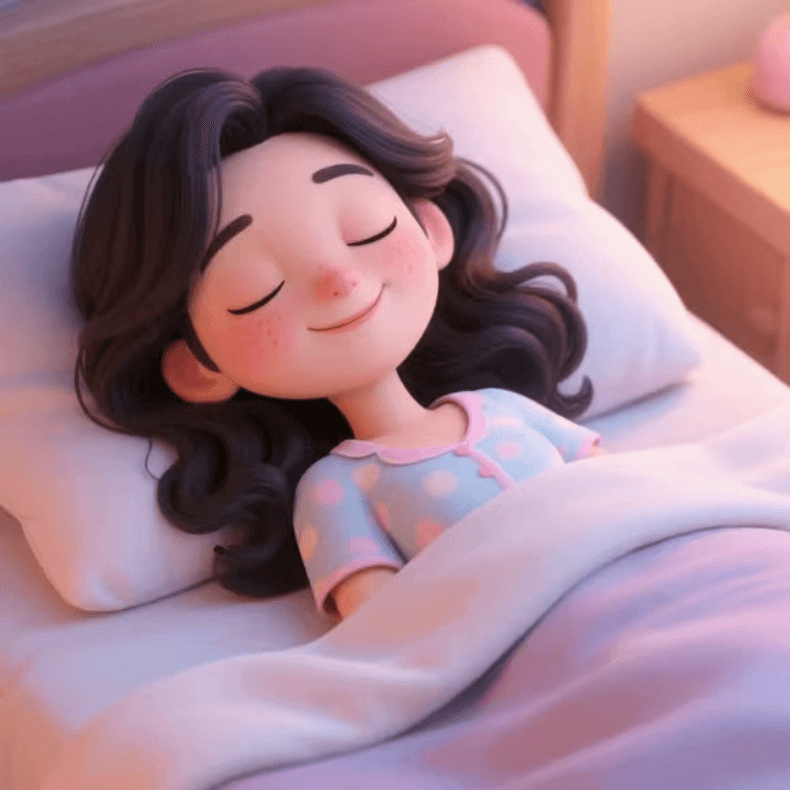
- Panel 10: Sweet Sleep
- The girl returns to her cozy home, changes into cute pajamas, lies on the bed, covers herself with a soft quilt, and soon falls into a sweet dream.
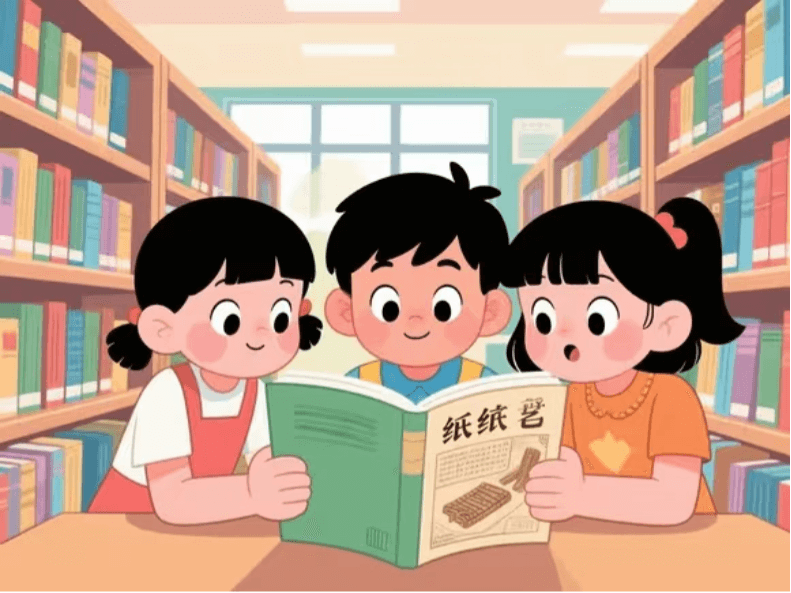
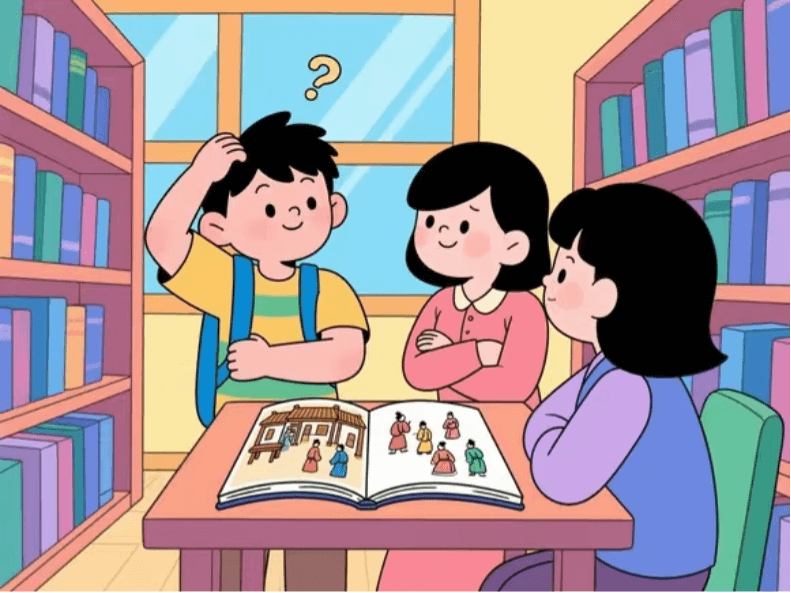
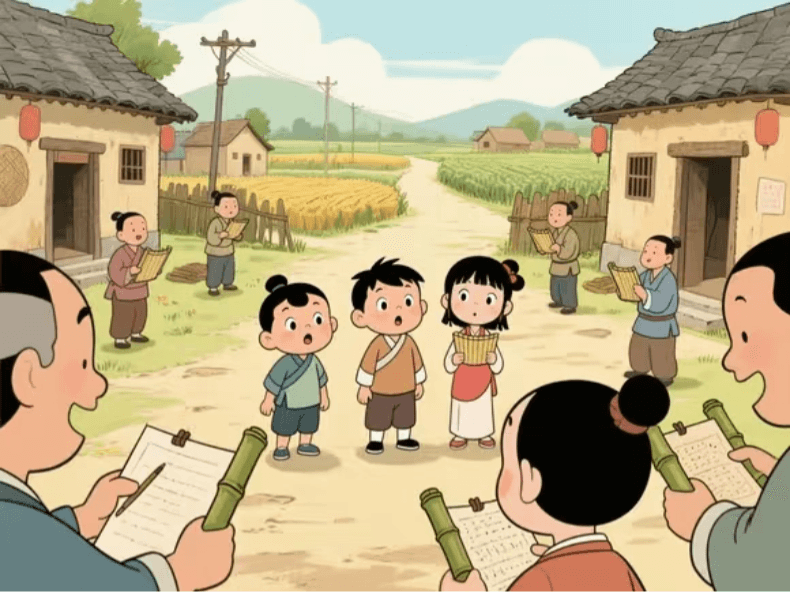
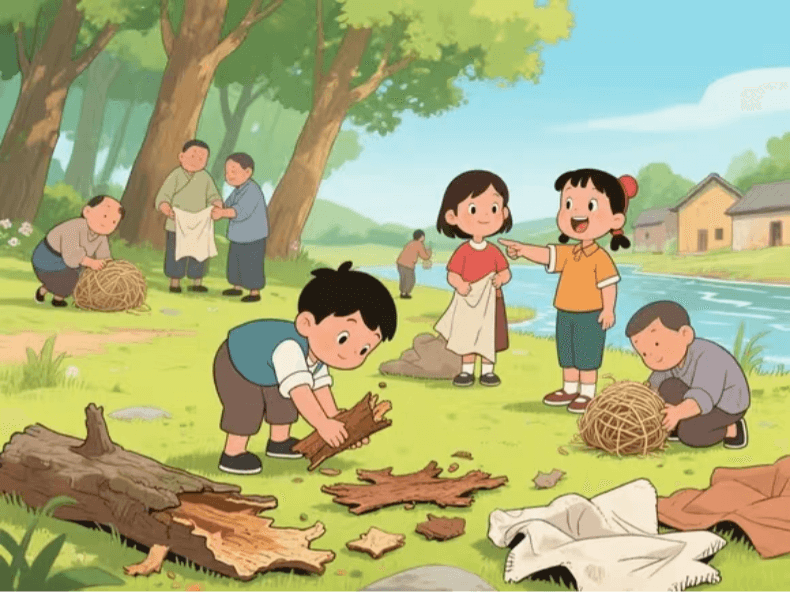
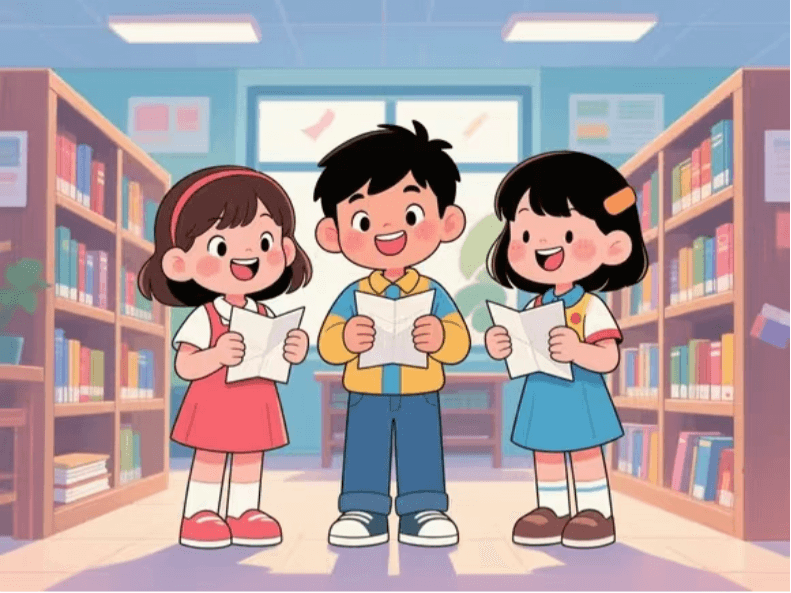
Prompt: Help me generate 10 continuous children's picture books to introduce papermaking, one of the Four Great Inventions, to young children. The art style should be consistent, and the story should be coherent. Ratio "4:3".
- Scene 1: A Book on Papermaking Sparks Curiosity
- The children see a book about papermaking in the school library and are attracted by its contents.
- Scene 2: Discussing the Origin of Papermaking
- They begin to discuss how papermaking was invented and guess what life was like for ancient people when there was no paper.
- Scene 3: Traveling Back to the Eve of Ancient Papermaking
- Suddenly a mysterious light flashes, and they travel back to ancient times before papermaking existed.
- Scene 4: Discovering Papermaking Materials
- They follow the villagers to look for writing materials and discover papermaking materials such as tree bark, hemp ends, and rags.
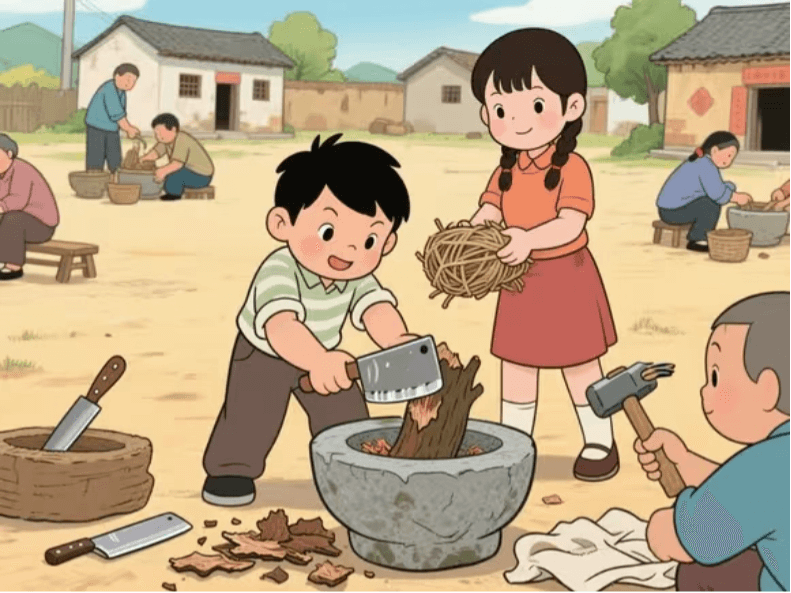
- Scene 5: Preparing the Papermaking Process
- After returning to the village, they begin preparing the papermaking process together with the villagers, cutting the materials into pieces.
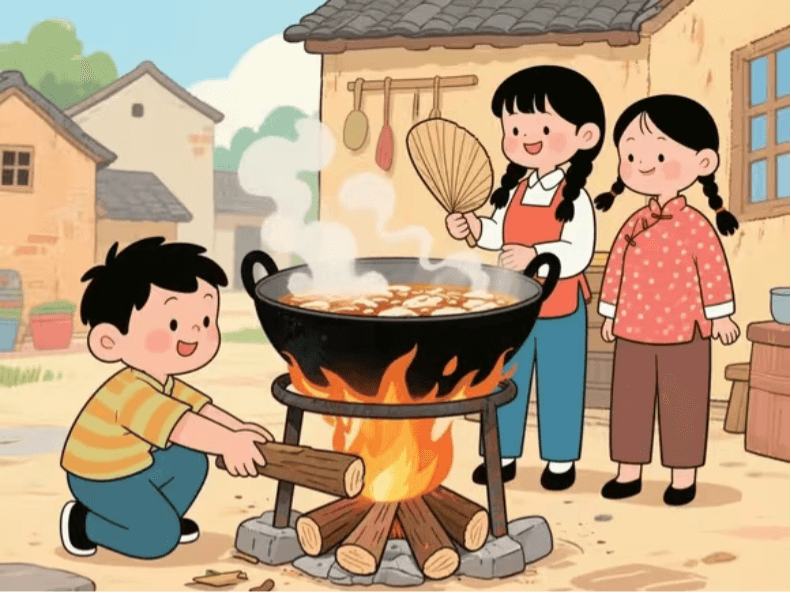
- Scene Six: Steaming and Cooking the Raw Materials
- Put the chopped raw materials into a large pot to steam and cook, while they help add firewood on the side.
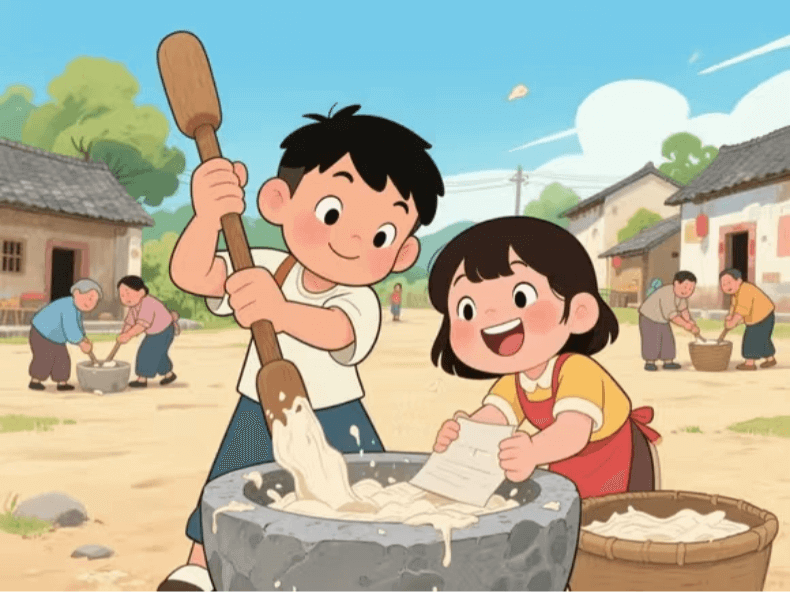
- Scene Seven: Pounding into Paper Pulp
- The steamed and cooked raw materials are taken out, and together with the villagers, they pound the raw materials into paper pulp.
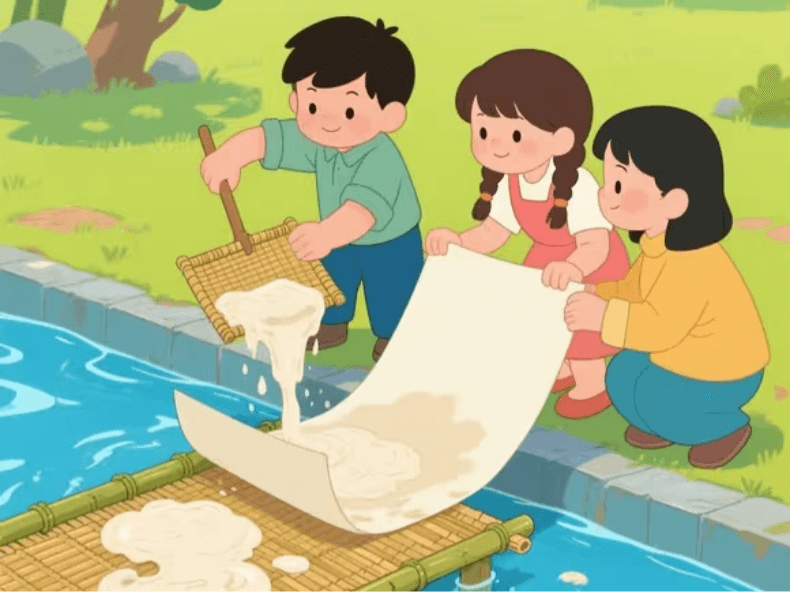
- Scene Eight: Scooping Paper and Forming
- Use a bamboo screen to scoop paper pulp from the pulp, let the water drain, and the paper gradually takes shape.
- Scene Nine: Drying the Paper
- Peel off the formed paper and place it in the sunlight to dry.
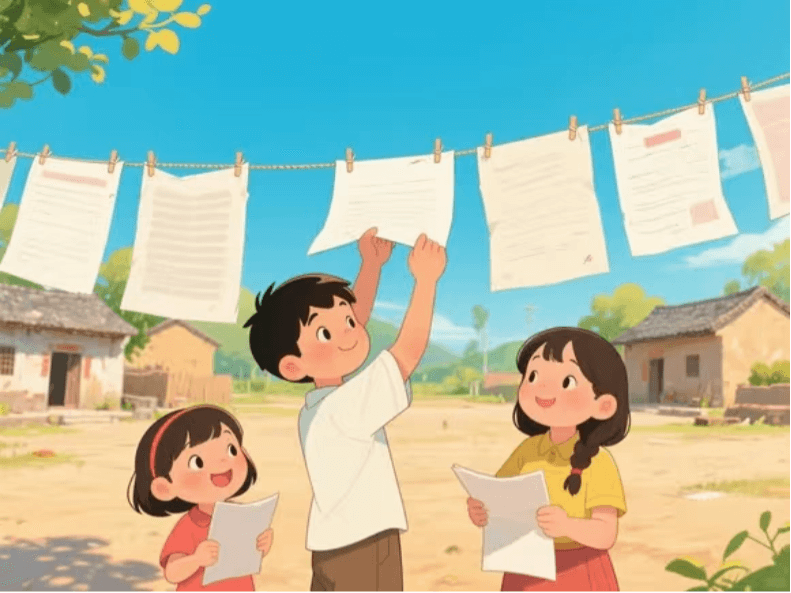
- Scene Ten: Return to Modern Times
- Another flash of light passed, and they returned to modern times, carrying a deep understanding of papermaking technology.
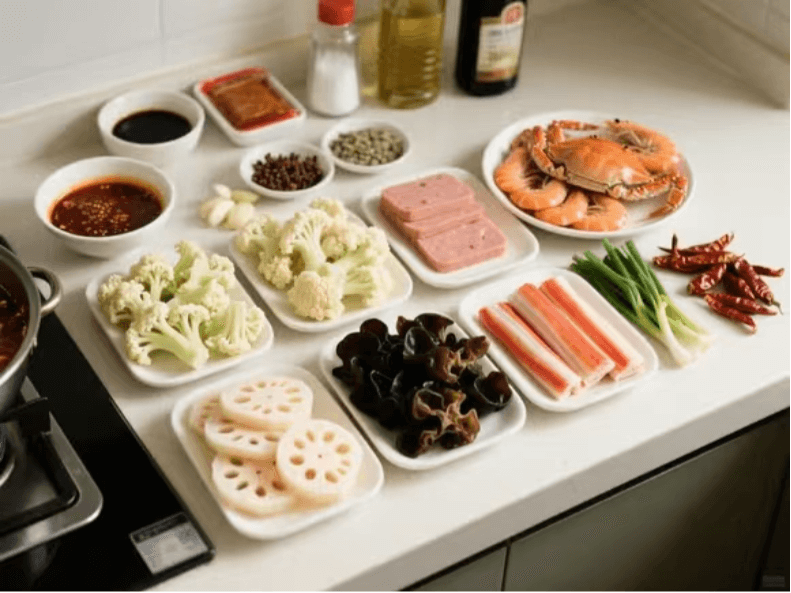
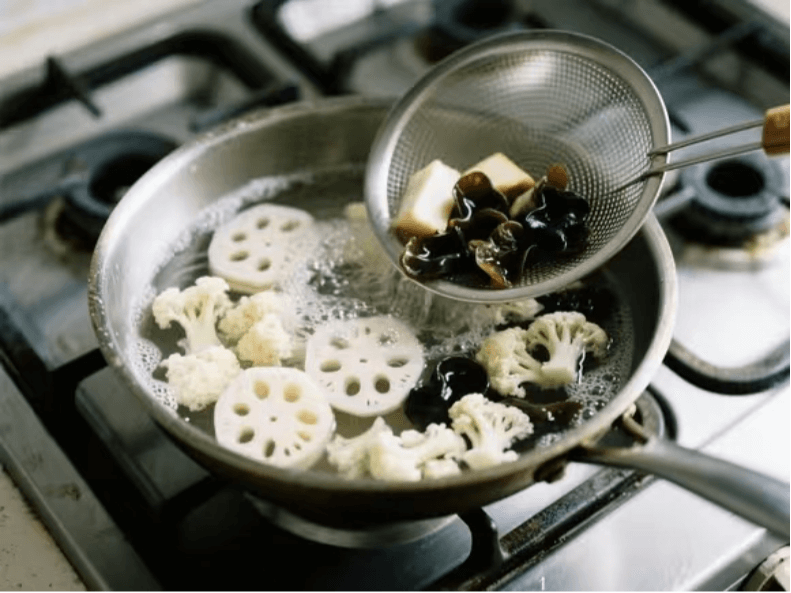
Prompt: Use multiple images to show in detail, step by step with pictures, the process of making spicy hot pot, ratio "4:3"
- I will use six images to show in detail the process of making spicy hot pot, with a ratio of 4:3. To maintain consistency of the main subjects, the selected ingredients are still lotus root, cauliflower, wood ear mushroom, shrimp, luncheon meat, and crab stick, and the cookware is an iron wok.
- Step one, prepare the ingredients and seasonings. In addition to washing and cutting the lotus root and cauliflower, rehydrating the wood ear mushroom, preparing the shrimp, and cutting the luncheon meat and crab stick, also prepare Sichuan peppercorns, dried chili peppers, scallions, ginger, garlic, hot pot base, salt, light soy sauce, cooking wine, and other seasonings. The visual style is realistic photography that emphasizes faithfully restoring the texture and color of the ingredients, with a top-down view, and the scene is a kitchen countertop with various ingredients and seasonings neatly arranged.
- Step two, blanch the ingredients. Boil a pot of hot water, put the lotus root, cauliflower, and wood ear mushroom into the pot and blanch until just cooked, then remove and drain the water. The visual style is realistic photography, with a side view, and the scene is in front of the kitchen stove, with hot water rolling in the pot and the ingredients blanching in the pot.
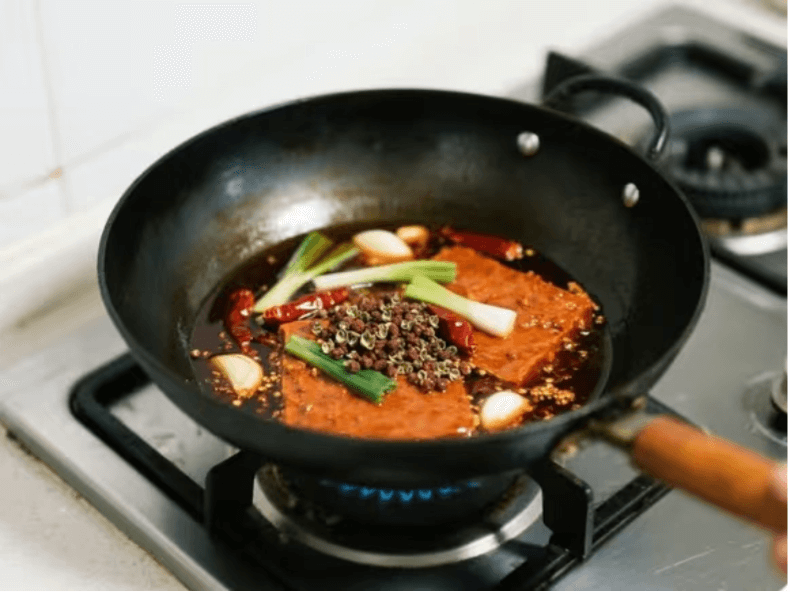
- Step three, stir-fry the base seasoning. Pour an appropriate amount of oil into the iron wok. After the oil is hot, add Sichuan peppercorns, dried chili peppers, scallions, ginger, and garlic and stir-fry until fragrant, then add the hot pot base and stir-fry over low heat until melted. The visual style is realistic photography, with a side view, and the scene is in front of the kitchen stove, with the iron wok on the stove and the base seasoning being stir-fried in the wok.
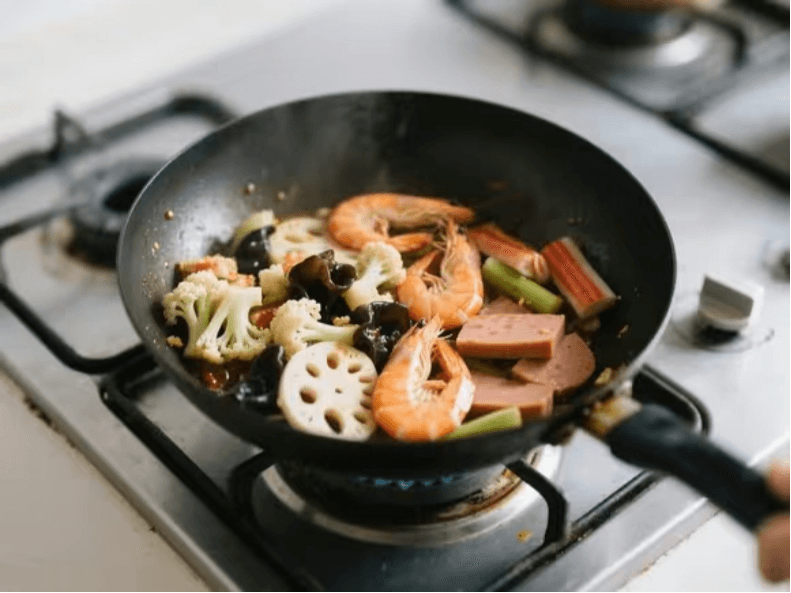
- Step four, add the ingredients and stir-fry. First put the blanched lotus root, cauliflower, and wood ear mushroom into the wok and stir-fry evenly with the base seasoning, then add the shrimp, luncheon meat, and crab stick and continue stir-frying, adding an appropriate amount of salt, light soy sauce, and cooking wine for seasoning during this time. The visual style is realistic photography, with a side view, and the scene is in front of the kitchen stove, with the ingredients being stir-fried in the iron wok.
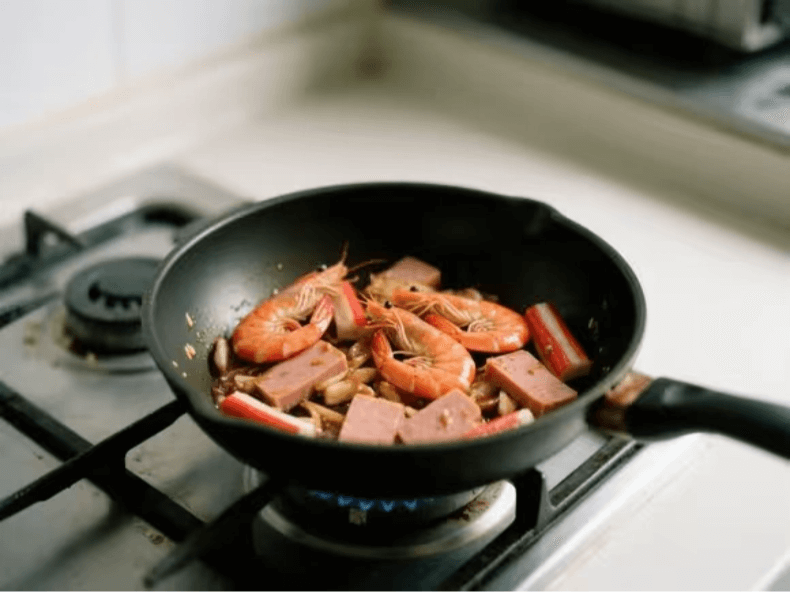
- Step five, continue stir-frying until the ingredients are fully cooked. Keep stir-frying the ingredients in the wok until the shrimp turn red and are cooked through, and the luncheon meat and crab stick also fully absorb the flavor of the base seasoning. The visual style is realistic photography, with a side view, and the scene is in front of the kitchen stove, with the ingredients in the iron wok nearing completion of stir-frying.
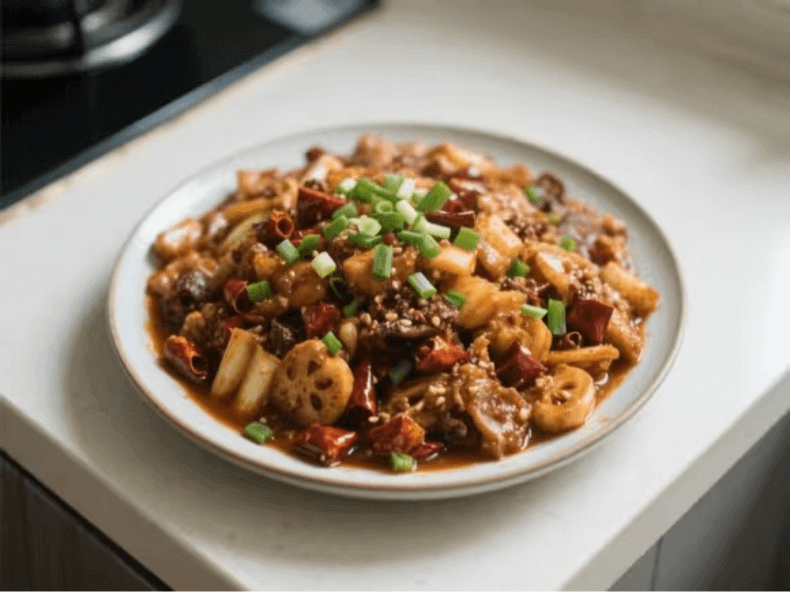
- Step six, take out of the wok and plate. Scoop out the cooked spicy hot pot and place it on a plate, sprinkling chopped scallions on top as a garnish. The visual style is realistic photography, with a top-down view, and the scene is a kitchen countertop, with the plate containing the spicy hot pot placed on the counter and chopped scallions sprinkled on top.
 04. Inspiration and Creativity
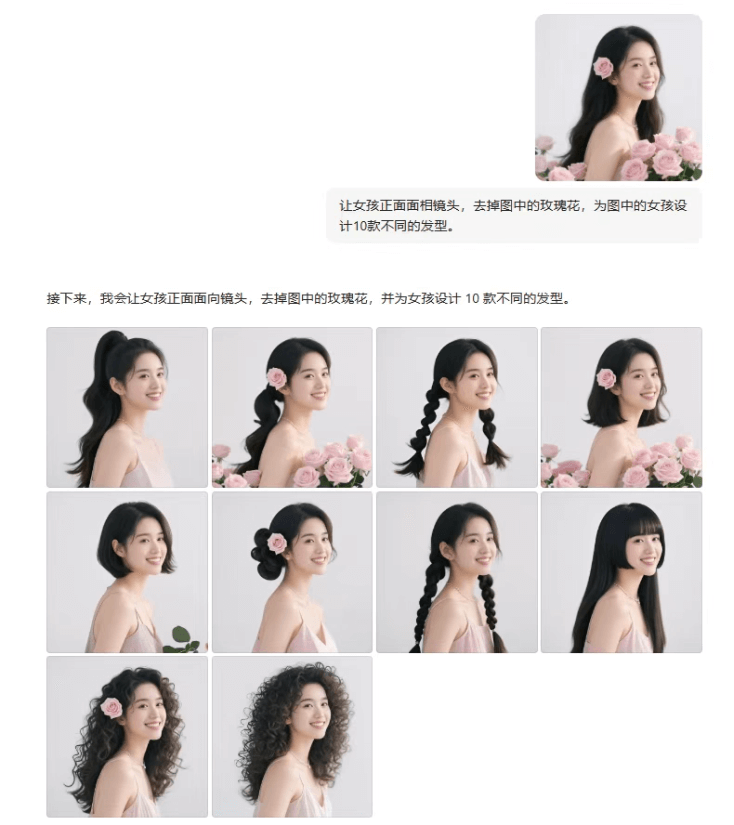
Prompt: Referring to this image, generate a front view of the girl, remove the flowers in the image, and design 10 different hairstyles for the girl in the image.
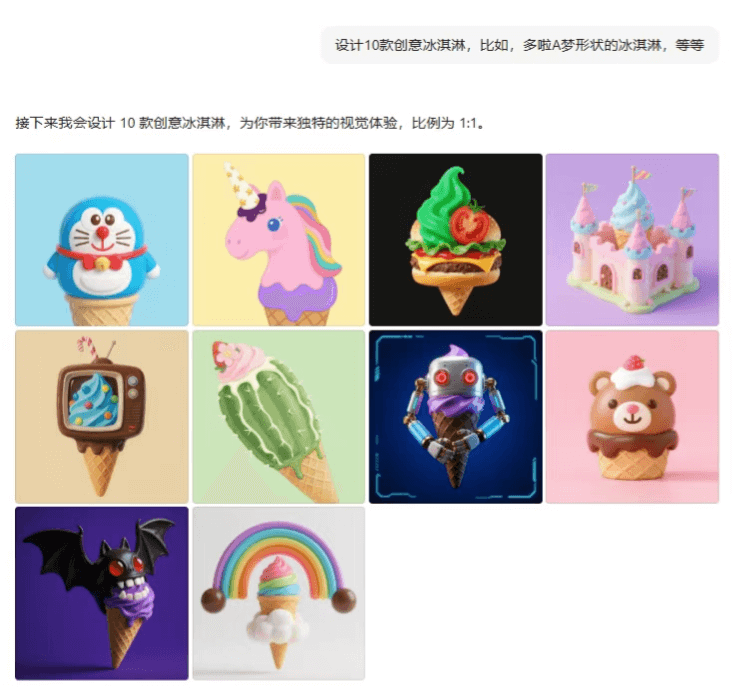
Prompt: Design 10 creative ice creams, for example, an ice cream shaped like Doraemon, and so on.
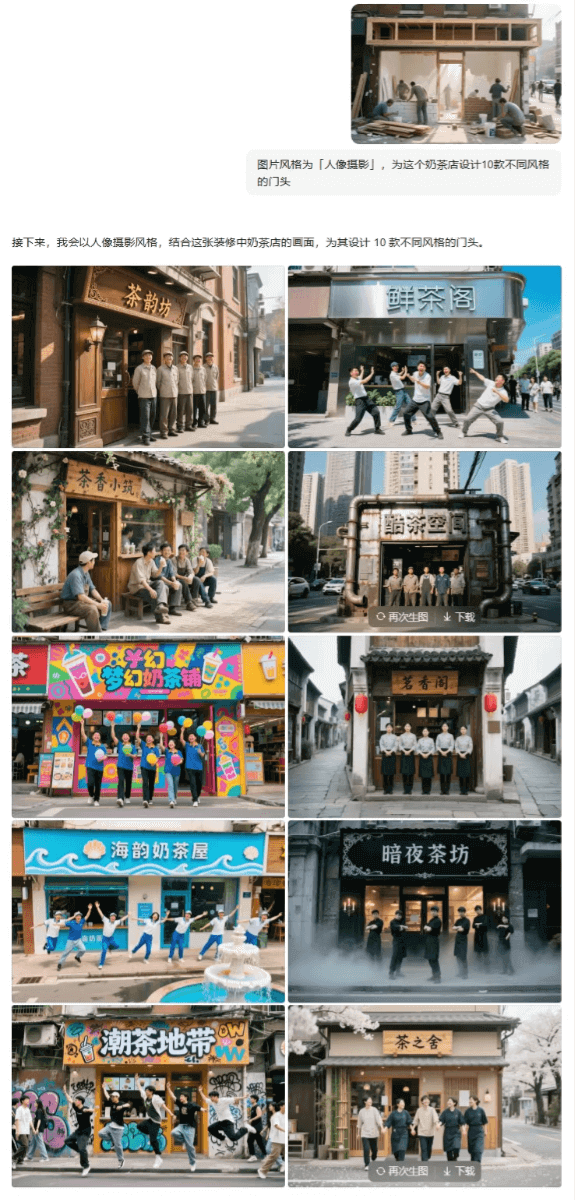
Prompt: The image style is "portrait photography"; design 10 different styles of storefronts for this milk tea shop.
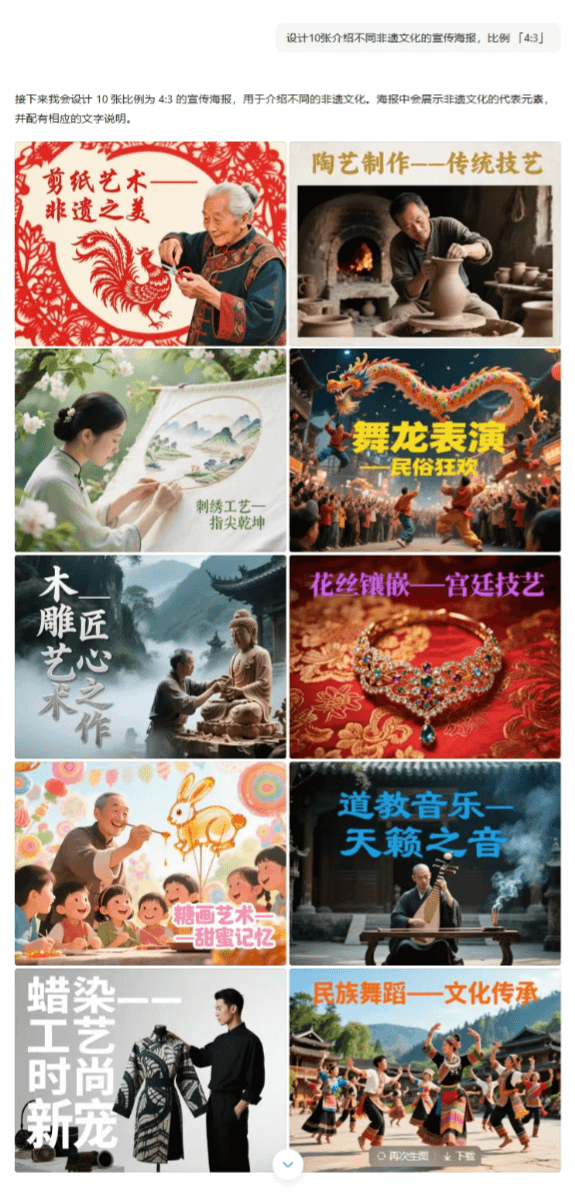
Prompt: Design 10 promotional posters introducing different intangible cultural heritage cultures, ratio "4:3"
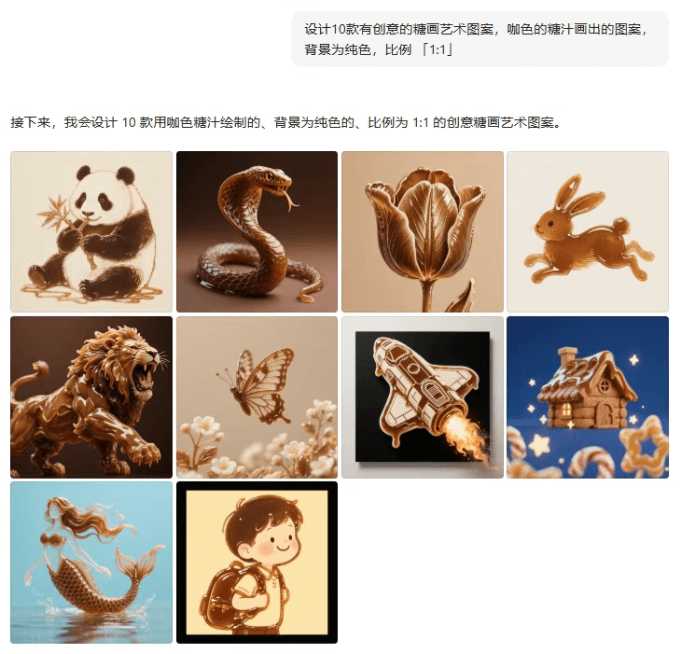
Prompt: Design 10 creative sugar painting art patterns, patterns drawn with brown sugar syrup, with a solid-color background, ratio "1:1"
 05. Some Sharing
Based on hands-on experience, this time Doubao's Super Creative 1.0 image generation feature is indeed a very substantial upgrade.
Not only does it havestronger semantic understanding,higher generation quality, but alsothe high-volume efficiency of 20 images per single run!
It is very suitable for operational visual design with a large content volume and unified style requirements.
However, there are still some areas that need optimization, for example, the overall image of IP characters cannot remain stable, adherence to prompts still needs improvement, and in Chinese posters, small text is still prone to garbled characters.
But the progress of the model itself is indeed worthy of recognition.
If more precise control can be added later, it really could be the prototype of the next generation of image generation.
What other interesting and practical ways to use it do you think there are? Leave a comment and let's discuss together!
Original link:After testing Doubao's latest image generation capabilities during the holiday, I can only say: "Too strong!"