
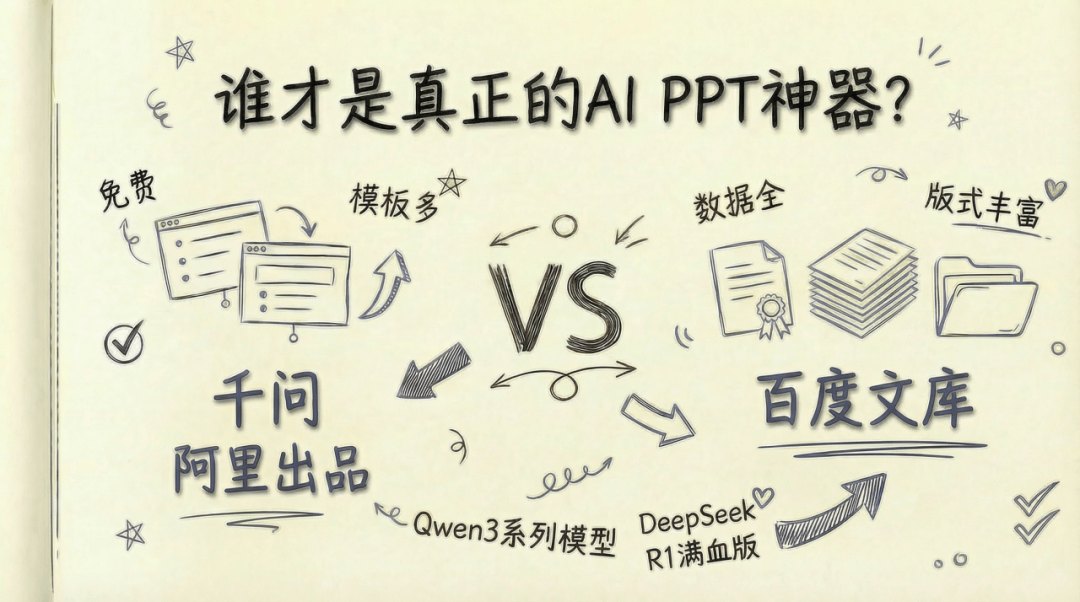
Recently, Qwen PPT has been all over the place. It's free, and it has all kinds of templates, so it looks really appealing.
I also tried it right away, and here's the conclusion first: it's a bit lacking.
Free is nice, but basically only 20% is usable; templates exist, but the repetition rate is too high; and it often gives me inexplicable images.
It's already 2026, and you'll discover a cruel fact: truly reliable AI PPT toolsare still extremely scarce.
Until I went back to the "veteran player" in the PPT track—Baidu Wenku。
A simple comparison of these two tools will show you just how far Wenku has quietly taken the AI PPT game.
Without further ado, let's go straight into actual practice.
01. Layout: Who Is Entry-Level, Who Is PRO
I used the same prompt and fed it to Wenku and Qwen respectively:
Please generate a professional PPT, with the theme 《2025 Emotional Companionship Industry Market Analysis and 2026 Development Trend Outlook》. The core purpose is to analyze the current status and performance of China's emotional companionship market in 2025, distill market opportunities and challenges, predict the main trends and development directions in 2026, and output actionable industry judgments and strategic recommendations. The data sources need to be authoritative institutions, and it needs to include market size (annual total), annual growth rate, and a chart of development trends in recent years.
For a good PPT, good-looking layout comes first.
Qwen's PPT, at first glance, looks quite designed, but as long as you seriously flip through two pages, the problems immediately appear:
- The subtitles and the background pattern are completely blurred together;
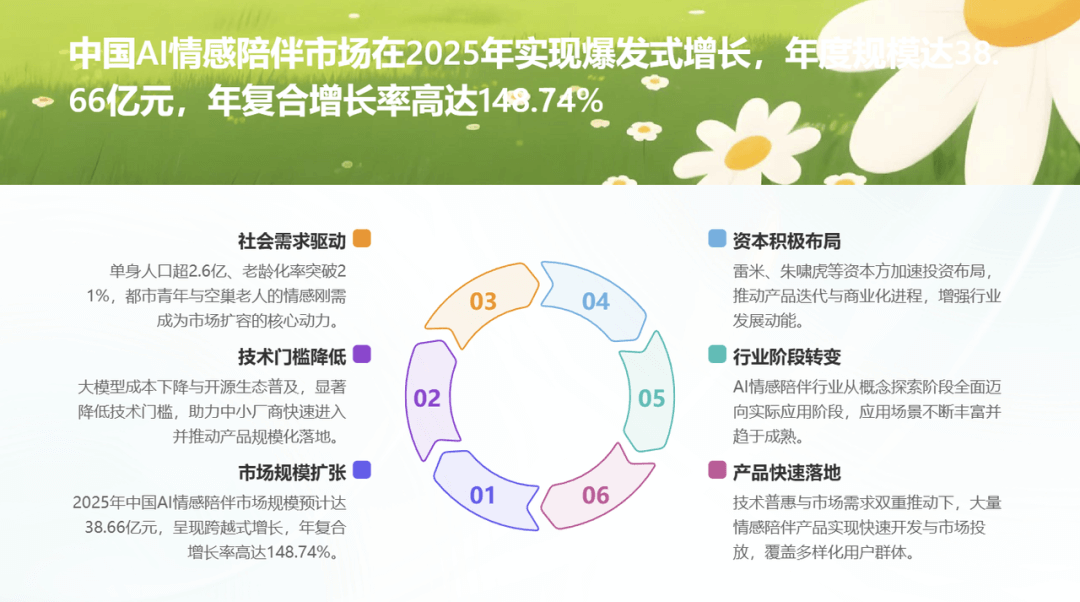
- The text is densely packed, quite a test for the eyes;
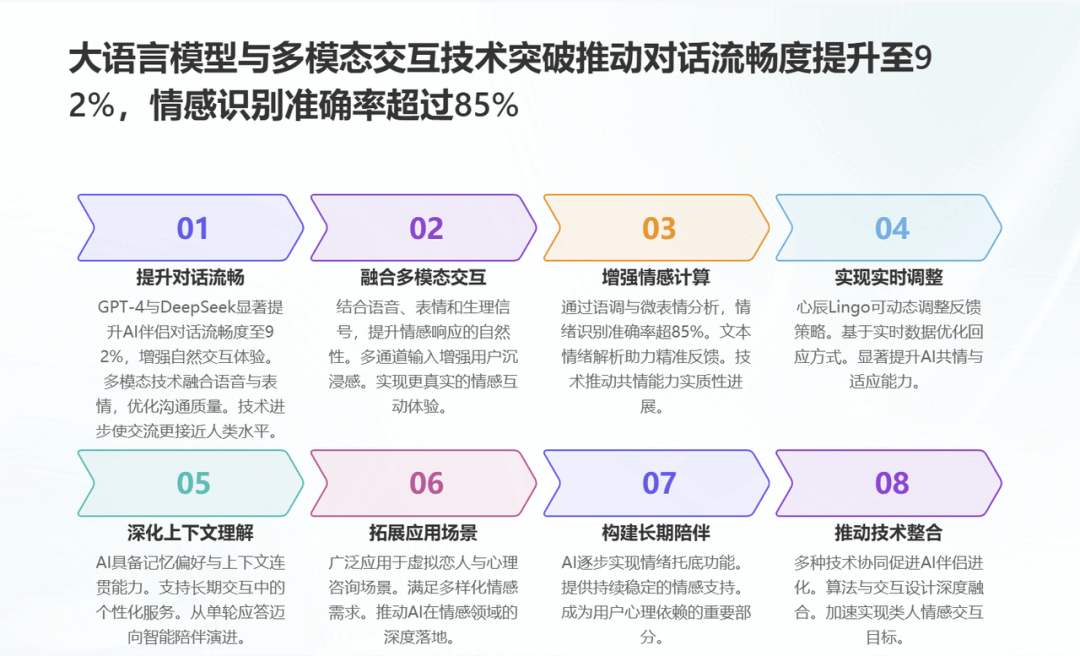
- The layout of several consecutive pages is also too similar!
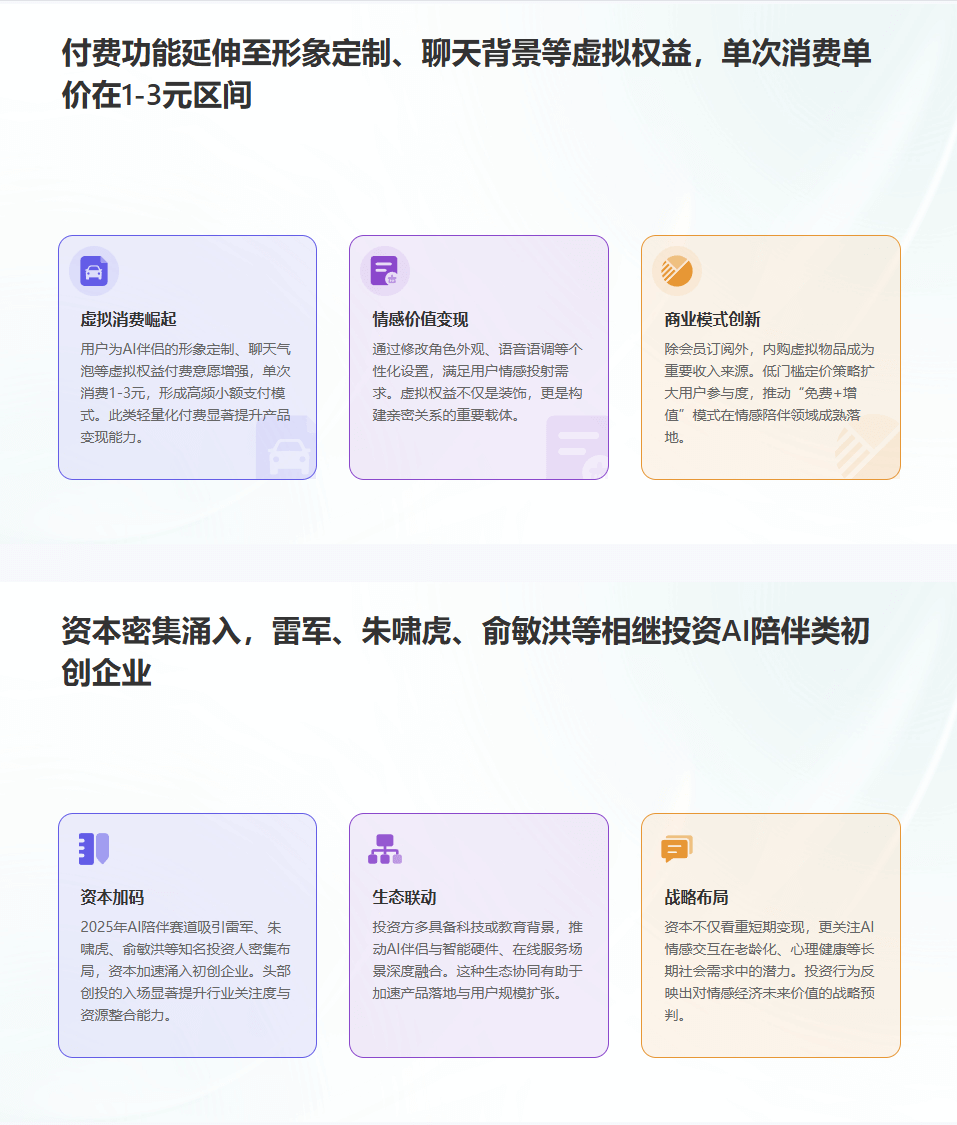
Before I even thought about revising it, my heart had already gone half cold.
Looking at Wenku instead:
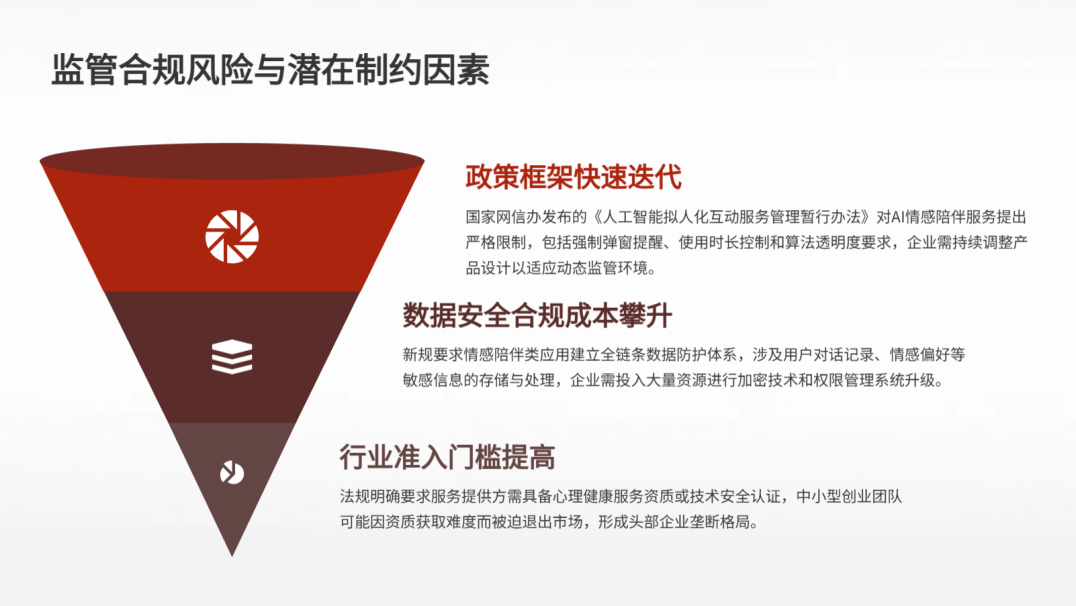
- The overall layout is restrained and refreshing;
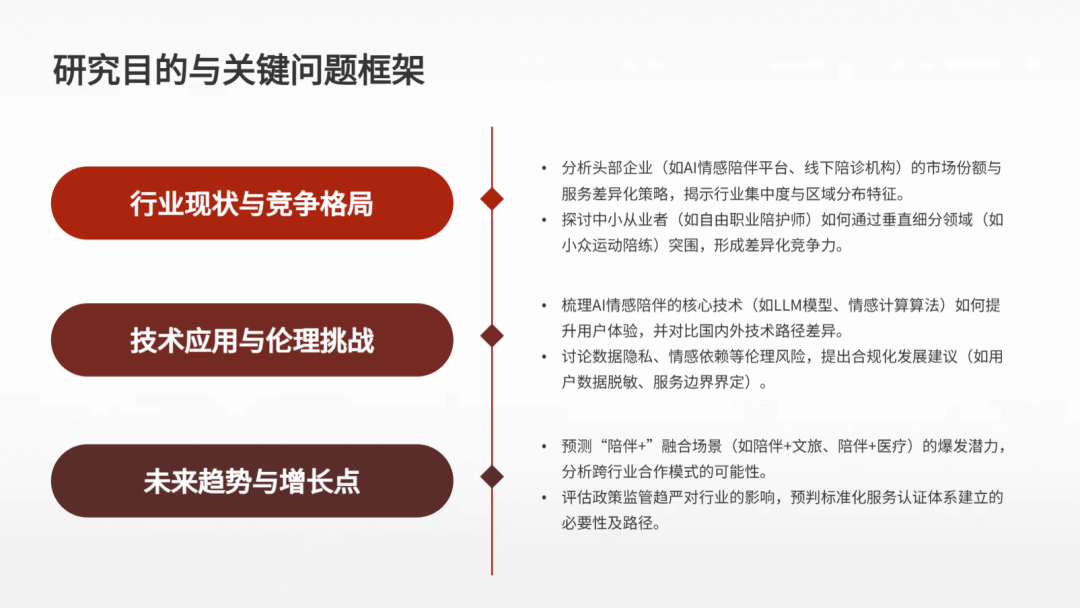
- The amount of information on each page is very well controlled;
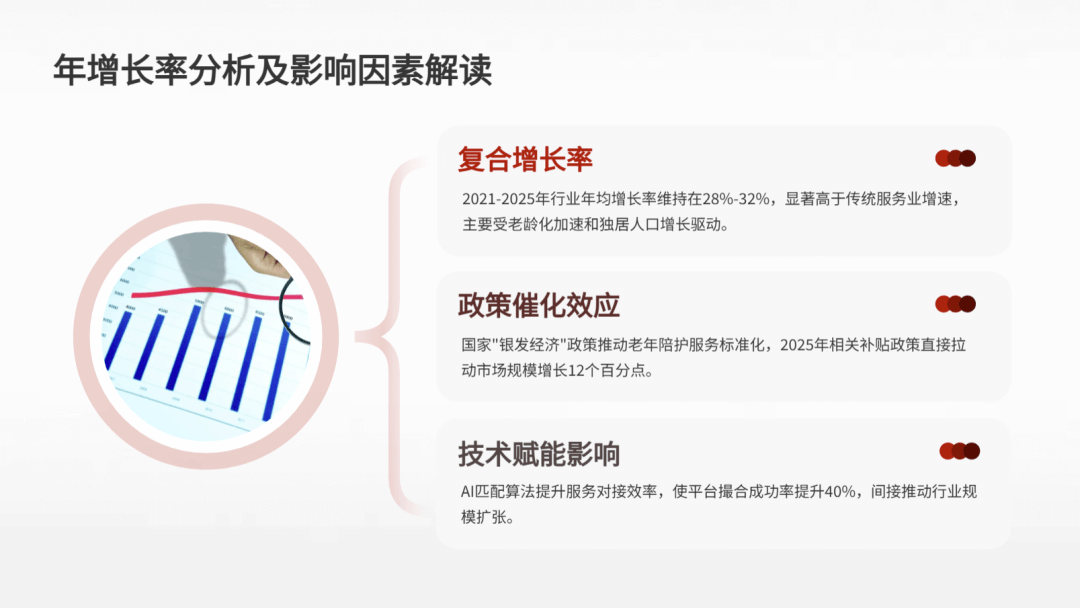
- It doesn't pursue fancy flourishes, but it is very steady;
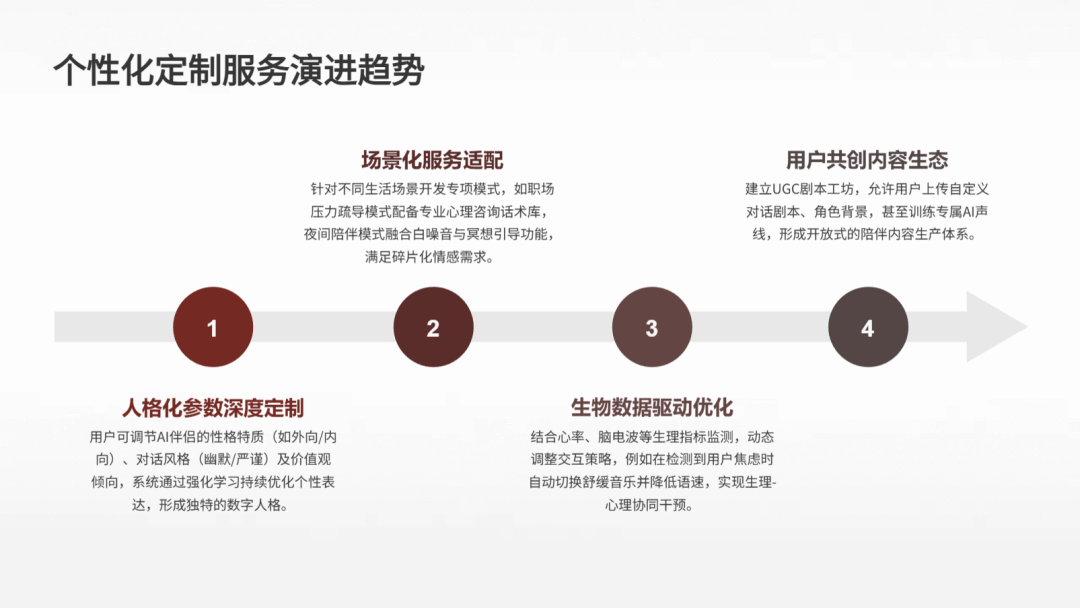
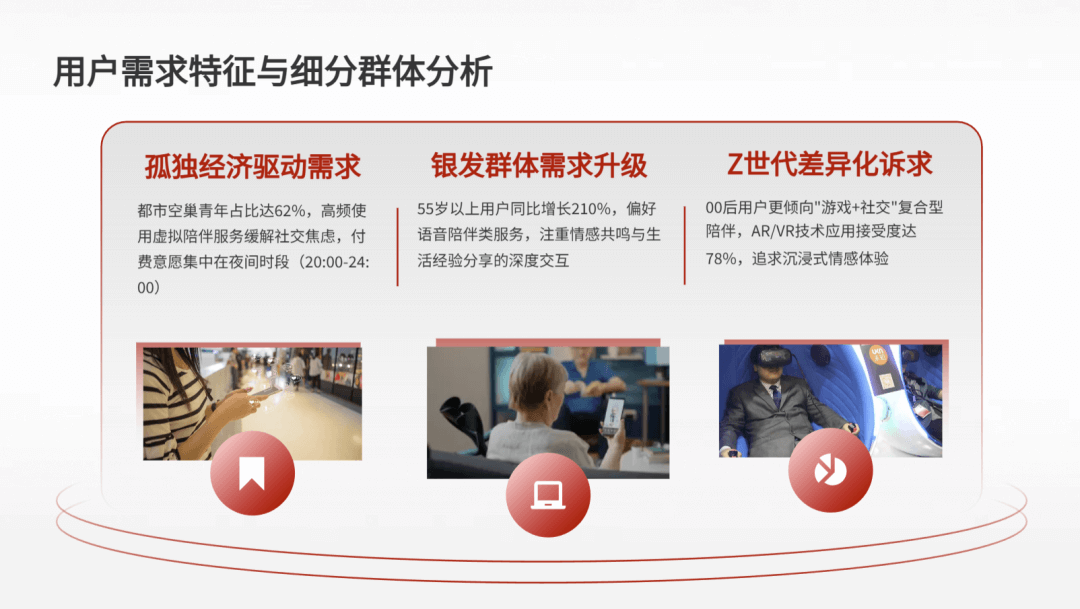
It even automatically matched a warm image according to the theme of the emotional companionship industry, and the overall design feels strong, not the rigid kind of template套用.
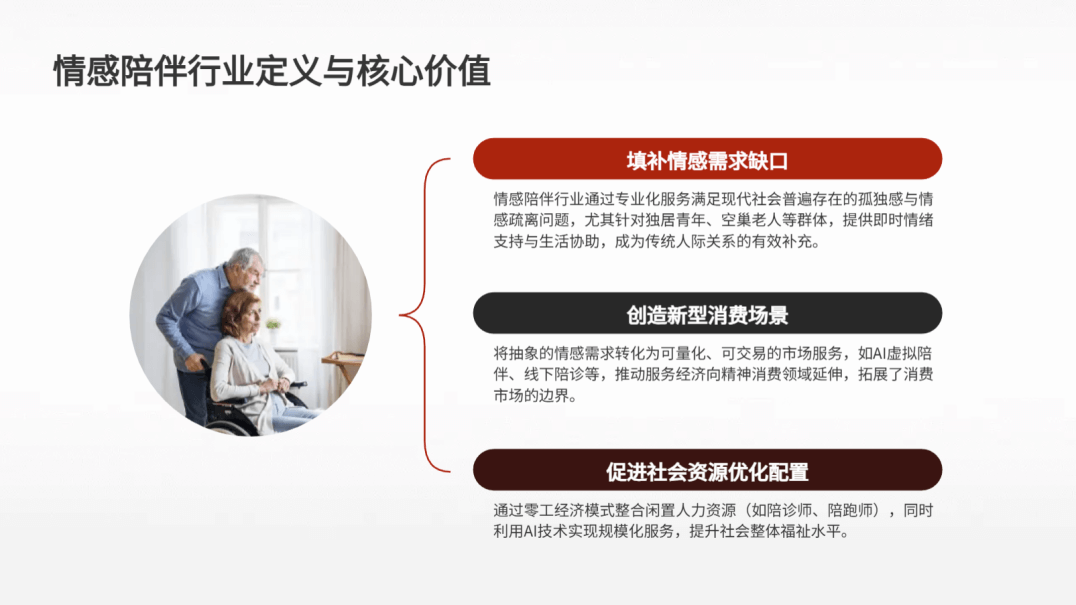
Looking through the whole thing, process-based structures, parallel decomposition structures, and center-radiating structures appear alternately, and the overall rhythm is very natural.
02. Content: Who Can Truly Say Goodbye to the "AI Flavor"?
The more intuitive difference is reflected in the content.
Qwen has the support of the Qwen model, and the overall content framework is solid. But the problem is that it is basically all general talk, with little data support. In industry jargon: obviously AI at a glance.
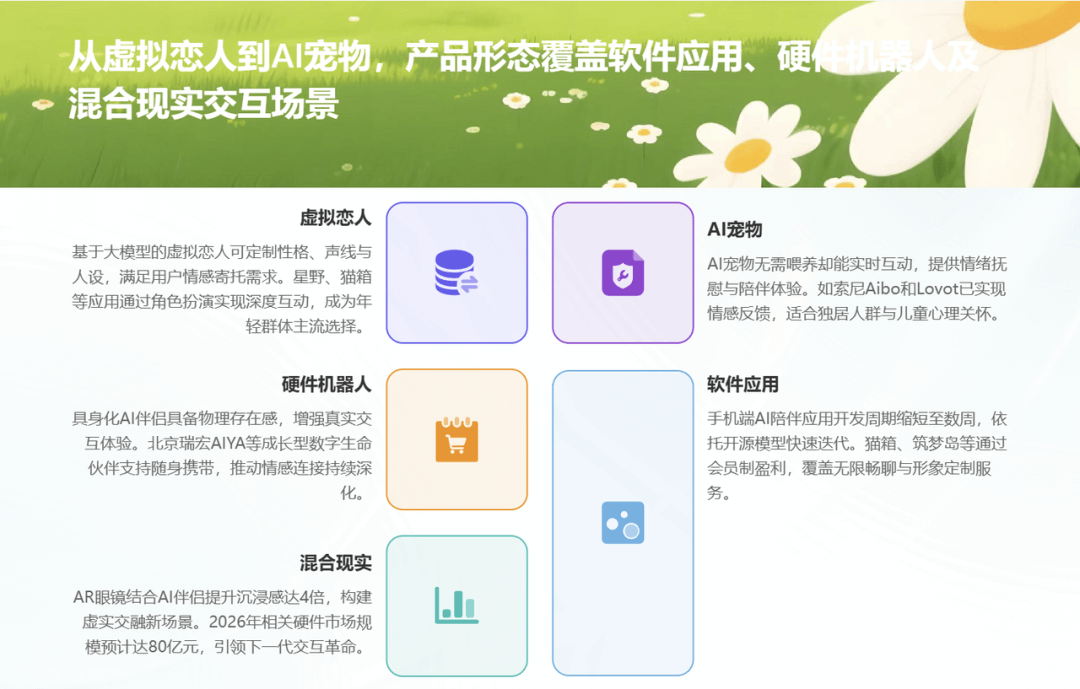
And Wenku here demonstrates the advantage of its origin as a "document and materials library."
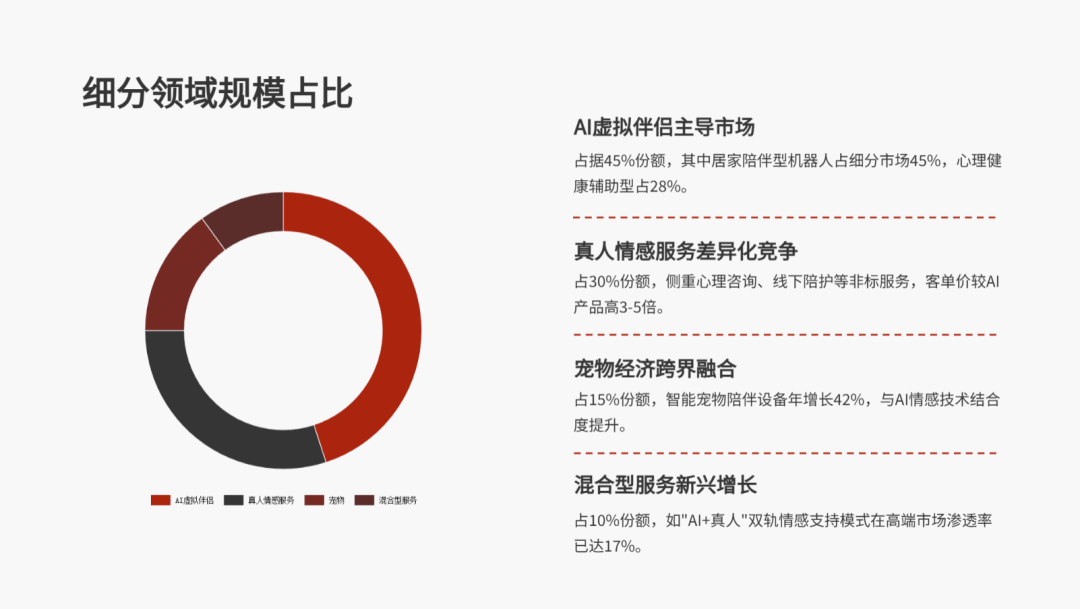
For market status, scale changes, and trend judgments, almost every conclusion is followed by corresponding data or factual evidence.
It even directly gives you a bunch of charts, with professionalism maxed out:
Let me say one more thing here: images.
Anyone who has made a PPT knows how painful it is to find images. Free images are too blurry, high-definition and commercially usable ones cost money, and you still have to search keyword by keyword.
Now you can let AI do it for you.
But this is also where I have bigger complaints about Qwen: inexplicable images often appear.
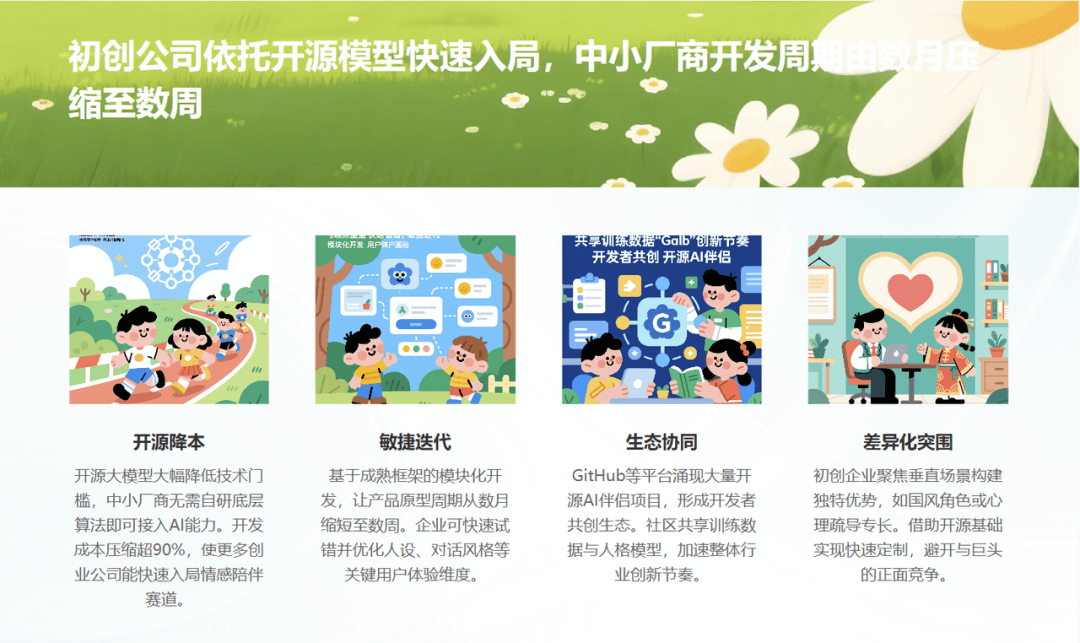
And Wenku's performance is still "steady as an old dog."
Most of the images on the pages fit the text quite well, and basically don't need to be changed.
For example, when talking about the loneliness economy, it uses an everyday scene of a person being alone; when talking about AR/VR technology, it uses an image of immersive experience with AR devices, so the text-image match is very high.
03. The real watershed: controllability is true efficiency
Once the PPT is generated, that's only the first step. What really takes time is the endless fine-tuning afterward...
On this point, most AI PPT tools actually remain at the "generation stage."
Qwen is the same: it supports AI text editing, image editing, and one-click card insertion, but the selectable layouts are limited, and no matter how you change them, it's still those same few sets.
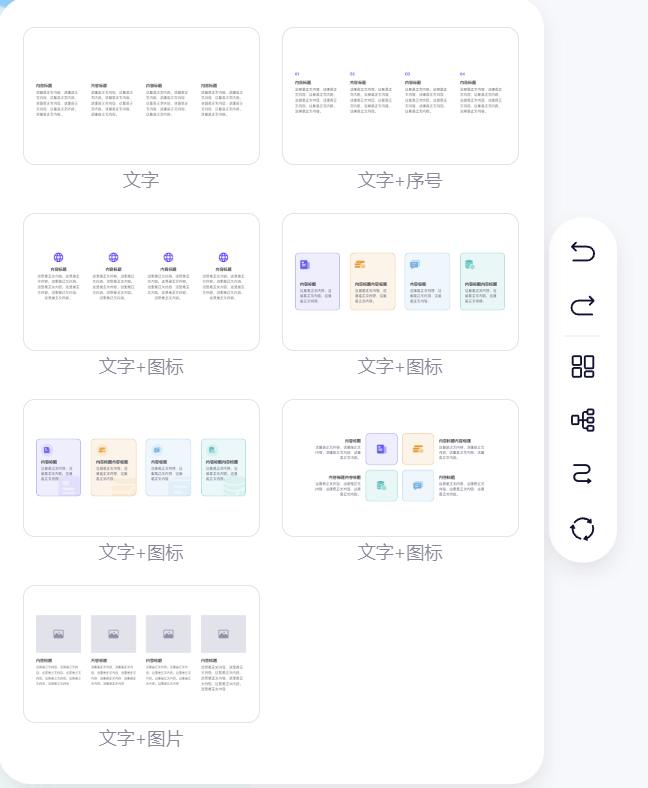
But when I opened the PPT webpage of Wenku, it directly refreshed my understanding of AI editing...
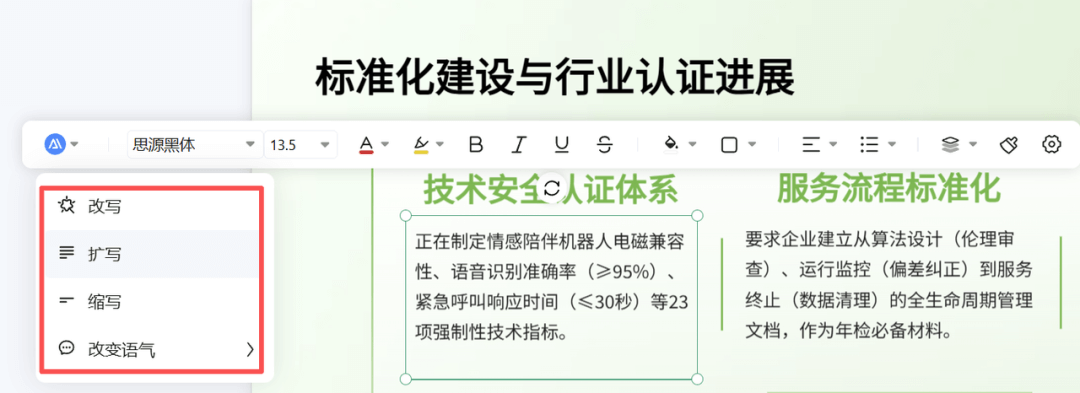
- Almost every piece of content can be directly rewritten by AI
- Text, icons, and images can all be replaced
- Modules can be freely added or removed
- Tables can be converted to charts with one click
You can even drag text boxes!
This is no longer a "PPT tool," but an online AI Office.
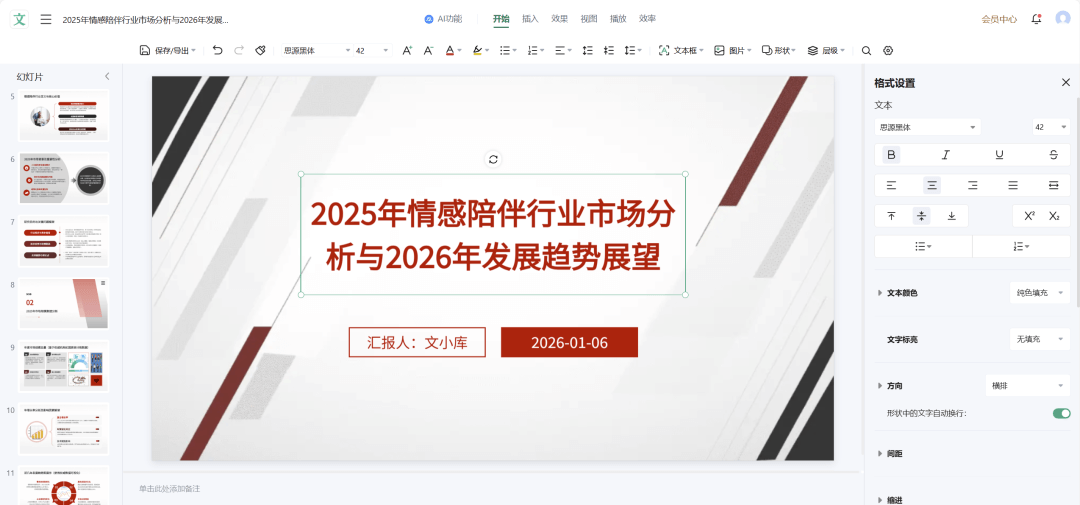
The most impressive thing is that you can also directly add animation effects and preview playback in real time.
The entire process is done on the web, and the export is a finished PPT with animations that can be played directly.
Finally, no need to search everywhere for cracked Office installation packages.
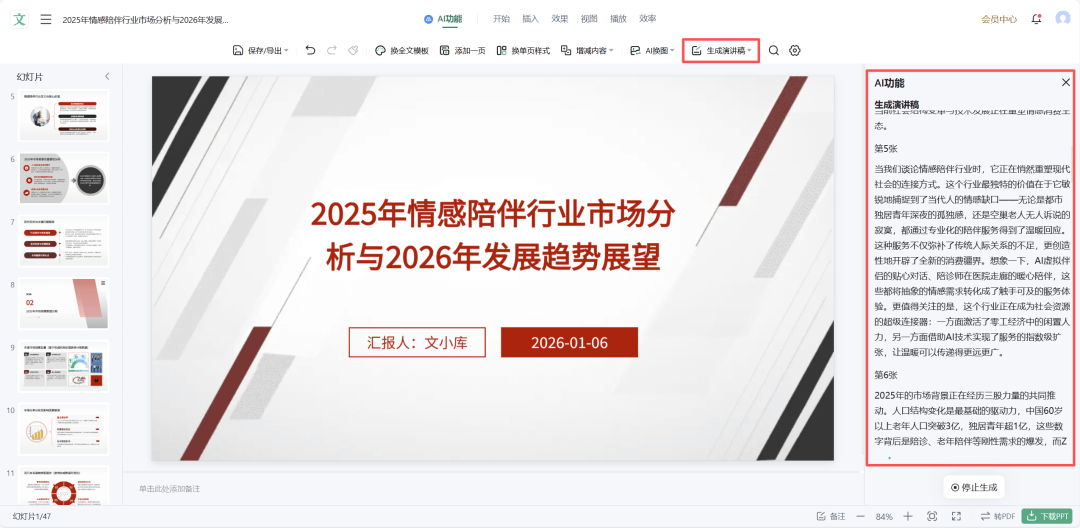
Once the PPT is revised, you can also generate a speech draft with one click, with full service.
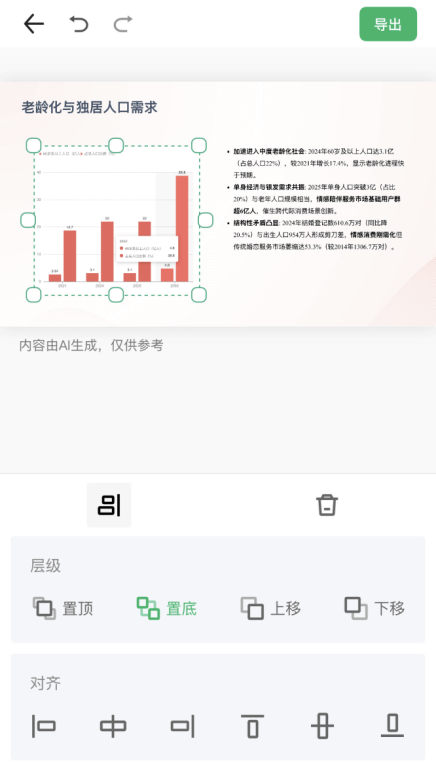
If you need to make changes temporarily, you can also edit on your phone, friendly to business travelers~
04. The harshest cut: PPT beautification
I believe this is a hard requirement for most working people: you already have a PPT draft in hand, and you only want AI to format and beautify it, not touch your framework content.
This is also the point where Wenku impressed me the most in my testing.
It should be one of the few tools that supports uploading a PPT for direct beautification. (Yes, Qwen currently does not have this feature)
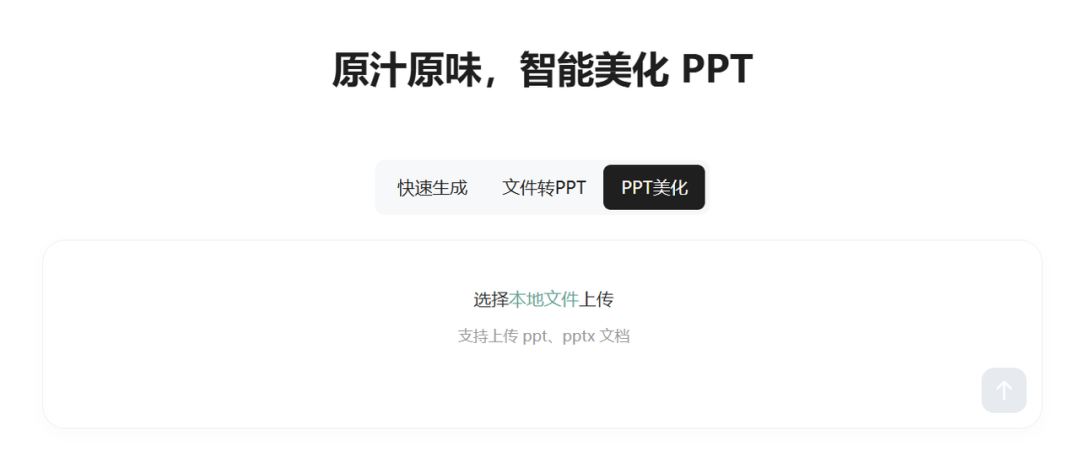
On the basis of preserving the original content and structure, it unifies the style and adjusts the layout.
After revision, it becomes a better-looking and more professional finished PPT.
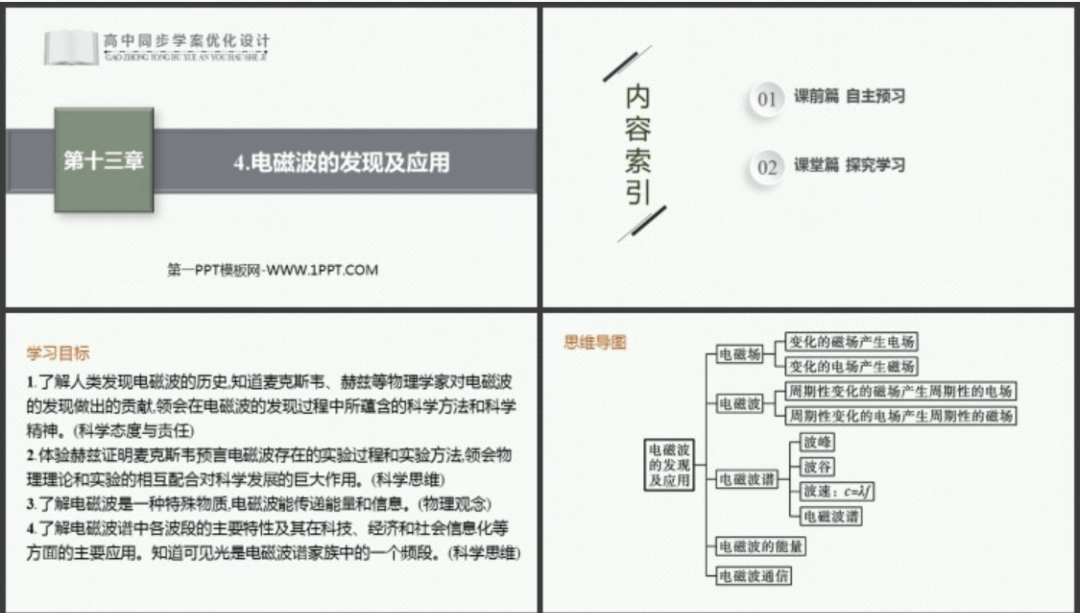
↑Original version
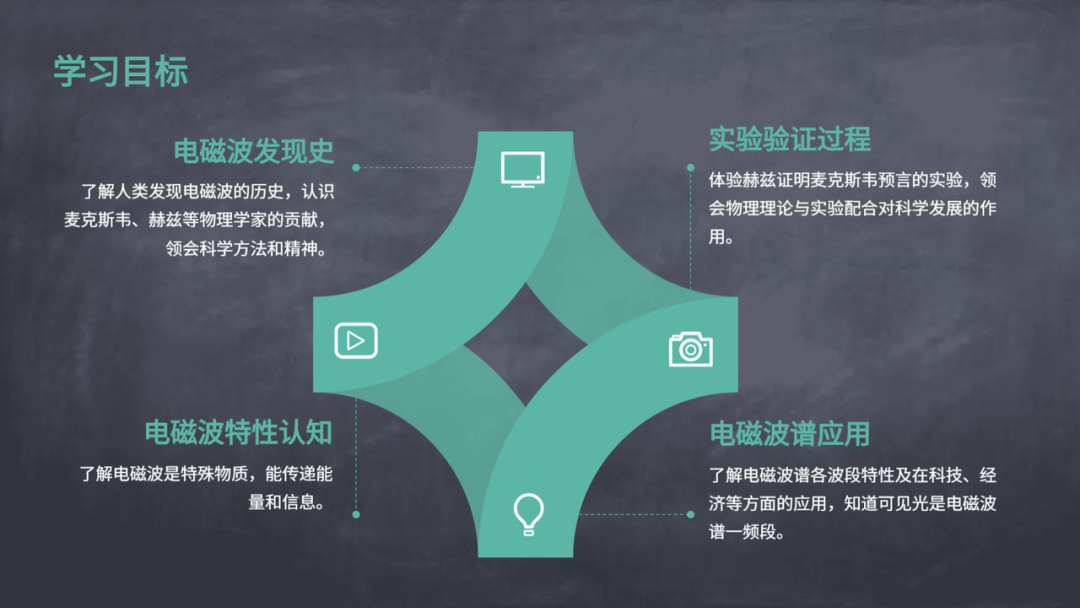
↑After beautification
One last point.
Many times, what we have in hand is not a prompt,
but a pile of historical files: Word, PPT, PDF, Excel, and even meeting minutes and recordings in cloud drives...
What Qwen can upload is mainly text, images, and audio/video.
On Wenku's side, Word, PPT, PDF, xls, xlsx, and even cloud drive files can all be smoothly accessed after authorization.
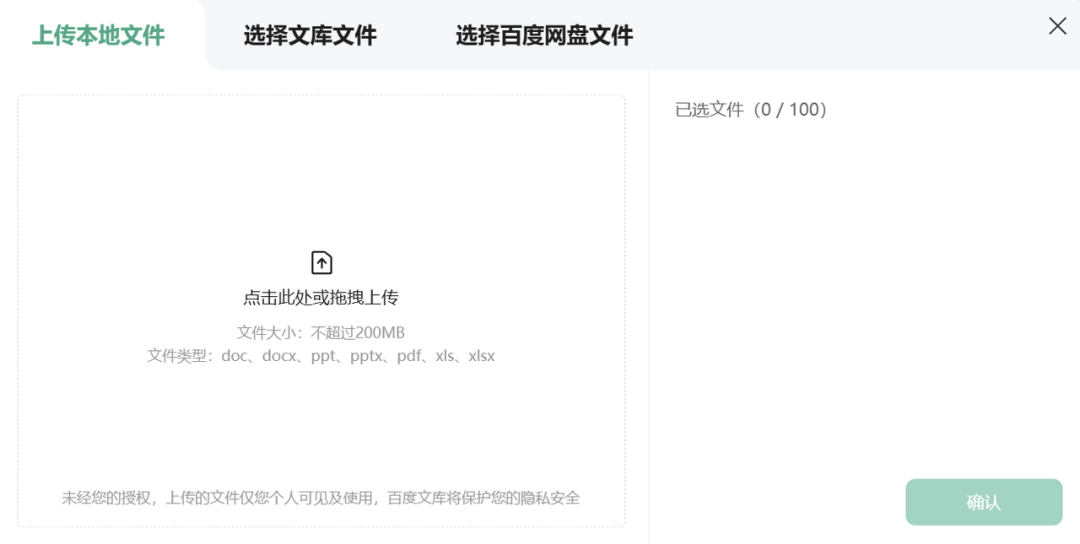
This is very important for people who actually work in a company.
05. Some sharing
In 2026, what AI PPT competes on is no longer just model capability, but whether it can truly solve real-world scenario problems.
Whether the layout is solid, whether the content has a human touch, and whether the editing functions are easy to use are the ultimate factors determining whether an AI PPT tool is reliable.
From this perspective, Baidu Wenku's PPT capabilities are already far ahead.
Don't forget, PPT is only one of its capabilities.
GenFlow, launched last year, directly brought cloud drives in and charged into the agent track.
This is also why I increasingly feel:Baidu Wenku may really be that underestimated AI dark horse.
Original link:After Qwen went viral, I instead saw clearly who the real AI PPT dark horse is!