
Recently I saw a bunch of transformation videos on a certain Yin app, all of them are hit posts starting with ten thousand likes.
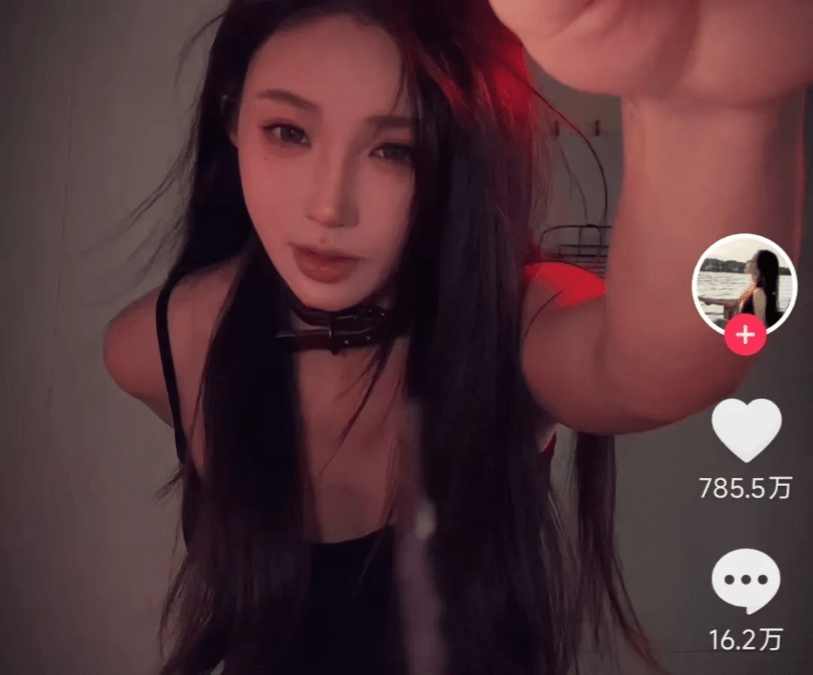
I studied it carefully and found that this format is very suitable for using AI to "unorthodoxly level up an account"—only basic editing is needed, and you don't need to show your face.
I have already figured out a replicable shortcut.
Two AI tools, even beginners can easily replicate it, and produce a video effect explosive enough.
01. Use Doubao to make storyboards
The faucet transformation video can be broken down into two parts:
The first part is the person discovering the faucet and reaching out to turn off the water. For this part, we use the first and last frames to precisely control the character's actions;
The second part is the display after the transformation. We can directly use the first frame to generate the video.
We need to make three storyboard images separately according to this shot order.
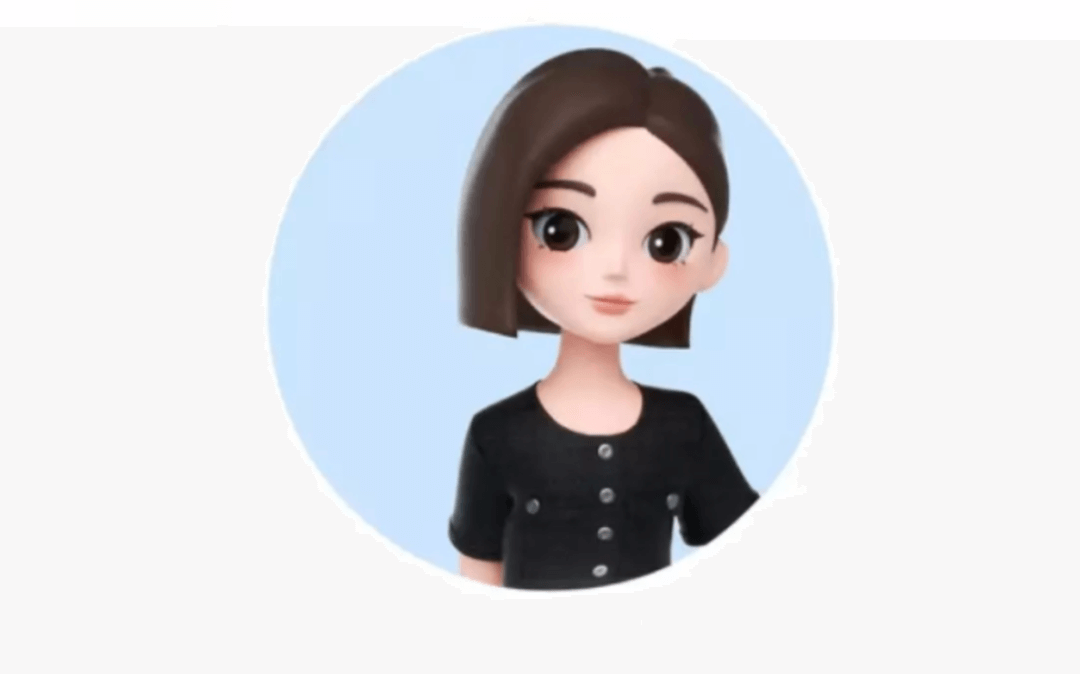
For example, to make a Doubao transformation video, our first step is to find a picture ofDoubaoas a reference image, then enter the following prompt to generate a storyboard image of Doubao discovering a faucet indoors.
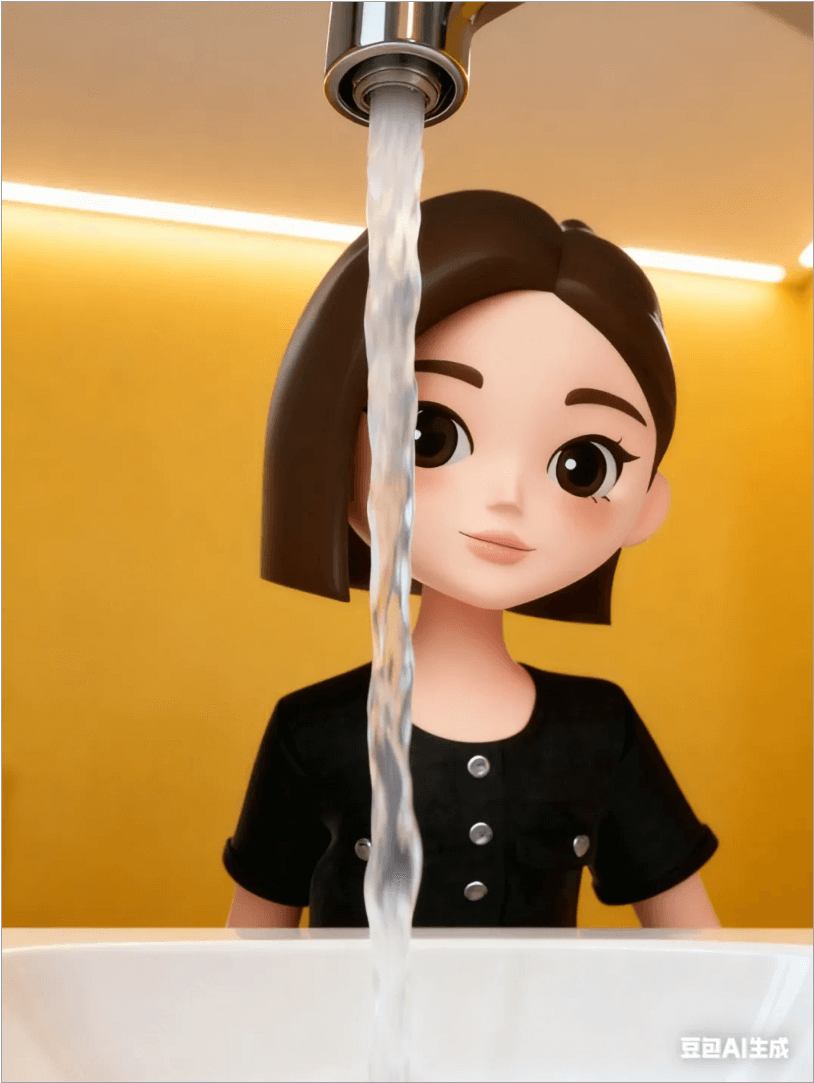
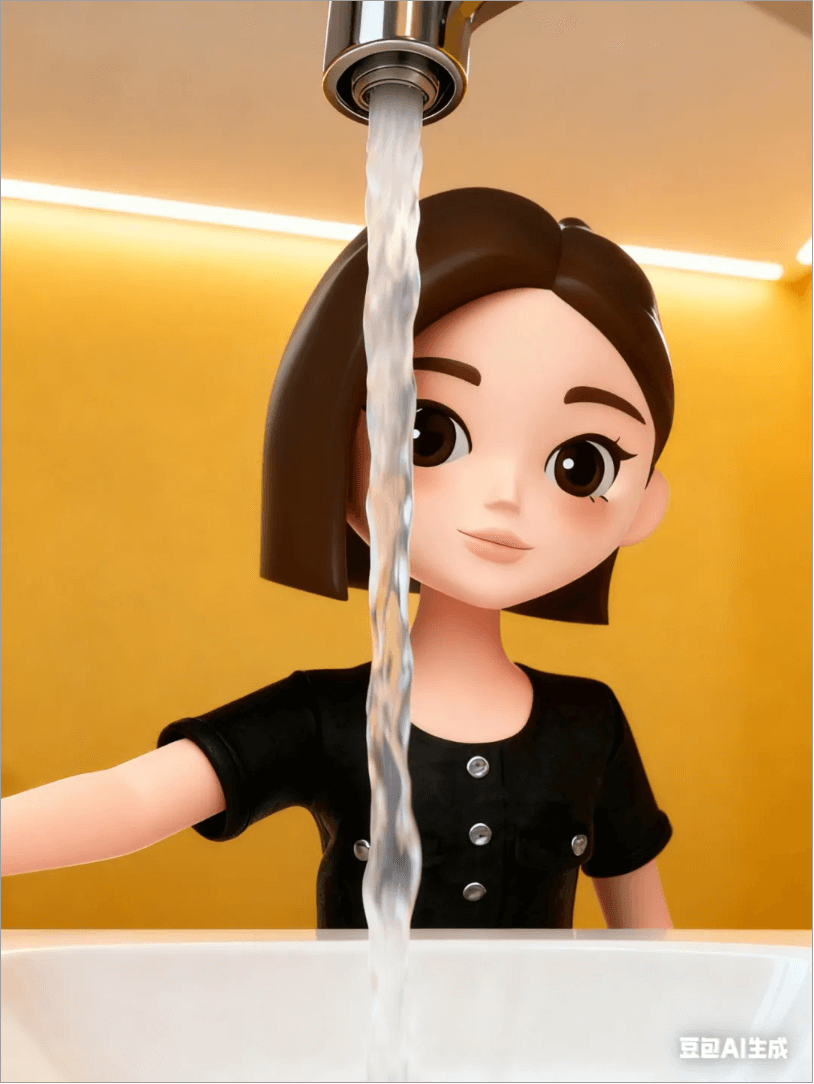
Prompt: The girl in the picture, facing the camera, the background is a warm yellow wall, indoors, the ceiling light strip emits light, light is visible but not the lamp, the camera is above the sink, the camera direction is slightly tilted upward, foreground of the image: at the exact upper center of the frame, the faucet outlet is exposed, and a column of water is flowing out, blocking 1/10 of the frame, ratio 3:4
In this way, the first image is ready:
Then use the above image as a reference image and have Doubao make the action of turning off the water.
Prompt: The girl walks closer, the girl's right arm reaches out of the frame
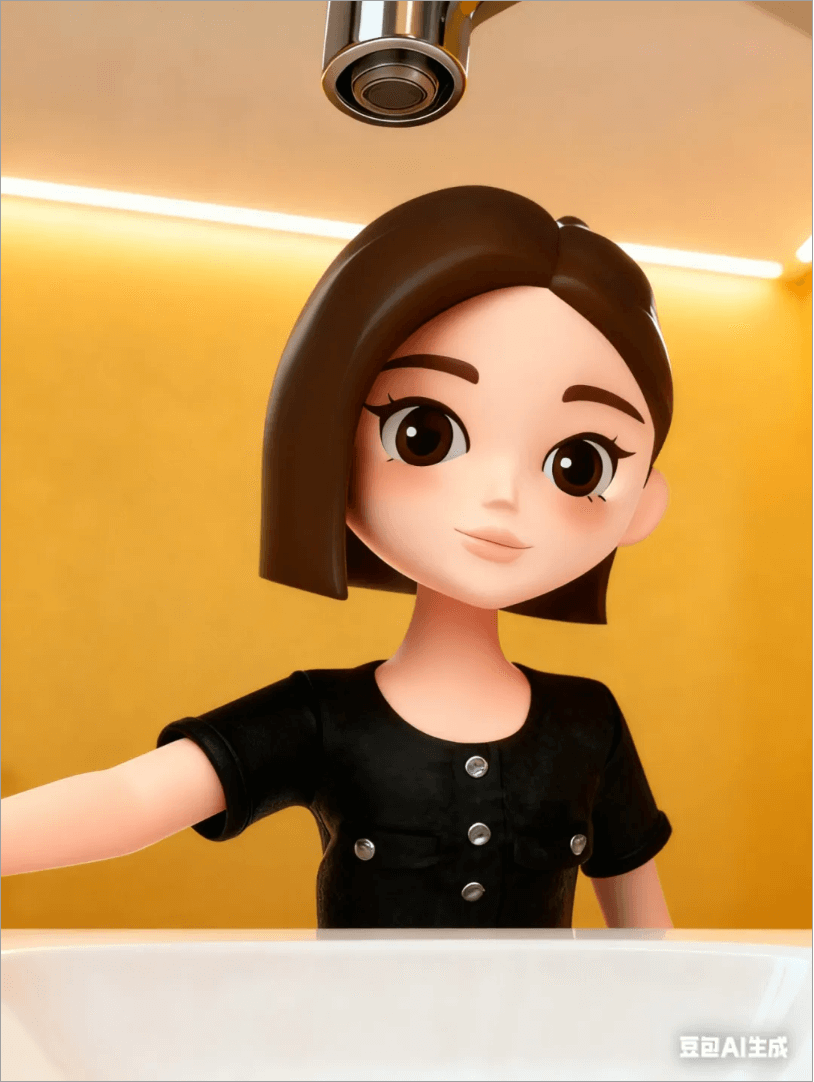
Likewise, use the above image as a reference image to generate the image after the transformation.
Prompt: Remove the water flow, keep everything else unchanged.
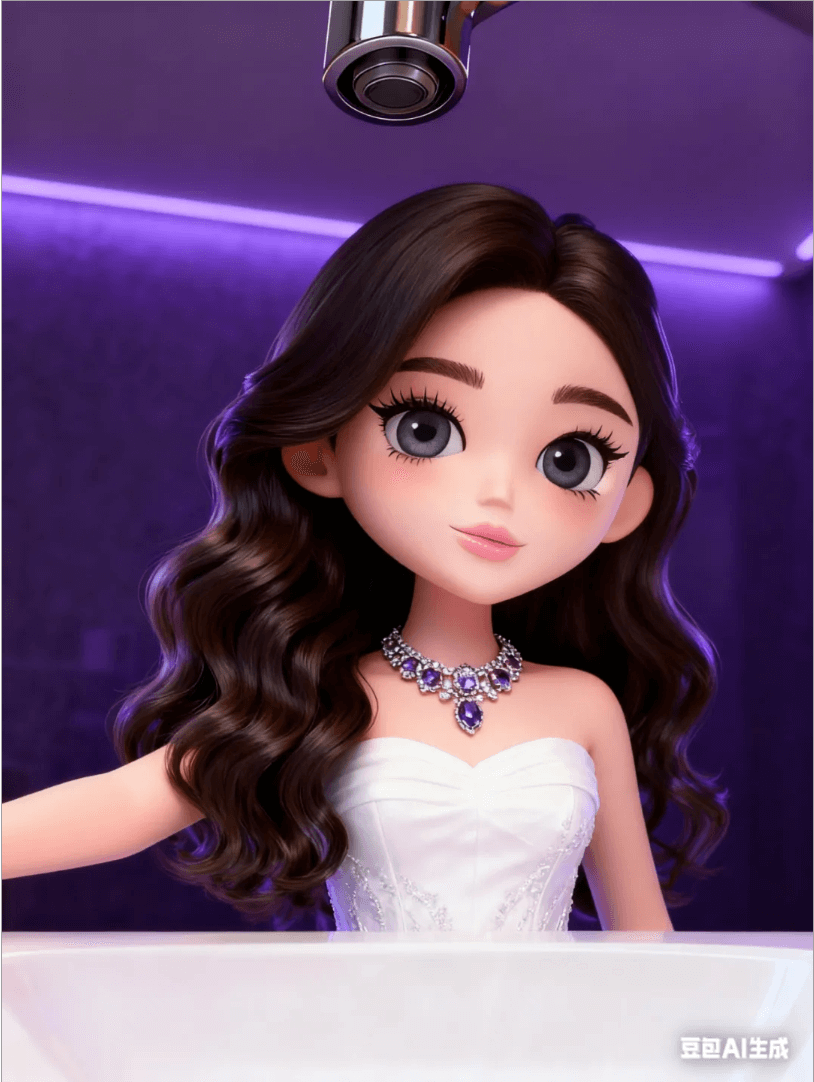
Prompt: High-definition details, premium color scheme, give the girl fresh girl group makeup, dark gray contact lenses, long eyelashes, natural brows, rose-pink lip glaze, realistic hair texture, big wavy curls, hair smooth and shiny, change the clothes to an exquisite white strapless gown. Italian-style haute couture gemstone necklace. The background is a dim purple tone, creating a mysterious and charming atmosphere. The spatial layout remains unchanged, and the girl's pose remains unchanged.
02. Use Jimeng to generate videos
We use the three storyboard images generated above to generate two video clips in Jimeng.
Use first and last frames to generate images, and the reference images are the first and second generated images.
Prompt: The girl looks at the faucet, walks forward 2 steps, raises her arm and reaches out of the screen
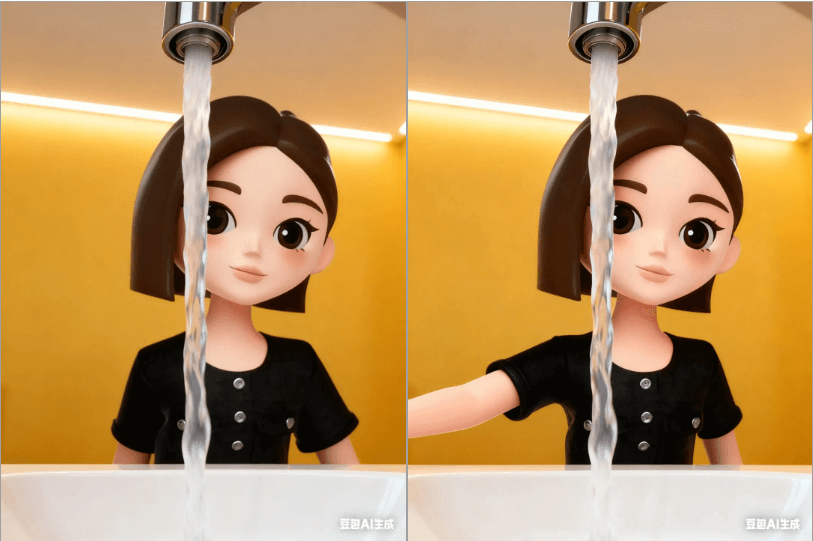
In this way, the first video clip is obtained:
The second video clip is generated using the image after the outfit change as the first frame.
Prompt: Atmospheric feel, slow motion, the girl slightly lowers her head and looks at the camera, extremely charming, a strand of hair gently fluttering in the air
Second video clip:
03. Use Jianying to splice and add background music
Import the materials into Jianying and drag them onto the video track. Between the two video clips, add a zoom camera movement effect.
Search for the sound of a faucet running water in the sound effects library, add it below the first video clip, search for faucet transformation in the background music library, add the same background music, align the music's drumbeats with the transformation moment, and export.
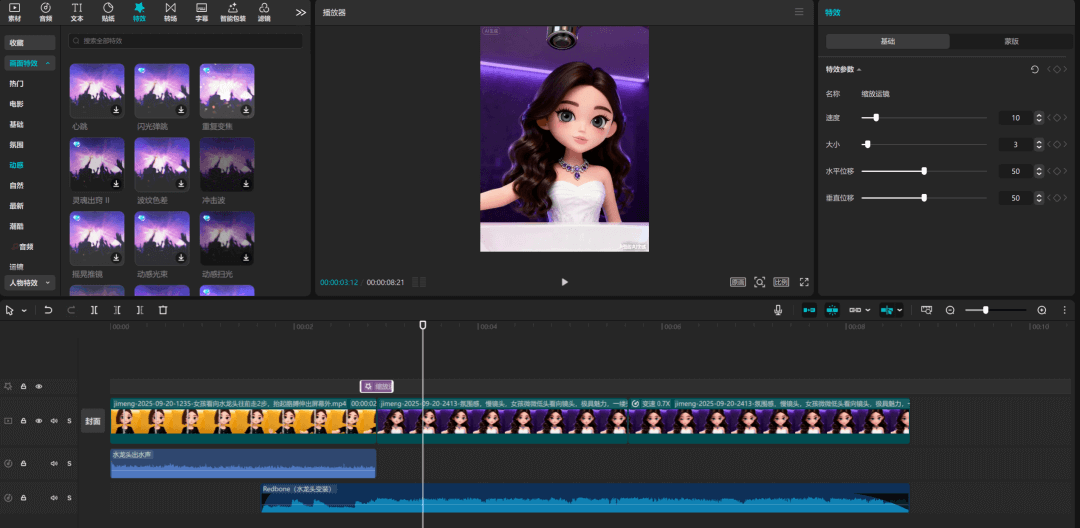
Finally, we get a transformation video like this:
04. Change the transformation style and prompts
Let me also share an interesting style with everyone. This version is adding me into the transformation video.
Here we first need to use Doubao to create a smoky-style Doubao image. The reference image is the second one generated by Doubao above.
Prompt: The girl in the image wears smoky-eye makeup, a cold expression, a "spirit girl" style, colorful little dreadlocks, and her clothes are changed to the "spirit girl" style. The background is colorful and dark-toned, with atmosphere. The spatial layout remains unchanged, and the girl's pose remains unchanged.
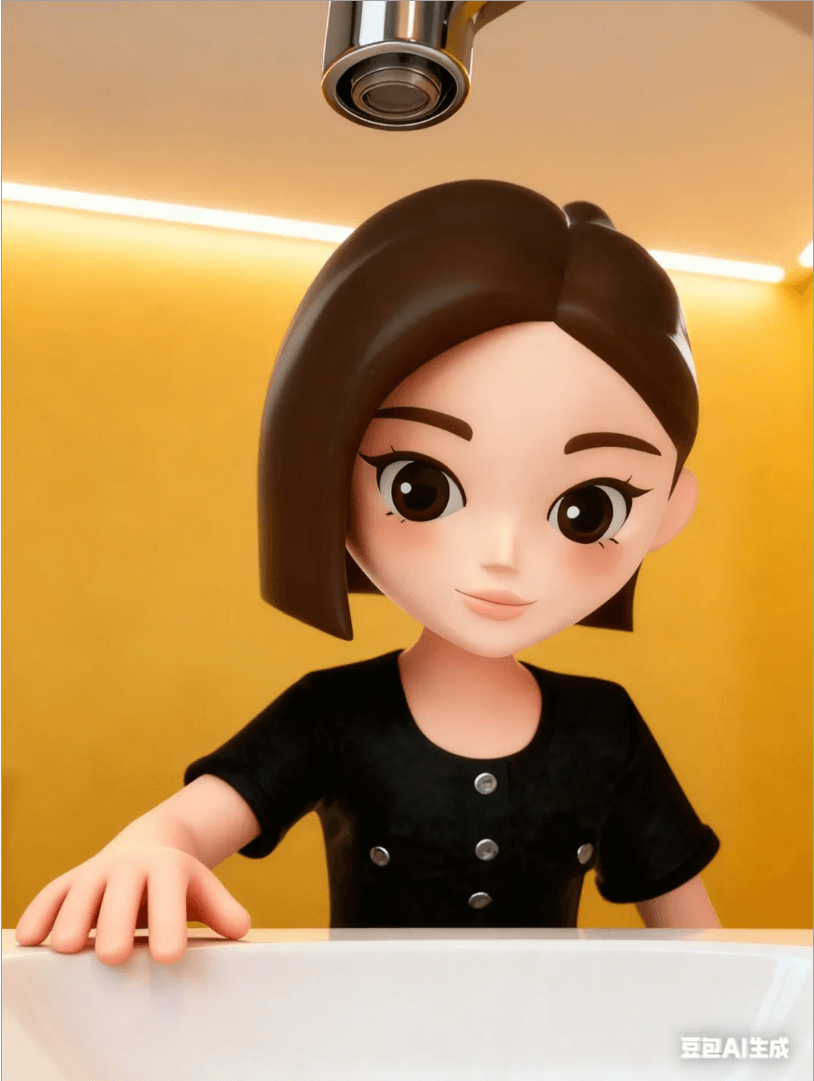
This way you can get a smoky-makeup Doubao:
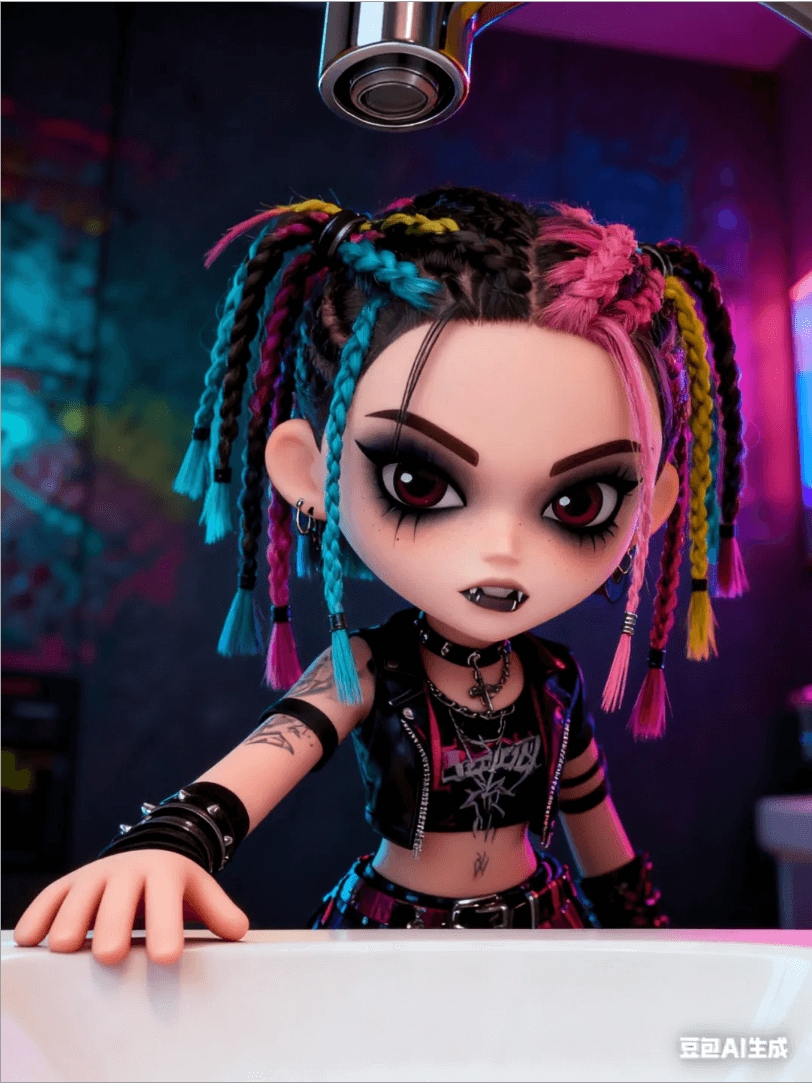
Then upload the generated image and my own avatar in Doubao to generate a group-photo storyboard image.
Prompt: The art style of the girl in image 2 changes to that of image 1, add the girl from image 2 into image 1, the girl in image 1 turns slightly sideways, the girl wearing VR glasses in image 2 leans diagonally against the girl in image 1, snuggling close, the two pose for a photo facing the camera direction, and the scene remains unchanged as in image 1.
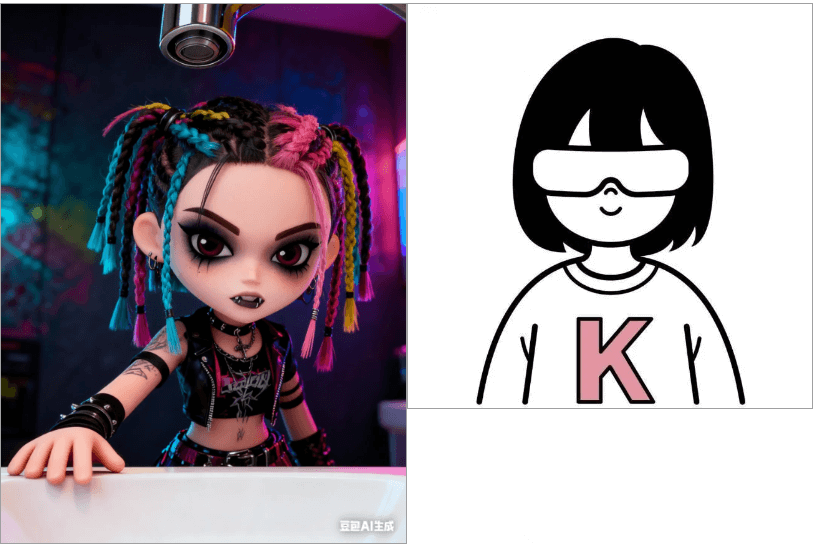
This way you get a group photo of me and Doubao:
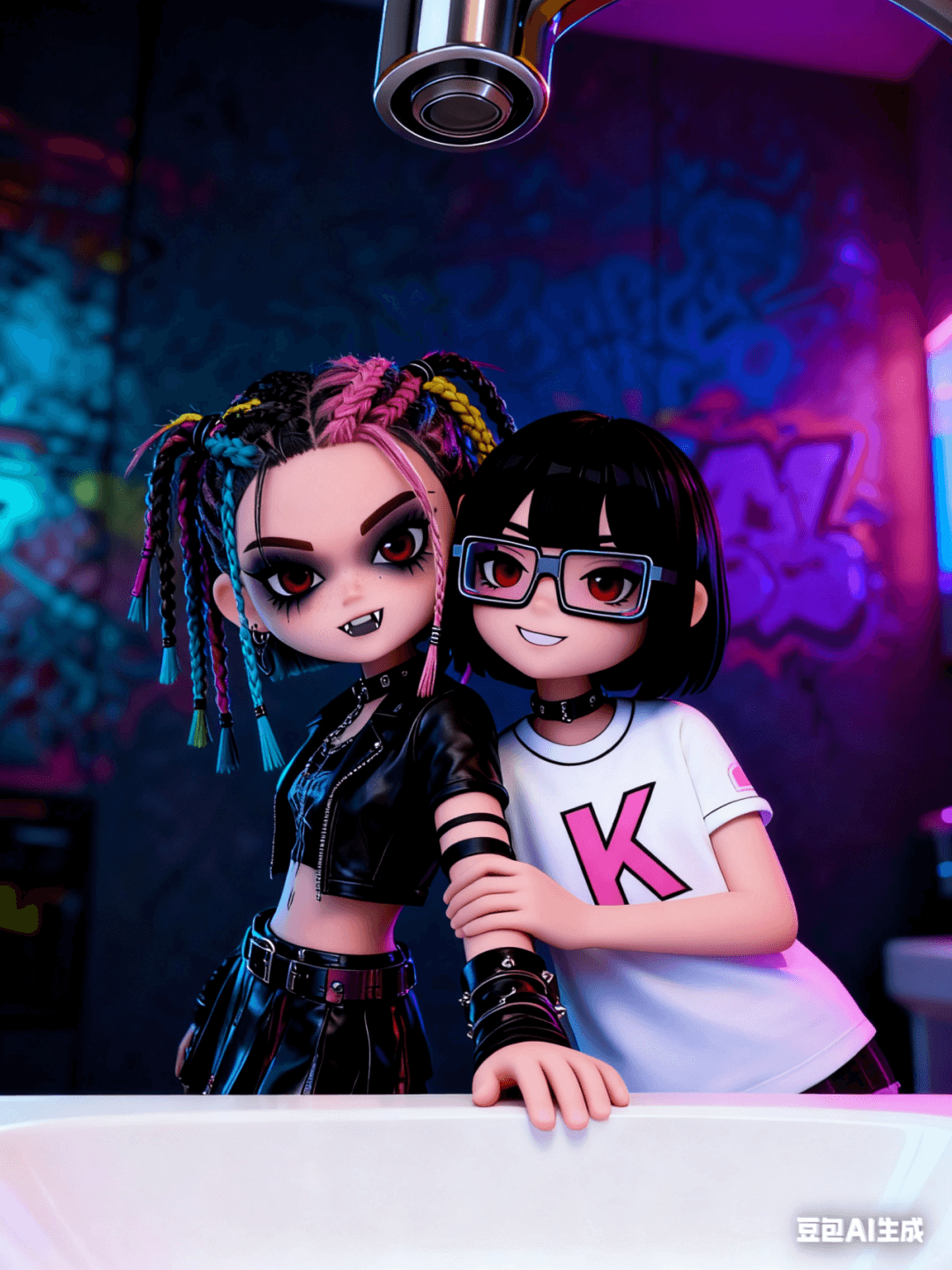
Finally, use Jimeng's first-and-last frame function, and upload the two images generated by Doubao to generate a video.
Prompt: The girl in image 1 strikes a pose, the girl in white clothes outside the frame steps into the shot in one stride, waves and greets the camera, the two take a group photo, and the scene remains unchanged.
Finally, a video like this is generated:
Finally, likewise use CapCut to edit them together, add sound, and it's OK!
05. Writing at the end
What I'm sharing this time is very simple, but my intention is not just to teach everyone how to make this video, but more to share with you some of my thoughts on AI implementation.
I think too many people's thinking about AI implementation is wrong now. They are all thinking about making something new, making something that didn't exist before.
But how can there be so many good ideas? The best way for ordinary people is to convert existing viral hits into AI-produced works.
Making already-validated viral hits may not necessarily be the best way, but it is definitely the most stable way.
Original link:Doubao transformation videos have gone viral; a step-by-step guide to teach you to replicate them with AI