

Recently, a friend shared with me a screenshot of an interesting page.
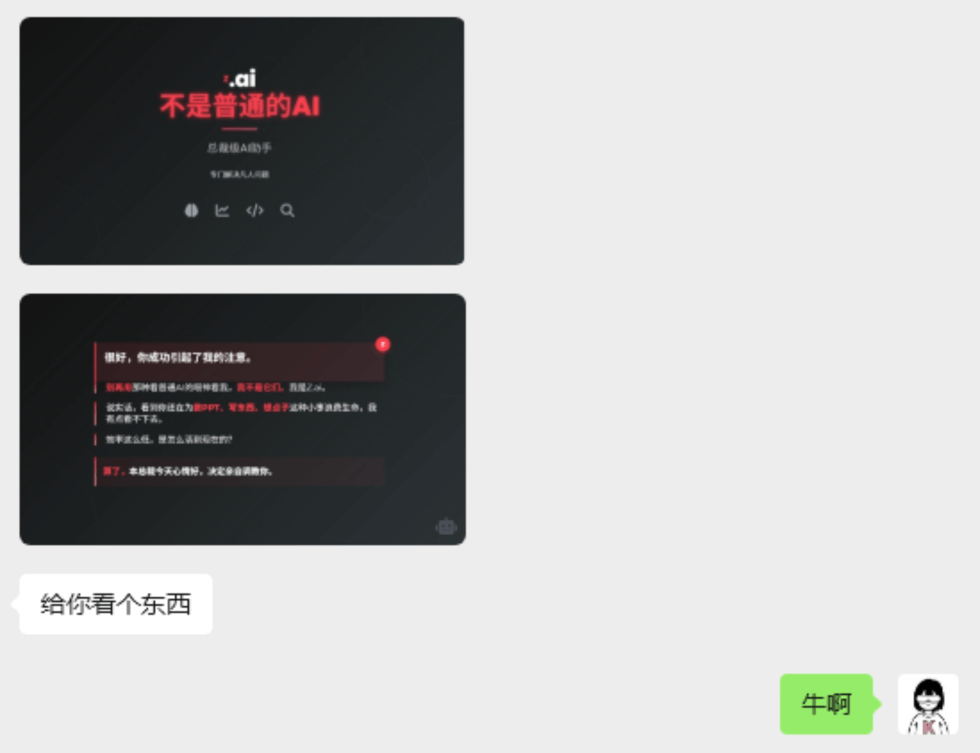
At first glance, it felt like the text layout of this PPT had a very manual touch.
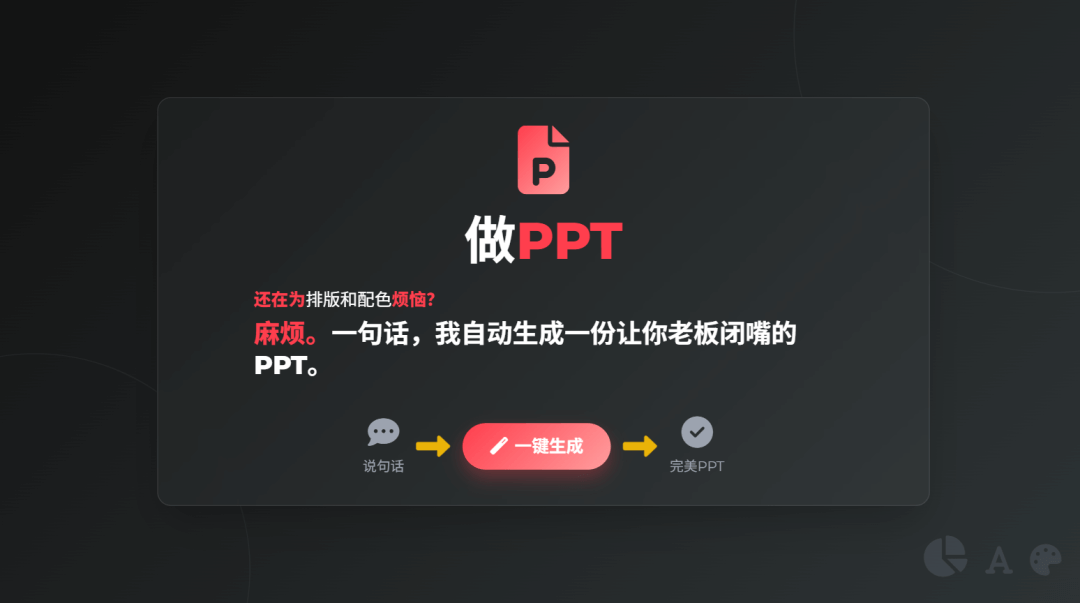
I immediately went to try it, only to discover that it is not a traditional PPT at all, but a web-style Slides 。
It is also very simple to make, using Z.ai's newly launched experimental model GLM-Experimental,As long as you enter one sentence in the dialog box, it can generate a complete set of browsable, editable, and online interactive presentation pages。
It is no exaggeration to say that it does not feel like "making a PPT," but more like working with an expert who can do layout and understands logic, explaining something clearly and thoroughly from beginning to end.
Most importantly, it is completely free~
01. How to Use
We enter Z.ai official website (https://z.ai/), select Zhipu's latest experimental model GLM-Experimental, and click the AI PPT button below the dialog box.
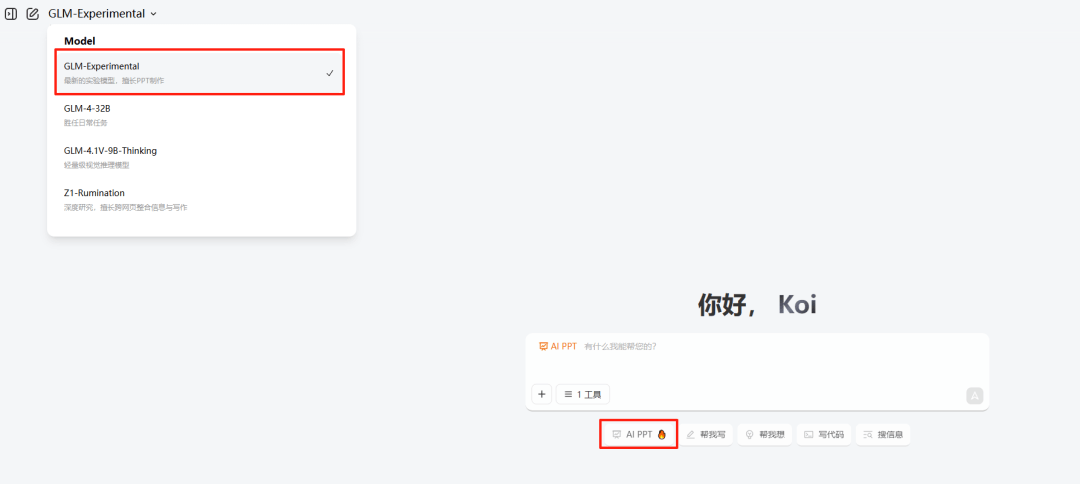
Enter a prompt, and one sentence can generate a PPT. Let's first try a simple one:
Prompt: The Making and Use of Rockets
It will first analyze the user's intent, then collect information as comprehensively and systematically as possible.
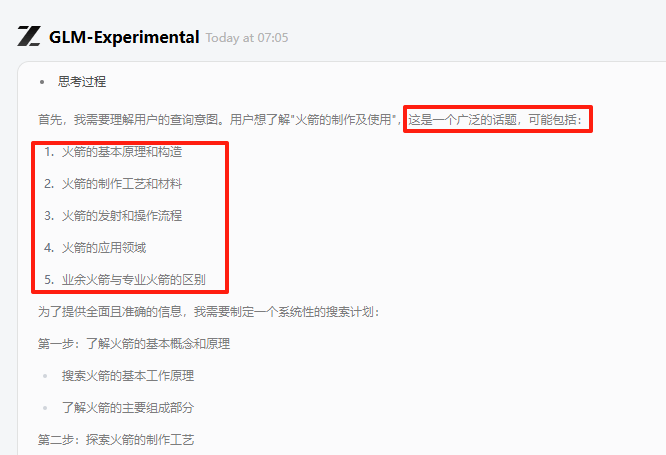
After understanding all the information, it will automatically generate a PPT with a clear structure and comprehensive content.
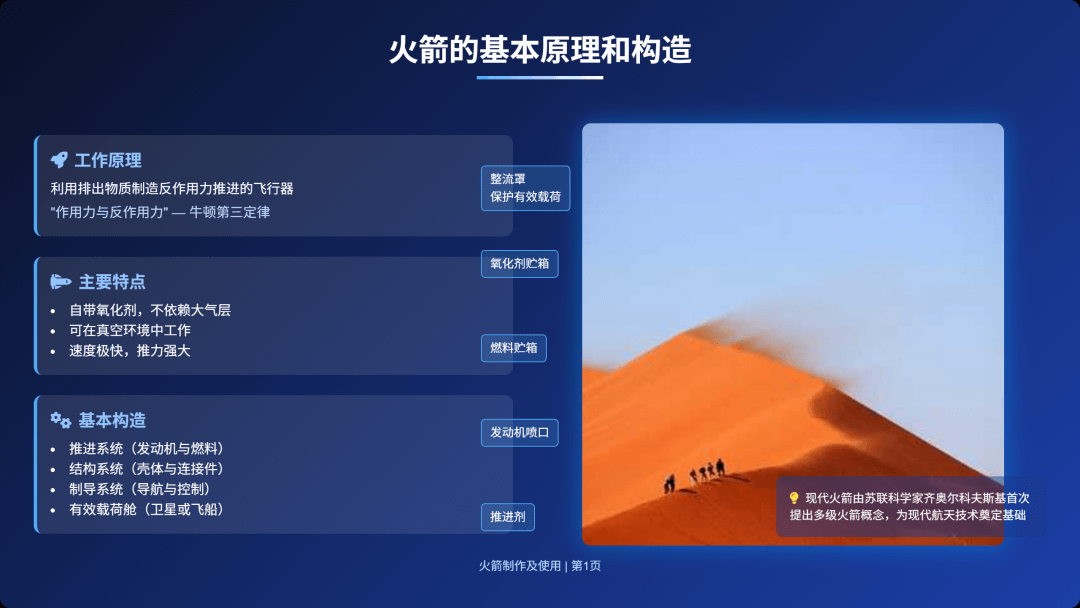
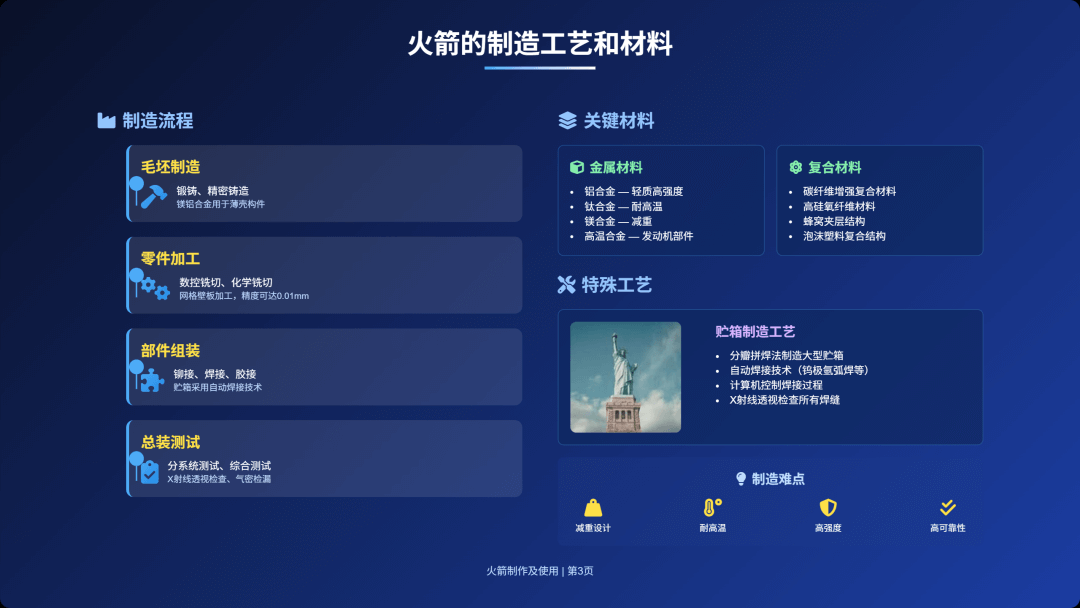
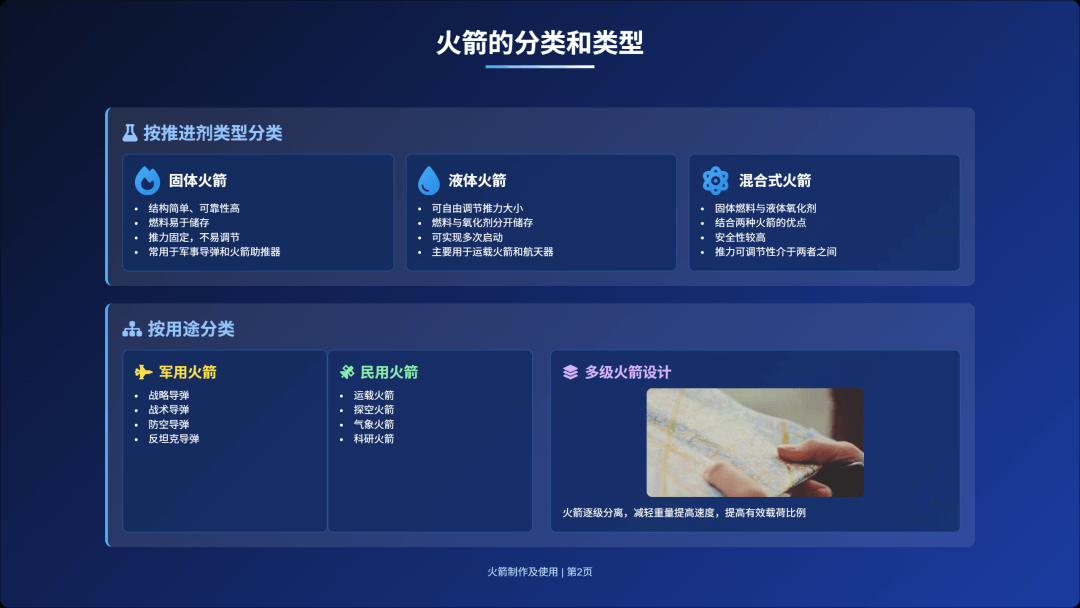
The content progresses step by step from the basic principles and structure of rockets, classification and types, manufacturing processes and materials, launch procedures and operating procedures, and application fields of rocketsThe language is concise, but the amount of information is very large。
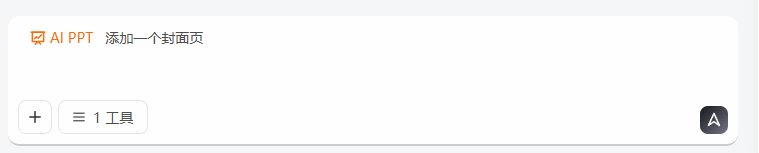
We can directly modify the PPT content through dialogue, for example, add a cover page to the PPT.
Prompt: Add a cover page.

The edit button on the page can modify any content in the PPT.
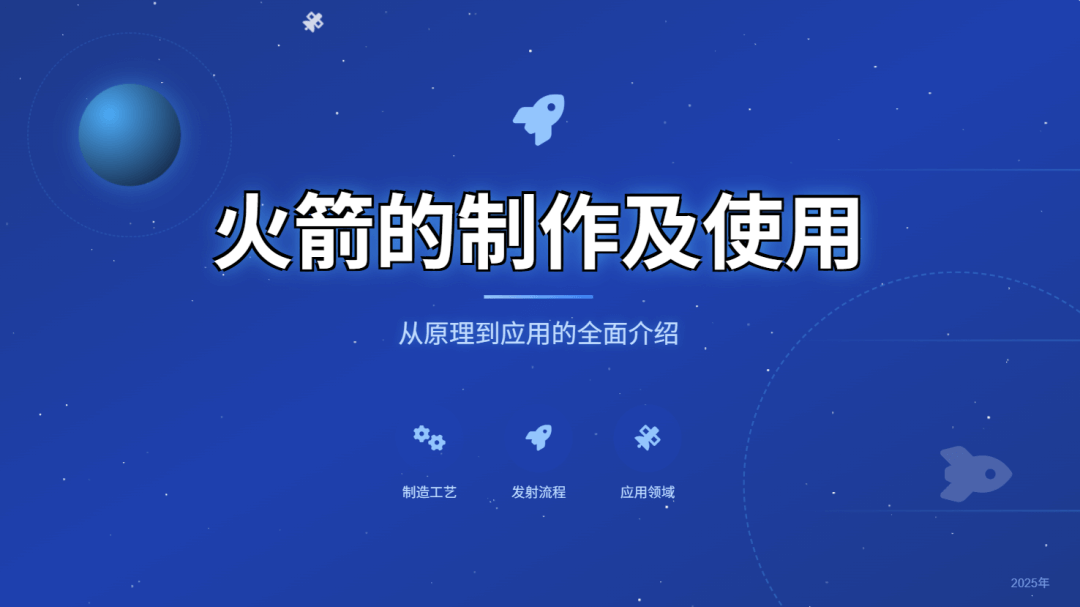
For example, make the title larger and more eye-catching.

Move the mouse over the component we want to modify and enter the modification description:
Prompt: Make the text larger and add a black stroke

The result is as follows:
The text content can also be modified directly:
This feature is quite practical. The small icon components and text on the page can all beprecisely modified. We only need to state the requirements, and there is no need to do it ourselves at all.
The final product can be shared directly to social media.
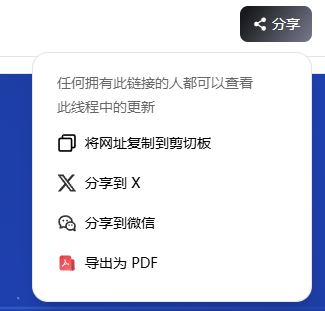
Case:https://chat.z.ai/space/q0h4j64sc2m0-ppt
02. Advanced Ways to Play
When making a PPT, not only can it collect information, we can also upload reference files.
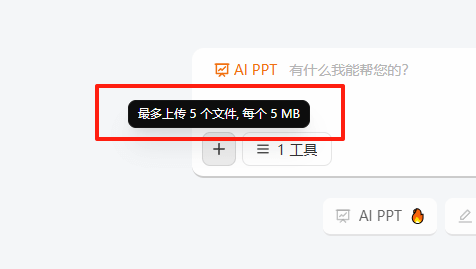
Prompt: China Artificial Intelligence Industry Research Report
For example, I send it a 2024 China Artificial Intelligence Industry Research Report.It can summarize the key content and generate a PPT based on it.
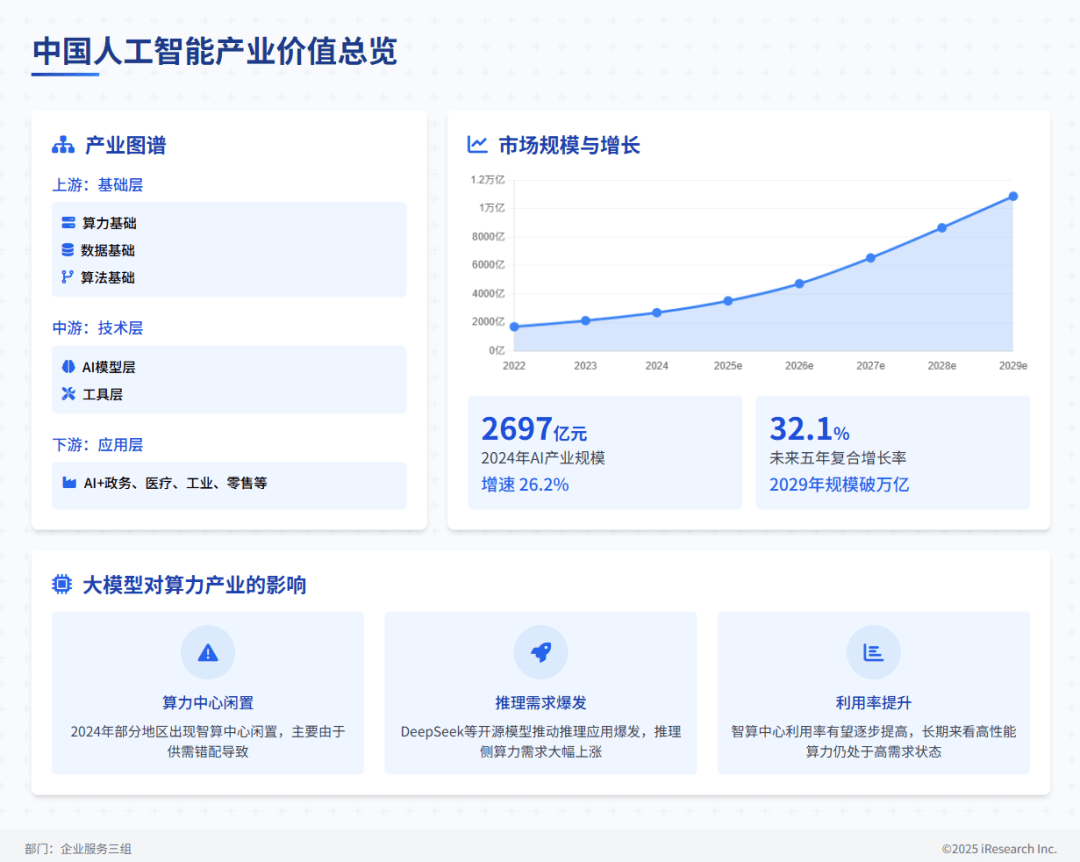
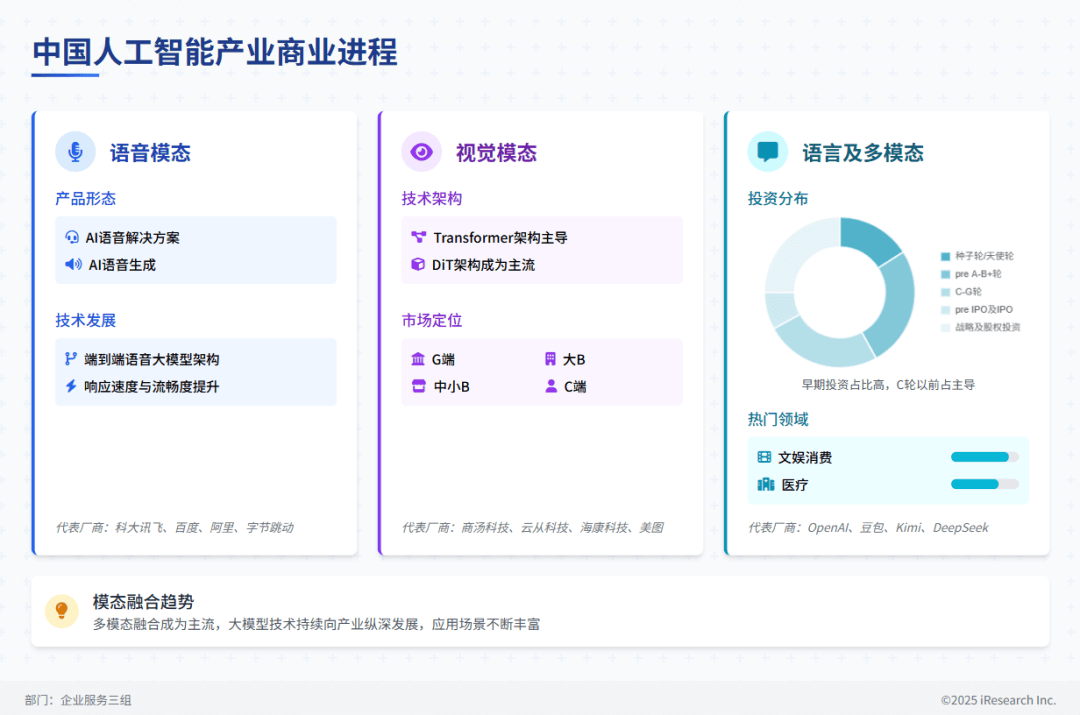
Case:https://chat.z.ai/space/h0q4s6xnqaw1-ppt
Z.ai's default generation is already good, but if you want it to output content that fits the context better, the prompt must be clear.
We can also add more constraints to the content and add more specific description requirements, such as which aspects the output content should include and what audience it is for.
In terms of layout and formatting, we can specify the overall visual style, even down to details such as color scheme, font, font color, and so on.
For example, let's make an analysis report on electric vehicle pricing.
Prompt: Create a business report PPT analyzing the pricing patterns of electric vehicles, aimed at the marketing team, for use as a pricing reference for the company's new products.
The PPT should include an opening introduction, background on price setting, classification of car prices, pricing trends, analysis of the match between pricing and audience psychology, pricing recommendations, and an overall summary.
Rich cases and accurate illustrations are required, using a style that matches the automotive field.
Ensure the content is authentic, visually appealing, and powerfully presented.
The number of pages should be more than 15.
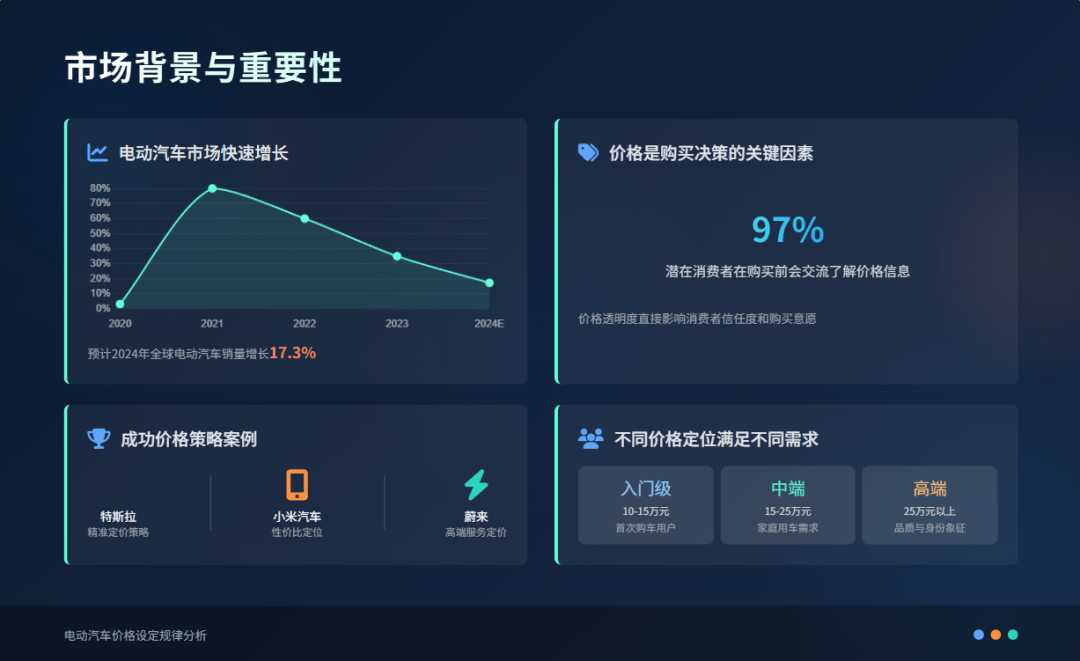
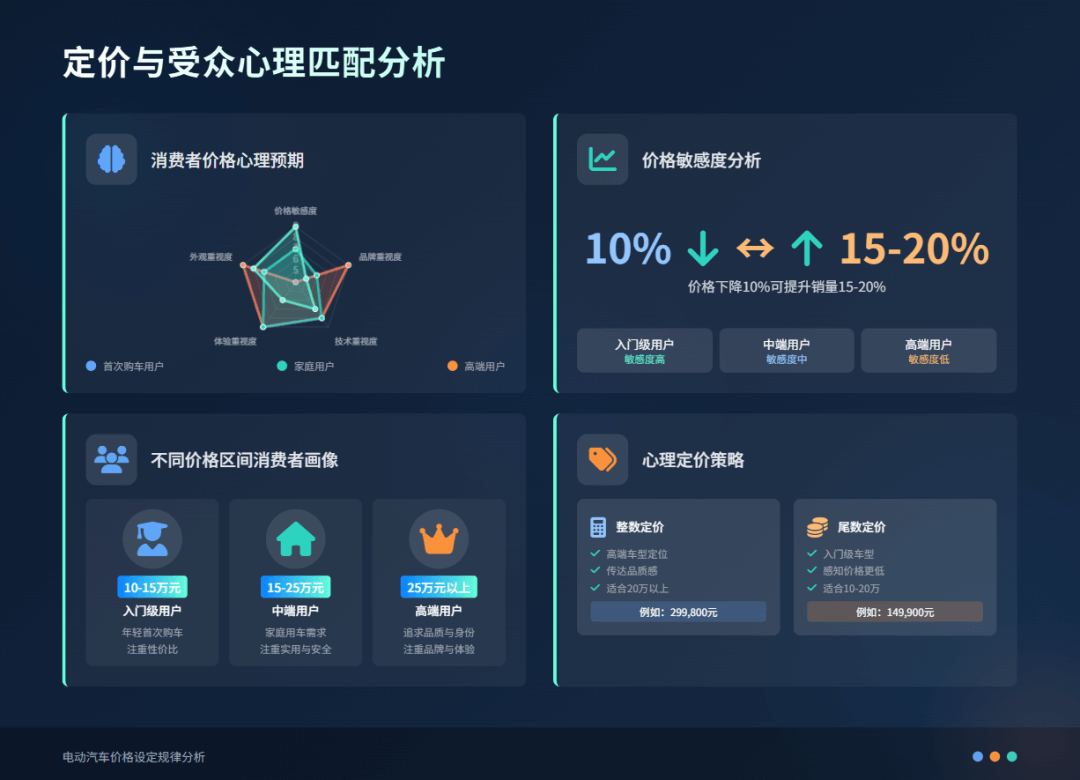
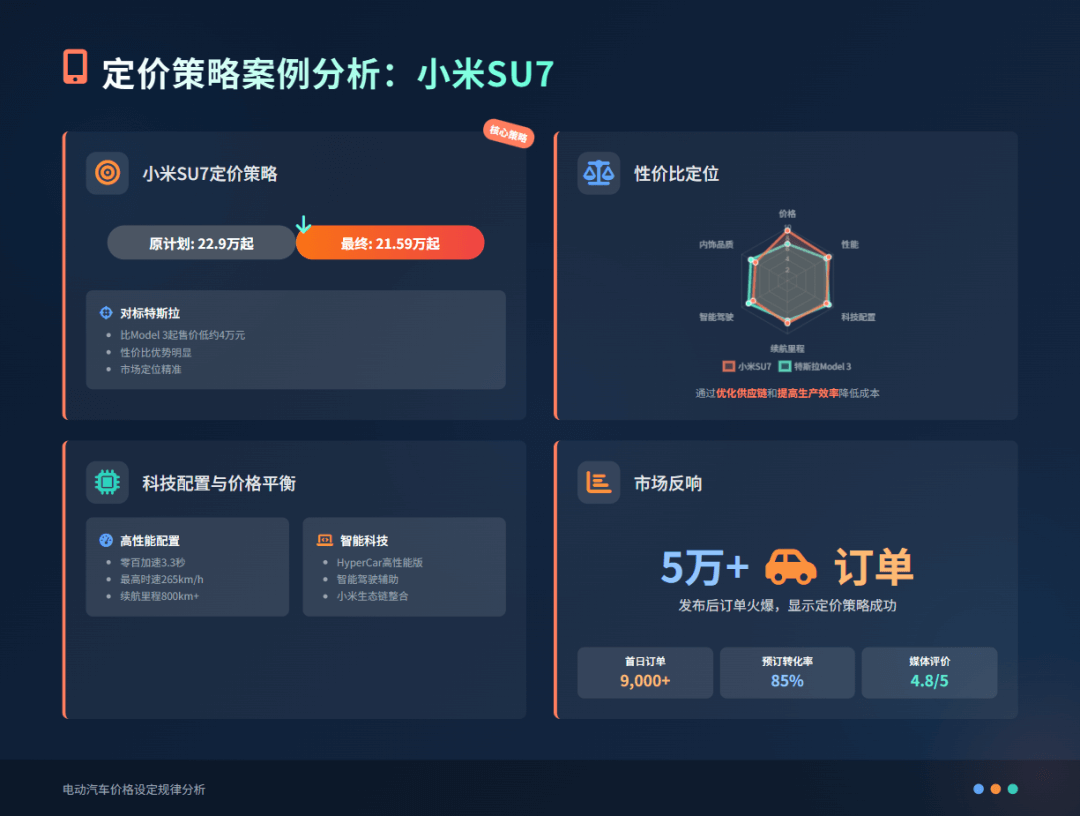
We can see that it completed all the requirements in the prompt. For users with relatively complex needs, it can still complete the task.
Example:https://chat.z.ai/space/c0f496wct530-ppt
The most interesting thing is,it really knows how to be playful!
Prompt: In an expert's tone, discuss in detail why one must slack off at least thirty days every month to achieve optimal work efficiency.
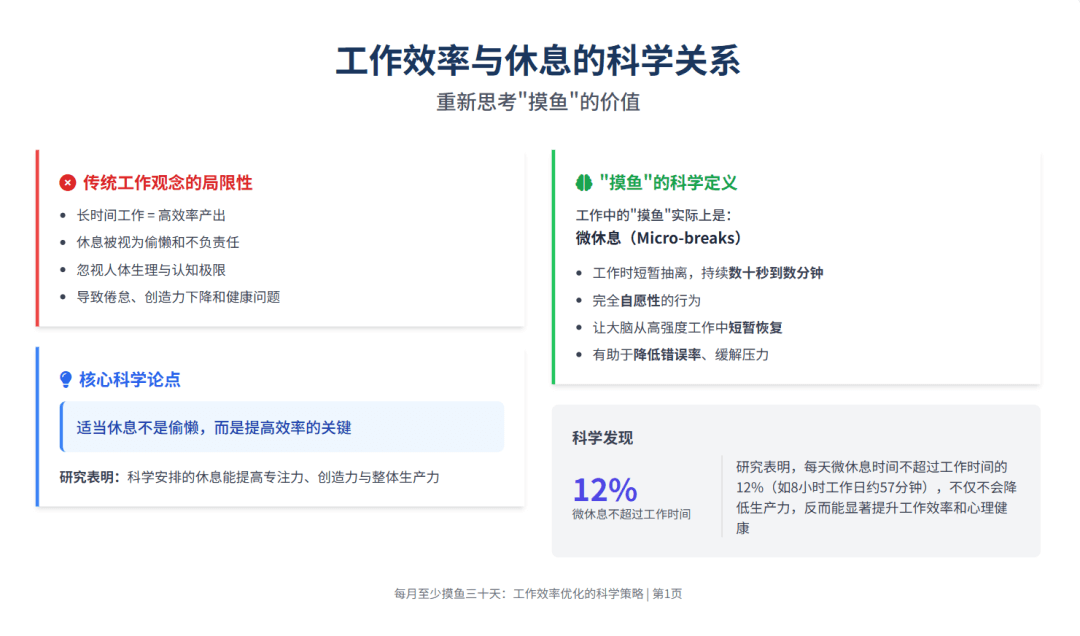
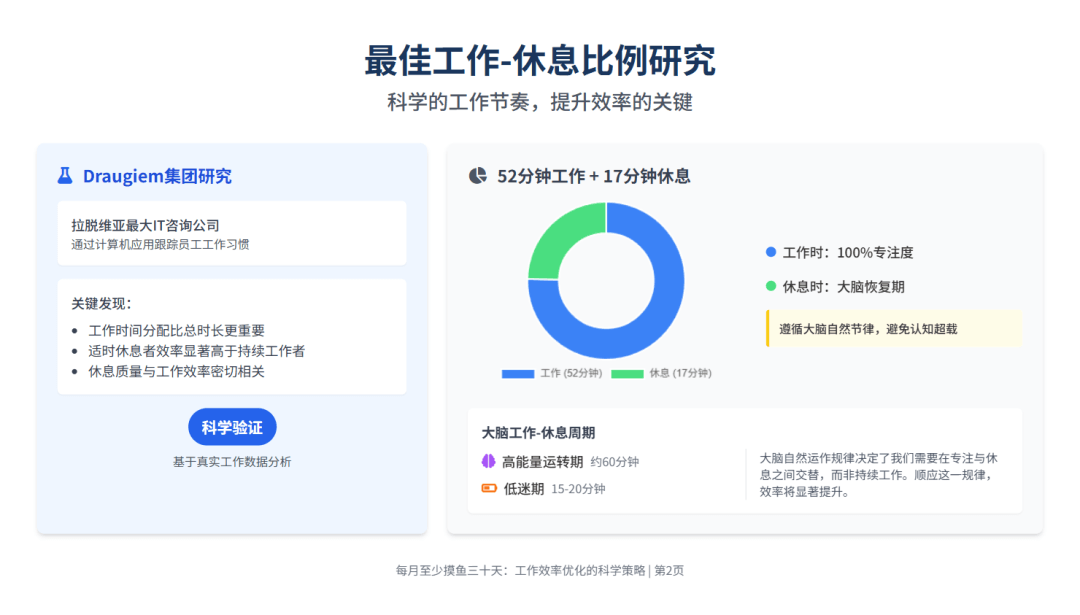
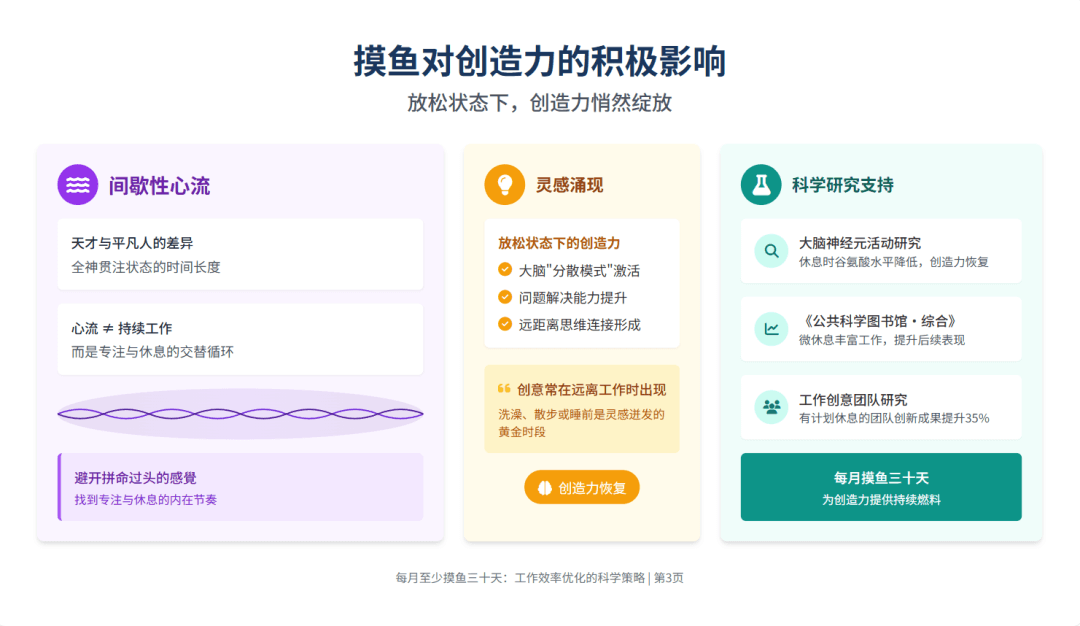
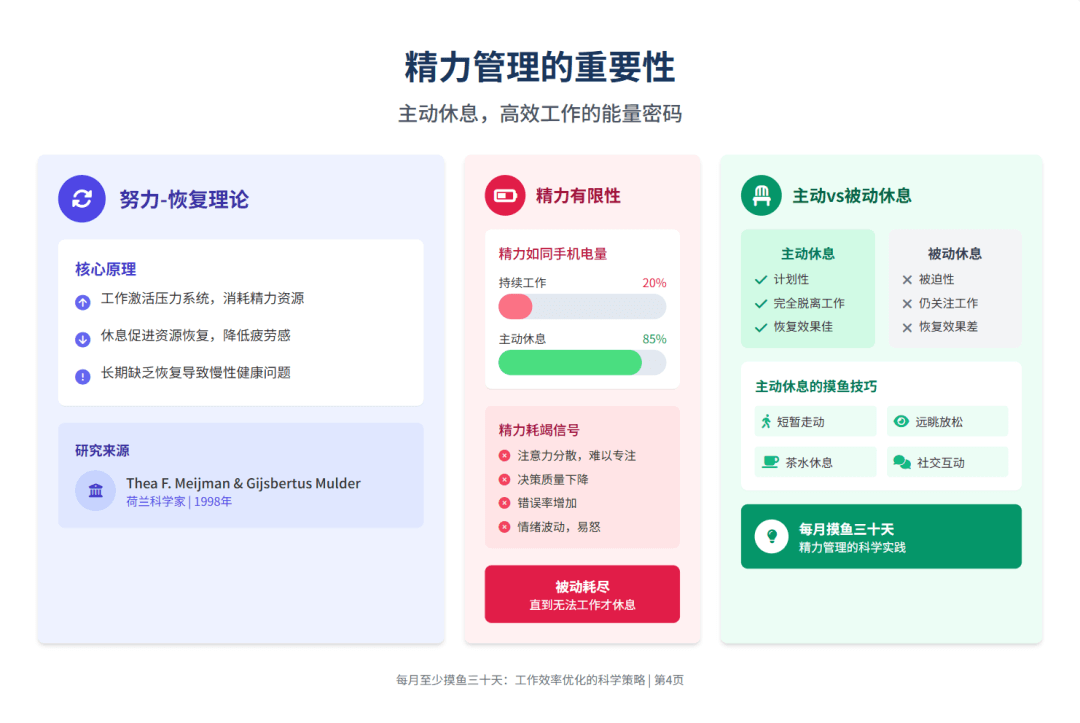
Every page is "talking nonsense," but it still sounds quite logical.
03. Some Sharing
What Z.ai makes is not the kind of PPT in the traditional sense; what it generates is web Slides. It does not just apply a template and slap on some text, but builds the page with HTML, and then the model arranges the content and structure.
Behind it is the strong support of the GLM-Experimental series models, an underlying engine with dual capabilities of "expression + execution":
- It has front-end coding capabilities and can search online and organize pages;
- It has Tool Use capabilities and can call interfaces and finely adjust components;
- Powerful reasoning ability, able to break down vague user requirements into a clear and logical content framework.
Although Z.ai is currently not perfect, it generates quickly, has a stable structure, and smooth language, and can help you go from "no ideas" to "having direction," from a "blank board" to "an eighty percent draft." It is already quite excellent.
If export functionality can be added next, template styles enriched, and an image search module included, it will definitely become a true productivity entry point.
As GLM-Experimental continues to evolve, Z.ai ultimately will not stop at "making PPTs" either—it may become a true "AI content partner" that understands expression and can collaborate.
What AI changes is not only the form of presentation documents, but the underlying way we construct information, sort out logic, and organize viewpoints. Slides are the carrier, expression is the core.
Original link:Zhipu Z.ai quietly developed a new model for making PPTs