

The author of "Illustrated Skill: A Practical Guide to AI Efficiency" and maintainer of the open-source project baoyu-skills shares in depth on "what exactly we should learn about AI." The core argument is,the highest-return direction for learning AI right now is not chasing new models, not memorizing prompts, but turning the things you repeatedly do yourself into skills that AI can execute (Agent Skills).

Scan the WeChat QR code to follow the official account, and reply with the keyword:20260625to get the complete PDF source file
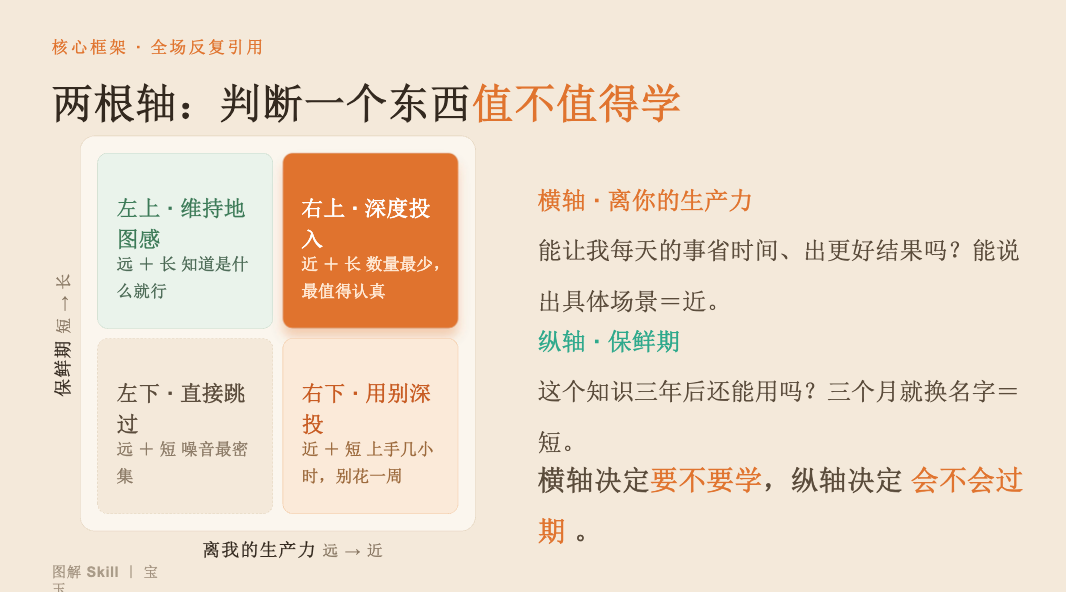
I. Core Judgment Framework: Two Axes Determine What to Learn

-
Bottom left (far + short): skip directly — model benchmark scores that change every month, financing gossip, chip parameter details, and the vast majority of AI wrapper products that do not last more than half a year. Skipping them costs nothing; if something is truly important, it will still be there three months later.
-
Top left (far + long): maintain a sense of the map — underlying concepts such as RAG, chain-of-thought CoT, Scaling Laws, AI hallucinations/multimodality, etc. You only need to read one good explanation and spend 15 minutes knowing what it is; no hands-on work.
-
Bottom right (near + short): use but do not invest deeply — AI drawing tools, browser agents, operating tricks for a certain product. Spend a few hours getting started, do not spend a week mastering it; if it gets replaced, you only lose a few hours.
-
Top right (near + long): invest deeply — Prompt engineering, AI Agent,Agent Skills (solidifying experience into skills). This is the direction with the fewest items and the most worthy of serious investment.
What is a "Skill"?
-
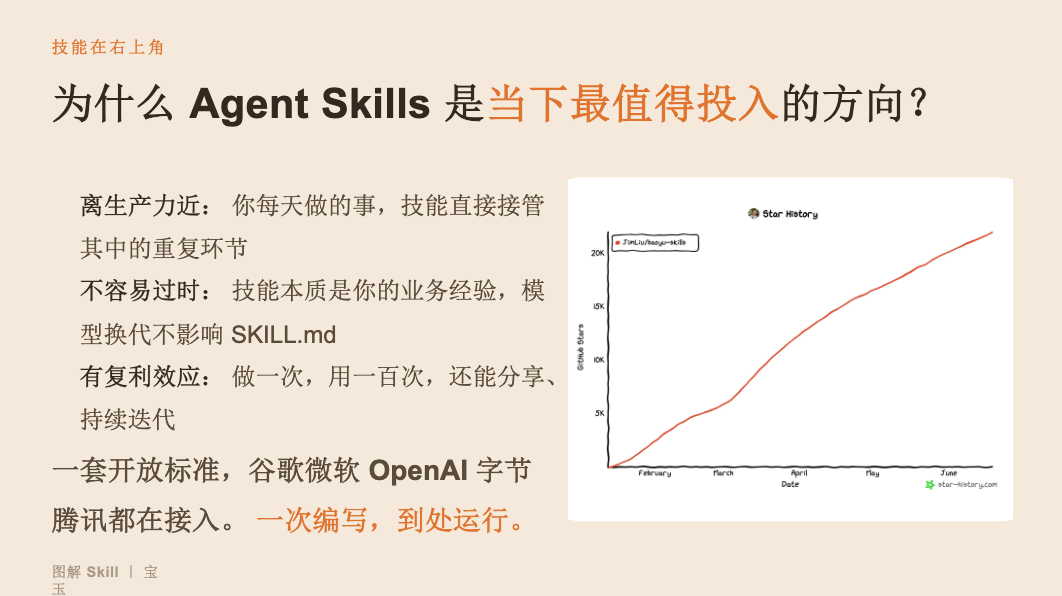
Essence: condense your business experience into an executable, reusable set of operating instructions.
-
Form: one folder = SKILL.md (core instruction manual) + optional scripts and reference documents.
-
Threshold: no programming required; if you can write Chinese, you can do it.
-
Compounding effect: do it once, use it a hundred times; when models change generations, your skills do not become outdated.
II. Four Real Cases (All Work the Author Does Every Day)

| Case | Pain Point | Effect After Turning It Into a Skill |
|---|---|---|
| Case 1: PPT Creation | Repeated format communication + manual layout | Generate a finished product with both text and images in one sentence; the author is only responsible for topic selection and final review |
| Case 2: News and Information Processing | More than a dozen pieces of information every day; impossible to complete manually | Topic selection is decided by a human; material retrieval, analysis, and drafting are all handed to the Skill, one piece in 5 minutes |
| Case 3: Full Workflow for Official Account Articles | Many stages: writing, polishing, formatting, image matching, publishing | Build the workflow step by step over four weeks: manual first draft → writing style Skill → formatting → cover/illustrations → one-click publishing to the official account/X/blog |
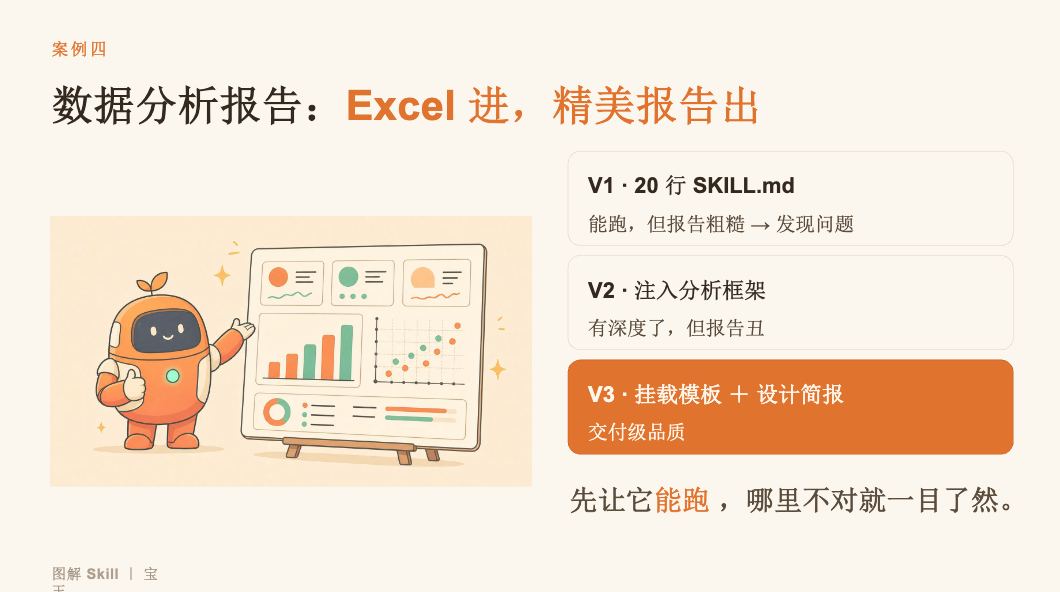
| Case 4: Data Analysis Report | Analysis too shallow and only calculates averages; report format ugly | V1 (a 20-line SKILL.md runs but is rough) → V2 (inject an analysis framework for depth) → V3 (mount templates + design brief = delivery-grade quality) |
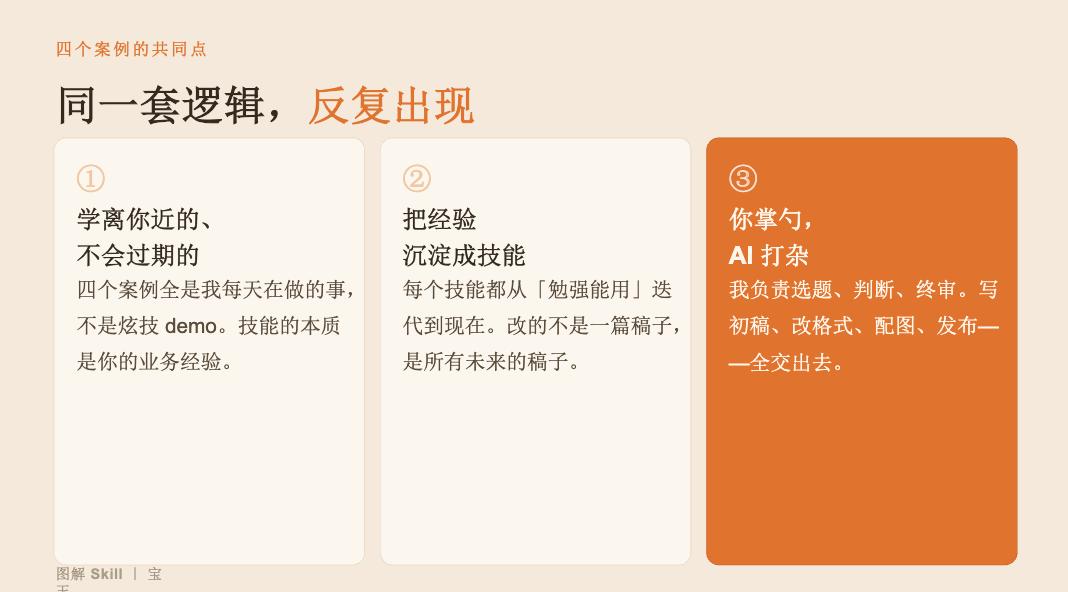
Shared logic: You are the head chef (responsible for topic selection, judgment, and acceptance), while AI does the grunt work (writing first drafts, reformatting, sourcing images, and layout).
III. Three Ways to Create Skills

-
Method One: Do it once together with the Agent, then solidify it — You perform an operation once on your Mac, the Agent observes and learns, then directly solidifies it into a repeatable skill. The lowest barrier to entry; you don't have to write anything.
-
Method Two: You are the director—state your idea and let it be realized — Explain the requirements clearly → use Skill Creator to generate a first version → test on real tasks → give feedback to the AI for revision → test again and revise again, looping until you approach the goal. Even writing the skill itself can be left to the AI.
-
Method Three: Continuous iteration, natural evolution ——
-
Get an MVP working (a 20-line SKILL.md; as long as it works)
-
Fill in the features (patch anything found missing during real use)
-
Refactor the architecture (split and reorganize once too many patches make it bloated)
-
Keep optimizing (every unsatisfactory output is an opportunity to improve)
-
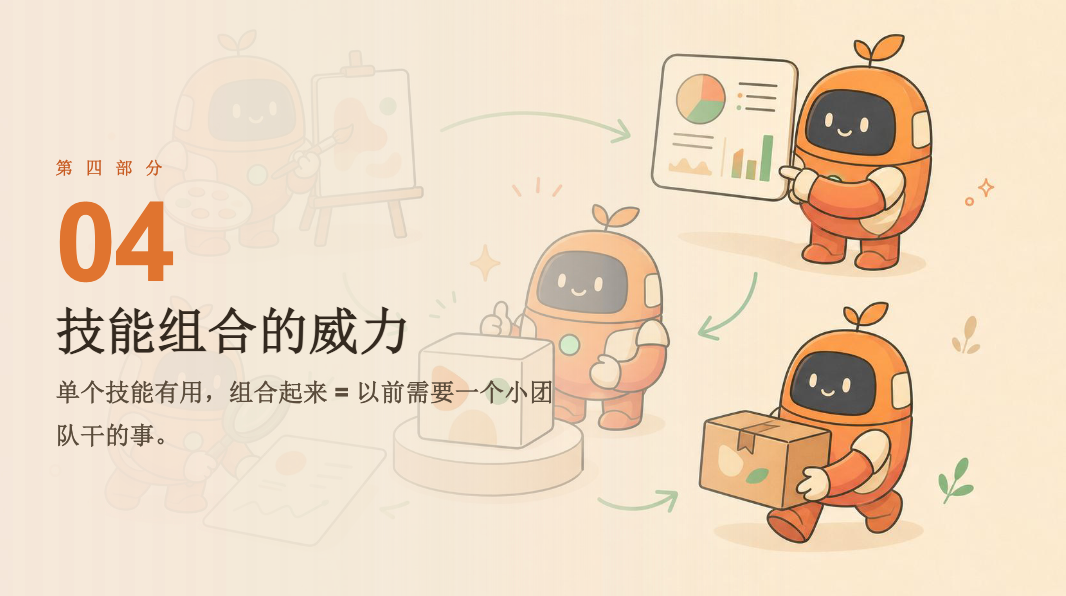
IV. The Power of Skill Combinations
-
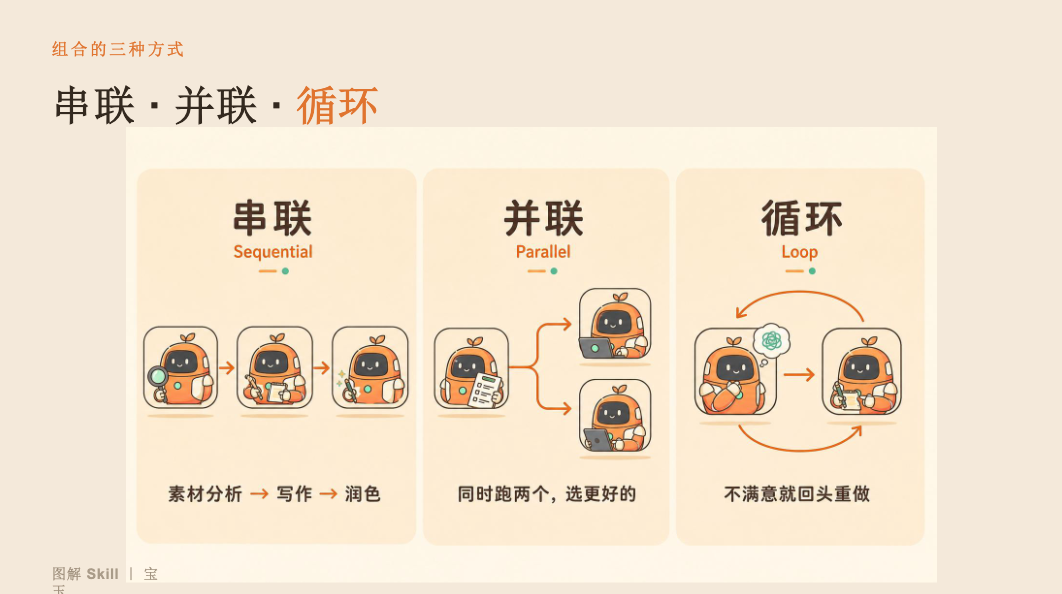
Series: material analysis → writing → polishing (one step after another)
-
Parallel: run two options at the same time and pick the better one
-
Loop: if unsatisfied, go back and redo, iterating and optimizing
V. Call to Action: The First Thing to Do When You Get Back

-
Find themost annoying repetitive task;
-
on hand. First ask: What are the steps for this task? What should I watch out for?
-
Tell the AI and have it generate a 20-line SKILL.md;
-
run it once → fix whatever's wrong;
-
after three iterations, it will already be more useful than you expected.
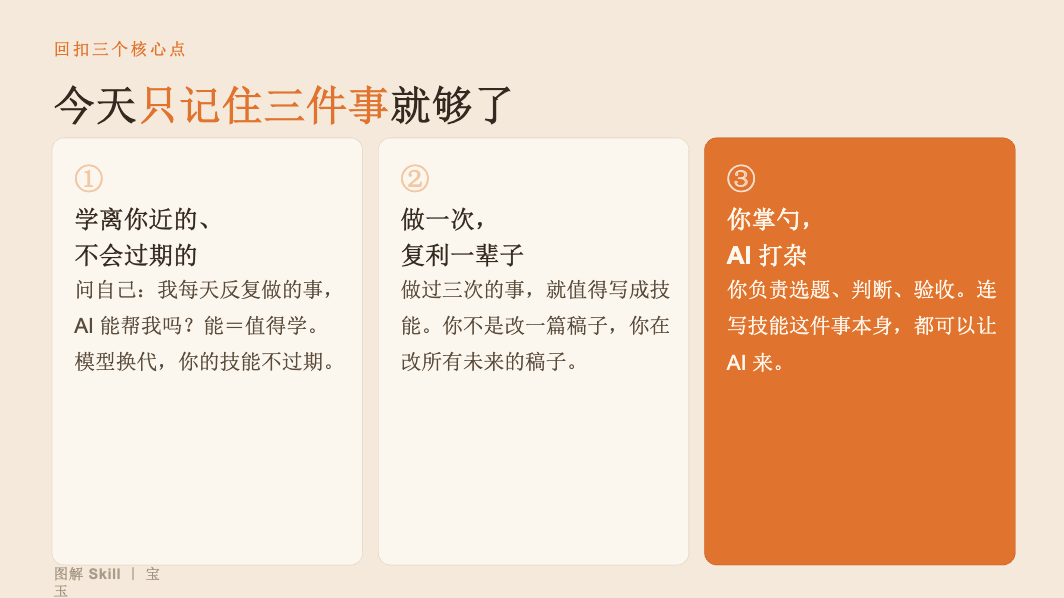
Remember three things: learn what's close to you and won't expire; do it once and compound for a lifetime; you are the head chef, and AI does the grunt work.
Scan the WeChat QR code to follow the official account, and reply with the keyword:20260625, to get the PDF source file